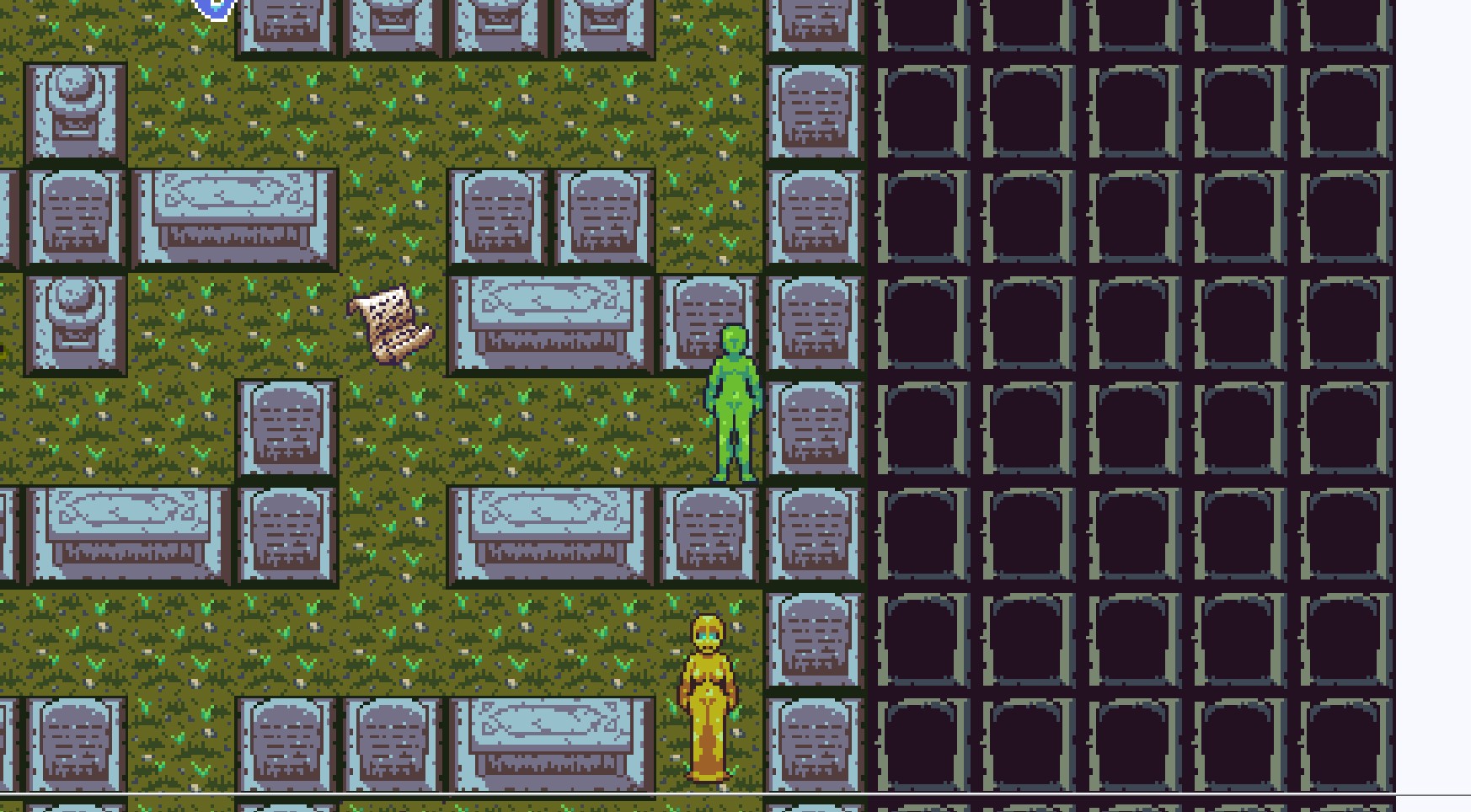
Hi, I have run with some issues related to pathfinding, I followed some tutorials and read some of the past post in this forum but I still didn’t find a satisfactory solution, here is the situation:
The game has a 32x32 size tiles, it has two tilesets, one for the floor and one for the walls, the tileset for the walls has the pathfinding obstacle and I edit the collisions in the tilemap editor.
Now here is the possible catch: this game happens in narrow corridors of only one tile, the enemies are taller t
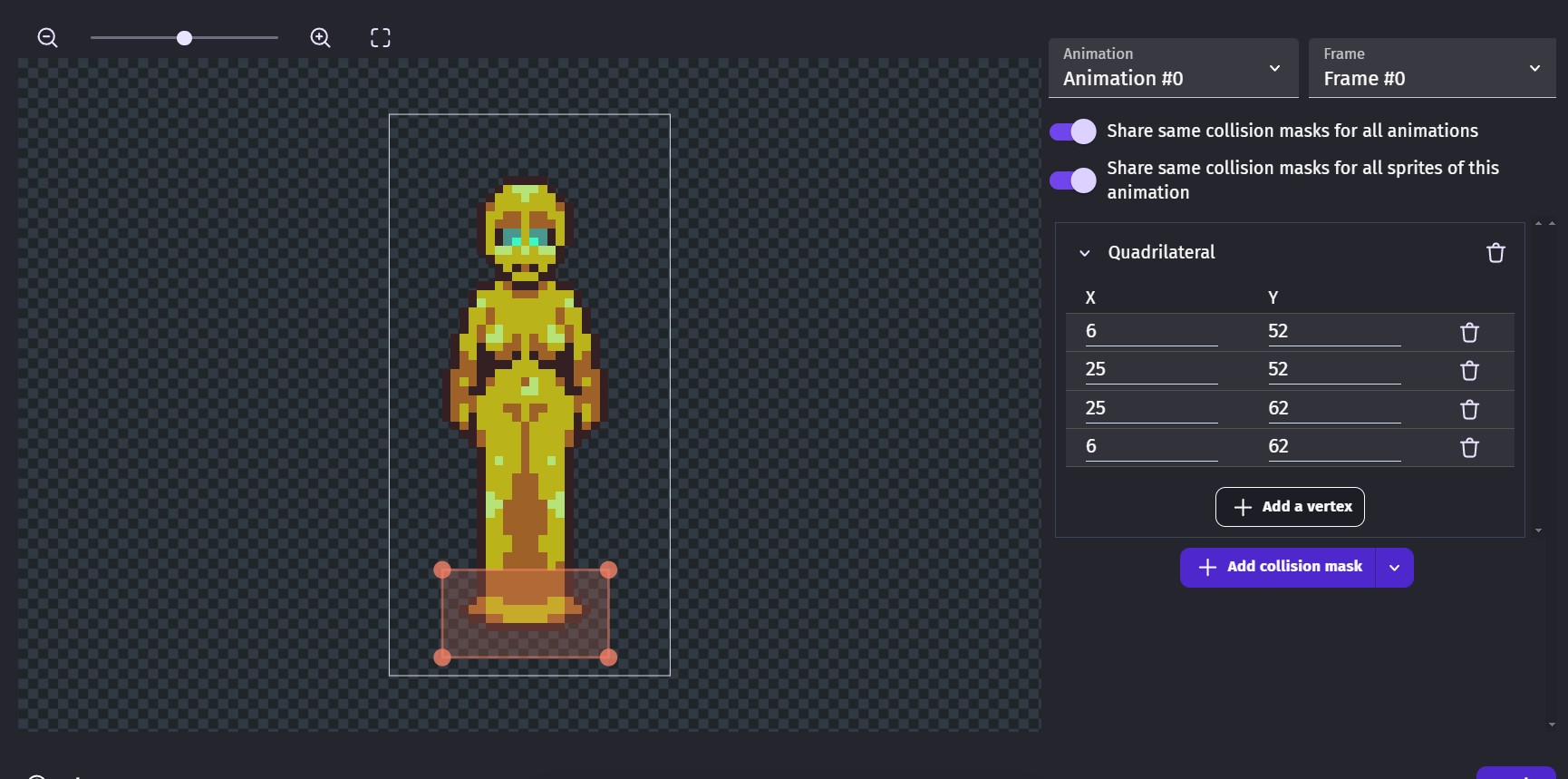
than 32 pixels, of course I edited their collisions to a much more smaller area near their feet to be sure that are is much smaller than the 32x32 that the narrow corridor has
I added to the enemy pathfinding and top down movement behaviors and
…the yellow slime just can’t pathfind correctly there, it just gets easily stuck while I am behind the wall, it’s unable to go to the left to catch me
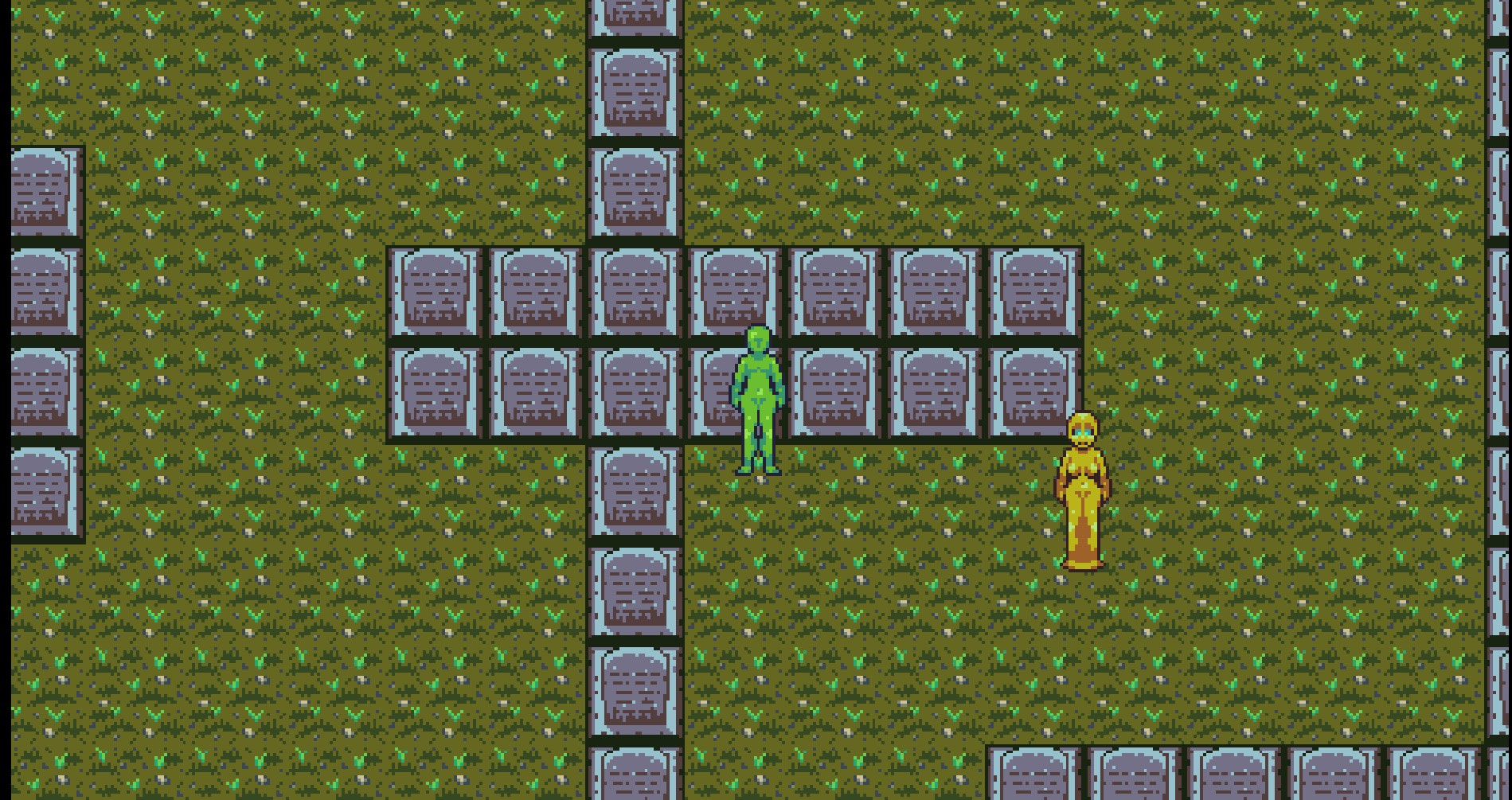
in the second picture I made the corridors muuuuch wider and there the pathfind movement seems to work better buuuut if I stuck on the wall the yellow slime get’s stuck again, my intuition is that the sprite height somehow is colliding with the wall… can this be fixed? I also include the picture with it’s collision mask (my goal here is to make it work on one tile, very narrow corridors) (I also read some past threads about using the navmesh with the new tileset system but it didn’t work properly for me)
I’m more familiar with the regular pathfinder than the nav mesh. I apologize if my suggestions don’t work with the nav mesh version.
Do both objects have the same size collision box? The pathfinder works best if the origin and center points are in the center. In your situation, I would try for the center of the collision mask.
I’m guessing you’re using the nav mesh since it uses the collision mask while the original one just uses the object size.
Alternatively, you could use tiny hidden objects as the movers with the image stuck to it. This would allow you to still have a collision mask for the visible part.
The hitboxes and points need to be in sync bc the object moving with the pathfinder needs to be able to fit entirely into the destination space. If the player fits then the chasing object also needs to fit.
The basic pathfinder uses a grid setting. I’m not sure if the newer version of the nav mesh pathfinder does as well. I haven’t used it much.
Don’t need to apologize, I apreciate you for your help. I tried the nav mesh because it was suggested in previous threads in this forum, whatever the case, nav mesh or just old classic pathfinder both seems to have problems with enemies navigating inside tight corridors, or getting stuck on walls.
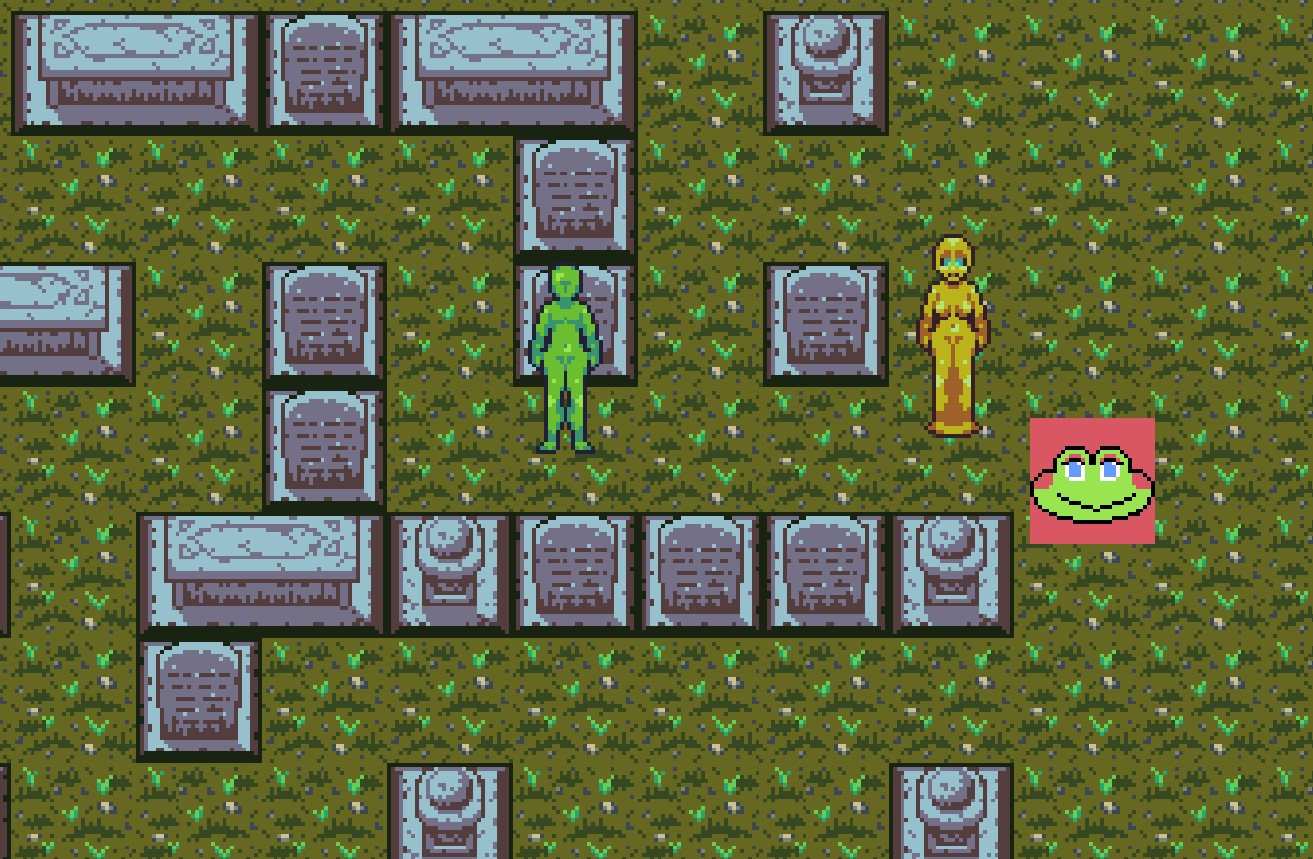
In this last test I made the frog cube enemy (it’s just one 32x32 tile with the collision mask of 16x16) and yet as you can see it still gets stuck.
"Alternatively, you could use tiny hidden objects as the movers with the image stuck to it. This would allow you to still have a collision mask for the visible part. " so basically use the stick function and attack a small square in the feet of the yellow slime? I think I will run with the same issue of the frog square
The main advantages of the nav mesh is that it uses the hitbox instead of the object size which means it works with tile maps. It will also keep multiple instances from stacking up.
Both behaviors have settings that can be tweaked. Which behavior are you using? What object settings are you using?
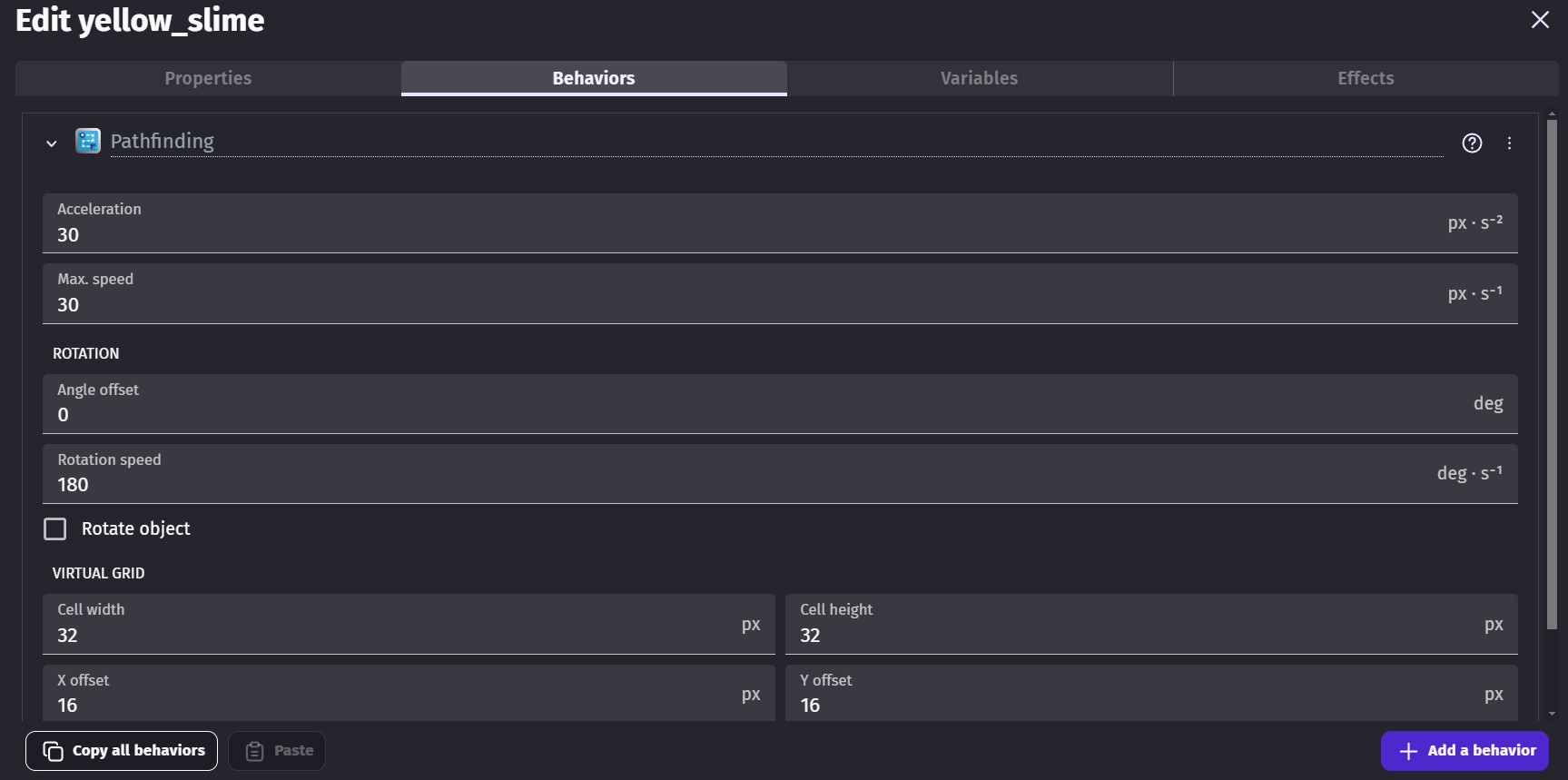
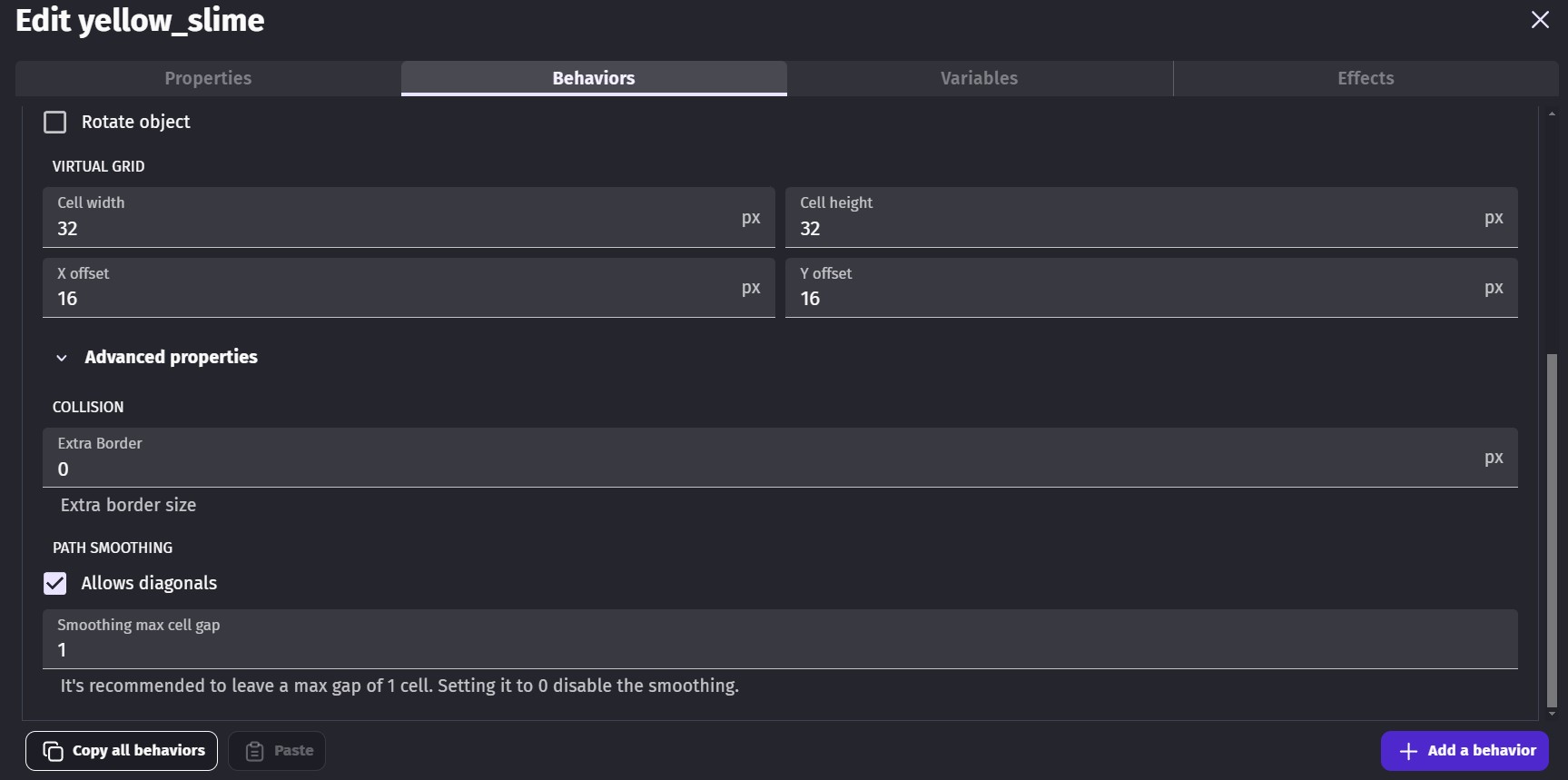
for now I want to try to use the classic pathfinding (if there is no other option I will use more complex solutions), this is the behavior of the yellow slime, I configures it with the same parameters you recommended on other threads:
Unless things changed, the original pathfinder ignored the collision mask and simply used the overall width and height. If you’re using a tile map, I’m not sure if it uses the collision mask or the overall size. I haven’t tested a tile map lately.
Im short on time. But if you’re using the seperate action. That also doesn’t work well with behaviors like pathfinder bc they compete with each other.