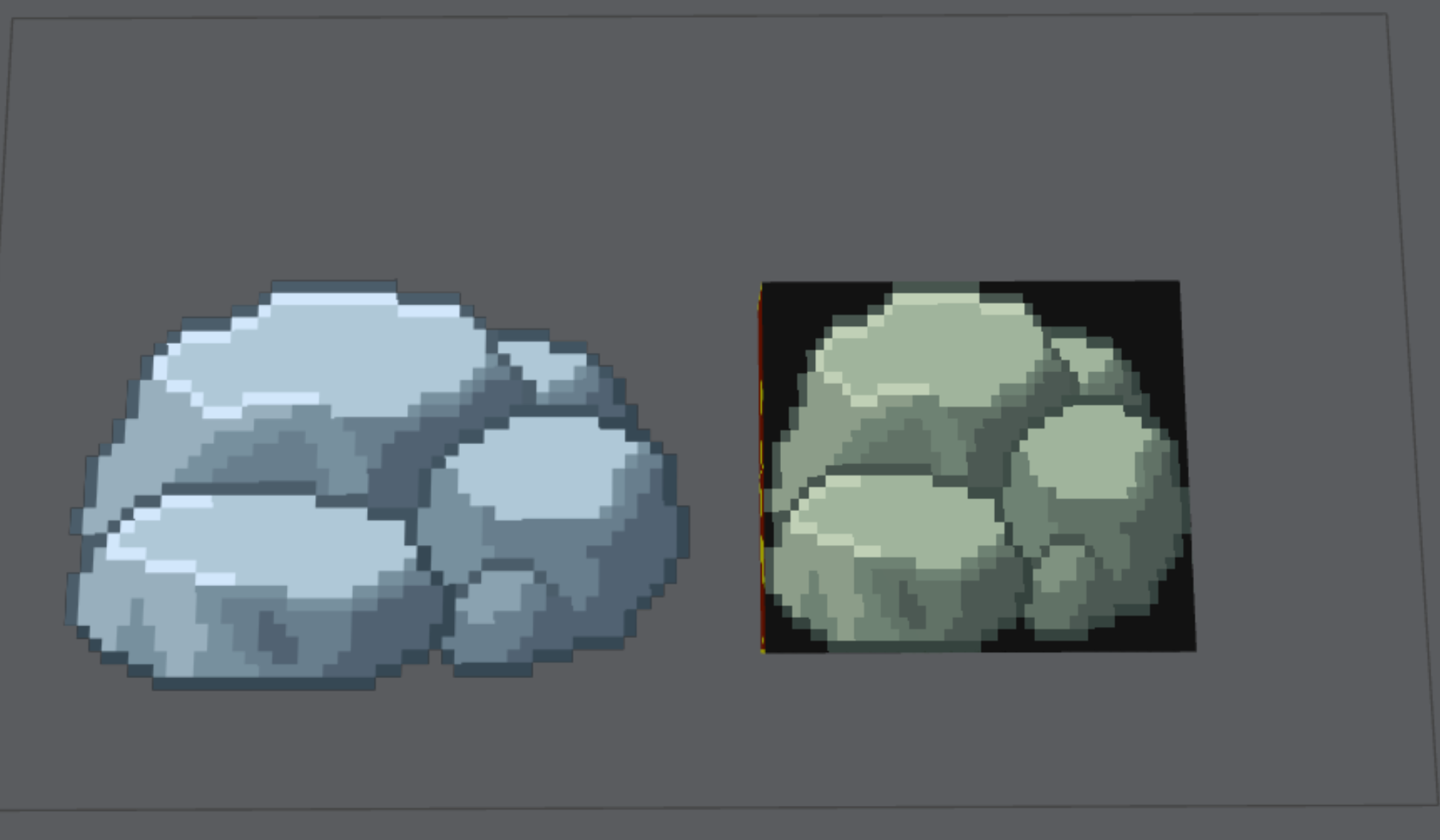
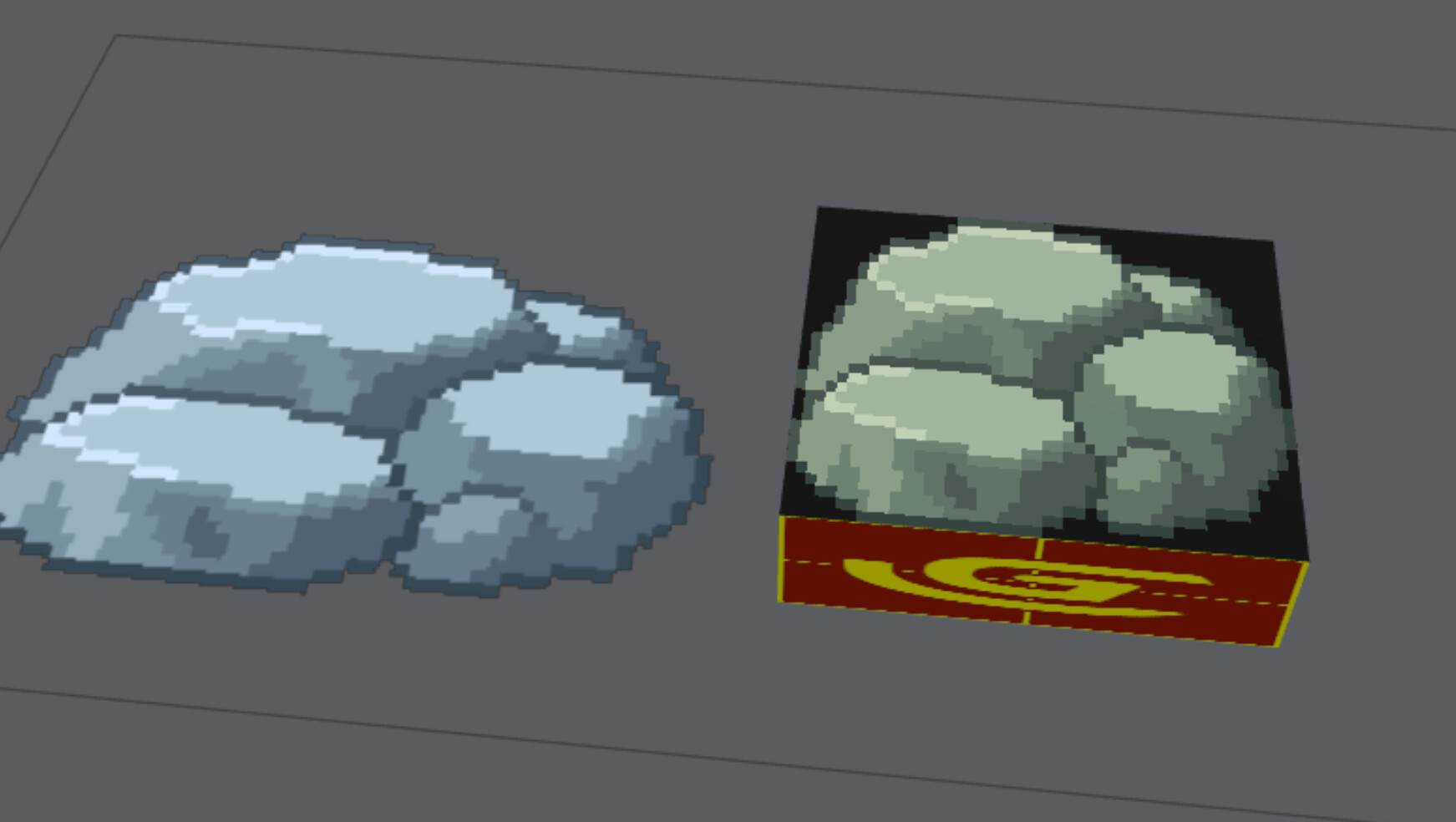
I think you’ll have to use a 3d box instead of a sprite 2D. So on the left here is sprite2D, on the right a 3dbox with one face set to the sprite. I have the lighting set to yellow so you can see how it’s affecting the box. This gets complicated when it comes to adding animations. I haven’t found a simple way to handle that yet.
Thanks for the tip, however through a bit of experimentation i realised that 2d lights will interact with the 3d sprites, and I can get the light onto the true 3d elements by putting a 3d light in the same place as the 2d one.
It looks like a bit of a mess in the editor but it works.
I have made a 2D platformer with 3D objects before. It’s simple.
Hmm… You sure? Doesn’t seems to work with “3d objects” at all? It works only with the 3d box.
It doesn’t detects the shapes of complex 3d shapes at all, it uses only the bounding box of such objects.
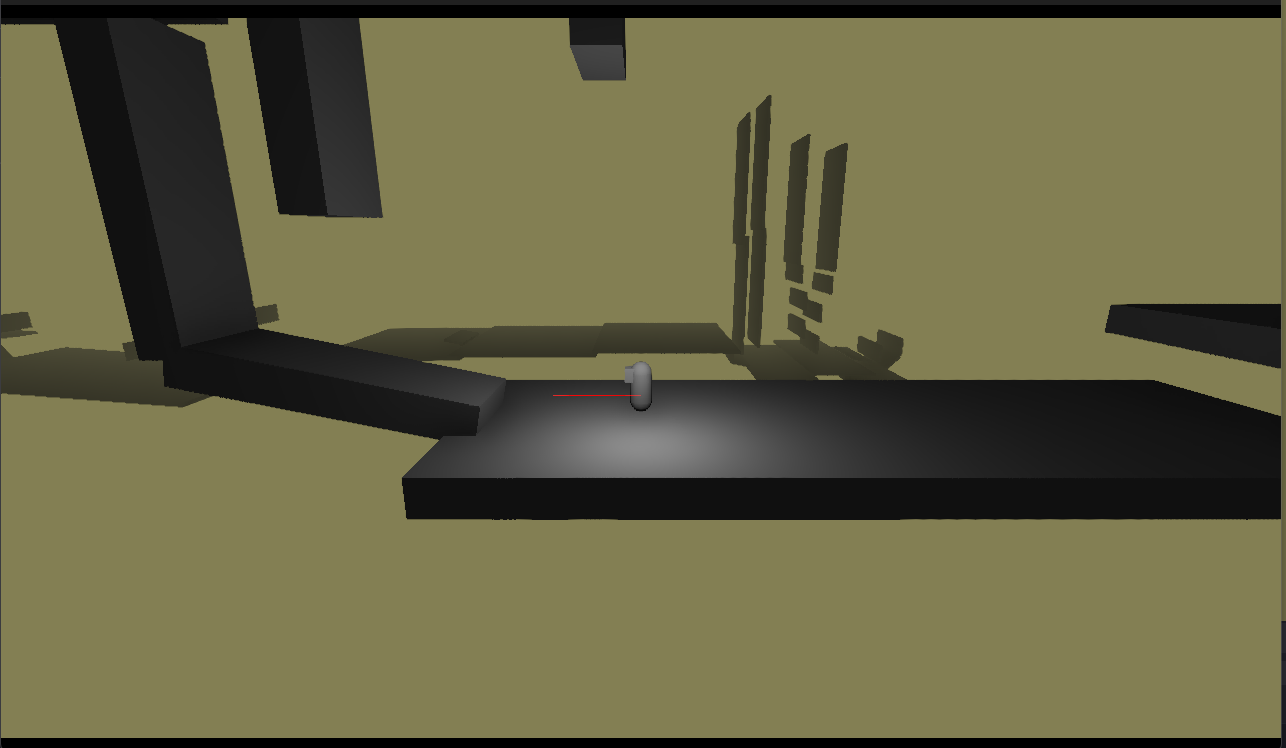
For example, this is a 3d object. The player (with the platform behaviour) cannot move on the actual 3d geometry, just on the highlighted blue bounding box.
pretty sure 3D Physics is irrelevant and doesn’t work with 2d platformer behaviour. With little tweaking to the camera and the controls I guess I can force fully 3d character to behave like 2d platformer though…
Im having a similar issue to this with the 2d sprites, the collisions set up in the object editor don’t register so it seems to just be using the full size of the image. points don’t work either, except for the origin and centre for some reason
I am mostly interested in what Gdevelop can do in 3d, and also I am still a newbie so I am not sure if I can be of much help. But I think you need 2d physics behaviour for that? Not idea if it works properly with Platform 2d behaviour.
From what I understand the Platform 2d behaviour is for more direct old school approach, with the best implemented solution out of the box (like dash, wall jumping and cool stuff like that). But mixing it with 3d - for more than parallax visual spice or just 3d boxes… is incompatible really.
Meanwhile I think you can build 2d physic character without the Platform 2d behaviour. So maybe this will work better?
There is 3th way too - I read your thread and I was interested to test it myself with 3d… but yeah, no complex collisions. So I just create normal 3D Character that works on 100% with complex 3D objects… And I just ditch the option to move left/right. It moves Forward/backward. So it is still 2D-like platformer, but you get all of the advantages of 3d.
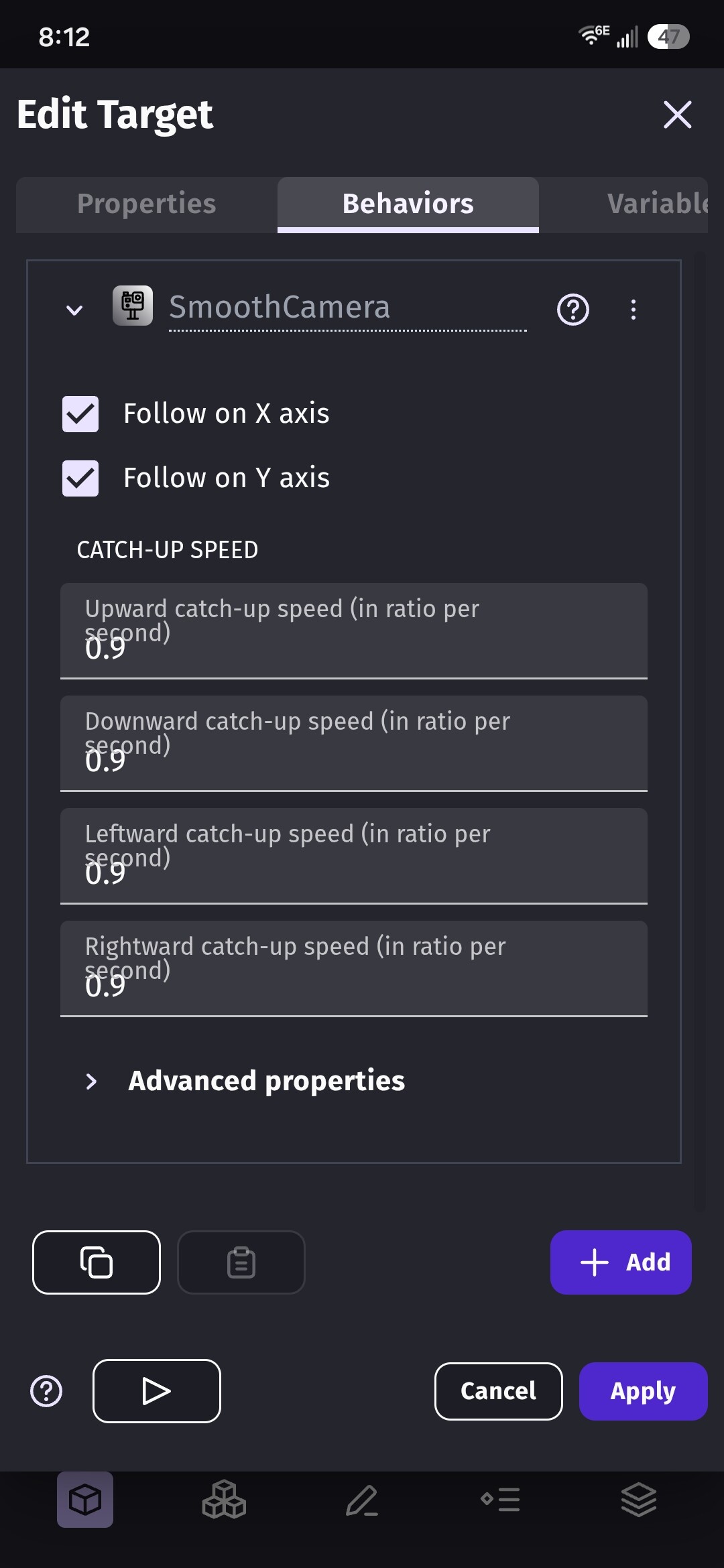
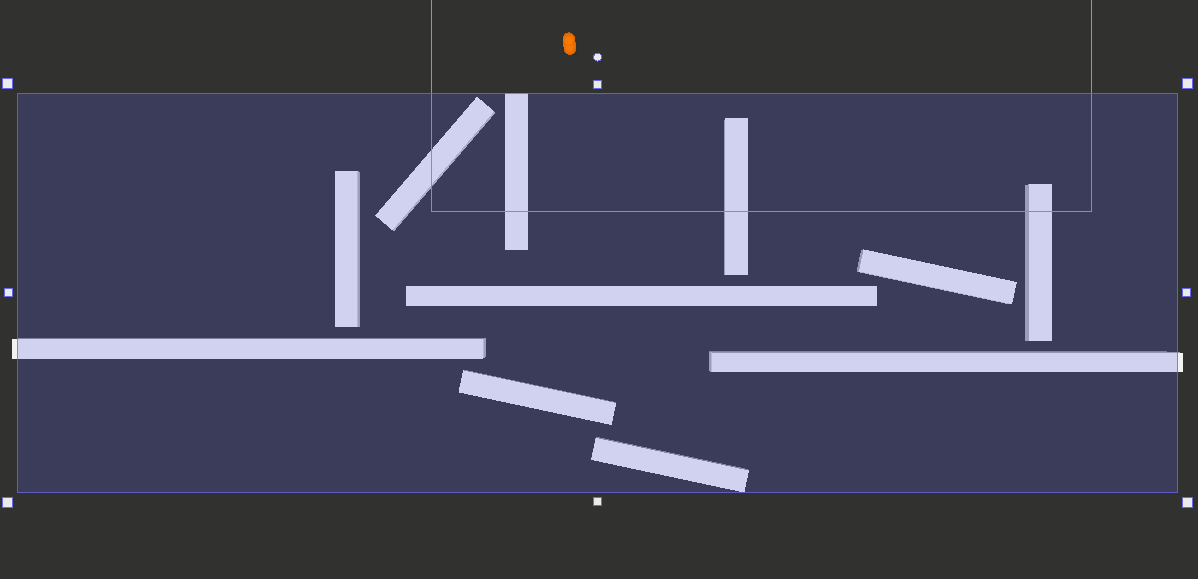
 pretty sure 3D Physics is irrelevant and doesn’t work with 2d platformer behaviour. With little tweaking to the camera and the controls I guess I can force fully 3d character to behave like 2d platformer though…
 Not idea if it works properly with Platform 2d behaviour.