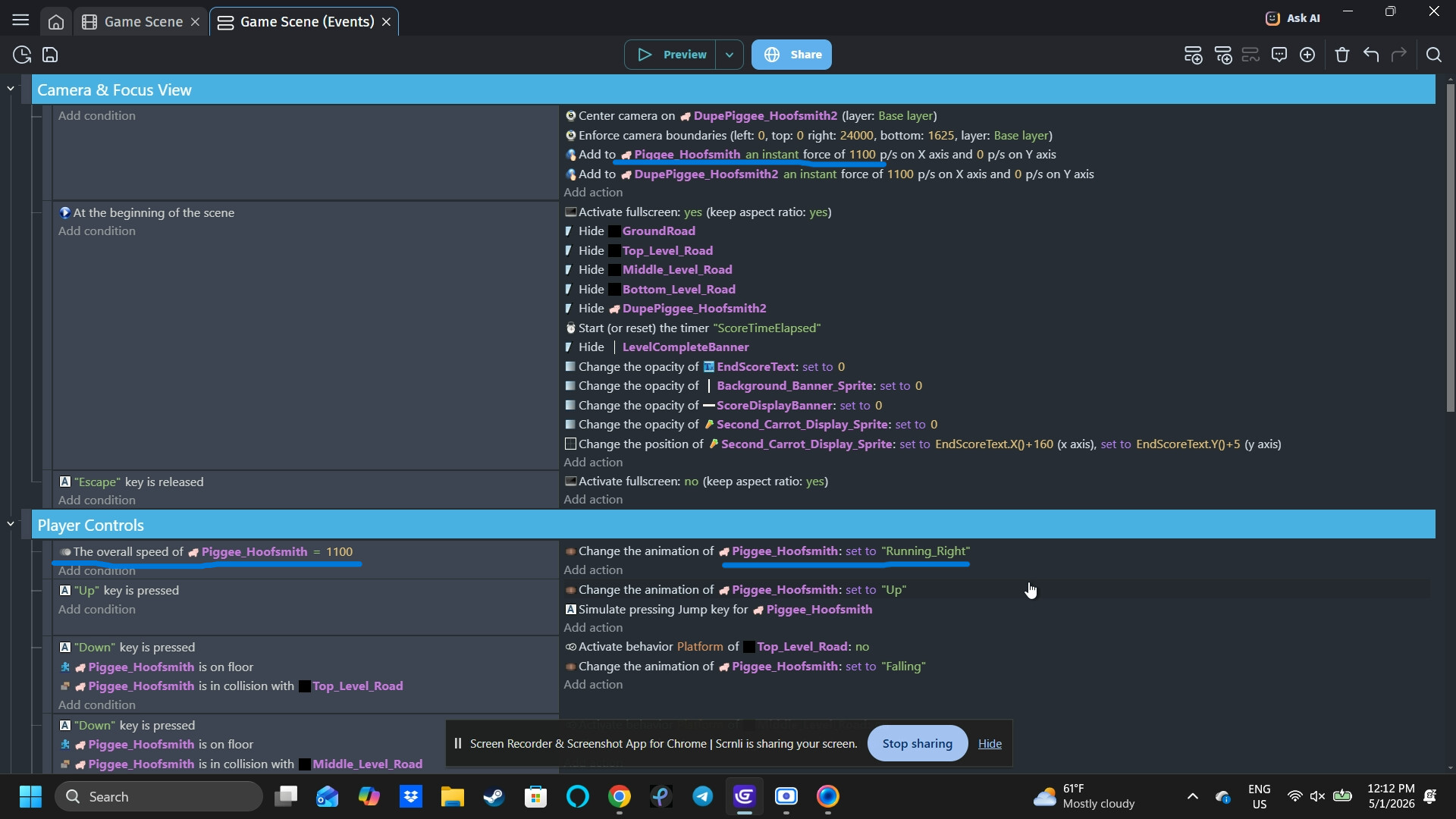
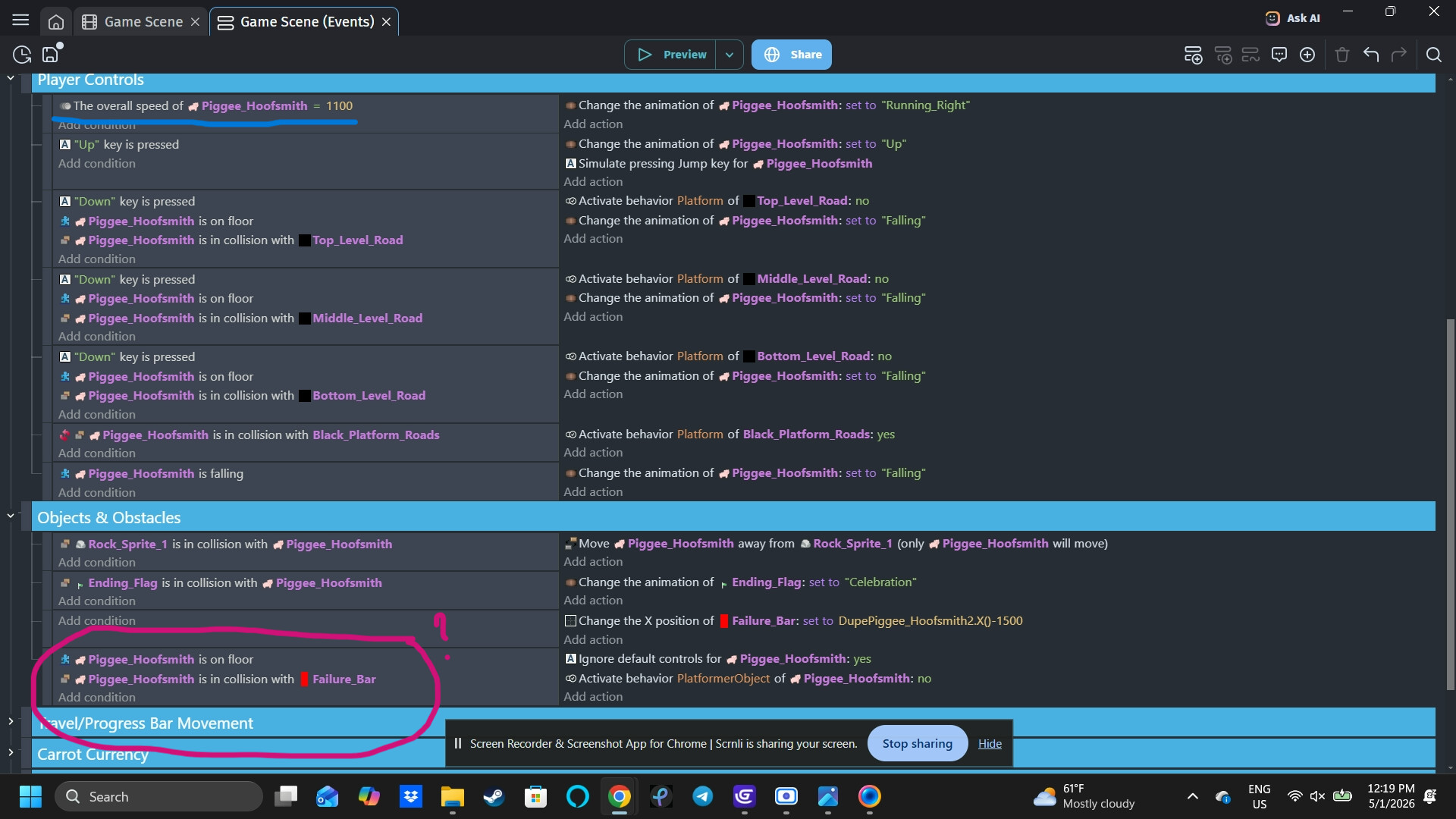
Hi, I’m trying to change an animation for my character, but it keeps on getting stuck at the first phase of the animation. I’ve seen some other posts about this issue, but using “trigger once” and switching around the order of events didn’t work for me. Maybe I’m missing something in between the lines.
When the character’s sprite touches the red “failure bar”, it’s supposed to trigger the character’s death animation.
I have a feeling that some conditions are overlapping but I can’t seem to figure it out or how to differentiate without messing up my whole process of animation triggers.
Dupe Piggee is just an invisible character sprite that the camera tracks.
When you use the Play animation… action with a specific name or number, GDevelop behaves differently depending on the current animation.
If the object is already playing that same animation, the action simply continues it from its current frame.
If the object is playing a different animation, the action switches to the new one and restarts it from frame 0.
In your case, it sounds like another event is repeatedly forcing the object back to a different animation (possibly the idle animation). So when the event that triggers the death animation runs, it keeps restarting from the first frame every time, which makes it look like the animation is stuck at the beginning.
Hi, I actually was able to fix the issue pretty easily by reworking my code. I had a few different conditions playing that conflicting with the code. Thank you for your offer to help, though. Truly appreciated!