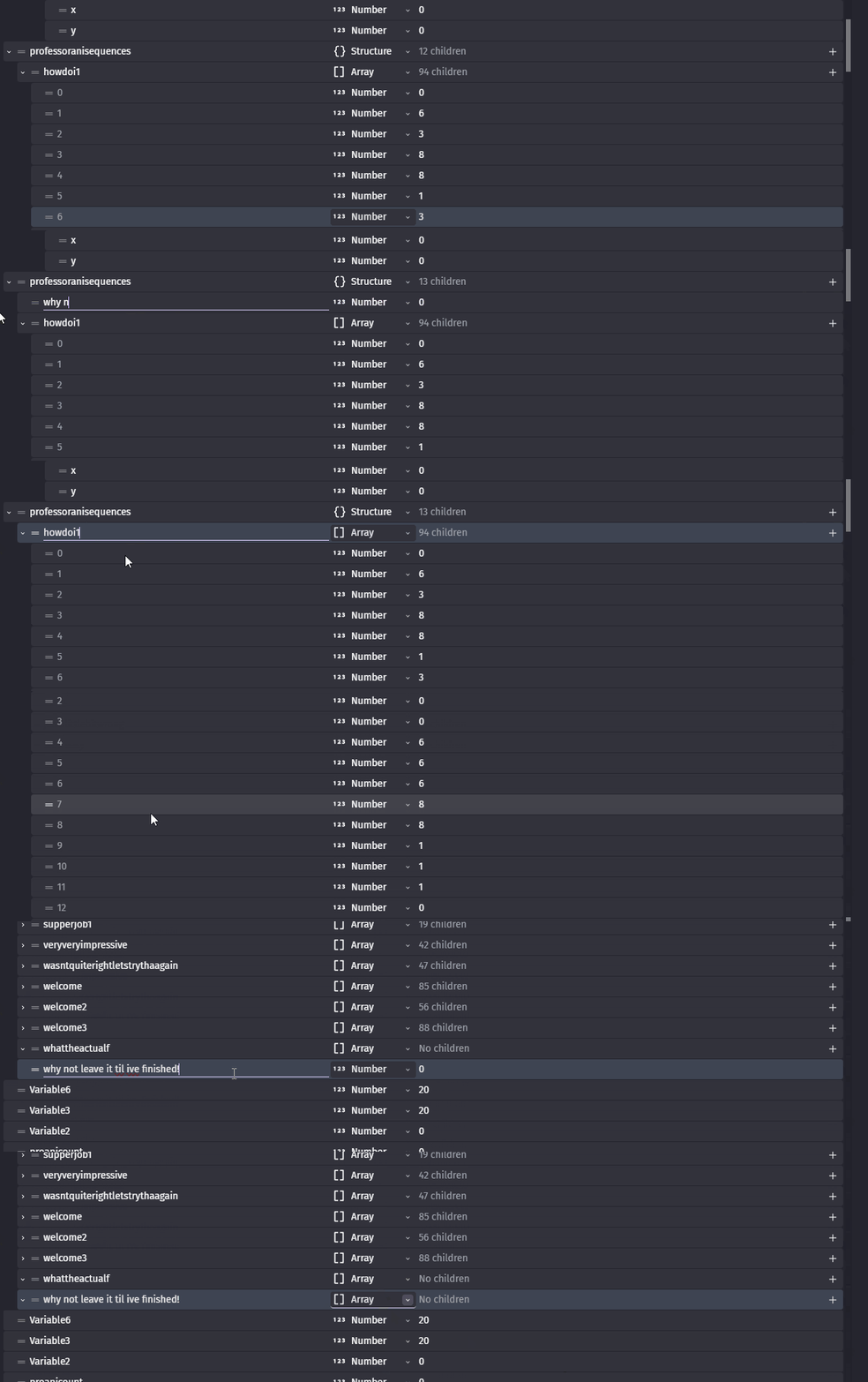
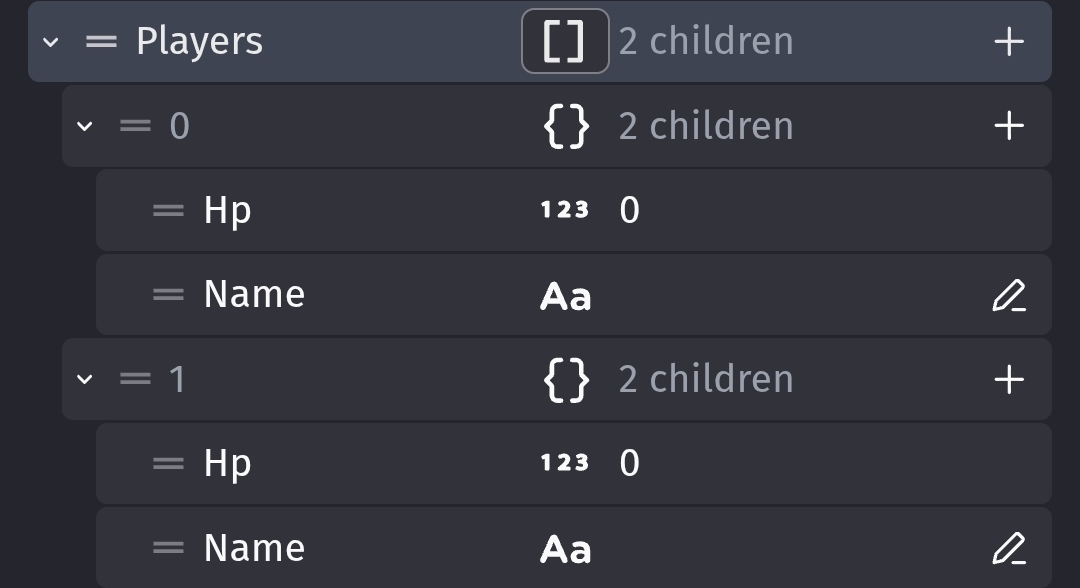
The current system of Instant alphabetical reordering while editing variables in structures is very annoying (see below) I started this as a general thread in order to see whether others found it to be annoying, and they do. The issue is that you add child, and it goes to the top, then you rename it and go to change it’s type, and you find that you’ve changed the type of a different variable because the one that you created has jumped down the list once you changed it’s name. Yes you can change the type first and then the name, but I think instinctively most people will change the name first, and then the type.
These are some of the suggestions from the comments below
Keith would like the ability to toggle alphabetical ordering on/off for each structure with the ability to drag variables up or down the order when it’s toggled off.
Bubble suggests that alphabetical reordering only takes place once you’ve finished editing the variable
You’re not alone. There’s probably feature requests. It would be nice if the automatic sort could be turned off. There’s usually a logic behind the order of a structure that makes it easier to create when say the Name child is the first child or the structure needs to be read and displayed using for each child in a certain order.
It’s also annoying when a new child rearranges itself before you can type the value.
1 - If we turn it off
How long will we wait before ppl well come here crying they can’t find their variables now cause they have 100+ child vars and its hard to find what they need?
Of course there is search bar
But that will make you less likely to find you have HPBoss child and HPboss variable
2 - And how it behaves when you rename files in window?
This drives me crazy and I think about doing a bug report/feature request for it at least several times a week every week. I don’t mind it being in alphabetical order by default, it makes things easier to find later on. But it would also be good to have a manual re-ordering option.
Sometimes in a big structure I’m not sure if I accidentally changed the type of something or not and I end up pressing cancel to close the variables editor to start again rather than examine variables I created a long time ago.
Now that this topic has some support, perhaps it could be changed to a request.
I think it should be alphabetical but just not update the order while you’re editing it. I think it might be better if when create it goes at the top and maybe highlighted somehow and then it’s reordered when you close the variable window. I’ve sometimes accidentally changed the wrong variable after it’s ordered and then it’s taken me a while to realize what I’ve done.
Me too …what system do you think they should change it to If I make it a request? Should it update the order when you close the window? Or after a certain time Or maybe like a mini window with two parameters name and type (but not if it’s just adding another index to an array). Or a toggle at the top to turn off alphabetical order. I think Id prefer the first of those options.
At times, having the children in alphabetical order helps. The best compromise would be an option to turn the sorting on and off. So as not to confuse people. It could be on by default.
There could be a preference or an option in the variables screens. Along with a way to alphabetically sort individual structures. You might not want every structure sorted. An on demand alphabetical sort along with the ability to drag children would be nice.
At minimum, an option to toggle the automatic sorting would be nice.
If I had this structure. It would be natural for me if the name was first like a header. It would be easier to find the beginning of the structure and just look better to me. As is, it looks backwards to me. Like I’m reading from the bottom of a page.
I would say update when opening/closing variable window to alphanumerical order would be feature request everyone can stand behind
But it may be confusing why new variable was on top but then when you close window and open it its not there
You create it again and it shows VairableName2
And you are like WTF?
Just to repeat the same thing to get VariableName3
And realize original variable was auto sorted when you closed window
I would say make it option in preferences which would be off by default to not confuse new users
I guess it might cause confusion if its reordering when you close the window - I’m in two minds here but i know that i don’t like the way it is at the moment!
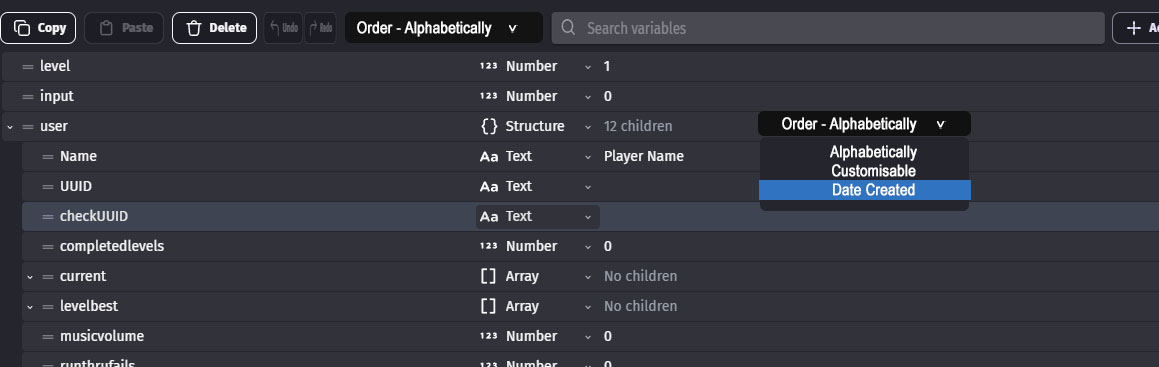
What about this? So a small ‘order’ drop down menu at the top and for each structure. Options alpabetically, customisable and date created. Custom is when they just order as you create them, but you can also drag them up and down.
Next click location determines when sorting happens
change type - sort no
do something to some other variable - sort yes
select Apply - sort yes*
if click not on type box of newly created child - sort alphabetically
*If the next click is on Apply then yes the variable will be in a different position next time the variables editor is open, some minor confusion perhaps, but worth it.