choose multiple objects when using pick a random object.
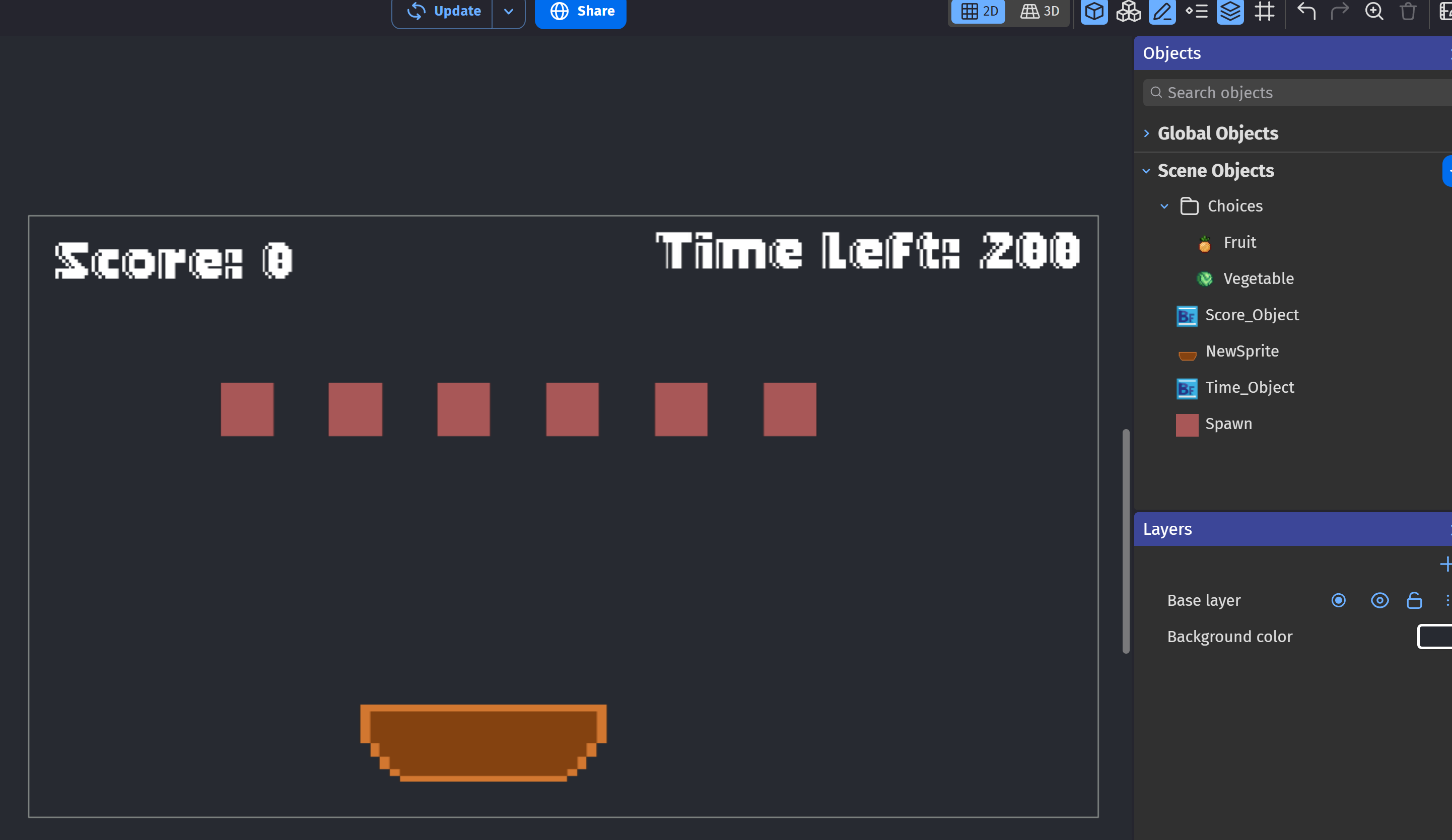
I am trying to create two sets of objects; 5 fruits and 5 vegetables. One of the 10 will spawn in 6 random spawn points. They’ll spawn for 3-5 seconds, then reset and roll again. If you click a fruit, add points. Click a vegetable, subtract points.
To start I have only created one fruit and vegetable. It says ‘pick one instance from all specified objects’ but I can only choose one object: fruit or vegetable.
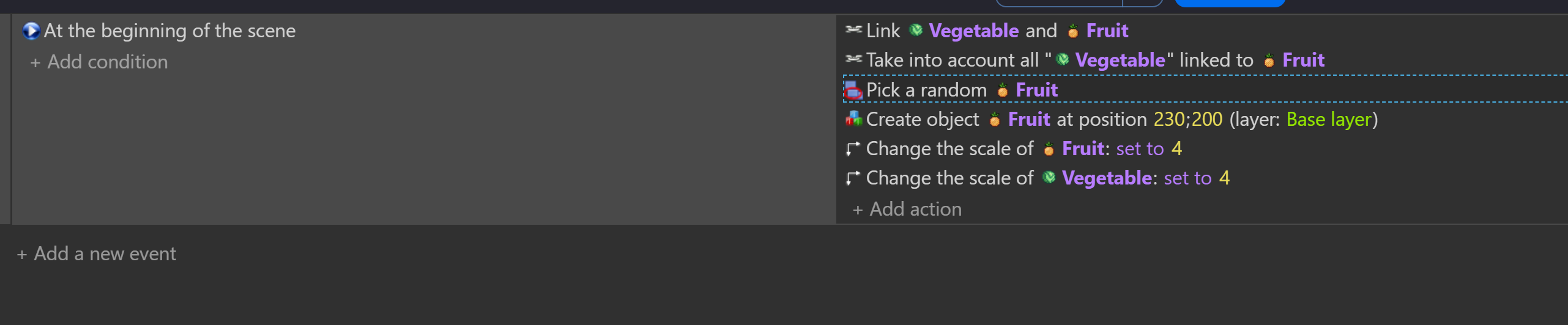
I feel like I’m going about this wrong. Would I instead need to create an array or something and have it random pull from there? Is there a smoother way to pull off what I’m trying to do? You’ll see some of my attempts to make this work in the events here, thought linking might be the answer but it didn’t work for me.
How about you make just one object called food
Give it all images as ONE animation where each frame is another image
Just put 1st fruits then veges or 1st veges then fruits
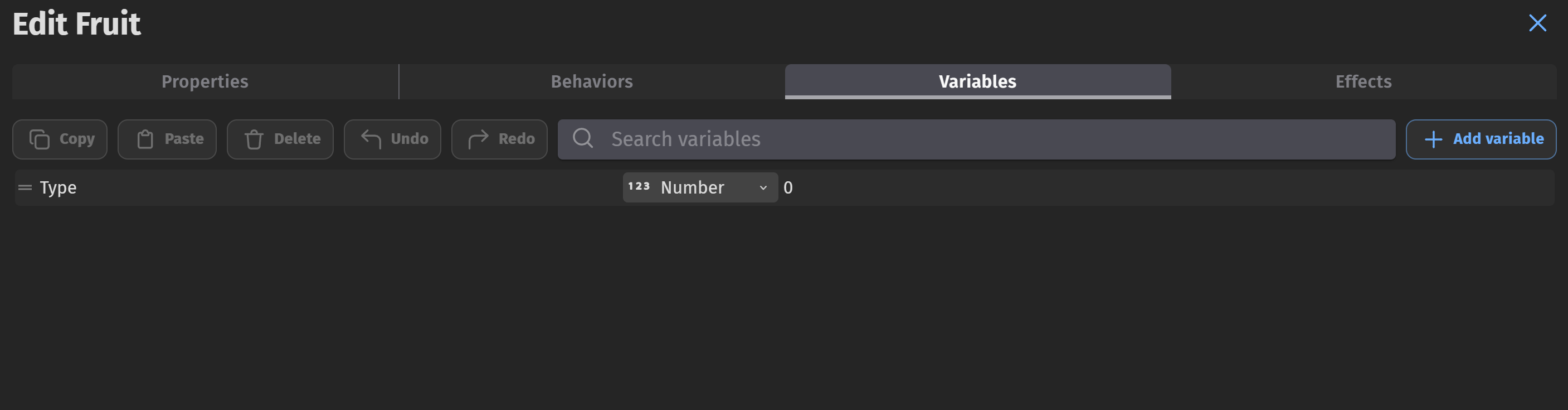
Add variable ID to that food object and call it Type leave it at number
Now you use create object action wherever you want
And under that action directly you put action to set Type variable to Random(9) ← this is assuming you have 10 animations/images in total
If not then that numbers always go as image count -1 so if you have 18 images you use Random(17)
Now put under it action to change frame of that object to Type variable
Under that action put action to pause animation of that object
And now you use condition to either check or variable Type of that object or animation frame of that object do to whatever you want
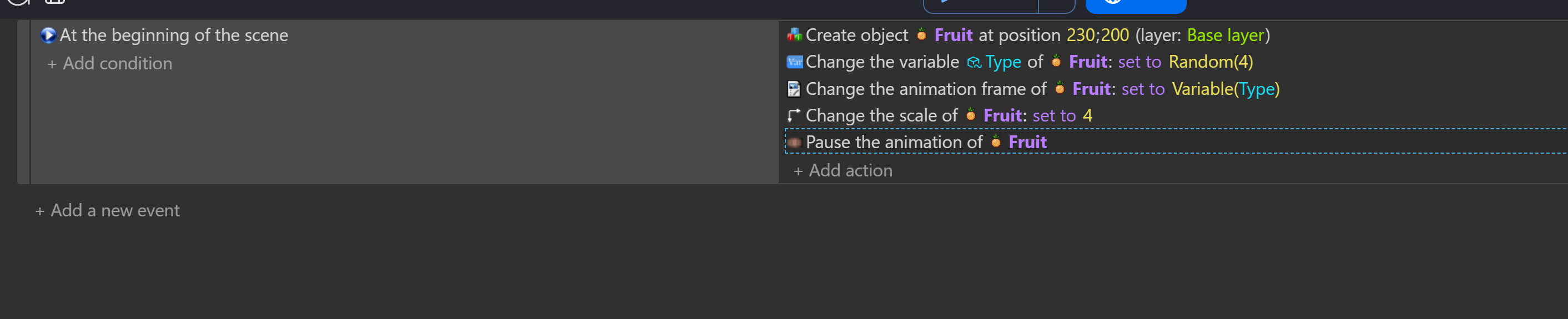
That sounds like the perfect solution thank you! I was initially trying that but missed the variable option on the object(still very new to this just picked it up a couple days ago). So I have this now, still not working it just shows the first frame paused. I have the animation set to loop so I know the pause part is working, but will only ever show one fruit. It has to be the variable looks like it’s not randomizing? I have 5 fruits in right now for testing(0-4 frames):