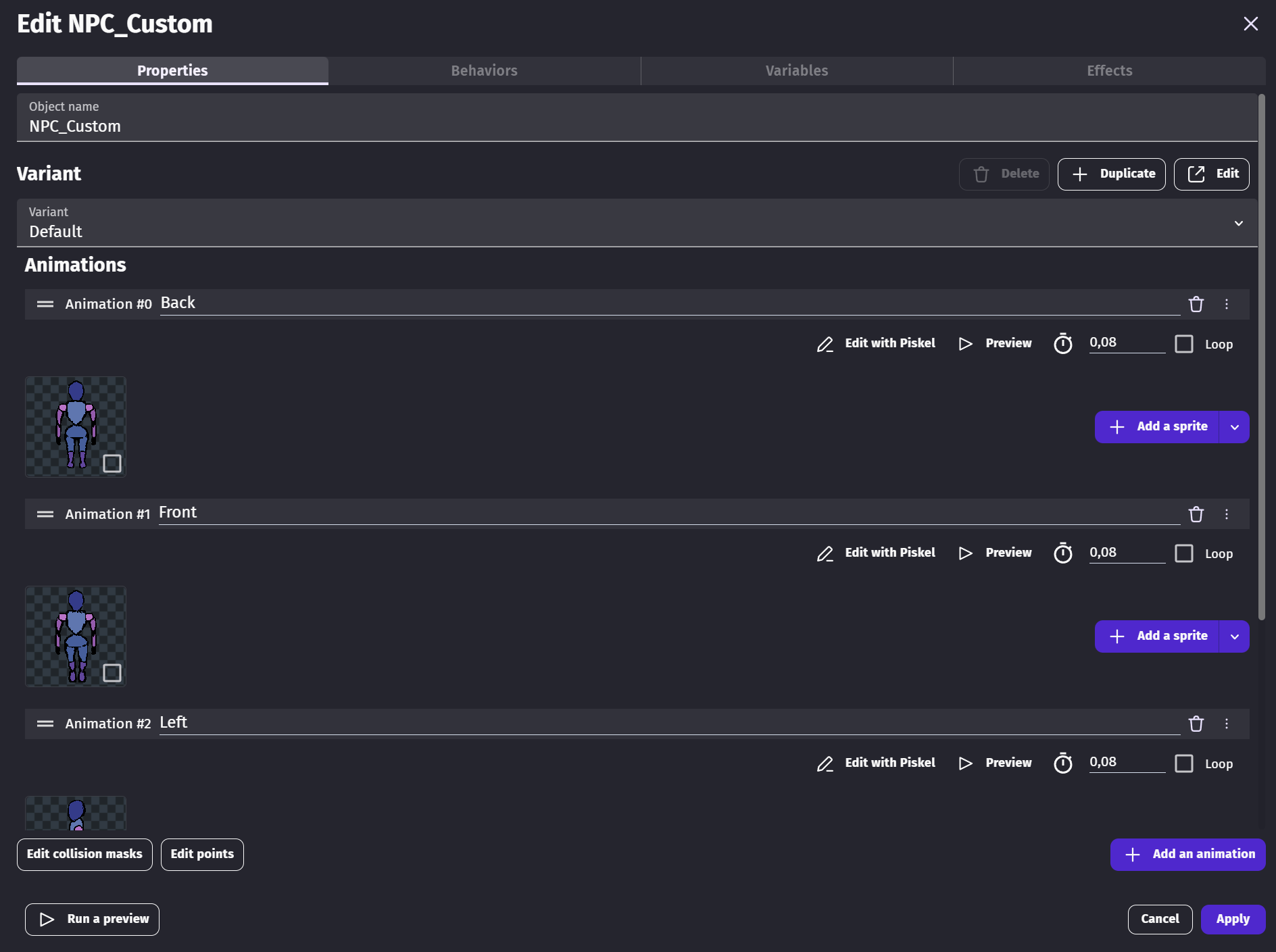
So when you create a custom object, if you go into the object properties you can add animations the same way you can with a regular sprite object.
Problem is : how do you actually access those animations with events ??
In the screenshot below, you can see a few animations I added to the custom object as an example.
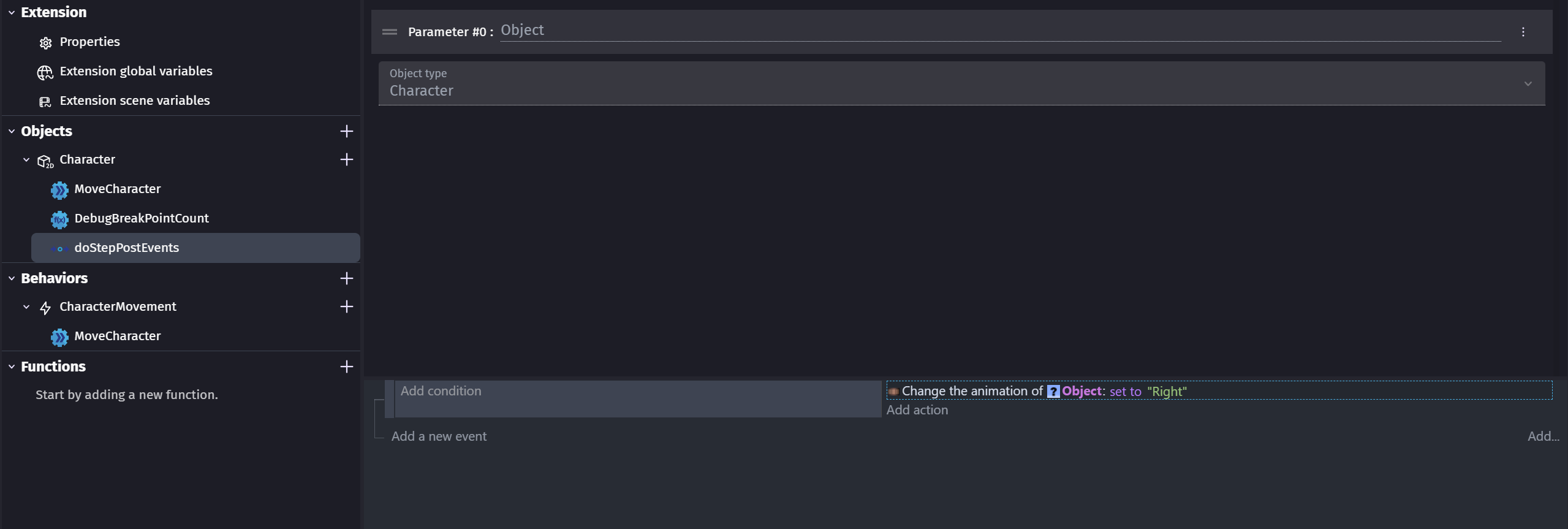
However when I try to change the object animation within the custom object events, nothing happens in the game.
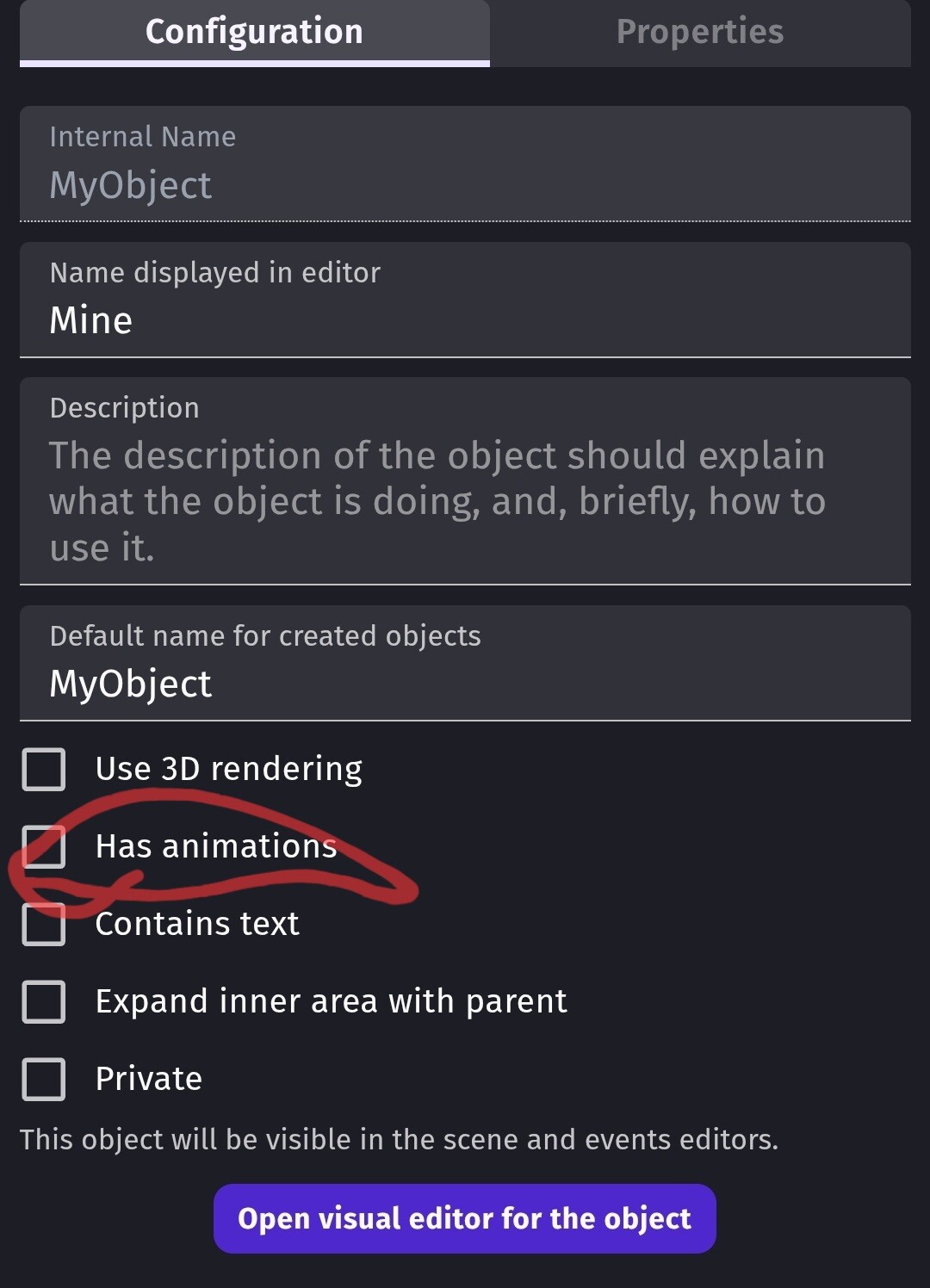
Is there something I am missing ? I have the checkbox “Object has animations” ticked. I couldn’t see any other setting related to animations.
I hope you get an offical reply bc I have no idea what “Object has animations” or “text” is about.
The only way that I know how to add animations is to the child objects themselves within the custom object visual editor. Otherwise, what object would the animation represent.
For reference. The custom object settings.
According to @davy over on discord it’s for Javascript only.
Which is indeed pretty confusing because it’s not stated anywhere in the engine UI and I don’t think it’s in the documentation either.
I don’t use Javascript events, only regular ones but I feel like it can be kinda misleading either way.