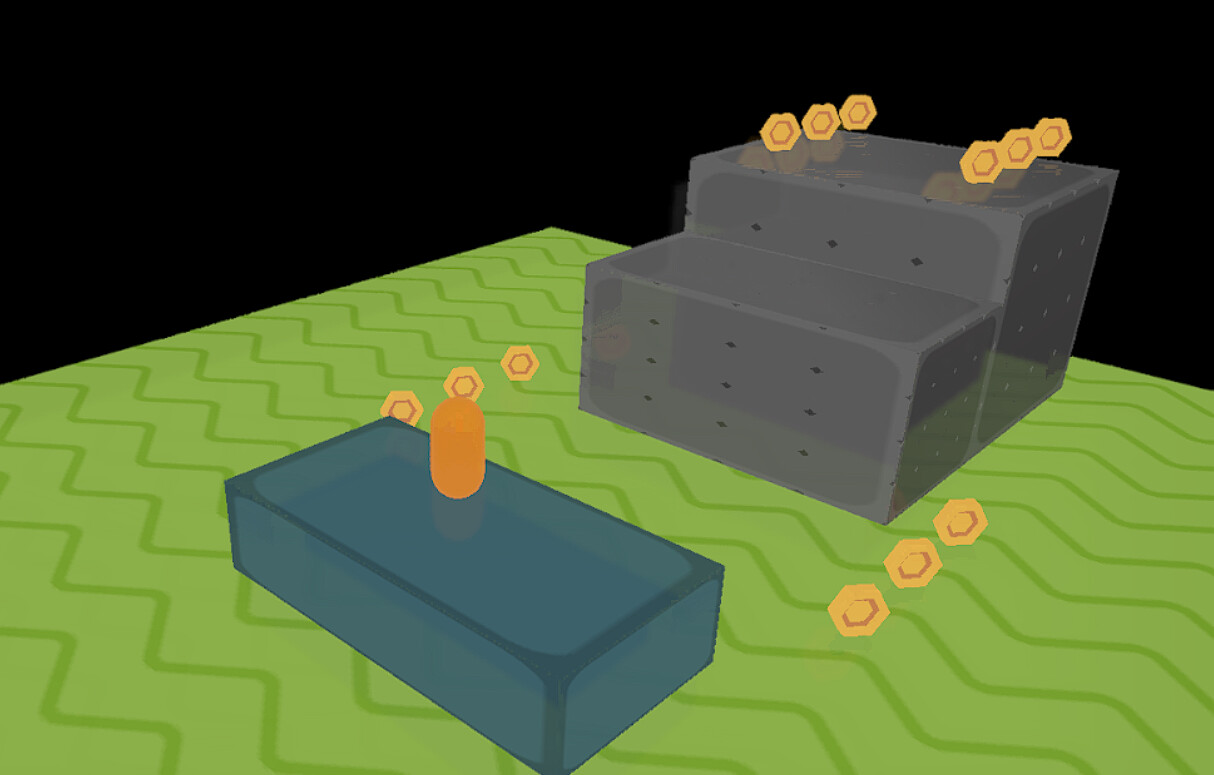
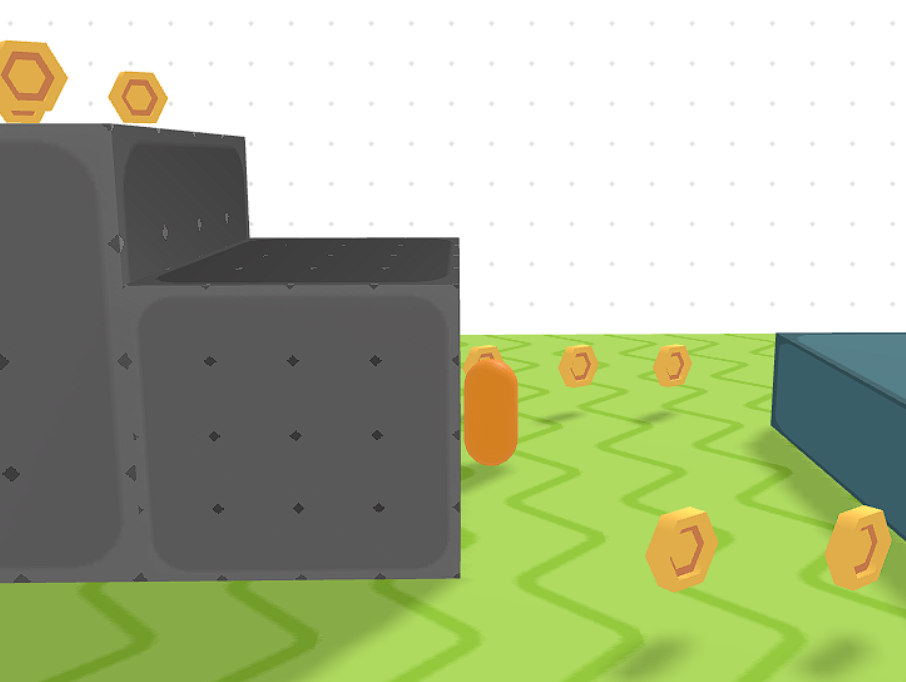
Introduces Scene3D::PBRMaterial, a new behavior that brings physically-based
rendering controls to GDevelop’s 3D pipeline with no renderer-core changes.
Built on top of THREE.js MeshStandardMaterial / MeshPhysicalMaterial.
Parameters exposed to GDevelop events:
metalness, roughness, envMapIntensity
emissiveColor, emissiveIntensity
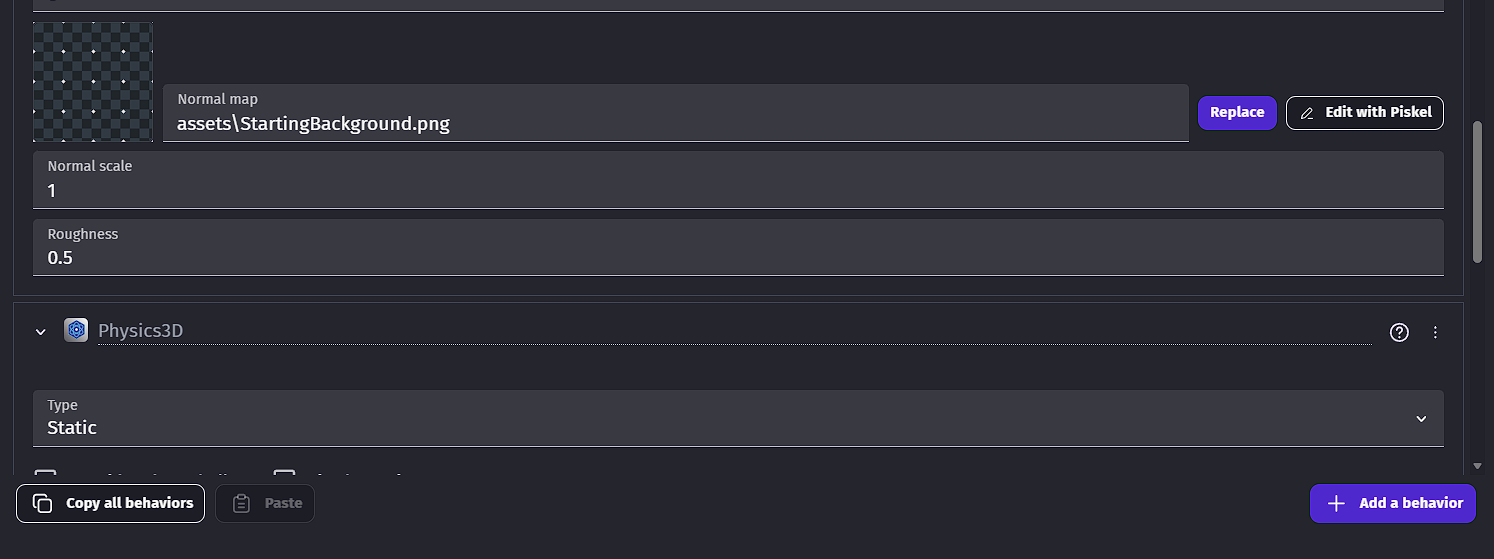
normalMapAsset, normalScale
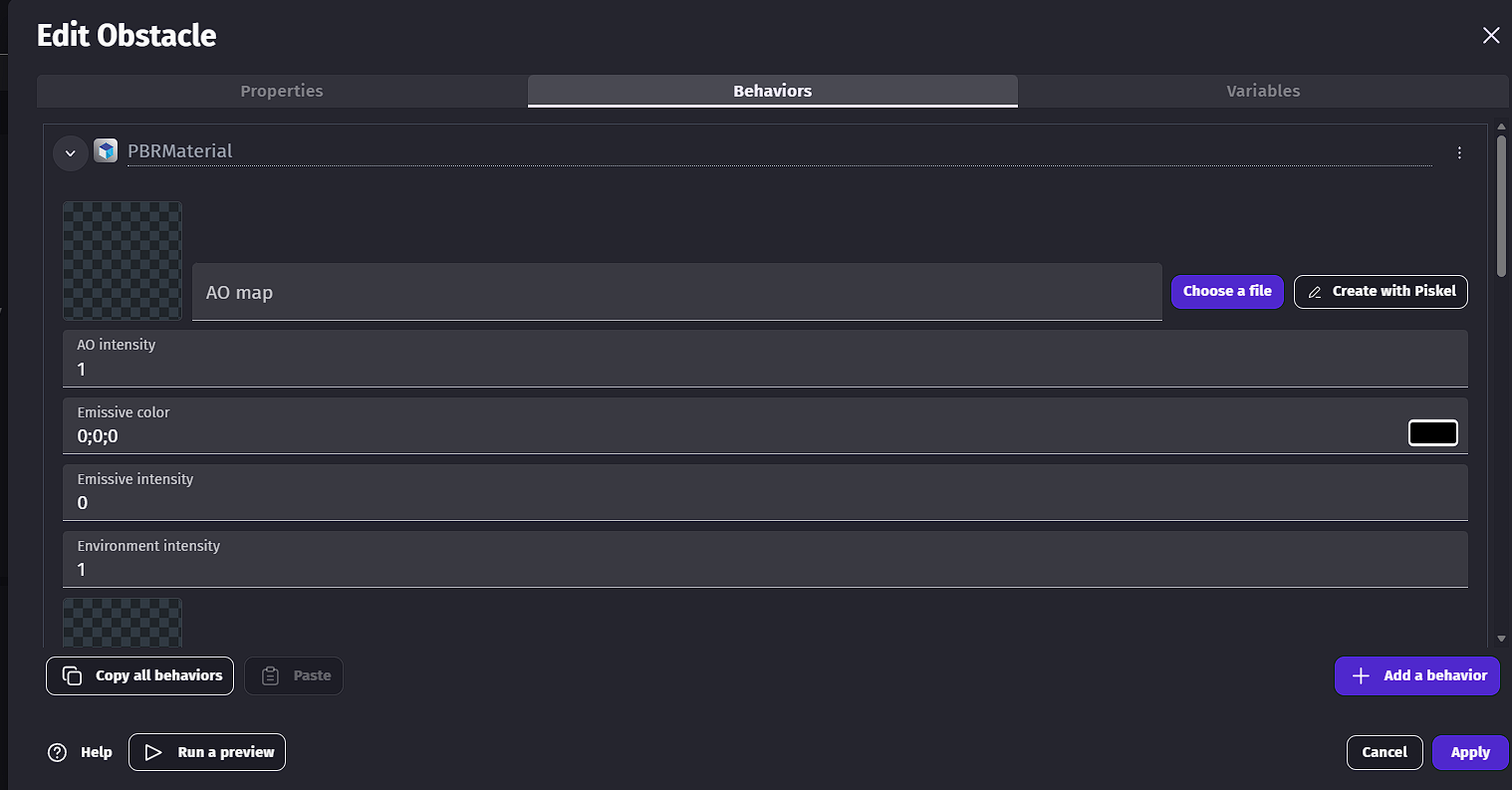
aoMapAsset, aoMapIntensity
map (albedo/base color)
Key technical details:
Textures loaded via ImageManager, cached by asset name
AO uv2 auto-assigned if missing, restored on deactivation
Full material restore on behavior deactivation/destroy
PMREM environment fallback generated once then disposed
SSR roughness forwarding via tRoughness render target —
SSR now reads real per-surface roughness instead of a heuristic
Shared Render Target All effects now share a single render target via PostProcessingSharedResources instead of each creating their own — significantly reduces VRAM usage and GPU overhead.
Reduced Default Sample Counts AO and DoF were cut from 8 samples to 4 by default, halving their base cost with minimal visual difference.
Quality Modes per Effect Every heavy effect now has a qualityMode parameter (low / medium / high) that controls both sample count and internal resolution, giving full control over the performance/quality tradeoff.
Internal Half-Resolution Rendering Effects render internally at reduced resolution then upscale, instead of running at full display resolution.
SSR Exclude Mask Grass, foliage, and transparent objects can now opt out of SSR entirely via the Scene3D::SSRExclude behavior — since vegetation typically covers 40-60% of the screen, this alone can cut SSR cost significantly.
SSR Ray Steps Reduction Default ray steps reduced from 24 to 14 on medium quality with no major visual regression.
These changes combined bring the target from ~12ms per effect down to under 4ms at medium quality on mid-range hardware. That said, visual runtime profiling is still needed to confirm exact numbers per effect.
I’ve downloaded the version and it works pretty well, but the 3d ragdoll is kinda complicated and I can’t get it working, can you make a template example for it?