As some of you may know, I’m trying to fix the loading of the browser version of my game.
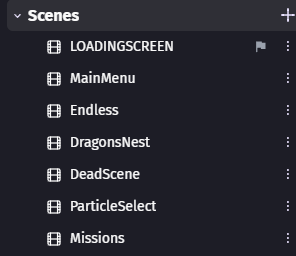
I have managed to reduce the loading screens to just 2. The basic GDevelop one, and a custom loading screen consisting of a lightweight scene, which should take the most time as it loads all of the scenes (But at least it ain’t static and boring)
I noticed that the first GDevelop’s loading screen takes almost half a minute to load, even if the first scene of the game is really lightweight.
This probably happens because the game is trying to load the global objects (And oh boy, do I have a lot of them)
Do you have enough optimized your assets?
Not only their size but, by example for pictures, their number of colours.
Often, 32,64 or 256 colours are large enough.
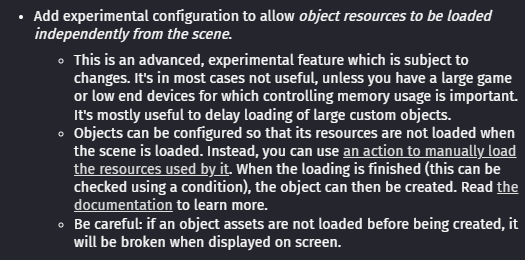
Do you have plans to allows us to load them manually or is it impossible with the current engine?
Just asking cause I’m working on a gacha game that will have hundreds of characters. Of course the players will need to download the game first so they will have most of the assets, but since there would be many things to load I would like them to wait at my custom loading screen.
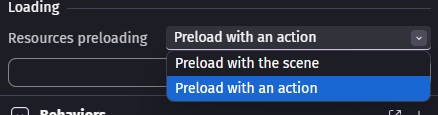
Suppose you can flag the global object to prevent it from being preloaded… does that mean you should load it last? Or would you rather classify it as non-global? In that case, it wouldn’t be passed to other scenes.