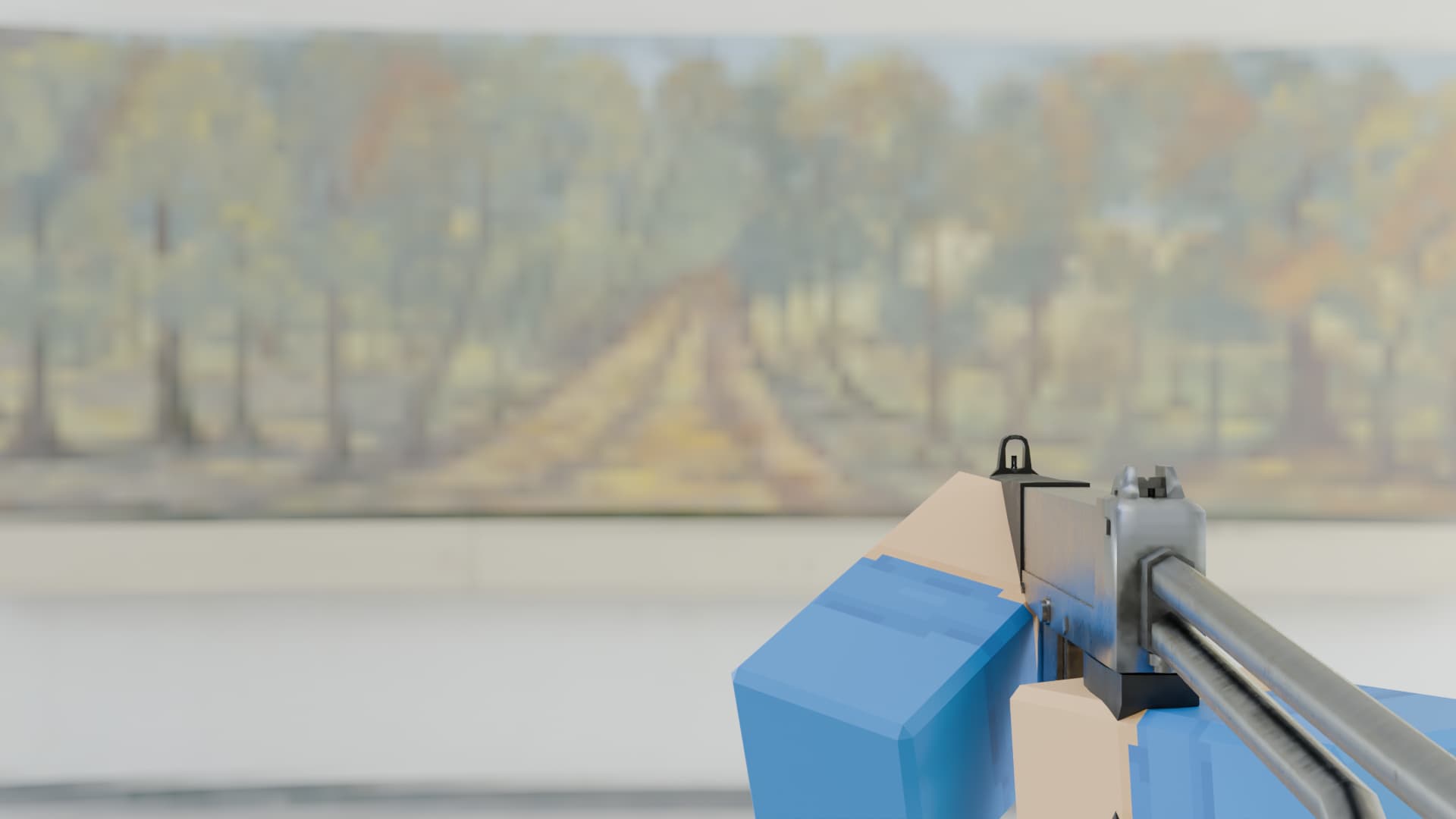
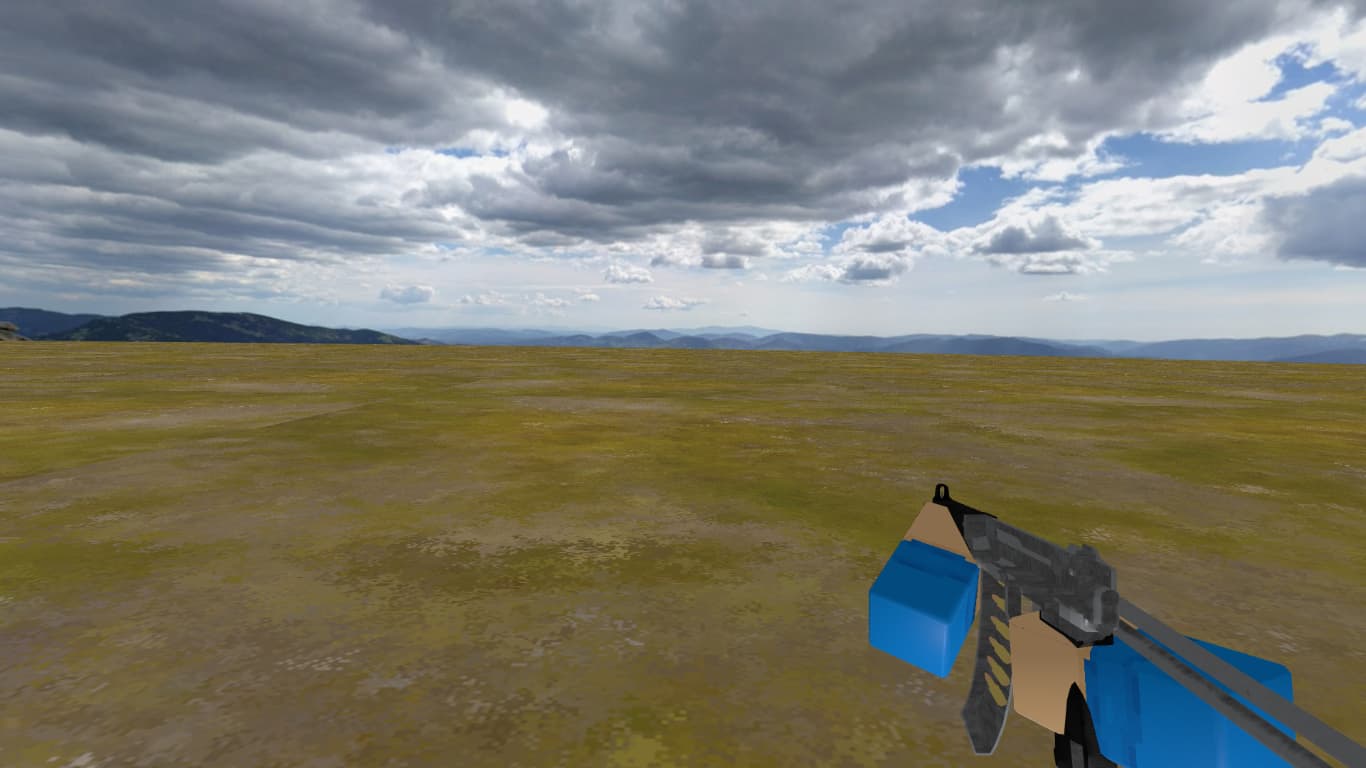
I have this 3D model of a gun that works fine in Blender and I expected it to work fine in Gdevelop too but…
What is the actual result
…when the model once inside Gdevelop (even before previewing) looks inside out.
I have created and imported other models before and they work and look fine. Animations work fine too.
In Blender you inverted the normals of the faces, and GDevelop is only rendering one side of faces. That’s why you can see “inside”.
Search for inverse normals on blender, and make a new export.
Searched it up and did what one of the tutorials said. I Recalculated insides and outside, flipped normals but still when i export it (I exported after* every action to see if one fixed it) it still looks inside out.
Edit: Replaced the metarials with just blank ones and that fixed it so it must be with the metarials of the object.
regarding materials…
I don’t have any updates about the new 3D features in GD, but if I remember correctly, metalness and roughness still aren’t supported—and I’m not sure if they ever will be…
You can acheievce something like that baking the textures with effects applied in blender and export the textures as color (as you did in the second ss removing metalness and roughness)…and i believe thaz why it’s working…
Disabled the Metal, Roughness and Alpha texturex and that seemed to fix it. I hope that in the future atleast metal maps get supported though. Anyways thank you for the help!!