Before proceeding, please use the forum search feature at the top of the page to check if your question has already been answered.
How do I…
how do i relocate the asset folder? (im on linux pop!_os)
i initially created a game on the wrong folder so i tried to use “save as” as suggested by another thread to relocate folders. it of course failed. so… i remade a game and copied the event sheet to the game and re-made the assets (i essentially remade another game, so… everything should work). however, it doesnt. when i click “open” (on the “create” tab in the home screen) it doesnt open it, if i press “show in local folder” it doesn’t do anything (probably because it cannot find the json).
to circumvent that, i press “open a project” to browse and find the json file to open. this works but i have to do it everytime, which is a pain in the ass. more importantly, all assets become unfindable (even though they exist).
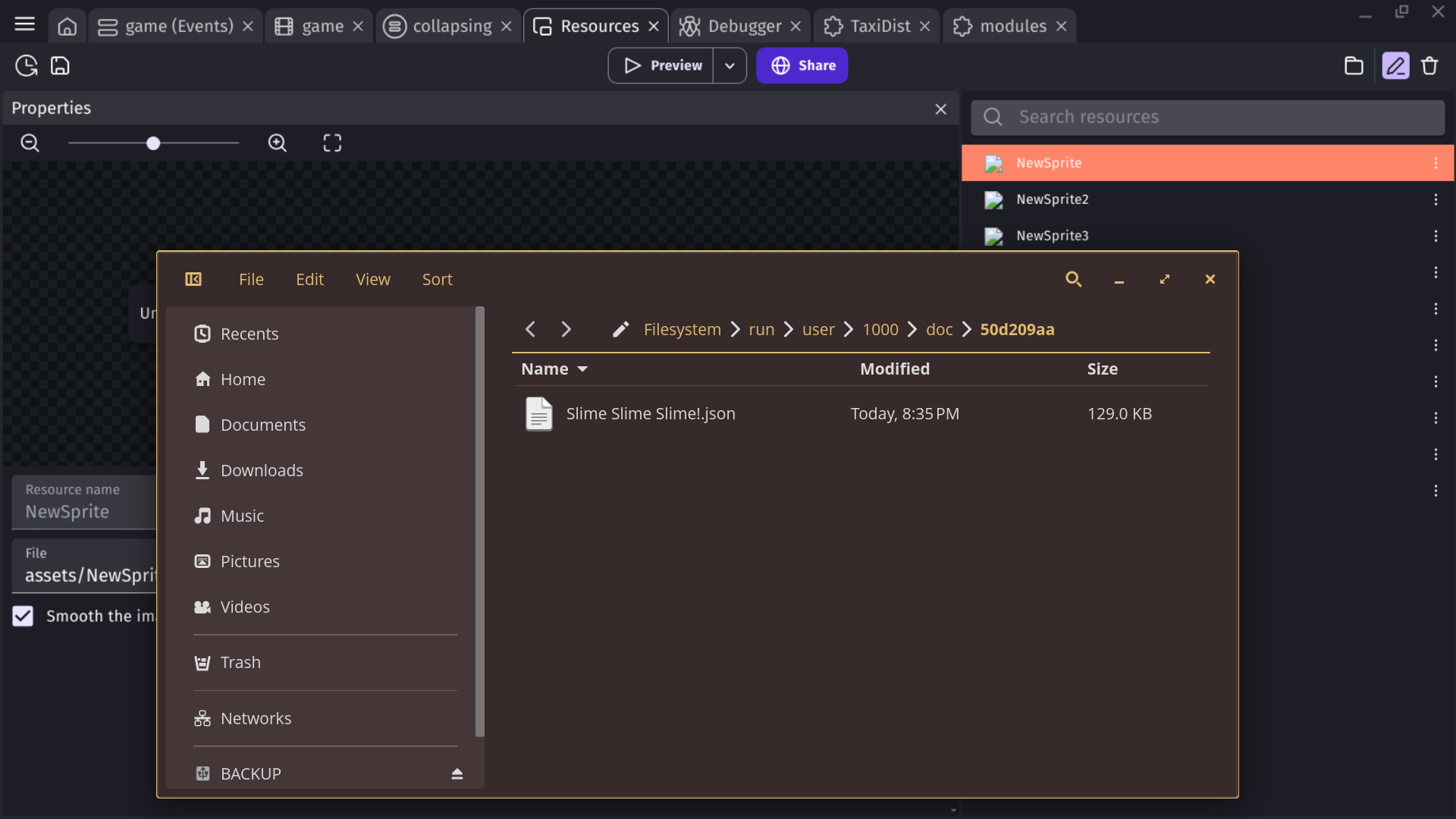
i’m pretty sure i know what is the problem. you see, the json file i open and the json file that it shows when i press “open the project folder” in the resource tab isn’t the same (aka. its not the same location). is this normal? and how to fix it. also… why there isnt a button to change asset folders?
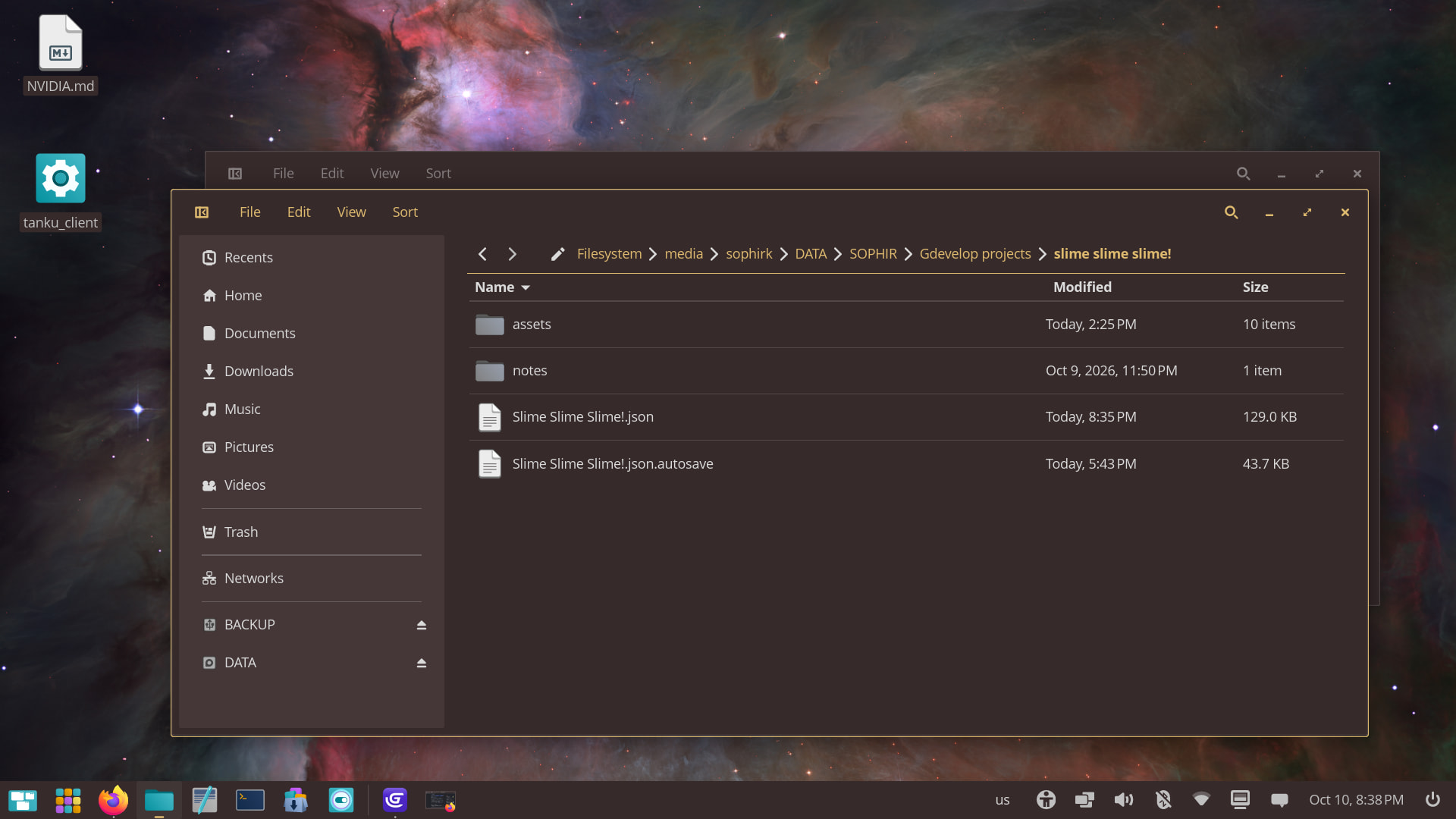
this is the json location that i manually opened
when opened, and in the resource tab, when pressing the button at the top right, it shows me this folder which is different.