nant
1
Describe the bug
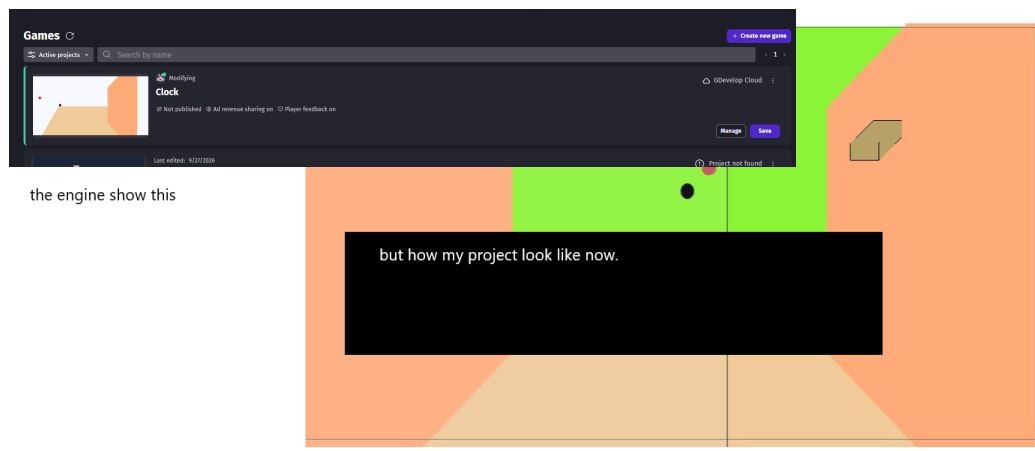
In the menu, the project’s image does not update after saving or previewing.
Steps to reproduce
-
Create a new game
-
Put any sprite into the game/scene.
-
Check, (play) in preview.
-
Save the game.
-
Check in the menu that the game picture updated or not.
Share a very simple GDevelop project showing the bug
There is a setting in the app under Preferences for this. Open GD and press “Preferences” in the bottom-left.
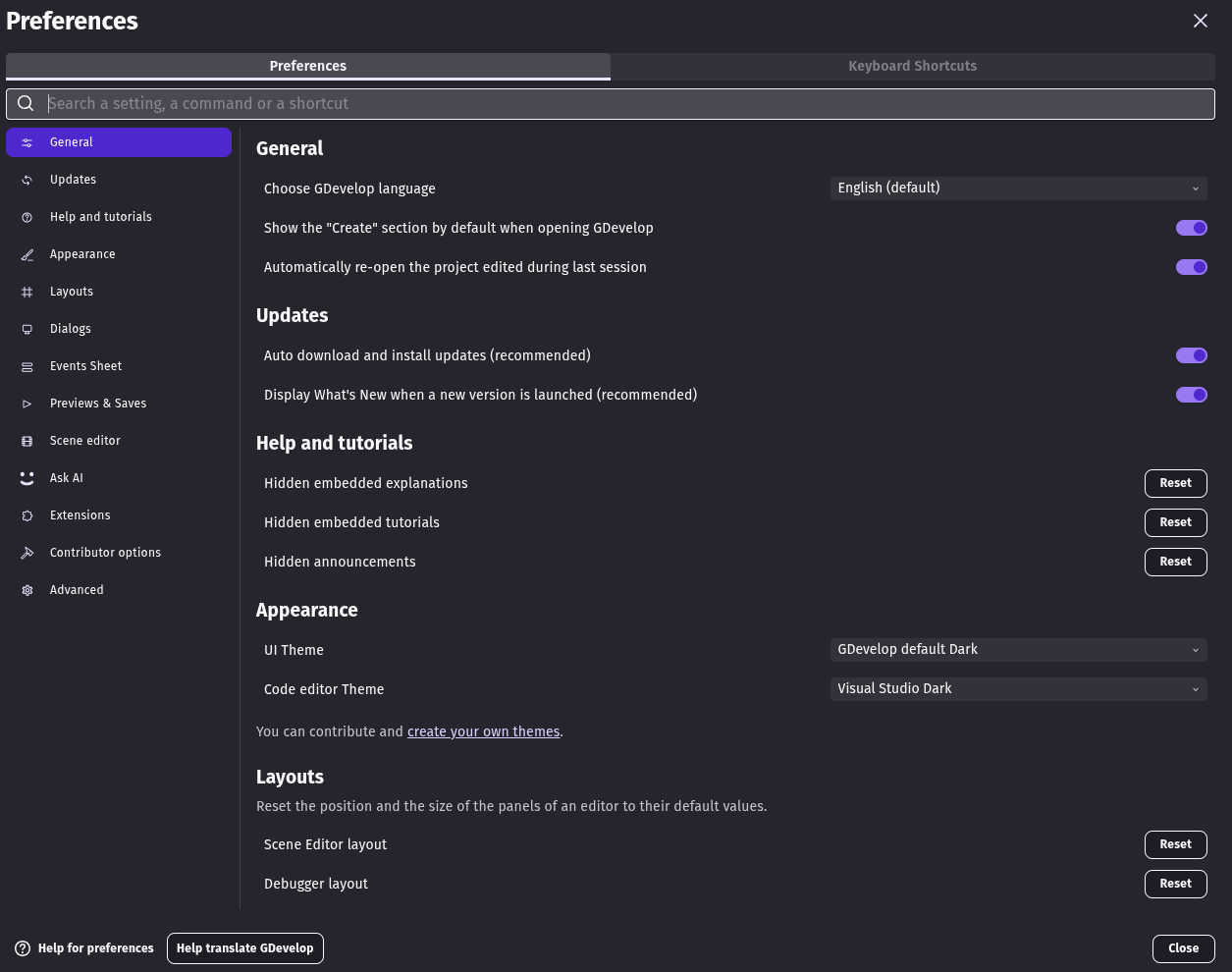
It will bring up the preferences menu.
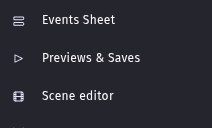
Click on Previews & Saves on the left.
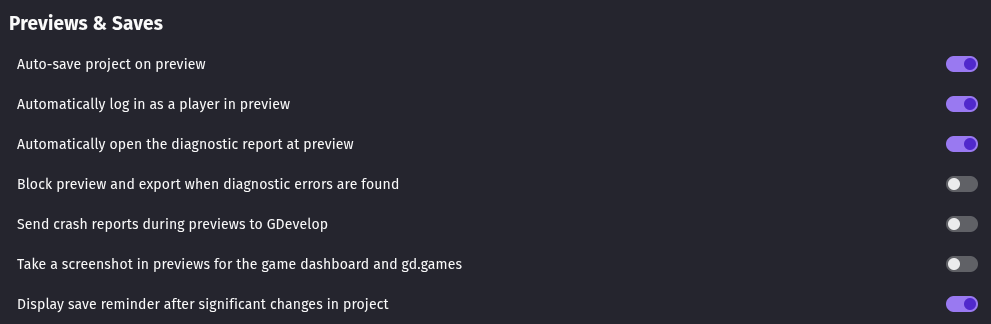
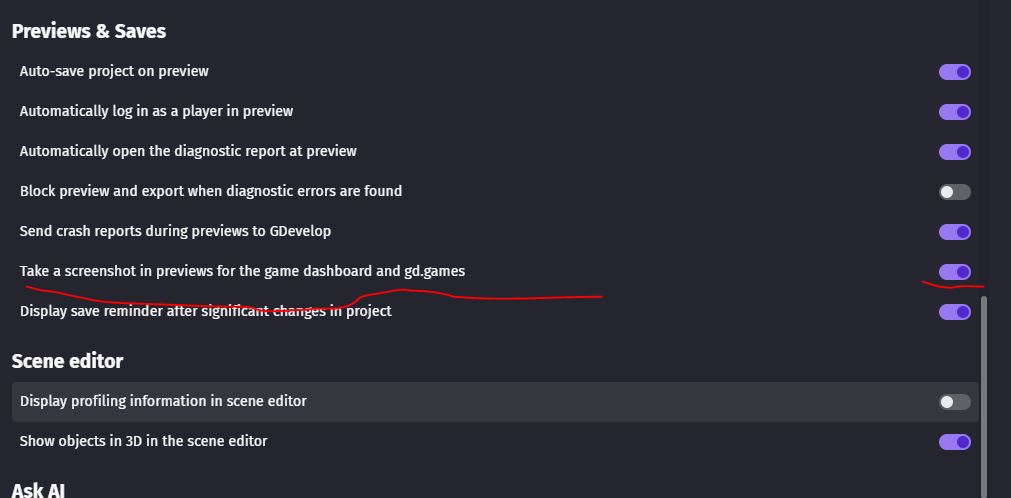
It will bring you to this section
Make sure that this preference is checked to on.

If it is not, turn it on and you’re good. If not, there may be a bug.
nant
3
it’s on, so i’m sure it’s a bug