My project has always opened normally, but now an error related to Three.js is appearing, even though I didn’t use any 3D objects and didn’t touch the 3D editor.
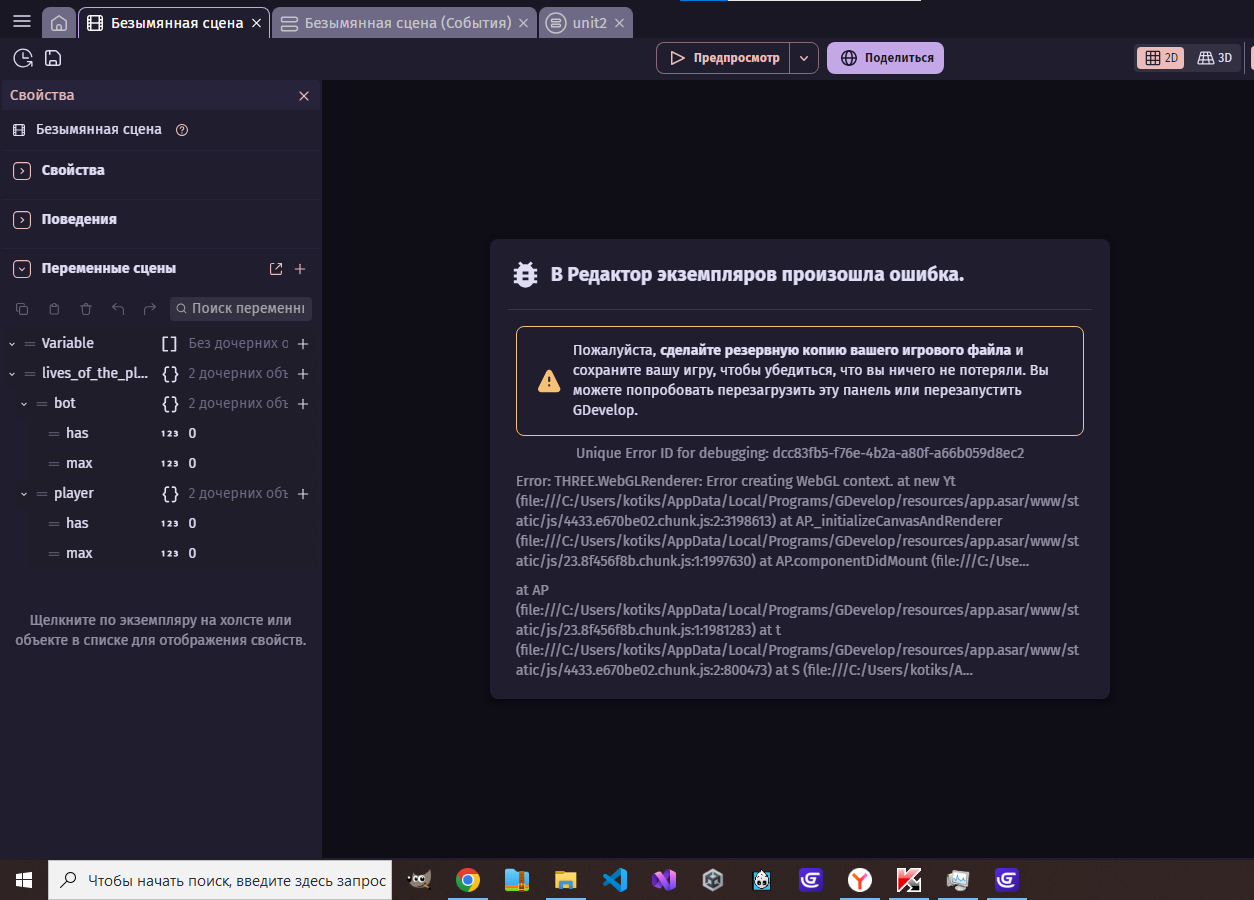
Hello @kotiks
Can you share the specs you have on your machine?
Also, can you try disabling “show objects in 3D editor” in your preferences to see if it helps?

And tell us what you see from this website: WebGL Report
A screenshot would help

RAM: 6 GB
Processor: Pentium(R) Dual-Core CPU E5800
Video memory: 64 MB
Storage: 466 GB
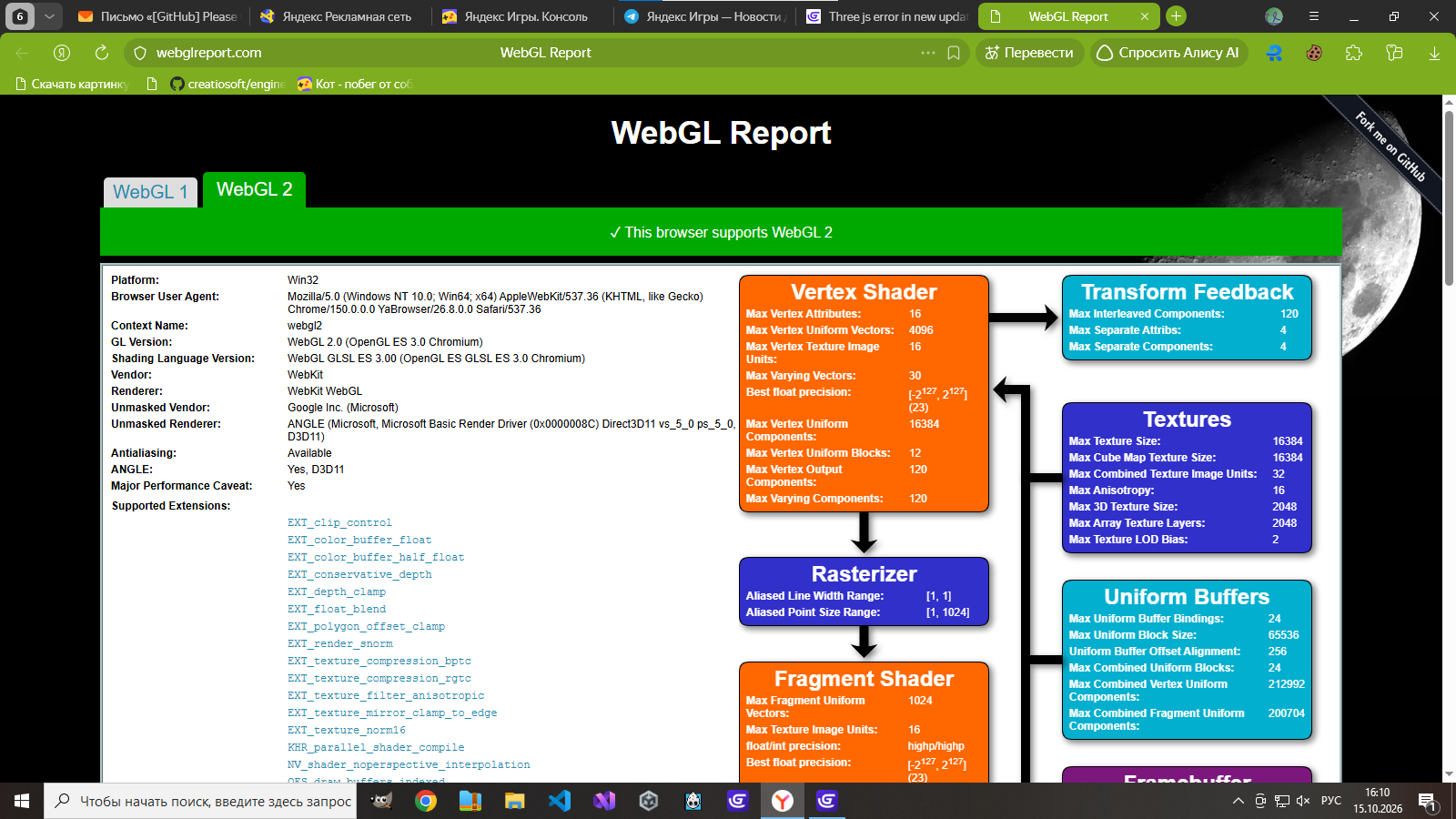
I tried other projects, and it seems that only one project doesn’t want to open. The project only worked after I disabled the 3D showing, but this is inconvenient, since I can switch from this 2D-project to another 3D project, and I’ll have to constantly change the settings.
64…mb?
thats a quarter of the vram of a 20 year old playstation 3…
make sure to update all your extensions
It’s possible your system does not handle 3D indeed. We’ve just pushed a fix preventing anything related to 3D to instantiate in case the device does not handle it. (it was happening even if there was no 3D objects on the scene)
Did you ever have the 3D editor work on your device @kotiks ?
I used the GDevelop 3D editor, and it works well (Unity 6.6 3D also works great on my PC).
OK thanks. And with that release, are you able to open the 3D editor on a 3D project?
In any case, we’re pushing some protections to avoid those crashes. You can retry in the next release (coming asap) and let us know.