Hello everyone.
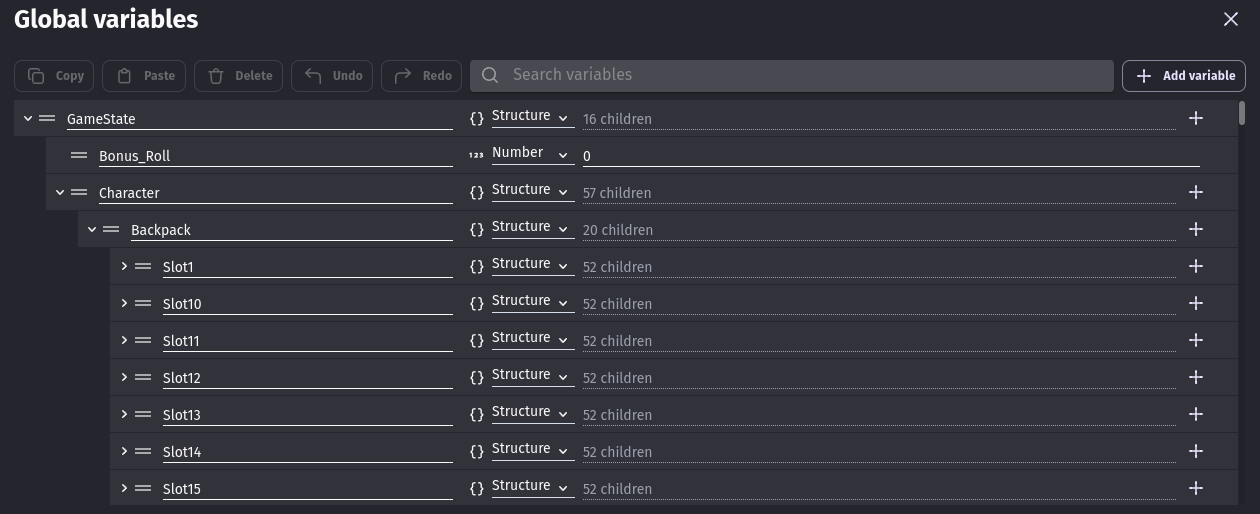
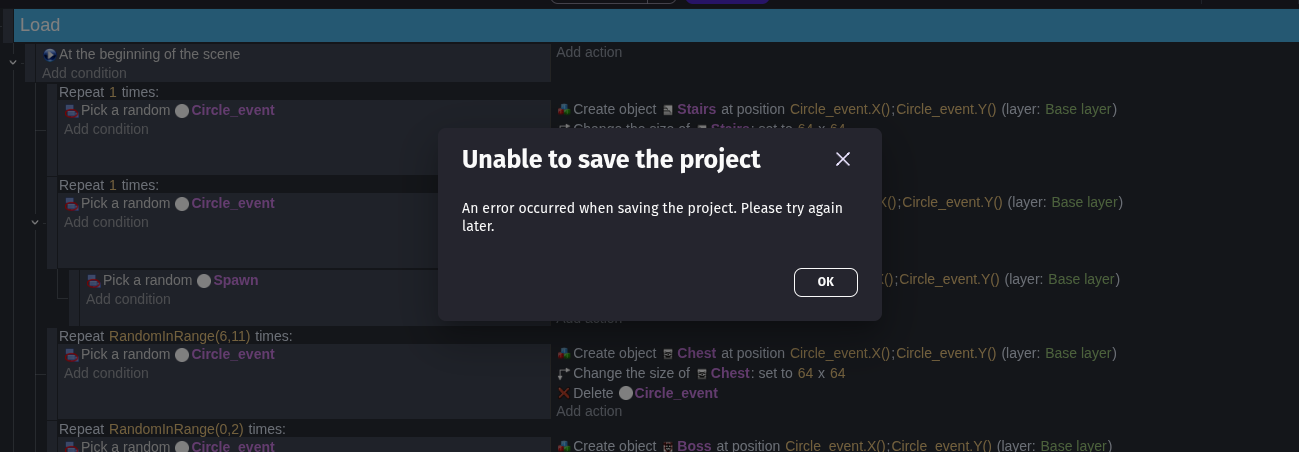
I’ve been having a big problem since the last GDevelop update. Every time I try to save after modifying a global variable, I’m unable to save the project.
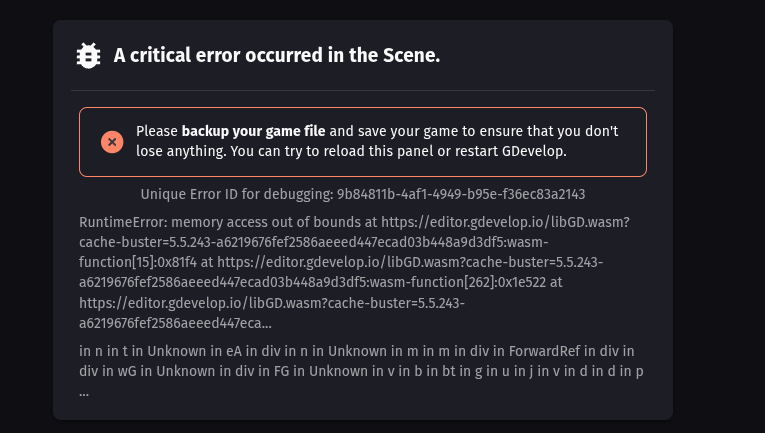
I either get a pop-up saying “Unable to save the project”, or sometimes it just crashes.
It happens in every version — browser, desktop, and mobile app.
Does anyone know how to fix this? I really hope my project isn’t dead…
Hi @DFS00!
I don’t see the link with global variable.
And if you don’t use global variable but a scene variable, is the issue the same?
You must give more details.
A+
Xierra
Well, I don’t see the link either, but that’s the only condition when this problem occurs 
I’ve tried using Scene variables and Object variables, and the bug doesn’t happen, I can save my project just fine.
I’ve also tried downloading a copy, and it worked as long as I didn’t touch the global variables.
But as soon as I modify any global variable, I can’t save, copy, or export the project anymore.
I have manage to get a error ID: Unique Error ID for debugging: 8c4fc660-db51-4ce2-be92-d8bd4674e237
With this message:
RuntimeError: memory access out of bounds at https://editor.gdevelop.io/libGD.wasm?cache-buster=5.5.243-a6219676fef2586aeeed447ecad03b448a9d3df5:wasm-function[26]:0x882c at https://editor.gdevelop.io/libGD.wasm?cache-buster=5.5.243-a6219676fef2586aeeed447ecad03b448a9d3df5:wasm-function[79]:0xd305 at https://editor.gdevelop.io/libGD.wasm?cache-buster=5.5.243-a6219676fef2586aeeed447ecad0…
in Unknown in DropTarget(Component) in DragSource(DropTarget(Component)) in Unknown in t in Rd in div in Unknown in DropTarget(Component) in Unknown in t in Yd in div in np in div in n in div in div in div in yf in …
I really don’t know what that mean, so if anyone understand…
hmm tons of ppl seem to have problems similar to this… could u send a screenshot?