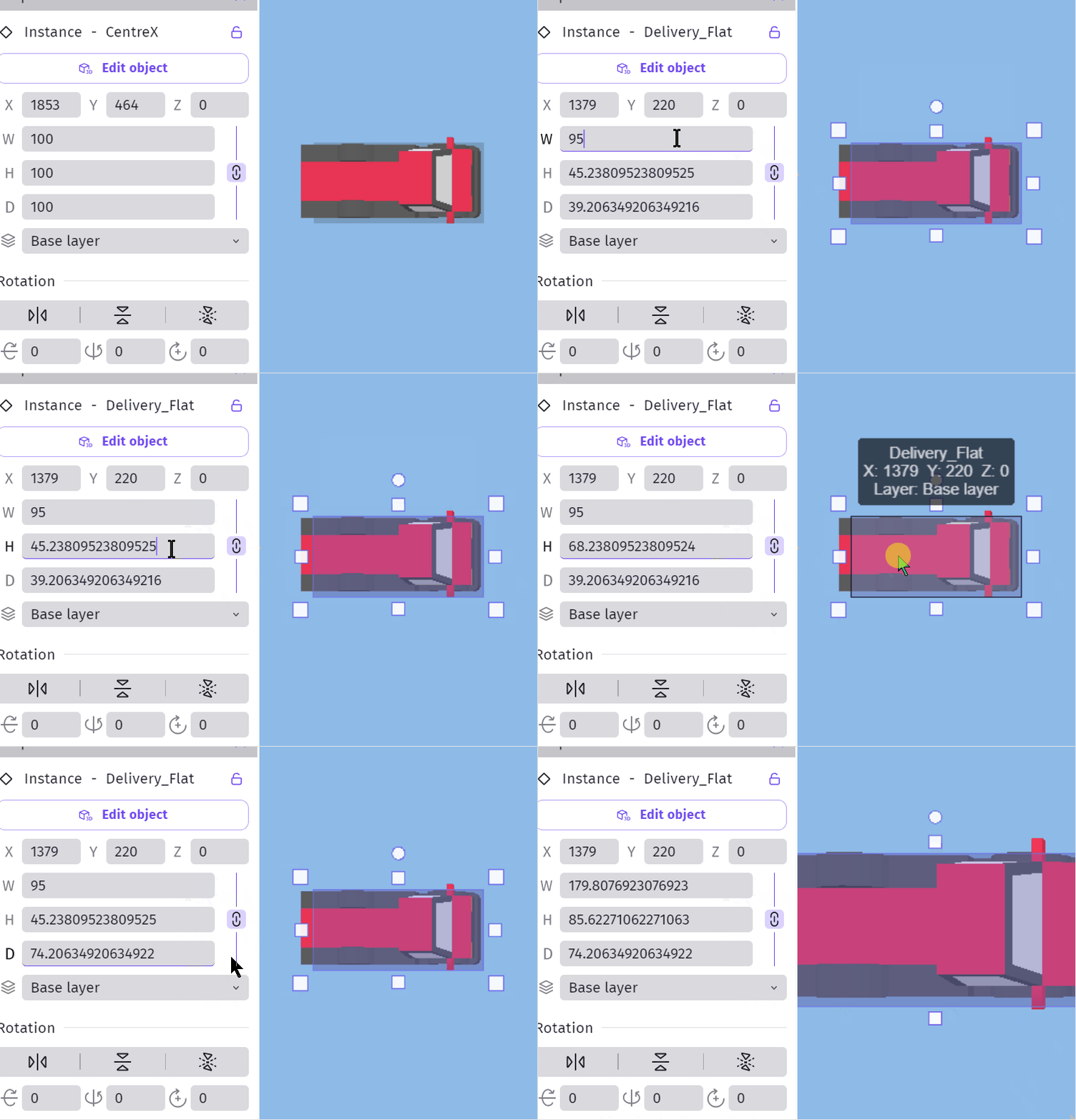
Change 3d model size with mouse scroll wheel doesn’t update the model for height or depth until I click away from the properties dimensions.
- Width works fine.
- It all works fine for 3d boxes
- Dragging horizontally works fine
- With models from modelling apps with a different z, it’s height that works with width and depth not working
Steps to reproduce
Import a 3d model from the asset store
Change either height or depth with the mouse scroll wheel.
→ Model size doesn’t change and other values don’t update
Click away from properties
→ Model size and other values update
Gif shows scrolling width working and scrolling height and depth not working.