3D Models disappear when loading a game from variable

GDevelop version: 5.6.282
O̶b̶j̶e̶c̶t̶s̶ ̶s̶t̶o̶p̶ ̶b̶e̶i̶n̶g̶ ̶r̶e̶n̶d̶e̶r̶e̶d̶ ̶i̶f̶ ̶t̶h̶e̶i̶r̶ ̶a̶n̶g̶l̶e̶ ̶i̶s̶ ̶c̶h̶a̶n̶g̶e̶d̶ ̶a̶f̶t̶e̶r̶ ̶l̶o̶a̶d̶i̶n̶g̶ ̶a̶ ̶g̶a̶m̶e̶ ̶f̶r̶o̶m̶ ̶v̶a̶r̶i̶a̶b̶l̶e̶.̶ ̶T̶h̶e̶ ̶a̶n̶g̶l̶e̶ ̶p̶a̶r̶a̶m̶e̶t̶e̶r̶ ̶i̶t̶s̶e̶l̶f̶ ̶a̶p̶p̶e̶a̶r̶s̶ ̶a̶s̶ ̶N̶U̶L̶L̶ ̶i̶n̶ ̶t̶h̶e̶ ̶d̶e̶b̶u̶g̶g̶e̶r̶ ̶a̶f̶t̶e̶r̶ ̶l̶o̶a̶d̶i̶n̶g̶.̶F̶o̶r̶ ̶o̶b̶j̶e̶c̶t̶s̶ ̶w̶i̶t̶h̶ ̶c̶e̶r̶t̶a̶i̶n̶ ̶b̶e̶h̶a̶v̶i̶o̶r̶s̶ ̶(̶T̶o̶p̶-̶D̶o̶w̶n̶,̶ ̶N̶a̶v̶M̶e̶s̶h̶ ̶P̶a̶t̶h̶f̶i̶n̶d̶i̶n̶g̶,̶ ̶e̶t̶c̶.̶)̶,̶ ̶t̶h̶i̶s̶ ̶h̶a̶p̶p̶e̶n̶s̶ ̶e̶v̶e̶n̶ ̶w̶i̶t̶h̶o̶u̶t̶ ̶c̶h̶a̶n̶g̶i̶n̶g̶ ̶t̶h̶e̶ ̶a̶n̶g̶l̶e̶ ̶a̶f̶t̶e̶r̶ ̶l̶o̶a̶d̶i̶n̶g̶ ̶-̶ ̶t̶h̶e̶y̶ ̶d̶i̶s̶a̶p̶p̶e̶a̶r̶ ̶r̶e̶g̶a̶r̶d̶l̶e̶s̶s̶.̶

UPD: 3D models disappear after loading a game from a variable and cause other objects to disappear too, if they are changed via an event referencing a 3D model.

Example project (Google drive link).
Steps to reproduce:

  1. Save game to a variable.
  2. Load.
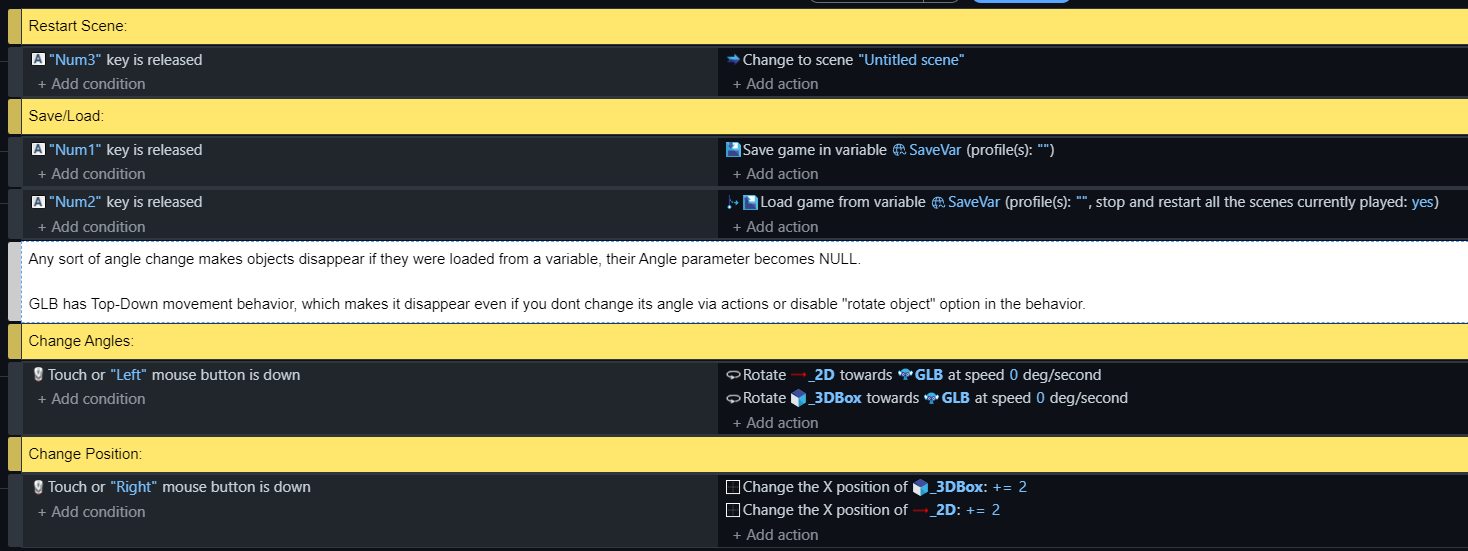
  3. Change objects angles in any way.
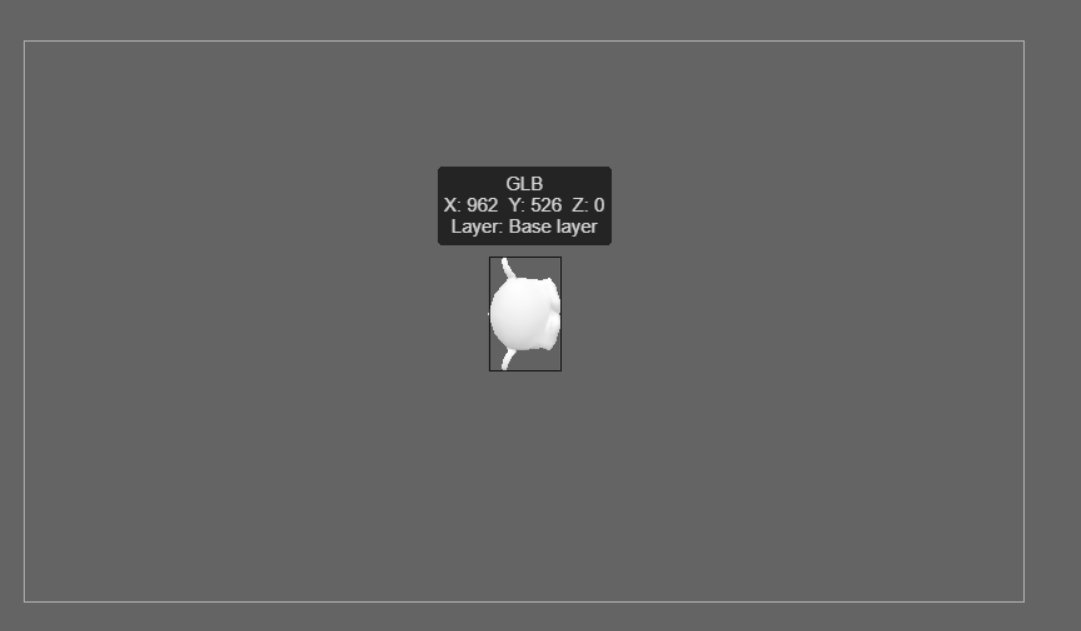
    Objects will disappear. They remain present in the scene but are not rendered.
    Only 3D models and any objects that reference them will disappear.

Traced this through the engine source. What you are seeing is not your event sheet doing something wrong.

The mechanism

  1. The saved state stores every object as the same struct used for network sync (GDJS/Runtime/types/save-state.d.ts, ObjectNetworkSyncData). The angle is the a field and it is written straight from the object: a: this.angle in getNetworkSyncData (GDJS/Runtime/runtimeobject.ts).
  2. On load, the object is restored with if (networkSyncData.a !== undefined) this.setAngle(networkSyncData.a);. That guard only rejects undefined. A stored null passes straight through it.
  3. setAngle does this.angle = angle with no numeric check. So the angle becomes null, which is exactly what your debugger shows. From there the value goes into the object’s transform, a non-finite angle produces no drawable transform, and the object is still in the scene but never rendered.

So the real question is where that null enters the saved data. Two minutes in the debugger answers it:

  • Save the state, then expand the variable you saved into and find the object’s entry. Look at a.
    • If a is already null in the saved data, the null is written at save time (or the save is legacy/partially migrated).
    • If a is missing entirely, then it is not coming from the object state at all, and the likely source is a behavior restoring its own state. That matches what you describe: Top-Down and NavMesh Pathfinding objects vanishing on their own, without you touching the angle.
  • Then try a minimal case: new empty scene, one sprite, save state to a variable, load, change the angle. If it reproduces there, it is engine-level, and it is worth a GitHub issue with the project file attached. A Drive link is not usable for triage, the file has to be in the issue itself.

Workaround until it is fixed

After the load, force a real number into every object’s angle before anything else reads it:

  • For each object (Sprite, etc.) → Change the angle → set to 0, or set to an angle you keep yourself in an object variable.

setAngle overwrites the null, so the objects render again. Do it in the same frame as the load.

One thing to include in the issue: your GDevelop version, and whether the save was written on that same version. If the save was made on an older build, the loader is filling fields from a format that no longer matches, and that mismatch is the bug worth reporting.

If you post the version and the debugger value of a, I will take a look.

GDevelop version: 5.6.282
I’ve been trying different scenarios and now a bit confused on what actually causes a bug and in what cases.

There is one object with the Top-Down behavior in the scene.

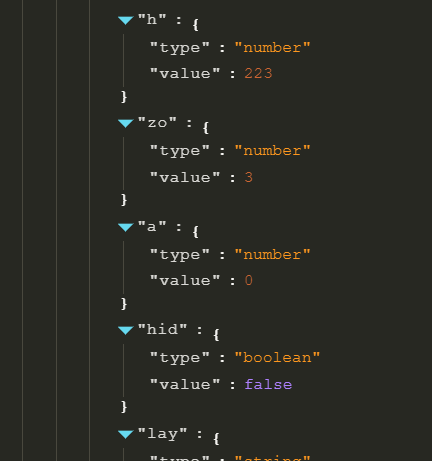
  1. I save the game - the angle and other parameters are correct; there are no NULL values.
    Save variable:

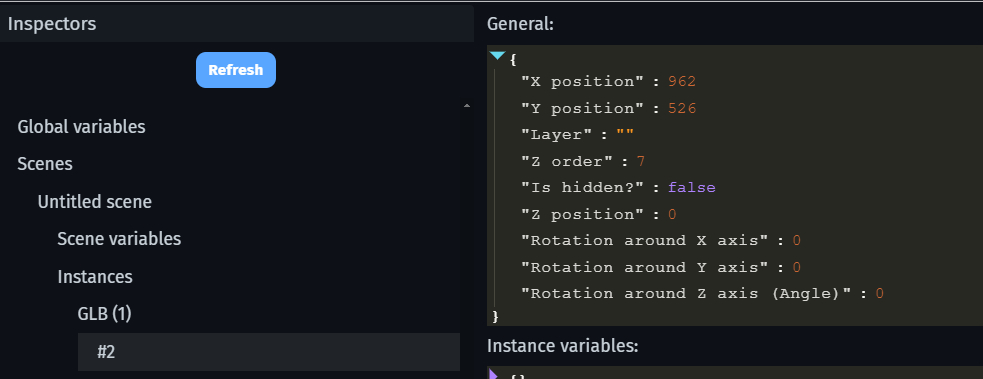
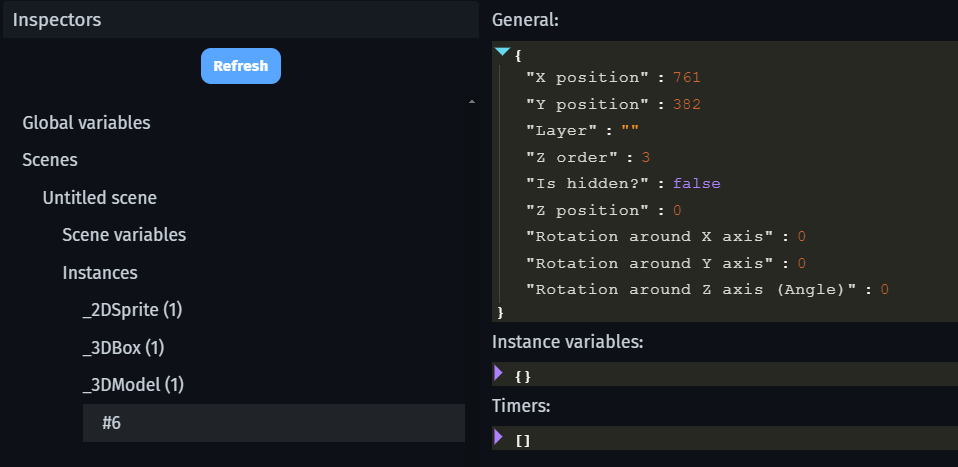
  2. Load the game - object disappears. The Save variable still holds the same parameters, no NULLs. Invisible object itself has correct position and angle values after loading:

As far as I understand, the reason for the objects disappearing is not the change in angle after all, but something else; however, I don’t know how to verify exactly what it might be.

It seems the bug is specifically related to 3D models; notably, it’s not just the 3D objects themselves that disappear, but also the objects referencing them in the event sheet.


Example 1:
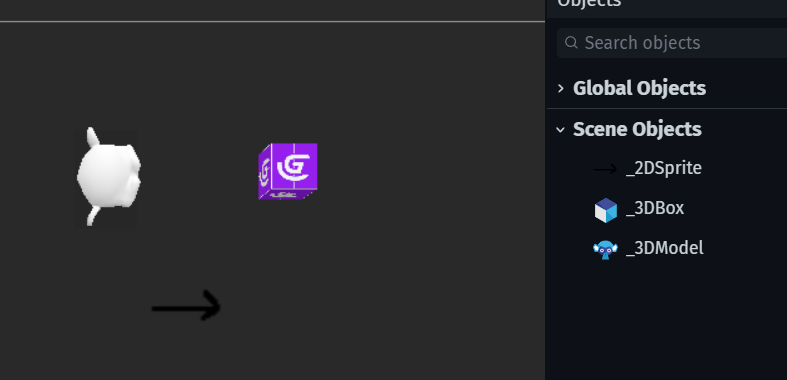
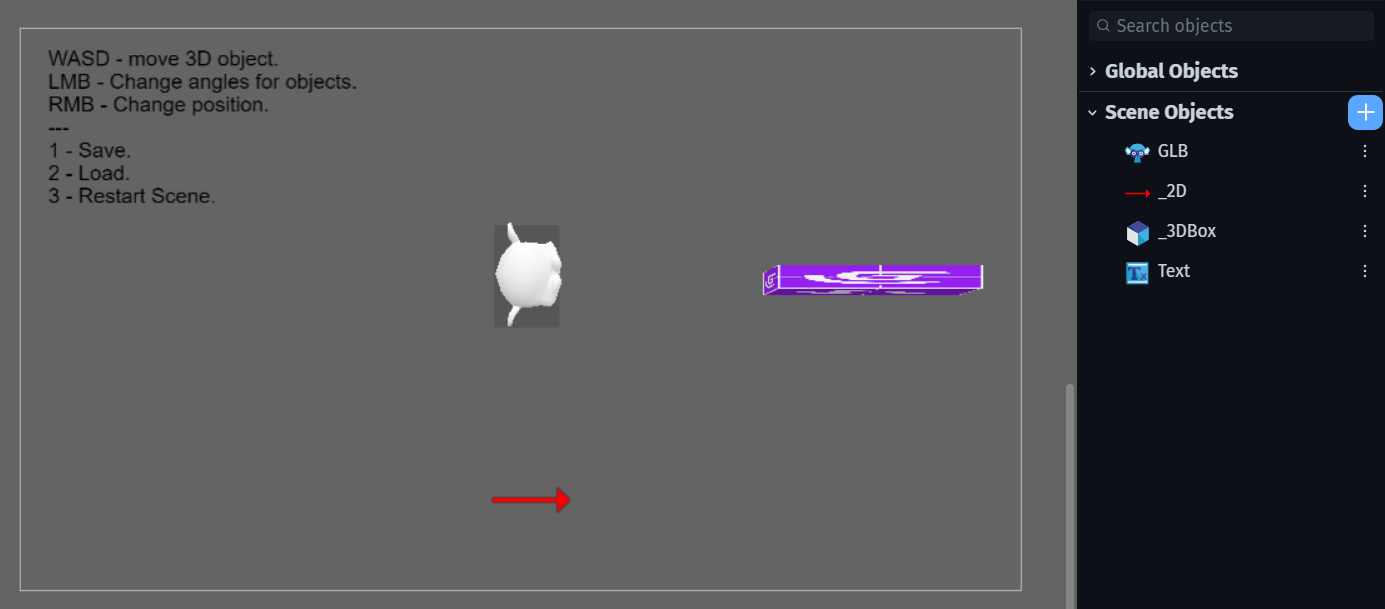
No behaviors, just 2DSprite, 3DBox and Glb Model.


Steps:

  1. Save.
  2. Load.
  3. Change position - GLB disappears.
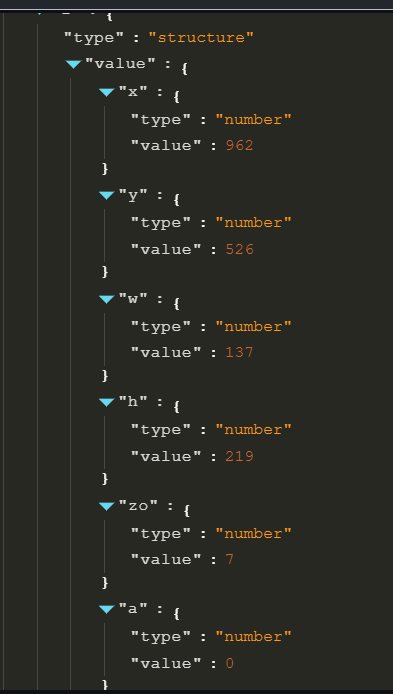
    SaveVar stores correct values for all 3 objects, no NULLs or any other errors or anything missing.

There are no issues with the instance parameters of the missing 3D model either; the position and angle are correct:


Example 2:
Same 3 objects. Now 3D model is referenced in one of the events:


Steps:

  1. Save.
  2. Load - Debugger shows no NULLs, all objects are visible.
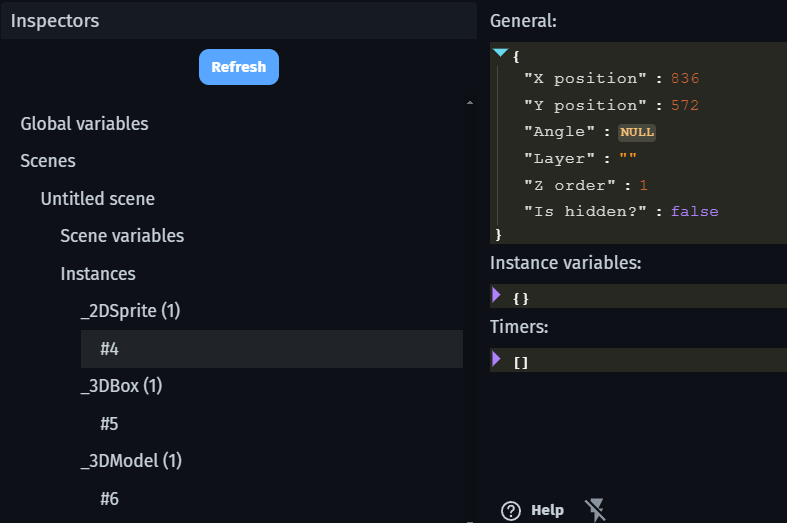
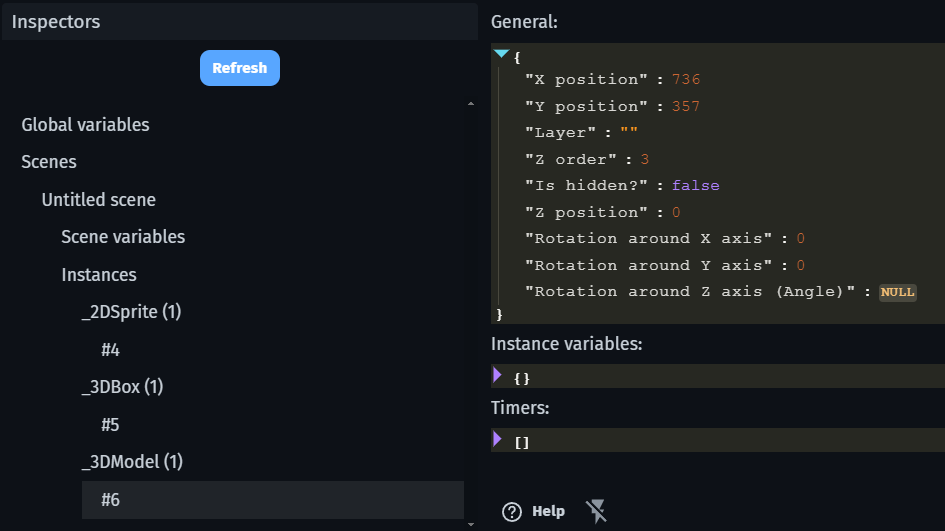
  3. Rotate all objects to 3D model - All objects disappear.
    Angle parameter for all 3 Objects becomes NULL.

SaveVar has correct values for all 3 objects.

Good narrowing. Your instinct in the earlier post was right: the angle is a symptom, not the cause. I went back into the engine source and found the actual break. It is in the save round trip, not in your events.

The save loses null

“Save to a variable” writes the JS state into a GDevelop variable with variable.fromJSObject(gameSaveState) (Extensions/SaveState/SaveStateTools.ts). And fromJSObject does this (GDJS/Runtime/variable.ts):

if (obj === null) {
  this.setString('null');   // the string, not null
}

So every JS null in the save data comes back as the string "null", and toJSObject() hands that string to the loader. Every === null check then misses, and any arithmetic on it gives NaN.

Why it hits 3D models

A 3D model is one of the few objects that stores real nulls. Its origin point and center point are [float|null, ...] (LocationPoint in Extensions/3D/Model3DRuntimeObject.ts), and the defaults are “Model origin” = [null, null, null] and “Centered on Z” = [null, null, 0.5] (Model3DObjectConfiguration.cpp). Those are saved as op and cp.

On load, this._originPoint = networkSyncData.op || [null, null, null] keeps the strings, because the array is still truthy. Then in the renderer (Model3DRuntimeObject3DRenderer.ts):

point[0] = originPoint[0] === null ? this._modelOriginPoint[0] : originPoint[0];

originPoint[0] is "null", so the fallback is skipped and the string is returned. Then:

position.set(getX() - width * (originPoint[0] - centerPoint[0]), ...);

"null" - "null" is NaN. The model is in the scene, its instance x/y/angle read fine, and its transform is NaN, so it is never drawn. stretchModelIntoUnitaryCube also takes the wrong branch and writes NaN into the position.

Same story for NavMesh Pathfinding: d: this._path[this._path.length - 1] || null (NavMeshCharacterRuntimeBehavior.ts), and the loader tests d === null, which is false after the round trip, so it calls moveTo("null".x, ...).

Confirm it in two minutes

  1. Save, load, then expand the 3D model’s entry in the save variable in the debugger and look at op and cp. If they read as null text, that is the string.
  2. Fastest test: set Origin point and Center point to “Object center” (stores 0.5s, no nulls), save, load, then move it. If it stays visible, this is the bug.
  3. For the angle: after load, log ToString(Model3D.Angle()). "null" means the angle got poisoned the same way; NaN means it was computed from a bad value. The debugger panel cannot tell you which, because its messages go through JSON, and JSON turns NaN into null.

Until it is fixed

Keep origin/center off “Model origin” and “Centered on Z” on anything you save, and re-apply position and angle after load with ToNumber(...).

Worth a GitHub issue with the variable dump attached. It is a clean repro: any scene with a 3D model, save to a variable, load, move it.
Yes, OP and CP arrays stored as “null” strings are causing this problem.

Manually resetting them to any number or string like “0.1” , “0.5” or something fixes the issue. Setting OP and CP to “Object center” works. Custom extension objects with 3D models also save/load fine.