Show me screenshot from your fnt file
And paste link to your fnt and png file
For example upload them here
Show me screenshot from your fnt file
And paste link to your fnt and png file
For example upload them here
there’s no line, i tried hitting backspace and nothing happened
If there is not
Then explain to me
Why you did not upload your files to some site?
Even so i told you to upload them
I even provided you with link to site on which you could upload them
And how you think i gonna download them?
You can easily scan the QR code shown in the image, to go to that site & download the files! Or, just type in the URL shown at the top of the image (filebin.net/r7go0zo86xxqmiro) and click download there!
Yeah that would solve the trick if i ever would scan any QR code in my life
And i would know how to enable QR code scanning in my phone
I mean i did it for whatsapp to get it in browser
But in whatsapp i have option to scan QR code to enable it on my browser
How do i scan any QR code on demand?
I need some app or there is something in my phone to scan it?
How do i enable that?
I know it may sound strange considering what type of problems i solve here
BUT when it comes to smartphones changing wallpaper is MAX of my knowledge
BUT damn i forgot that URL you see after uploading files is the one you share and not link directly to file itself
I fell no shame
THX
I gonna look into fonts in a moment
Works on 1st try i did not even change anything
Only thing that comes to my mind
Rename png and fnt files to something else
For example their names are
RetroComputer
Change them to RetroComputerFont
So you have
RetroComputerFont.png
RetroComputerFont.fnt
And now try to add them
And check if that works
MAYBE you added it multiple times and resources confuse names and still using original files
Other than that i have no idea
Hey! Depending on what device you are on, you should be able to scan a QR code with your camera. If you are on iPhone, it should work. Haven’t used other brands much so they might not work, try it for yourself! 
Omg OMG OMG OMG
That works wtf?
Thx
Again
I feel no shame
BTW android
Using camera did the trick
Oh wow, my bad everyone! I’m really sorry about those extra lines that ended up at the top of the .fnt file after saving. Thanks so much to @ZeroX4 for catching that! I’ll get a fix in ASAP to remove those unnecessary comments from the export. Sorry for the hassle this caused!
Haha! I deleted those comments almost at the exact same time!
Wait hold the F on for a moment
You may think i am bright person since i made that tutorial
But that is not even close to true i have hard time sometimes connecting dots
So looking NOW at this

I just realized you are the guy behind SnowB
And i have 3 things to say
1 - Aside from my personal THANK YOU i wanna thank you for your site in name of every single gdevelop user who used it
2 - How da F you found this forum post? I assume you are not gdevelop user so wtf?
3 - Thank you for fix regardless of gdevelop update
Cause maybe for none gdevelop users it breaks something

I found this thread through the referring sites list in Google Search Console. I check it every now and then just to see where people are coming from.
And yeah, you guessed right — I’m not a GDevelop user. In fact, I’m not even a game developer 
I originally built SnowB because I needed to use bitmap fonts in a small JS engine project, but couldn’t find a proper tool that supported importing image textures for glyphs. So I just made one in my spare time.
After reading your post, I realized adding that header comment was a dumb move — not just for GDevelop, but probably for other engines too. Lesson learned!
If you ever run into issues again, feel free to open one on GitHub. I’m really glad we could make SnowB a bit better together.
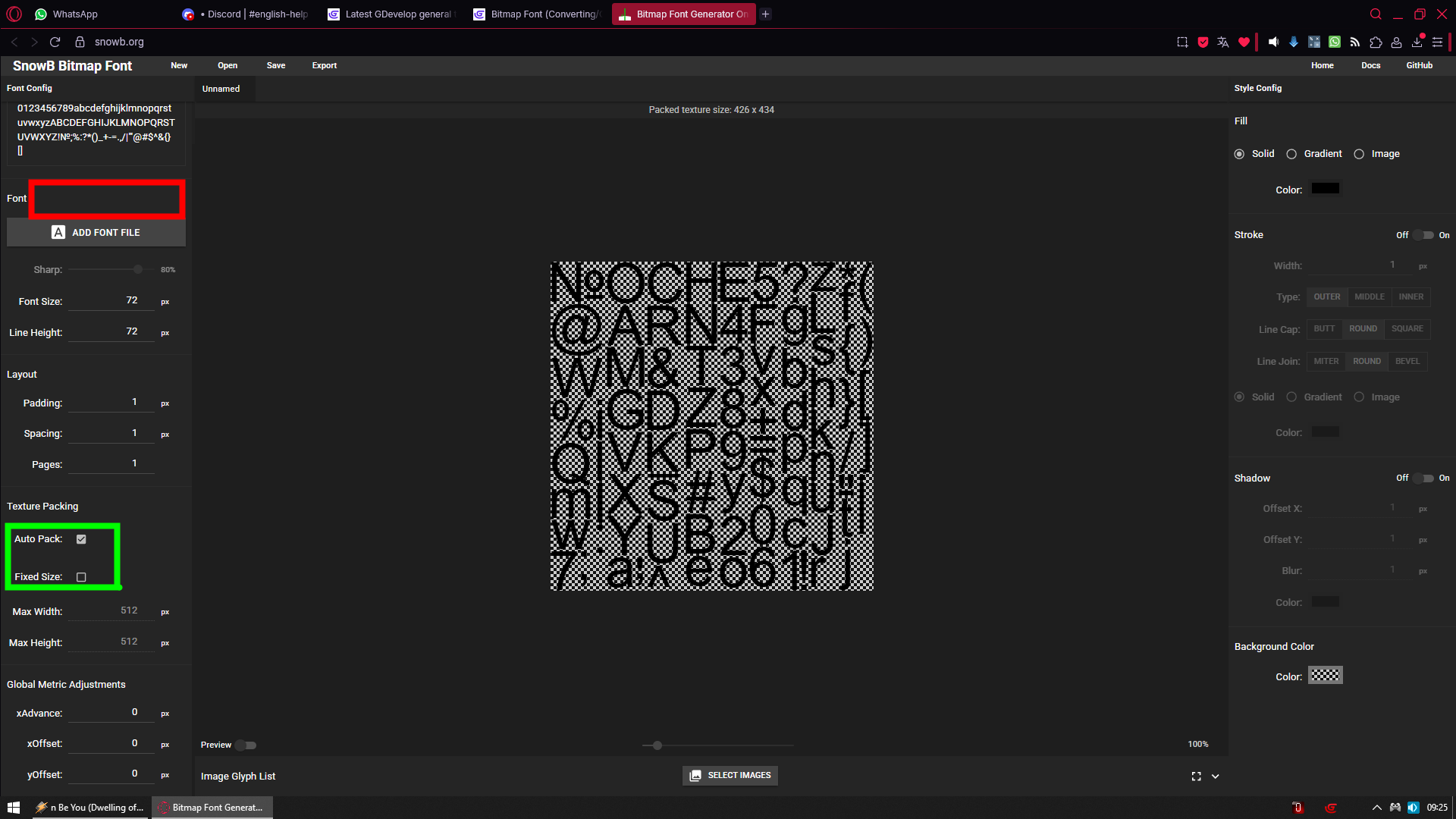
Actually maybe here (red area)
Same boolean switch same as we have in green area
Like Include font header [v]
Which would be off by default
And everybody would be happy (best from both worlds)
Anyway i have one very personal question
And i am not asking for anything but i am just very curious
Why you did not make standalone version which we could download?
SnowB is that type of program you actually would want to have on your device
In case you gonna lose internet access or maybe work on device where you don’t have internet access
So i would find it very reasonable to have standalone version just in case
But maybe that is just me overthinking it because of my habity of having copy of everything just in case
Regardless i will report if i gonna find any problems
When i was googling for for something to generate bitmap font out of ttf
I found many forum posts from other engines suggesting your site
You have no idea how many projects your site saved from looking bland like s***
Actually im pretty sure it was not only limited to game engines
And again in name of every single happy user
Thanks for the vote of confidence! 
You’re absolutely right, SnowB can totally work offline! I actually added PWA support for that exact reason. If you install it to your device via a PWA-supporting browser, it runs just like a native app. I figure PWA handles the offline scenario perfectly, so I skipped building a heavier multi-platform client for now.
Regarding the “Include font header” part you mentioned—could you elaborate a bit? Which specific field in the AngelCode format are you referring to? Is it the info.face field, perhaps? Clarification would be awesome!