Can't click into Hex box for 2D particle emitter or tint action (full options method)

Describe the bug

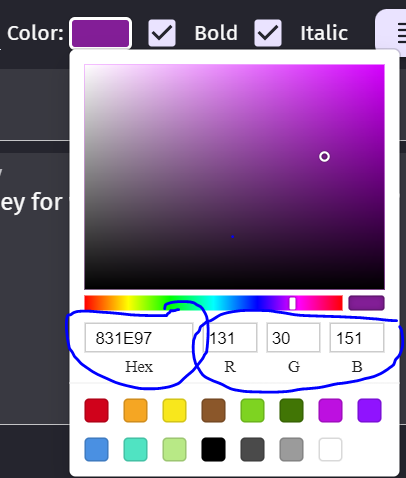
After the last update to version 5.6.279 it became impossible to manually edit color of the text object.

Steps to reproduce

  • Create text object on the scene

  • Press edit object

  • Press color

  • It is not possible to manually enter the numbers and edit Hex, R, G, B

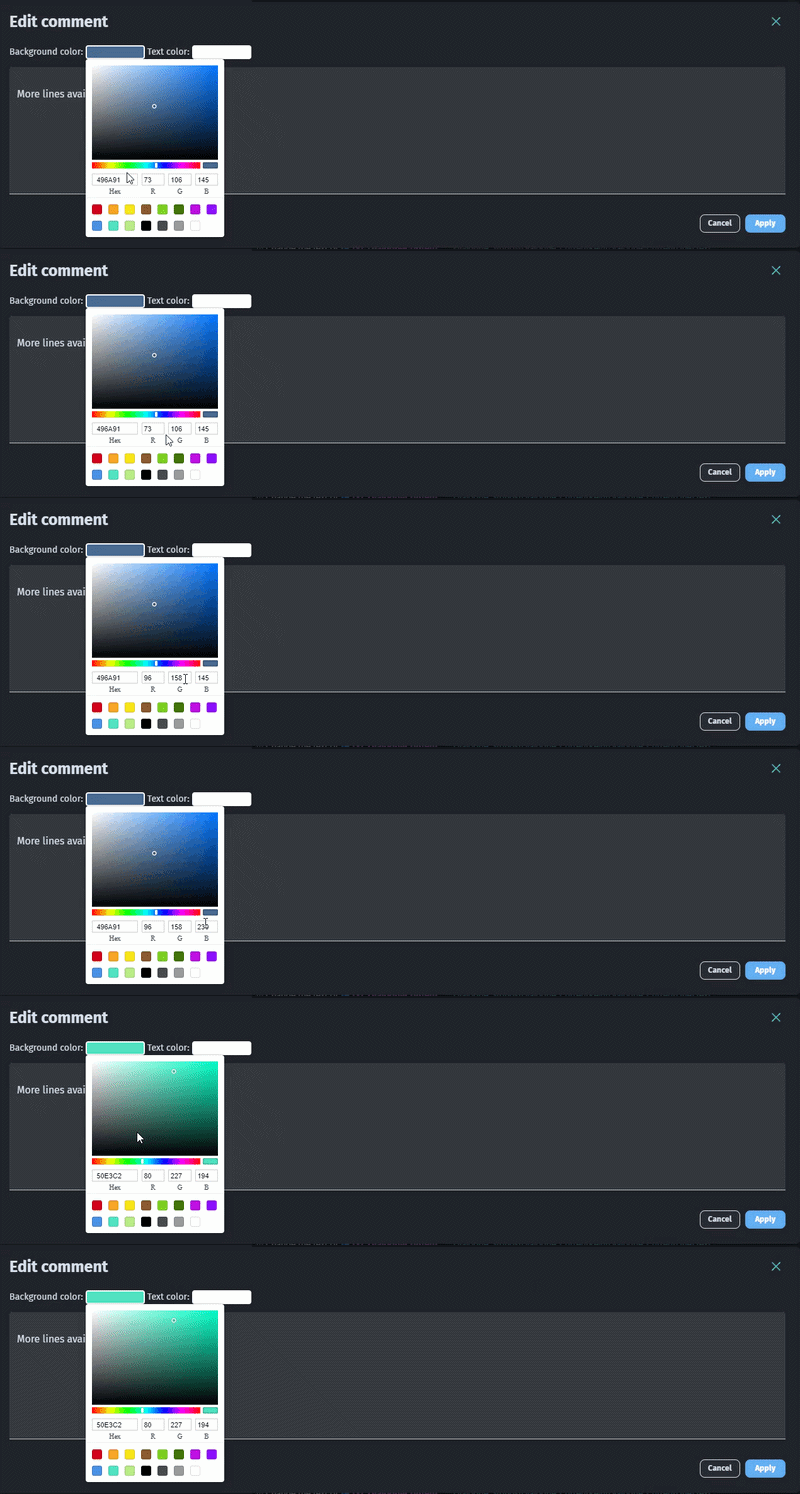
Latest version 5.6.279 also for me on Windows 11 Pro but happen on Groups or Comments edit too so the color picker is broken everywhere.

ColorPicker

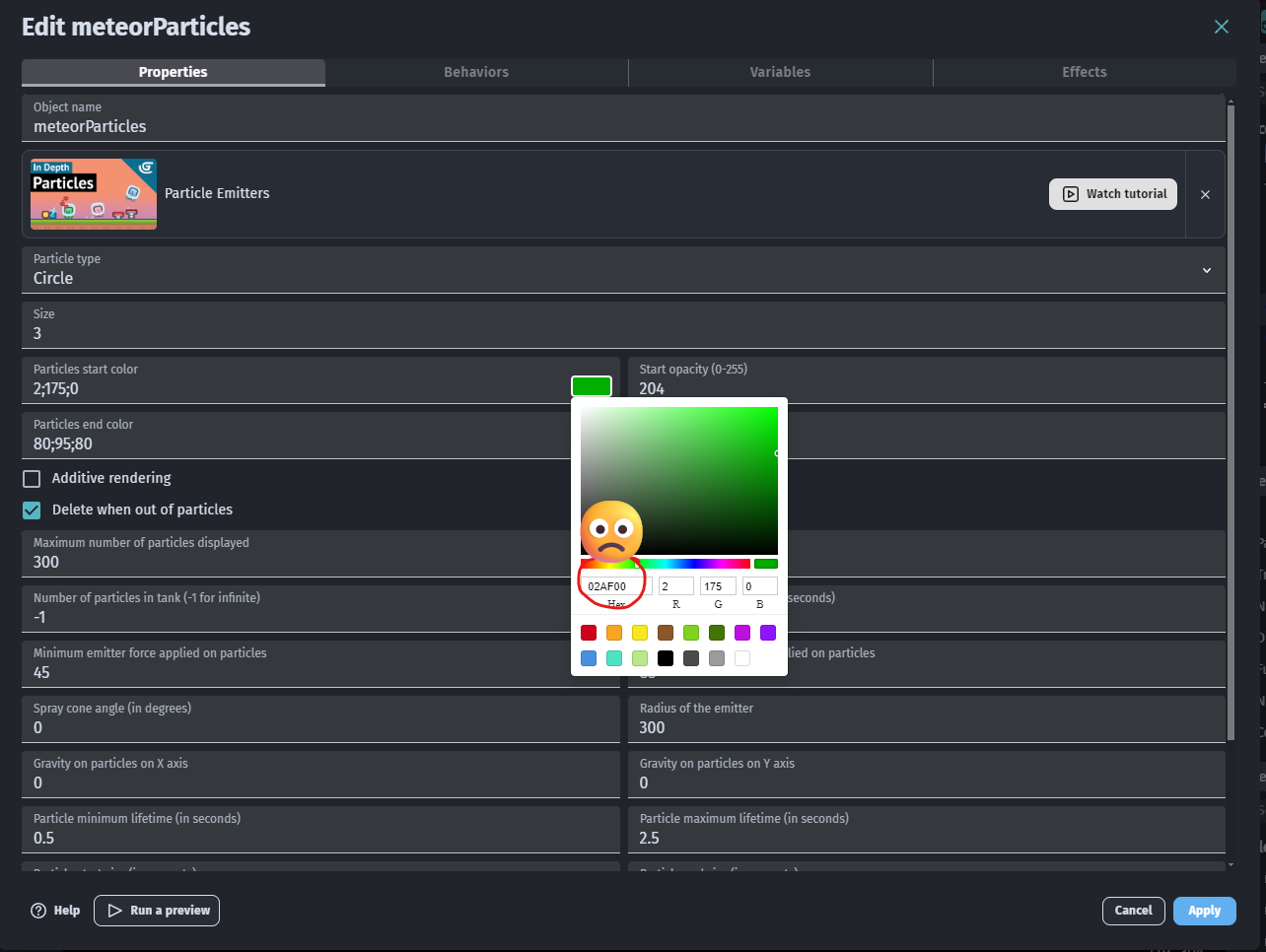
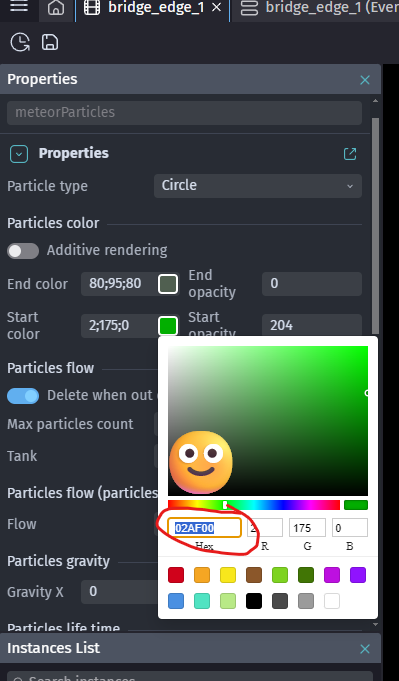
I can’t click into the Hex entry box when editing particle properties using the full options popup. I can click the side bar’s quick options Hex boxes.

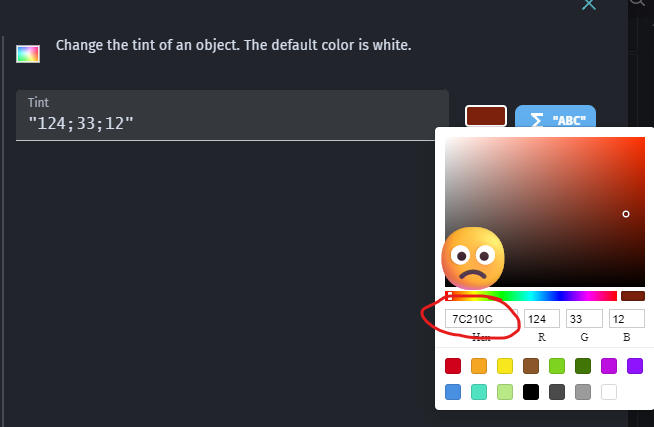
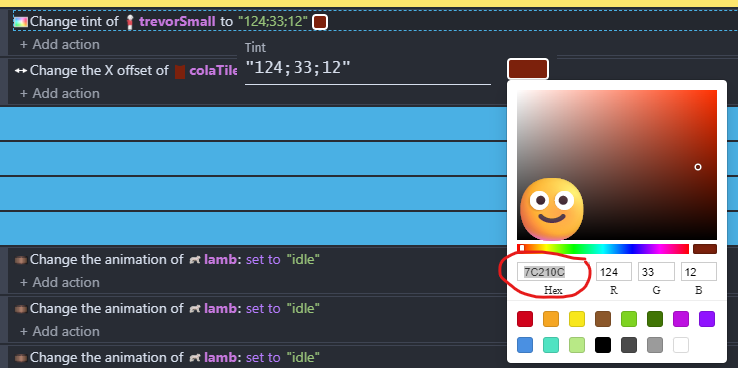
I can’t click into the Hex entry box for the tint action options (the ones you see when you first create the action, or double click the action if already created). I can click into it if I click the colour in the action line. Please see screenshots for what I mean.

As far as I can tell this has happened with the latest update. I use Hex entry often and had no issues a few days ago.

This version of GDevelop is: 5.6.279 (editor full version: 5.6.279-1a0661d104ace07d55965d52fb359bddcd485e58, core version: 5.6.279-0)

Particle emitter full options popup. CAN’T click into the Hex box.

Particle emitter quick access properties from the sidebar. CAN click into the Hex box.

Tint colour options, full. CAN’T click into the Hex box.

Tint options accessed from clicking the colour on the action line. CAN click into the Hex box.

Looks like related to this

Affects 2D particle emitter and tint action too, though there are workarounds for those - see post.

I have implemented the new color feature for events; I didn’t think it would break anything elsewhere. I will discuss with the team how to set up automated tests, as we shouldn’t have regressions of this type.

In any case, I have opened a PR with the fixes for all the mentioned cases.