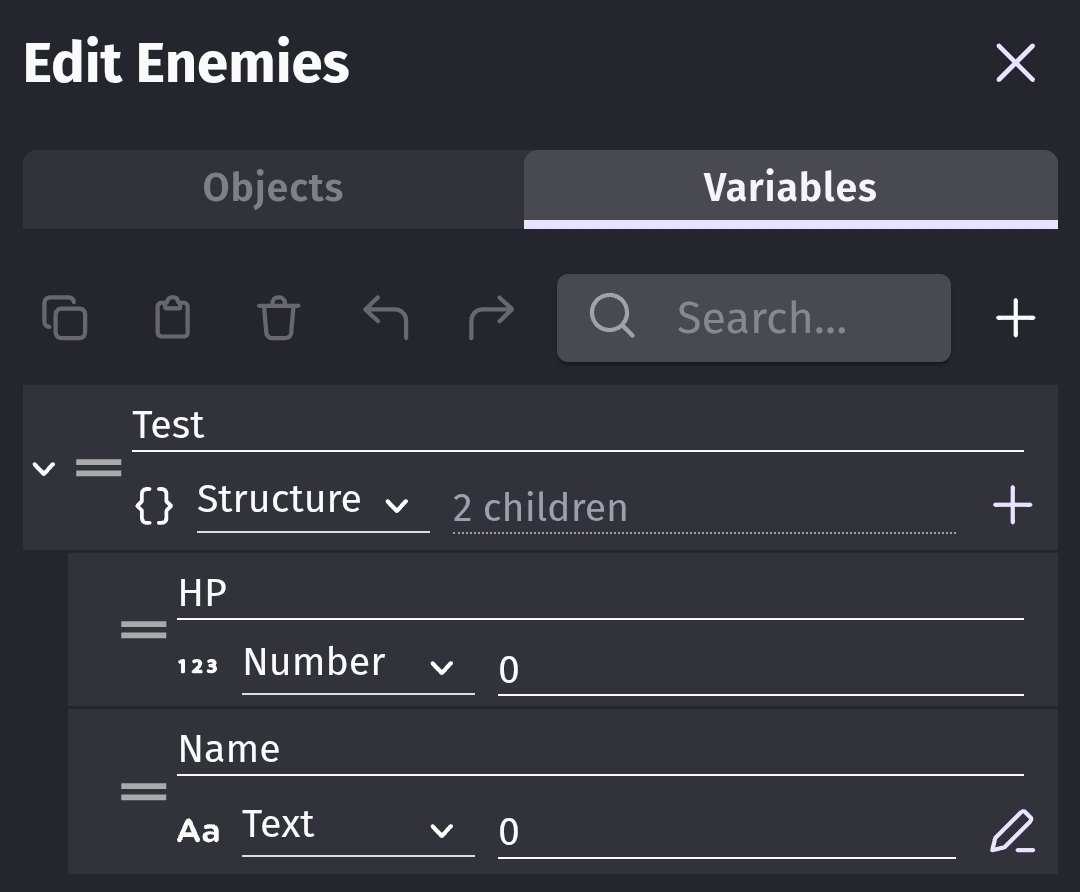
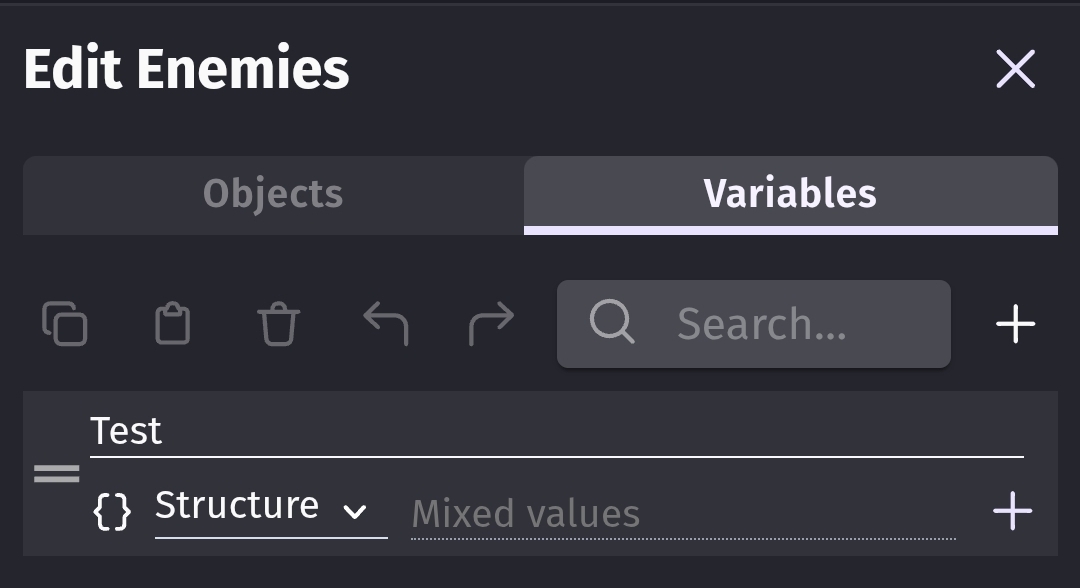
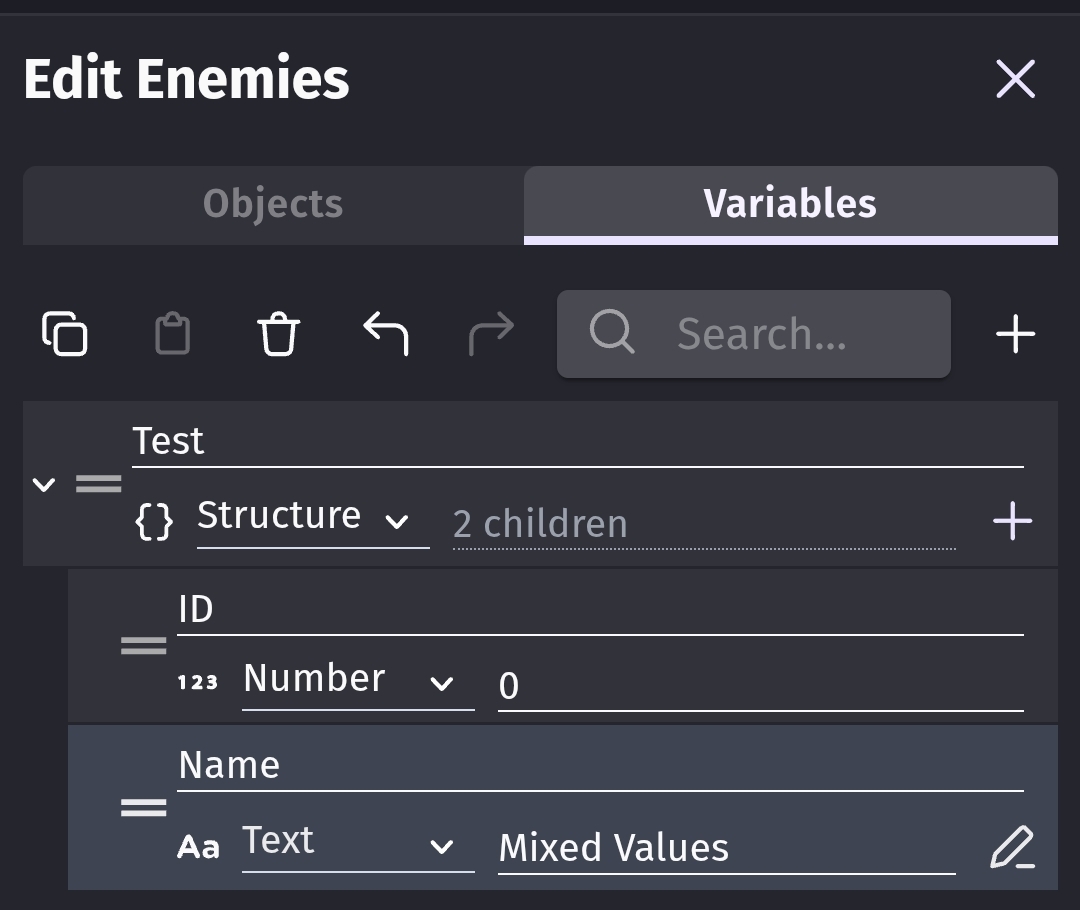
If a group that has more than one object within has a structure variable attached and a structure child gets edited from the object side the structure loses all children on the group side
**Steps to reproduce
1 create a group
2 add two or more objects to it
3 add a variable structure and add one or more children
4 go to edit an object that is within the group
5 edit a variable value from the structure
6 check the group variables and see that the structure lost all of the children
Any project will do, I have tried it in several and it happens independently of any events.
I’m using the newest available flathub version of Gdevelop on Linux Mint in case it’s an OS dependant issue
It’s nothing to do with conditions or events. It’s the way the group editor shows object variables. If the variables aren’t identical, it shows mixed values. The object variables themselves are unaffected. It’s only the way the group editor shows variables.
Maybe if it only showed mixed for the individual children instead of for the entire structure. Then it could give you the option to change the value of all of the mixed values by typing something into the box that says mixed.
The words mixed value would need to be inverted, italic or a different color to differentiate between the text being mixed value and the children having mixed values.
Do I understand correctly that you are proposing that the way mixed values are stored should be changed?
If so I completely agree, if that was the way things worked by default my life would be way easier.
I like to make structures for general stats that apply to all the objects of a certain type and it’s way easier than copying the structure every time I add an object of that type
Not the way they’re stored but the way they’re displayed in the group editor. If you modify the value of an object’s child variable, it only changes that object. But the group editor no longer shows the structures children. The children names didn’t change. (That would be a different issue. Structures should always have the same children) Only the value changed.
Not showing the structure prevents you from adding new children to the objects in the group all at once. You would need to either modify them separately or rebuild the structure in the group setting panel which I’m assuming would reset all of the values.
It’s a bit like when you select multiple objects and then go to the instance setting tab. It only shows 1 value for properties like X Changing that value, changes the value for all of the selected objects.