I was obsessed with being able to have huge worlds
But without actual game logic
I could have like 2k objects before my game started to lag (with these objects you see in video below)
Due what i was doing to these objects which is AutoTiling which is performance hungry
But even something like timers for each object if you gonna make farming game
Or collision checks simply will lag your game
I have object culling logic
But that allowed me only to get to 40 k of objects before it started to drop FPS
And again that was without any game logic like no enemies collisions and stuff
Today (actually yesterday since its 12 am here now)
I found a way to get few more objects in my game
Look at IN GAME number on the left
That many objects i have in my game and there is also FPS indicator so we are clear on how it performs
I need few days to streamline it and make it more user friendly
Probably make extension out of it
Then i gonna release it publicly
And yes you can/save load it like everything else in your game
Every single property of every single object you gonna imagine
This will be copy pasted from discord
But like check this out
https://streamable.com/7vmt5s
Controls
Left clicking buttons on bottom will add
Right clicking will subtract
Hold space to spam create 200 tiles each frame
Mouse wheel zoom in/out
Tilde (button above tab/below escape) to reset everything
I gonna let you guys feel on your own skin how chunking can change your game
Or maybe more accurate would be to say
With how much stuff in your game you can get away while still having 60 FPS
I am still polishing it
But its almost done
Keep in mind in my case my tiles (gray stone objects) occupy each possible space in each chunk
And are very small like with size of a player
In your games you most likely will not have such stuff where you will have bigger objects
And they will be more far apart
Zoom is other factor that will vary from game to game
On top of that you don’t need to chunk all objects and you can have different chunking logic for different objects
A LOT can be optimized thx to it
In video you see i 1st disable chunking logic and look at that smooth 20 FPS right there
Here link to version with disabled chunking
Then i enable chunking and run preview again
Look at that ugly 60 FPS
Link to version with chunking enabled below
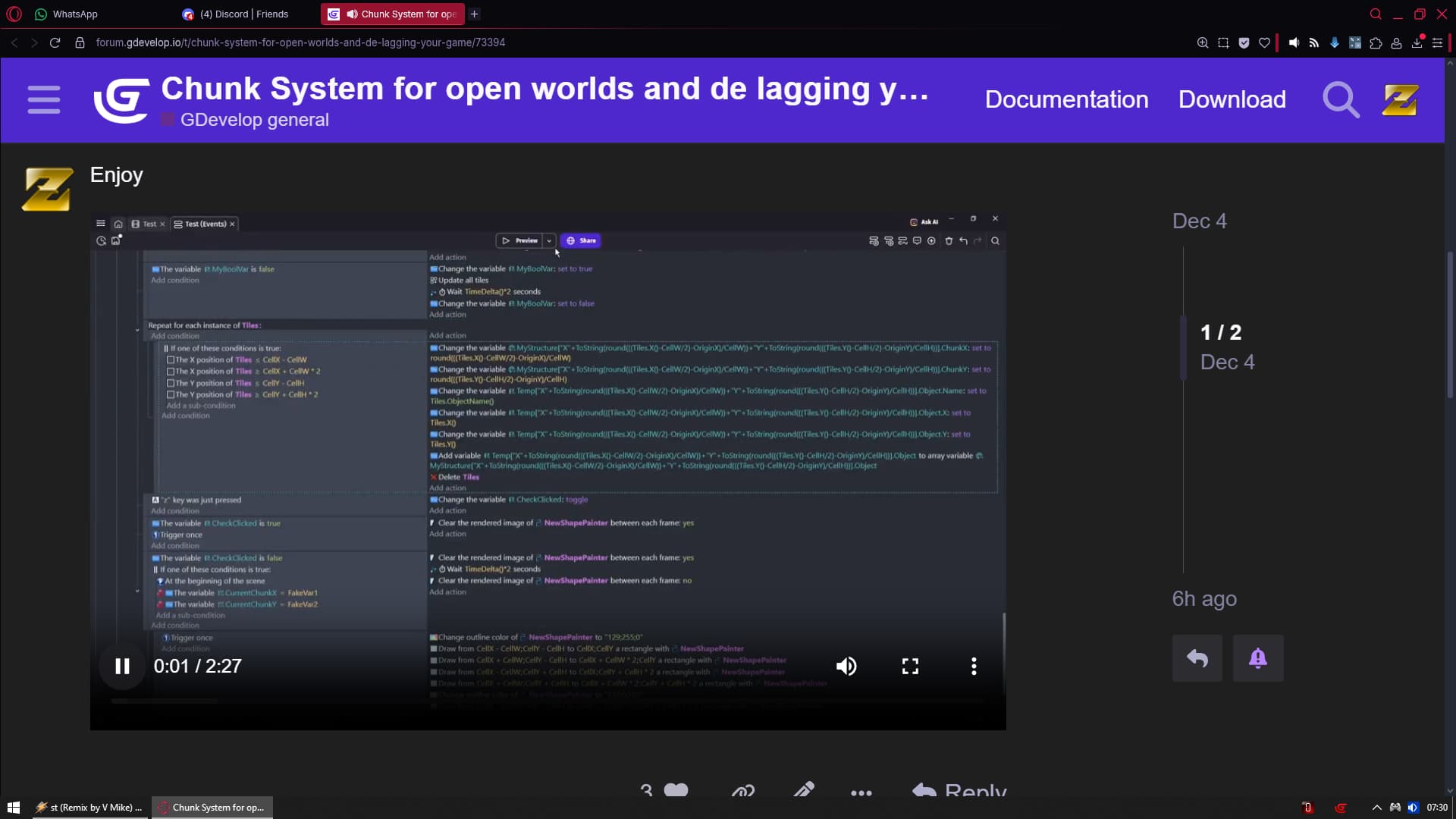
There are only 3 events in which you need to do something before start using it
And then there are 3 other places you need to do something to add new property you want to save
For example right now it saves only position of objects and their name
I could add like Z order Animation Rotation ID variables HP variables YOU NAME IT
And it would not affect anything
But you would need to do 3 things in 3 different events each time to add new property to save
I am trying to came up with a way where you gonna be able to add that stuff in single place
So its easy and straight forward
Just give me some time
You should NOT change chunk size after you created tiles
But you can change amount of chunks