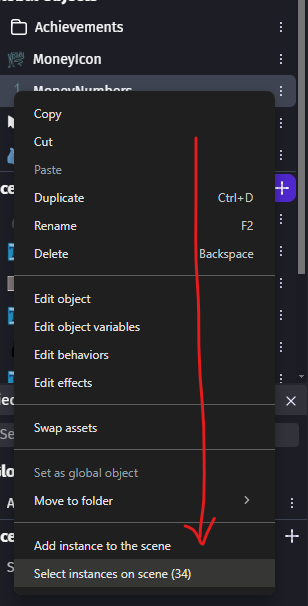
Copy and Paste not working properly when pasting multiple global objects into a different scene

This thing has been happening for a while now but I never thought of reporting it.

As you can see, the below selected objects are all Global Objects

Now, if I try to Copy them to a new Scene, they appear as blank objects that remain in the scene.

I would understand it if they were only Scene Objects, but Global Objects are supposed to be usable across all scenes, correct?

Once they are pasted, the only way to select them is by dragging over them with your mouse. You can’t click directly on them.

Or from the Objects panel

me neither, i didnt feel like reporting it lol

I’d really appreciate it if we could get a reply here.

I’ve just spent 30 minutes troubleshooting an event that wasn’t working because an object existed twice in the scene, and I couldn’t see the duplicate…

Hello.

There was an existing issue for instances being copied from one scene to another.
They kept their layer configuration, meaning that if the layer does not exist in the new scene, the instances cannot be seen.

This has been fixed.
Instances will not fall back to the Base Layer if the matching layer does not exist.
This fix will be available in the next release : Fix copying global object instances on existing layers by ClementPasteau · Pull Request #9182 · 4ian/GDevelop · GitHub

Great news, thank you!

Can’t wait to test it out