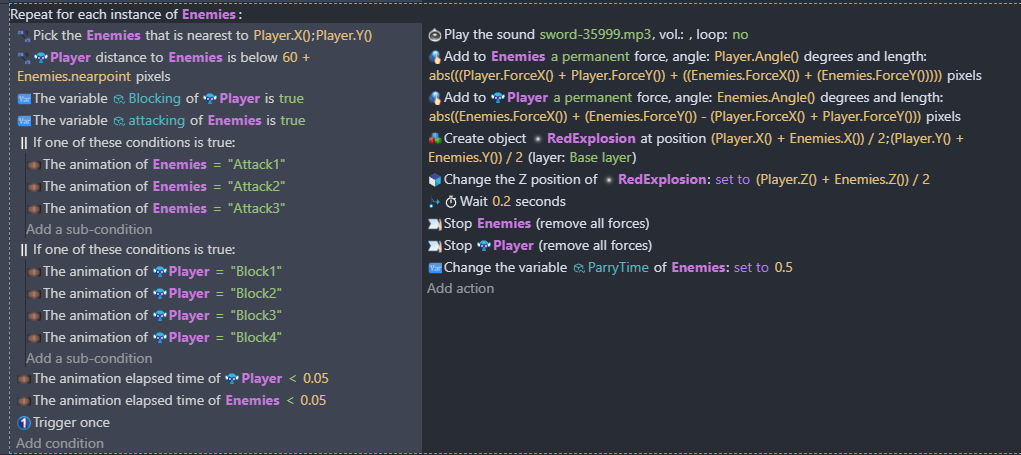
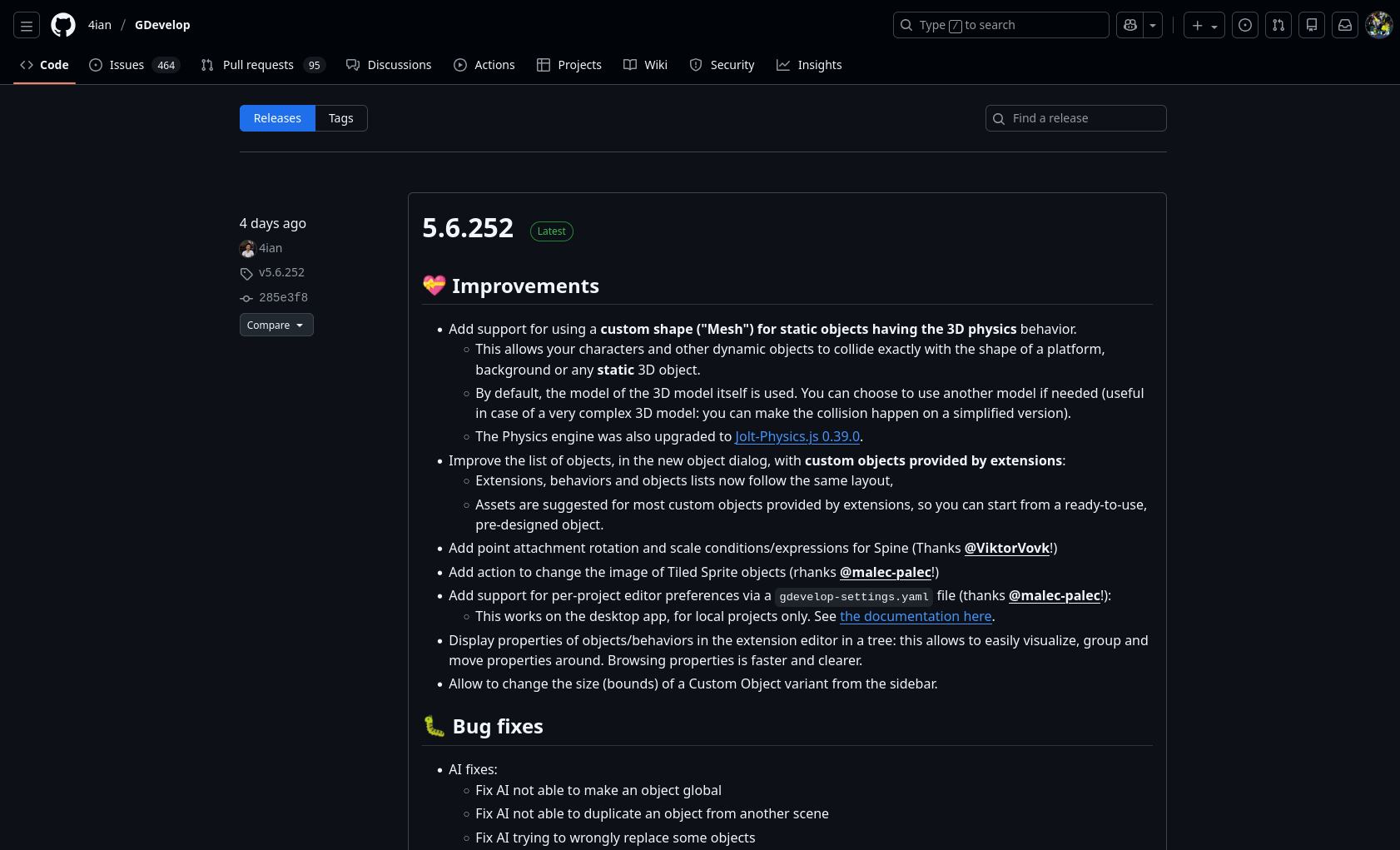
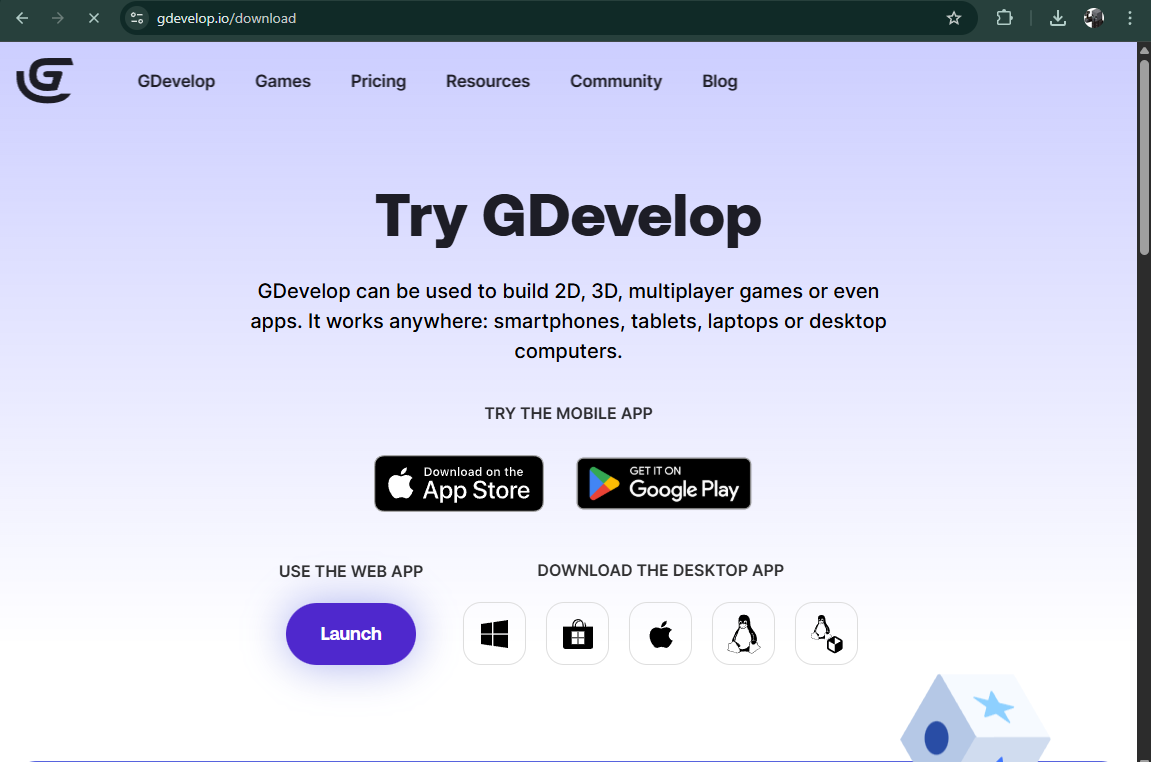
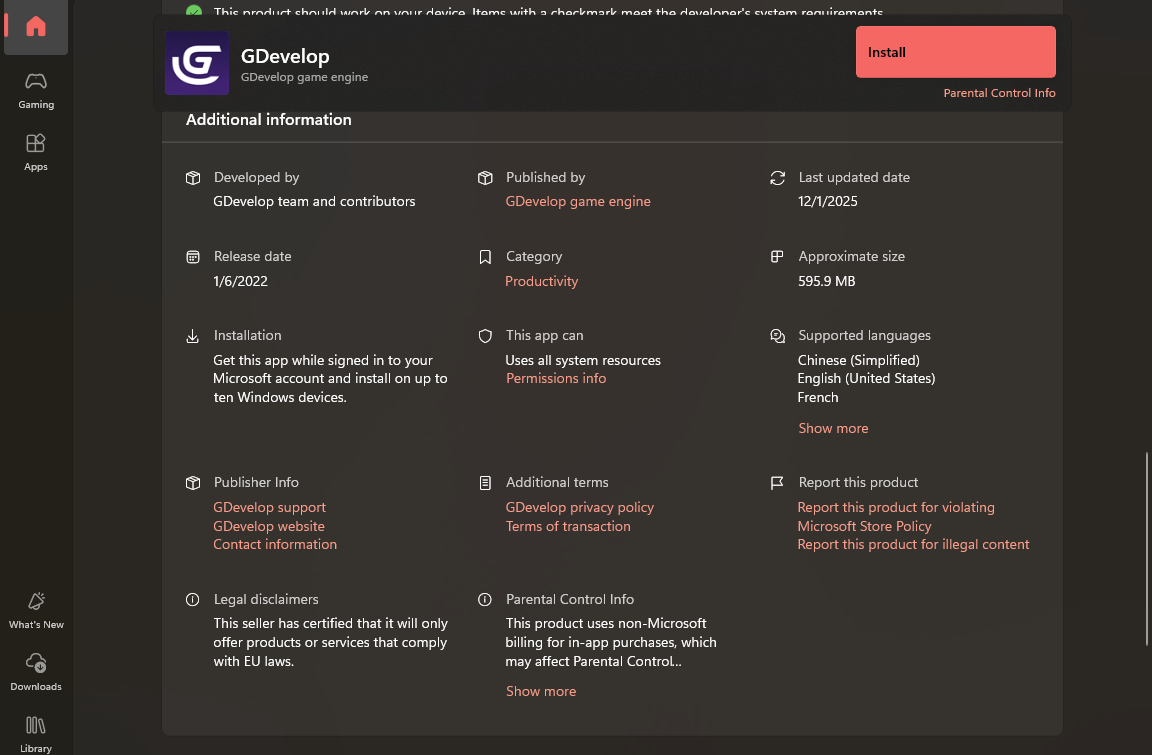
Now, at first I wanted these particles to show up when any enemy hit the player when blocking, but it kept only happening for one of them. So I used the repeat for each instance but still, only that same enemy. Then, I tried picking the nearest one of them but still, even if I put that one enemy the farthest, only it gets affected. But if I delete all enemies but one, then it works just fine. Also, while I'm at it, I'm also encountering another issue regarding updates. The thing won't update even though it keeps saying that a new update is available (Some 5.6.252). But even in the gdevelop website, I can only download the version that I have running (The web version is updated though)
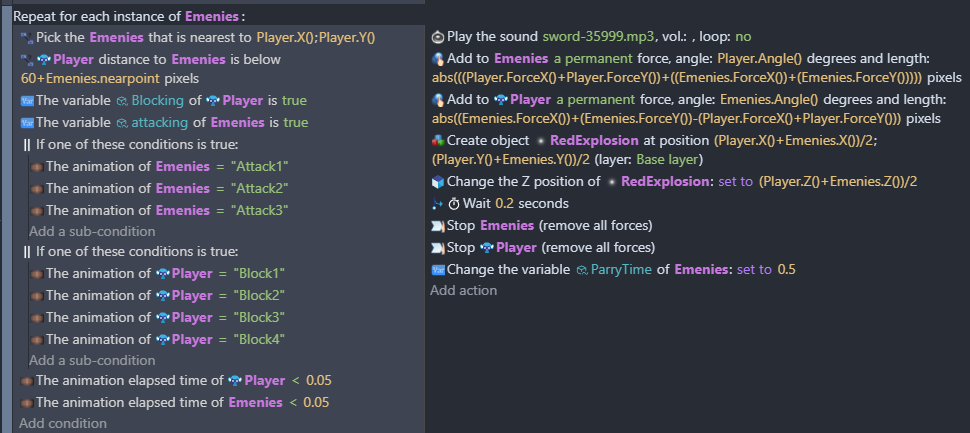
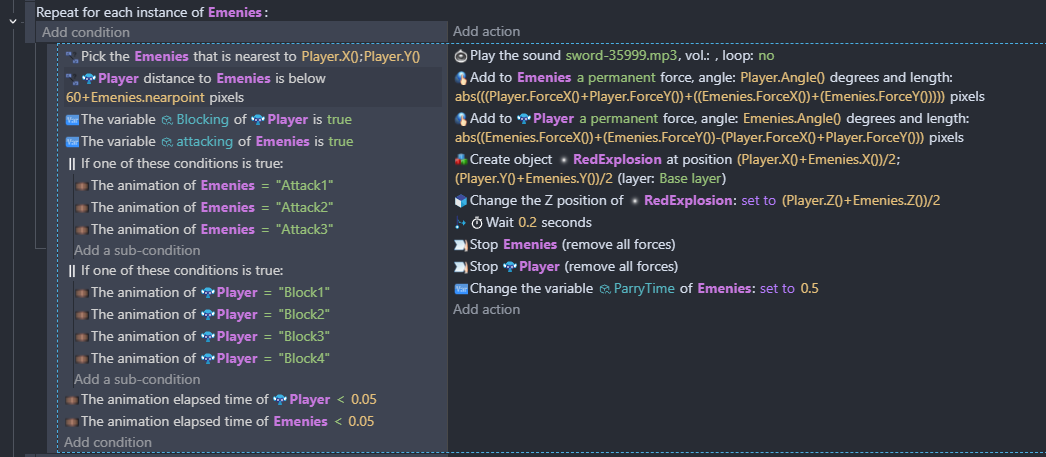
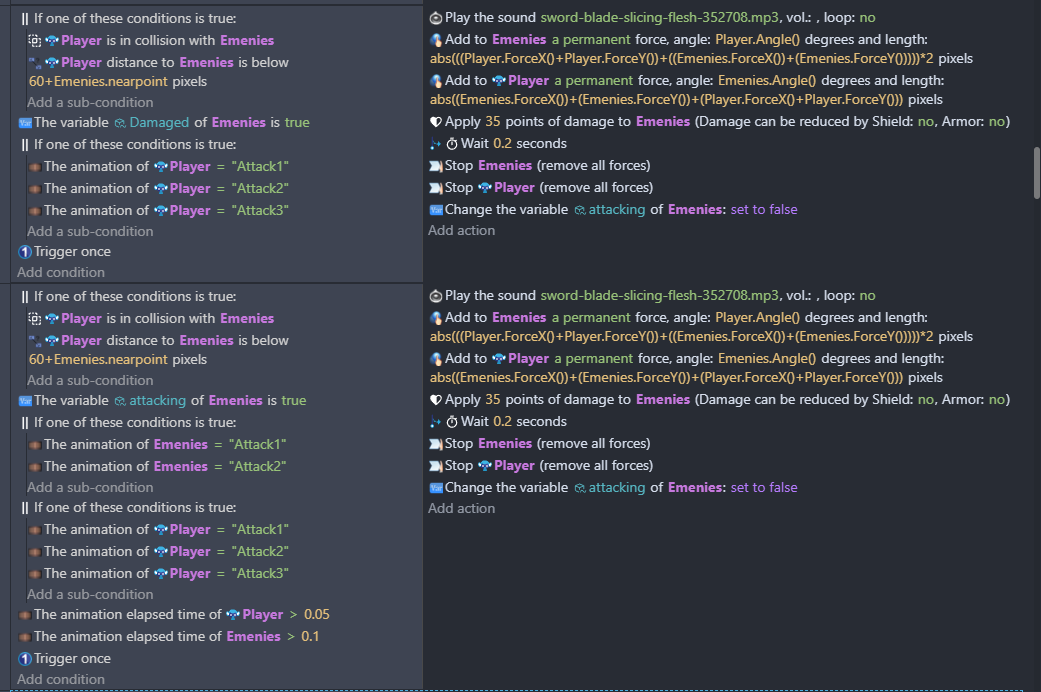
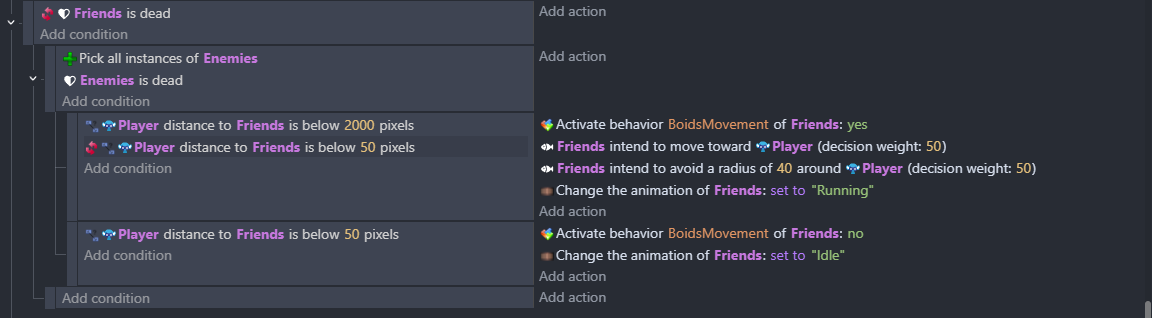
Here is a screenshot.
With Trigger once inside a For each object loop, only one object gets picked. You need to restructure your event so that you don’t rely on Trigger once ,mainly because there’s a Wait action involved.
In GDevelop, “Trigger once” does not run separately for each object.
It only checks whether the whole event has already been triggered in the previous frame.
When you put a “For each object” loop and then use “Trigger once” inside it, the two conflict.
The For Each loop wants to run the event once per object, but Trigger once wants to run the event only once in total.
Because this contradiction:
sometimes only one object is picked, sometimes all objects are picked, and sometimes the result looks random depending on timing and conditions.
The general rule is: never use Trigger once inside a For Each Object loop.
If you need a “trigger once per object,” use an object variable instead.
eg: condition: object variable hasTriggered = 0; actions: do what you need; then set hasTriggered = 1.
other things to try:
“Repeat 1 time condition”
or
“opacity trick method” same as variable method i said above but without variable.
Haha, currently trying to fix just that. Though it still won’t update, even if I re-open or even re-install it. By reinstalling, I get the latest version but still it doesn’t really update. I think the auto updater might be corrupted so I’ll give that a try.
Even the website just gives the 5.6.251 version when I download it. Is this some timezone problem by any chance?
If you want to become astronaute, first you will be in space and second (if you are good enough) on the Moon land.
I think you’ll have a lot of other tasks to manage than using GDevelop and thinking to create video games!