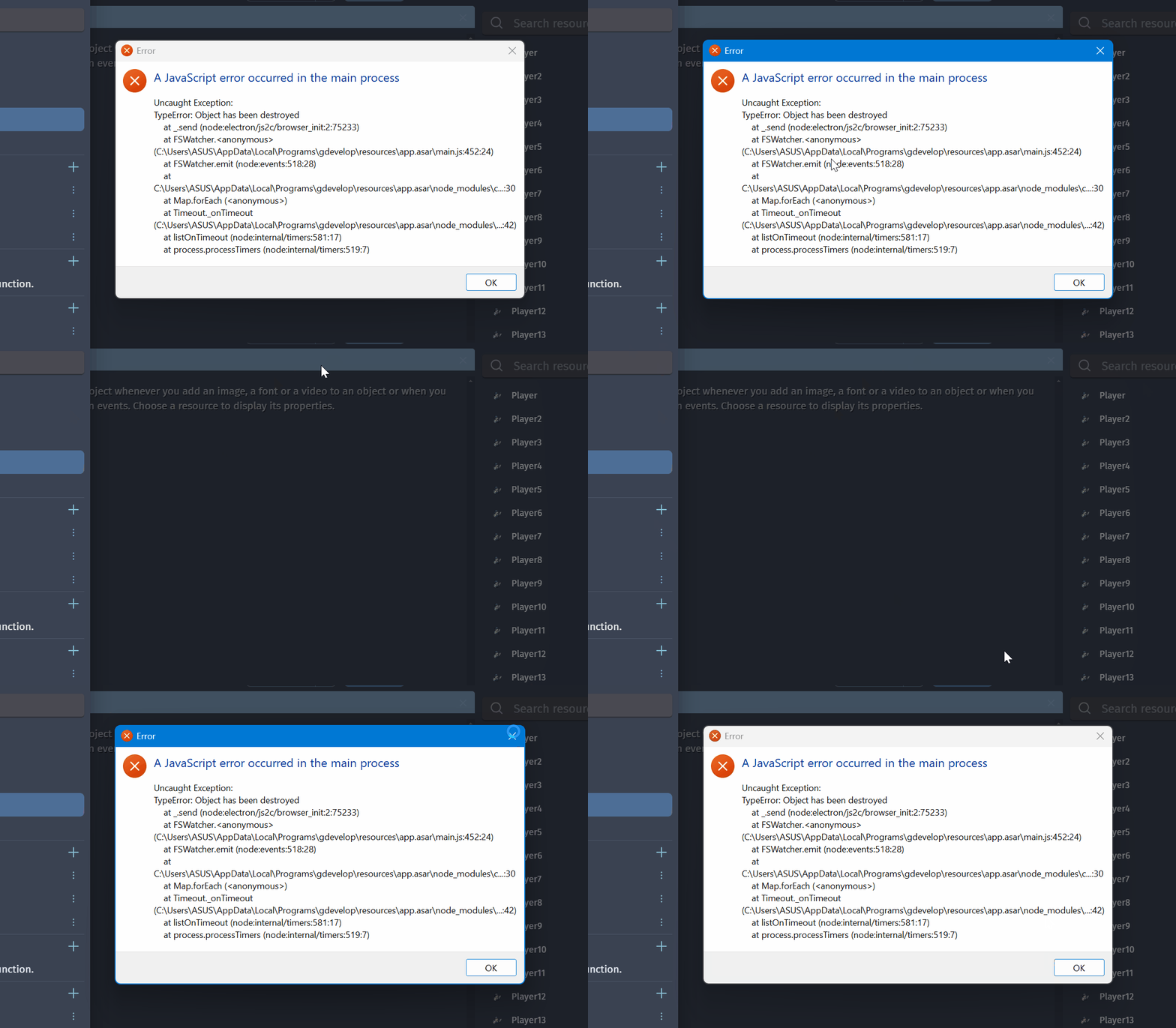
I encountered an error where the error window itself cannot be closed, whether I click OK or Close.
What I was trying to do was create a backup copy of my project by copying the project folder. However, the project contains many image assets (new, old, and edited), and GDevelop does not really provide a true project cleanup.
So my current workflow is:
- Use Clean up project (though it does not fully clean unused assets).
- Use Save As to create a new cleaned project copy.
The problem is that I already have one backup-cleaned version, and I do not want to create a new cleaned copy every time I make a backup.
Because of that, I opened File Explorer and manually deleted all files inside the existing backup cleaned version so I could reuse that folder. After doing this, I got the error.
The issue is that the error popup cannot be closed, and GDevelop completely freezes. I cannot click anything in the editor, so I have to use Task Manager to force close it.