Using the web version (5.6.261) on an android with the Chrome browser.
If you long press the handle on the left of an event to say copy or delete it, the event becomes greyed out and after closing the popup you can’t edit the event sheet.
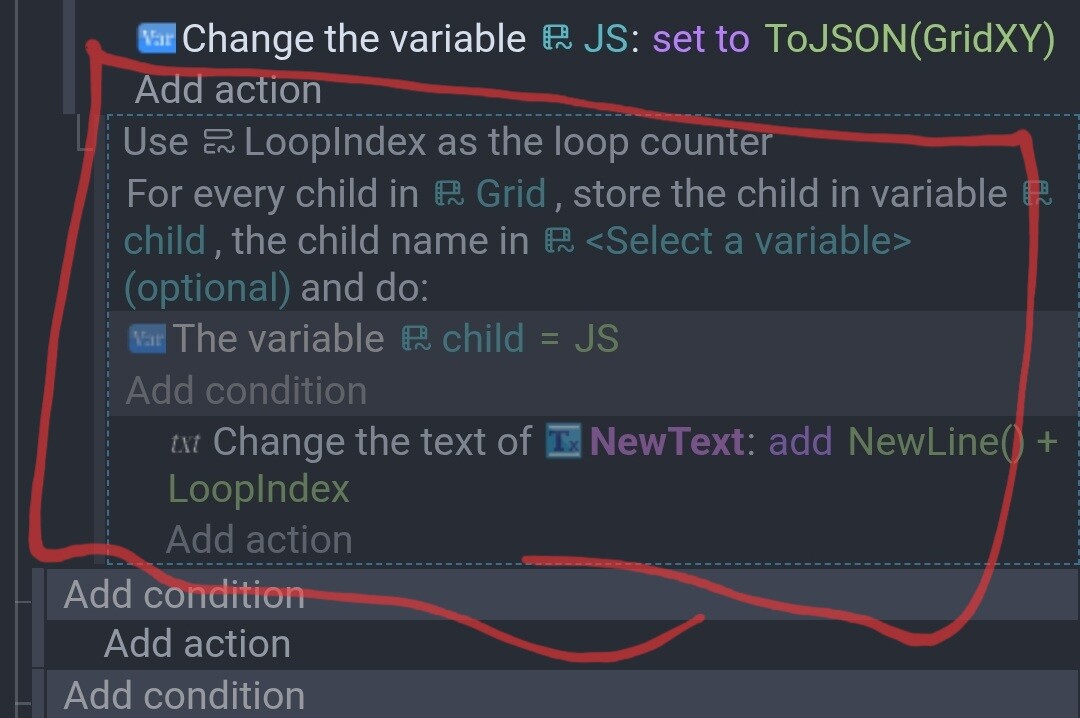
Previously, I was closing and reopening the tab but I discovered that if you long press the handle, it changes the event back to the normal color and unlocks the event sheet.
This handle.
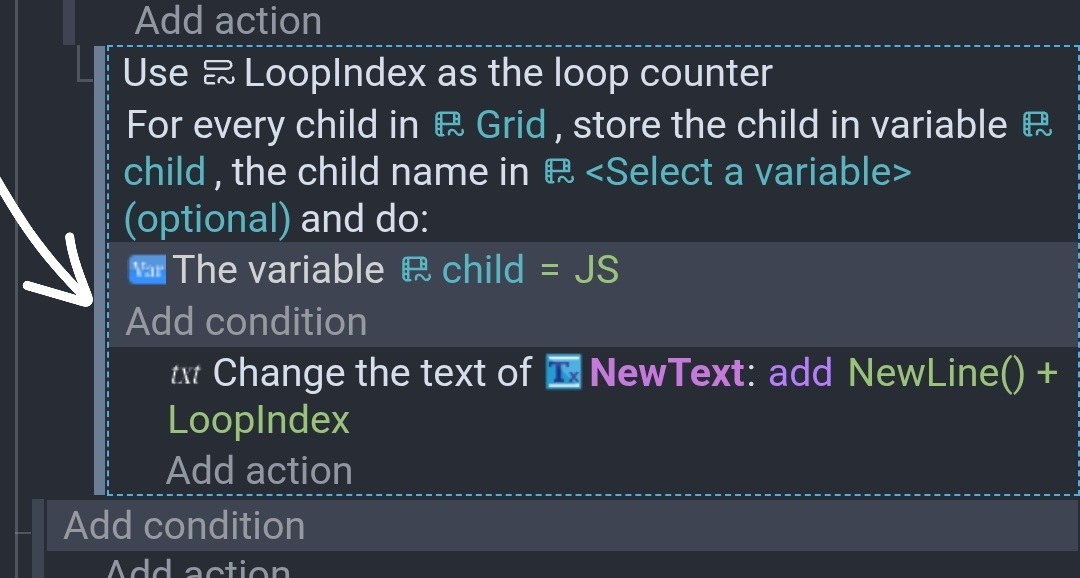
At first, I thought it was the actions themselves but it appears to be just opening the popup. You don’t need to select any items from the menu.