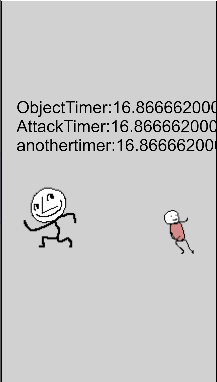
Ever wanted to pause all of the timers in your scene, easily, without causing other problems?
The simplest solution is to use the time scale action, but doing so freezes the whole game, so interactions with your Ui won’t look good since their animation ain’t playing.
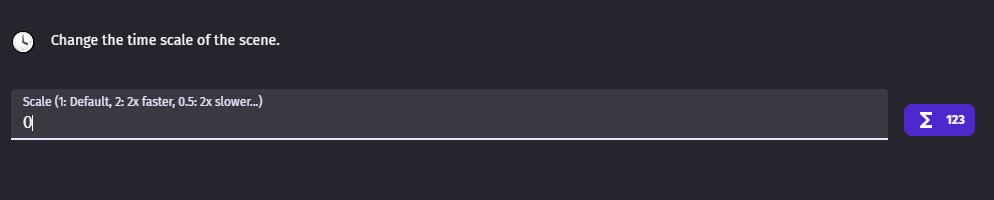
Personally what I started doing is this,
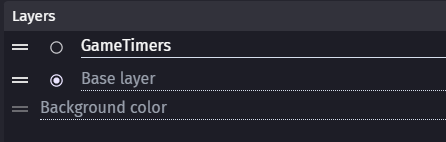
Create a new layer, only for timers, let’s name it GameTimers
Now create an object in this layer
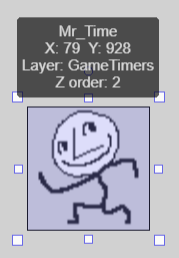
Create all of your timers as object timers, for this object

Now when you want to pause the game, or add a power up menu, or anything you can just pause the layer with your object timers. (Or more layers, point is to pause the layer with your object timers) You don’t have to pause the whole game.

By doing so, you can have objects such as your Ui to have their animation working when the game is paused by keeping them in another layer and you also don’t need to manually pause and unpause all of your game timers with many actions.
(Will add a gif later)