They are all like children to me (not literally as id need them in an array) - but it does seem a little OTT and i can picture people looking down the list and cursing the chore of having complete controlling over things.
Perhaps ill just do some simple explosion presets as functions and link distance to quantity
load and save added - click home icon ingame. I still haven’t used ‘save state’ but the worlds aleady being stored in an array which logs everything thats been killed etc and so i just used that one and it seems to work ok.
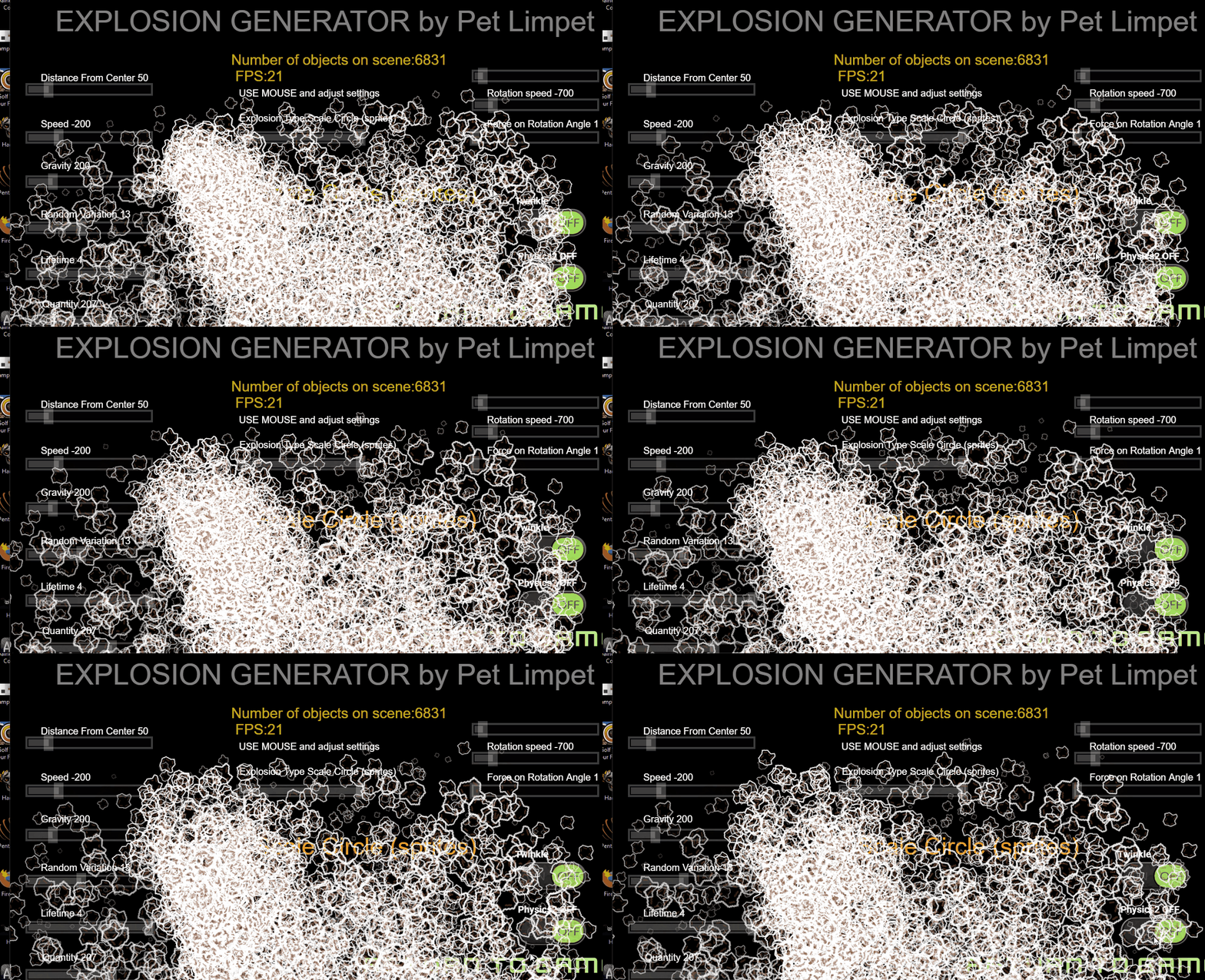
i added an object counter and fps counter to the extension page so that you can spam create and see how your system handles it - mines a below average gaming pc…look…
2 Likes
I went back in the edit history to find out what this is all about as I had forgotten. I found this:
I made a particle emitter today - spawns any object in patterns
Can you tell us more about it? Do you mean you made your own particles system? If so, what was it that you couldn’t do with the GD particles emitter that you can now do with your system?
I think I’d forgotten that too! lol - I got carried away doing the game bit.
I get frustrated with the particle emitter - there’s so much that you can’t do!
such as - spawn objects in a pattern. spawn any object. change the animation of the object whilst it’s doing its thing. refer to collisions with the object. Add physics 2 to the object etc
Initially i here i just wanted to create the sort of firework explosions that you had in the classic arcade game defender. So that’s what i did and create a ring of objects with a velocity from center that decreases to 0 with gravity at an angle that you can set. It can be attached to any object including 3d and so I couldn’t refer to scale or opacity and so i added twinkle as you can use hide/show
I then introduced the star option and the polygon option - but the most interesting effects are achieved when the sides of the polygon are offset and so i introduced radiating lines option and you change the offset angle - it looks great when you set a negative speed.
1 Like
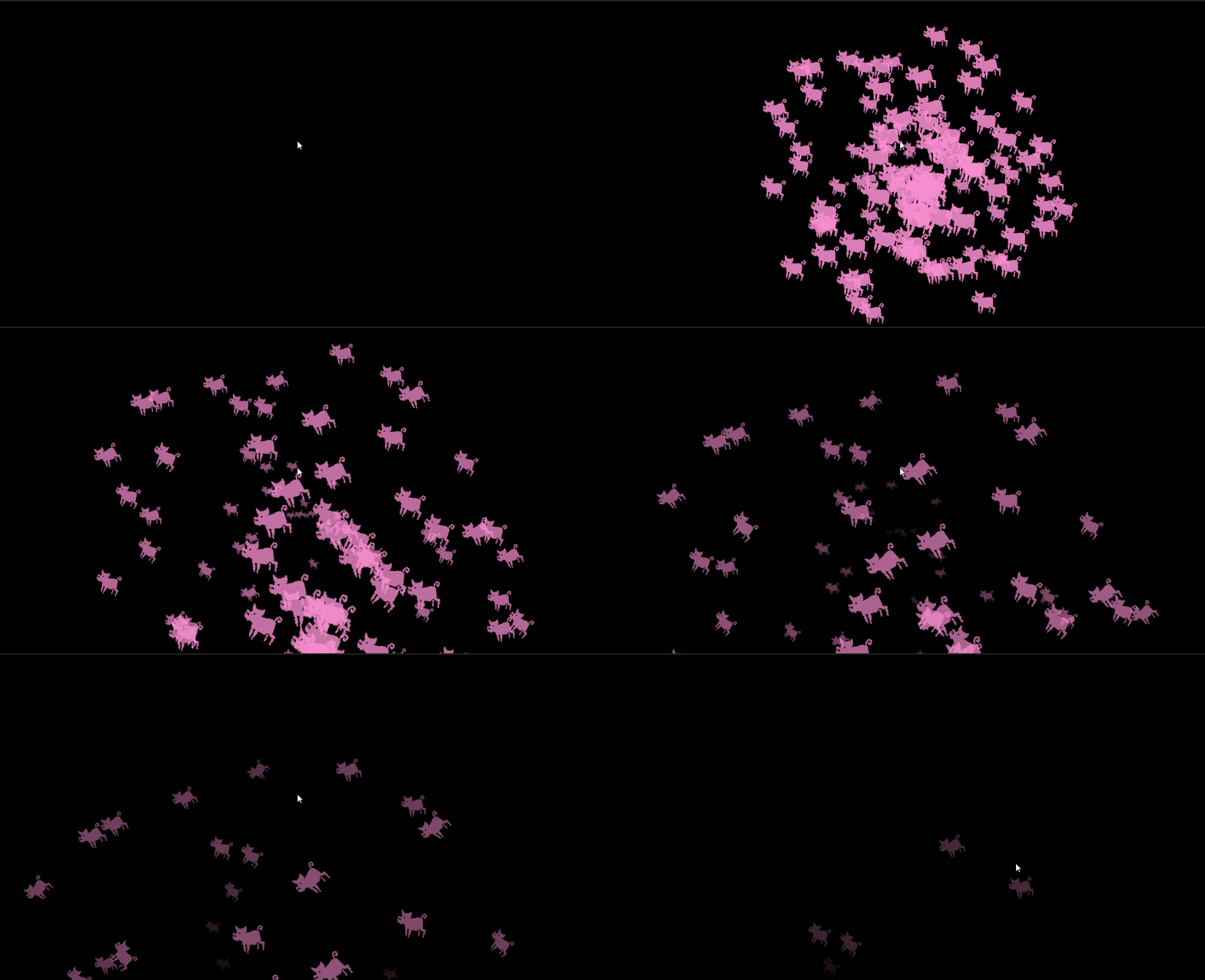
New explosion type - Fake 3d sprite explosion
this is what i mean - you can’t do this with the particle emitter - the scale lerps to a factor based on distance from the center but ive used a random (0,1) to determine whether they’re in the foreground or background. Ahh - z order I didnt include that - ill link it to scale. The fade is based on the scale.
I think this will need to be a separate extension as it needs a different run function
5 Likes
This latest one is an absolute winner. Can you also show us an example of where the object animation changes? Even if it’s just a color change. Actually that would be quite nice.
Thanks bubble - There’s no animation change on the pig - but you can because its a sprite…
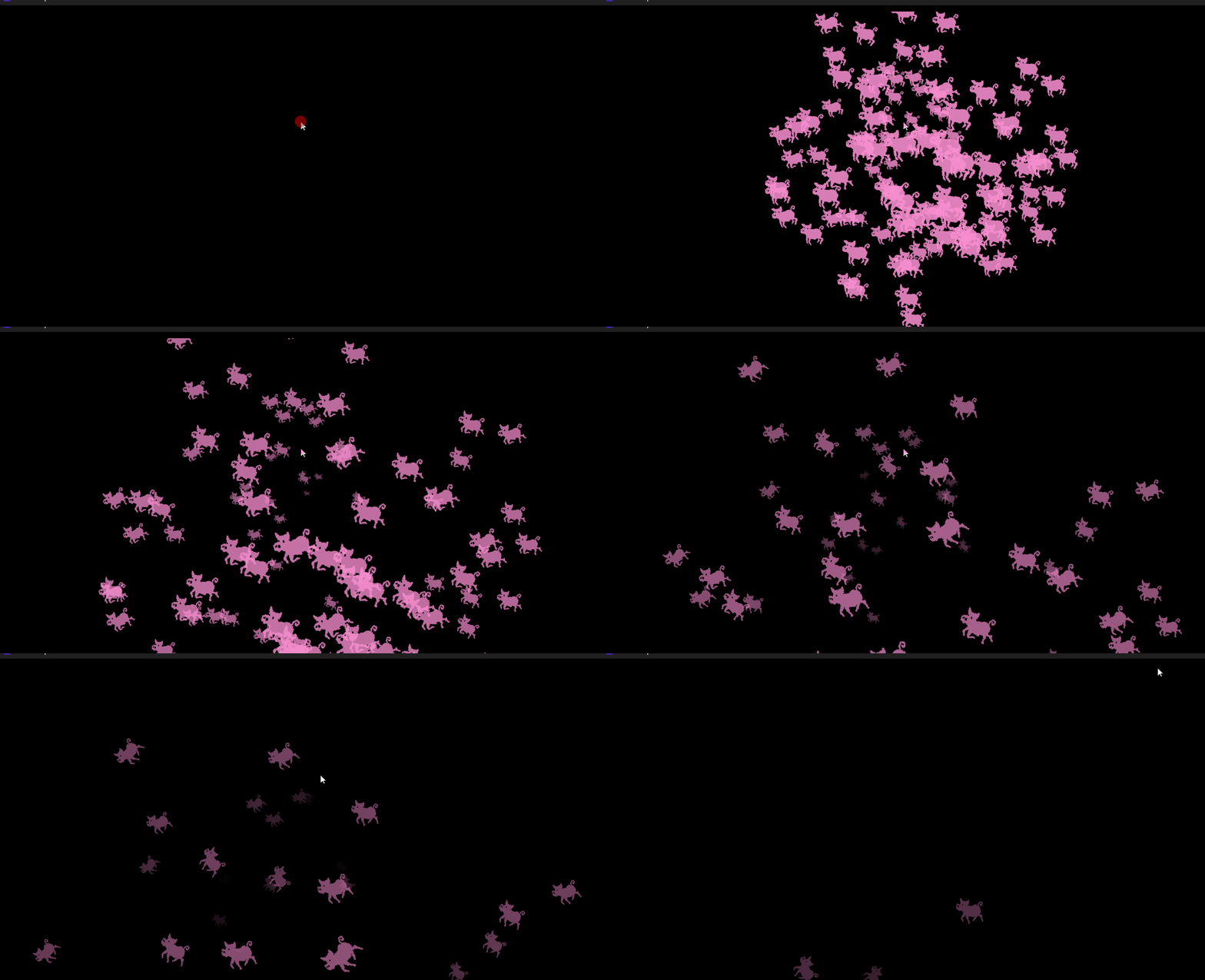
its a little difficult to see but they’re running!
The main extension is for ‘any object’ and so there’s a limit to what you can refer to. You can’t refer to tint or animation in the extension but you can do that in the events. The latest explosion is just for sprites as i’m referring to scale and opacity in the extension
1 Like
Look great, I really like it!
1 Like
I almost always do the same thing, too. Then it’s completely different! I was doing an adventure and it became a quiz.
1 Like
I mean if the piggyy has different colours. Like first frame is pink pig, second frame is purple pig, third frame is pale pink pig etc. It could be amazing.
1 Like
I could vary the tint of the sprite as part of the run function for the extension - could link the tint to speed or distance or scale - ill try some things tomorrow!
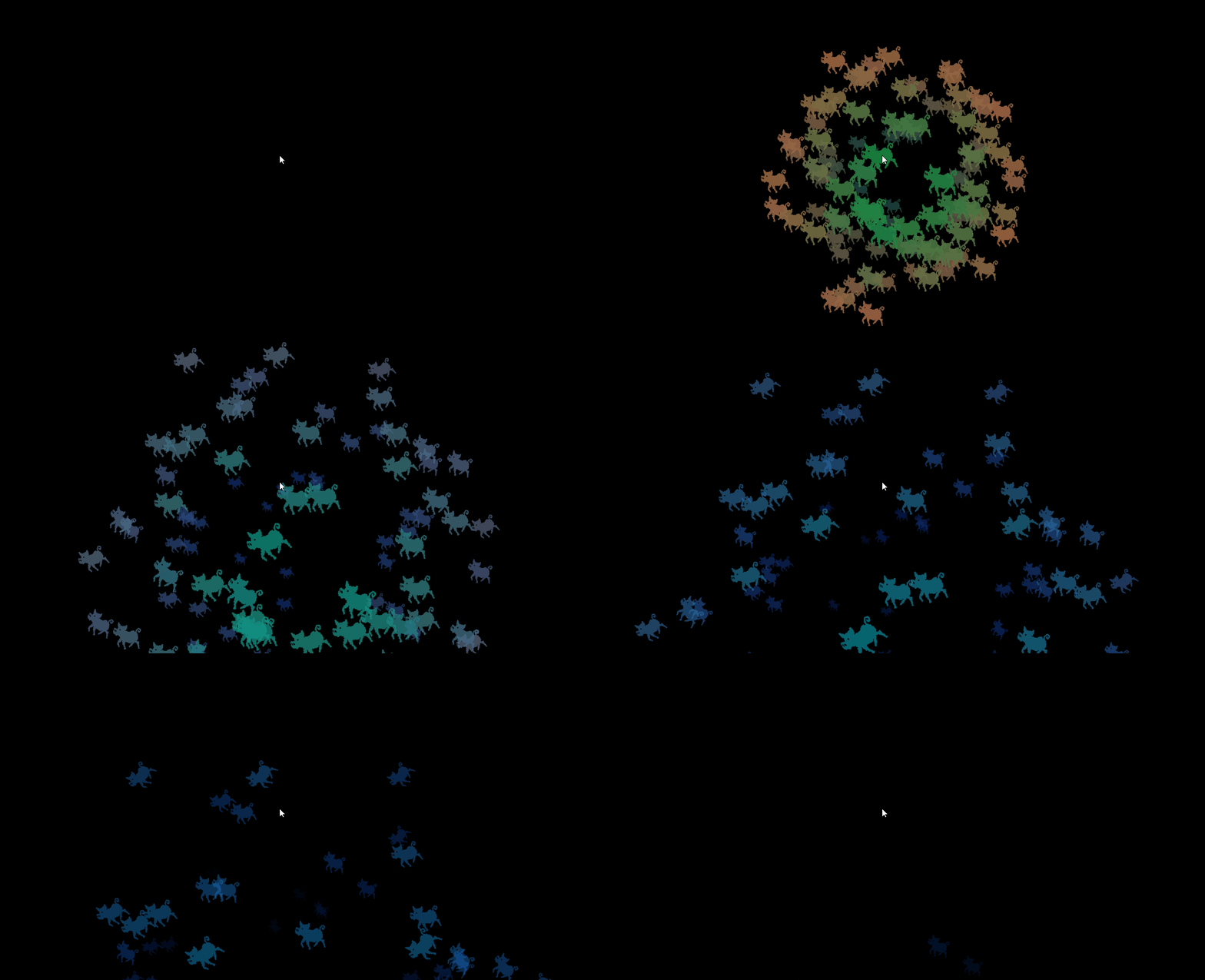
this is with speed determining red, scale determining green and gravity determining blue …it’s pretty - would people want to do that? - i guess i could have a parameter with a few options on it
so what i did was added tint options - ‘none’, ‘fade to blue’ and ‘fade to red’
so there’s 19 parameters to play about with now!
3 Likes
That’s interesting. Does it mean that one can’t have similar colours, like a progression from yellow to orange to red for example? And did you try just the simple colour change in an animation without the new paramter? It would be interesting to see how it looks. LIke this:
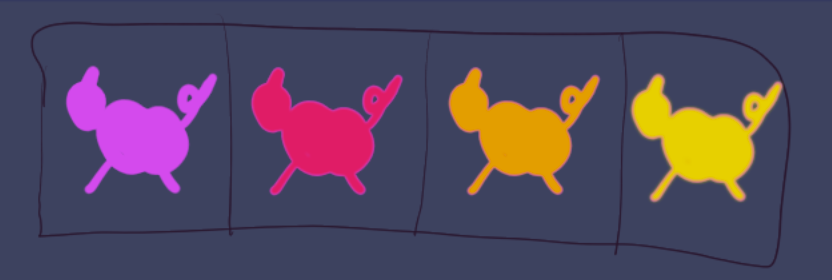
In the extension you can have no tint and just let the animation play
in the sprite explosion run function it tints like this

so this one speed determines red, scale green, and gravity blue
but selecting ‘none’ disables it
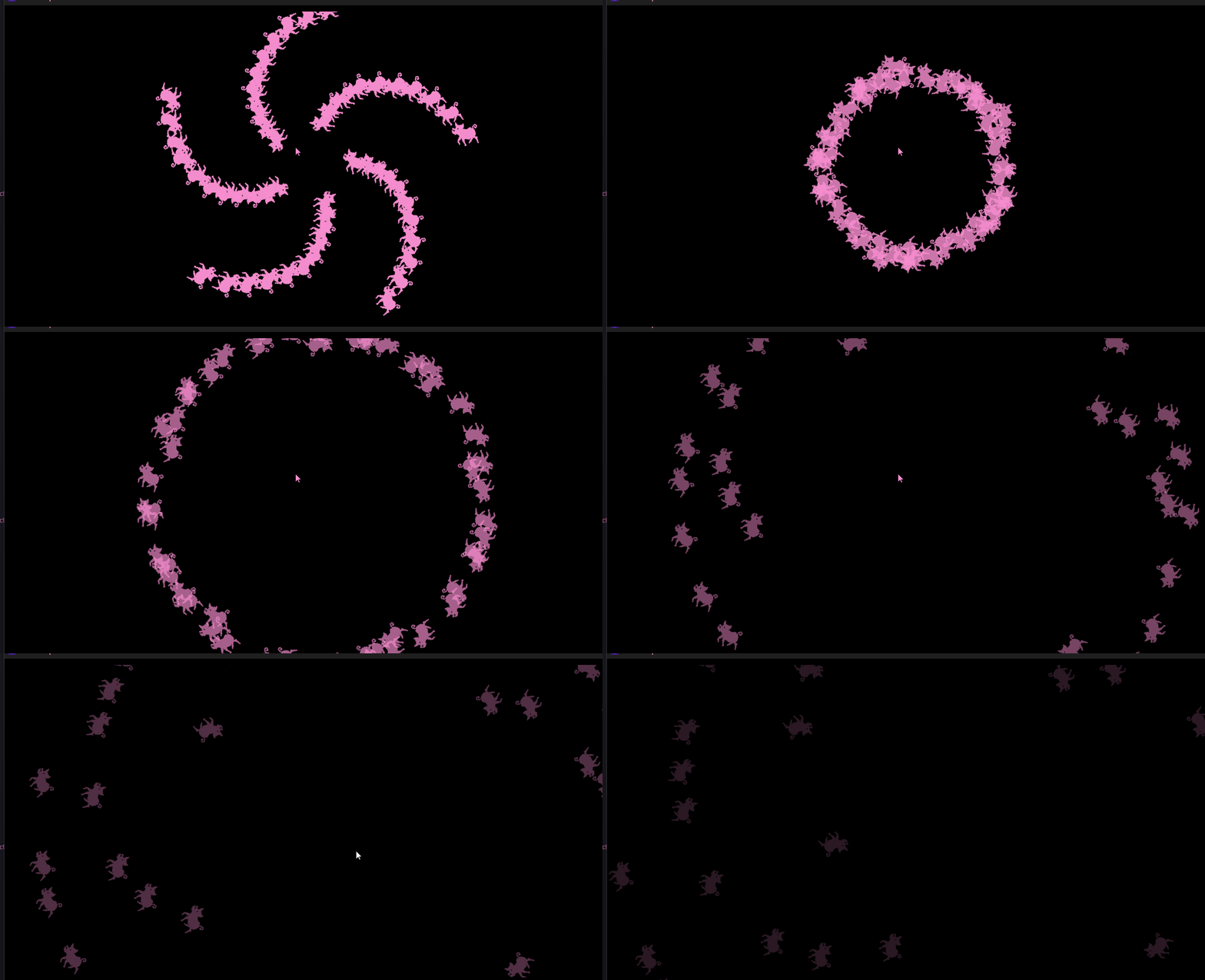
This has become a bit of a blog - but here’s an update. After deciding that the extension needed a bit of pruning i proceeded to add more stuff to it. There’s now the option to produce spirals of any object like this
It’s always my spelling that holds me back - it always was, and it still is! I’m there looking for flaws in the logic for two hours. Take a break, come back to it and realize that i’ve spelt a variable differently in the run function! - every time!! …it’s the reason that i lost my rag and gave up trying to code in the 80s and it’s still tripping me up now!
3 Likes
I did a promo video. I have separated the game from the extension demo now and both are available on my pet limpet gdgames page. Im going to just make sure everthings tickety boo before release. So the function available now are spiral, star, radiating lines, polygon and fake 3d
3 Likes
I’ve submitted this to the github repository now.
I’ve learned many things about what NOT to do in terms of naming object vars and version number etc - but its all the sort of thing that we do for kicks!!
I’ve tweaked things as there was an issue with the object timers and now each explosion timer name is unique and it works better now
I have it on itch to download - message me if you’re interested.
1 Like