Hello,
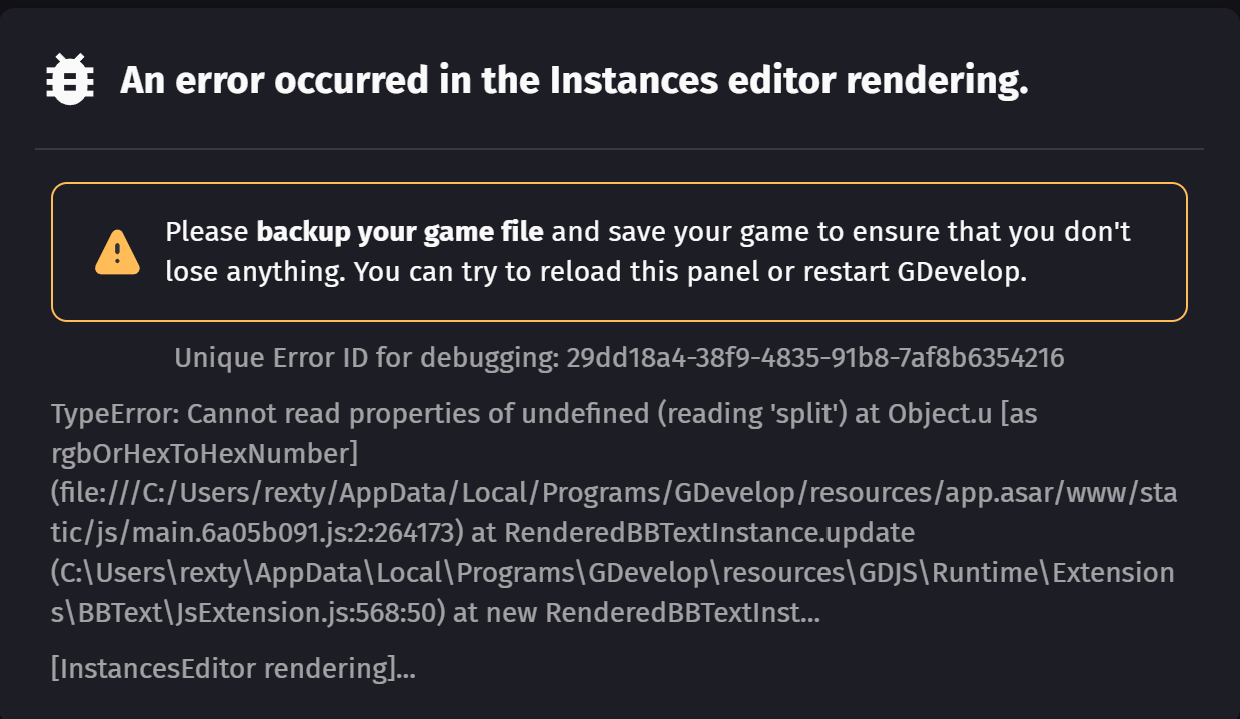
my cloudsave is broken, can someone help? Reinstalled Gdevelop already.
Hello again,
is anyone working on it, if not, where can i get help?
The error is on Mint, iOS and Windows Client. V5.5.242 and 243
A short response from the team would be nice.
Thank you.
Hey! I sent this post to moderators, hopefully they can help you out!
I found a similar error from 2018: A critical error occurred in the instances editor · Issue #5948 · 4ian/GDevelop · GitHub. There was a corrupt Bitmap Object.
It seems one of the BBText Objects in my project is broken (maybe a simple BBCode syntax mistake). On another post here, I had reported a game freeze with a red error banner and some BBText errors. The cause was a BBText object where I spelled [B][/b] instead of [b][/b].
A simple solution would be to restore a one-hour-older cloud save.
Do I have to upgrade from Gold to Pro Subscription to get rid of this error, or can I get some support for 10 bucks a month?
Maybe I found the cause of the error. I have a BBText object where I put an integer variable in the text property field, but without converting it to a string using ToString(). In the events, I can edit it to the right syntax: "Text" + ToString(Structure.Var) + "Text" instead of "Text" + Structure.Var + "Text".
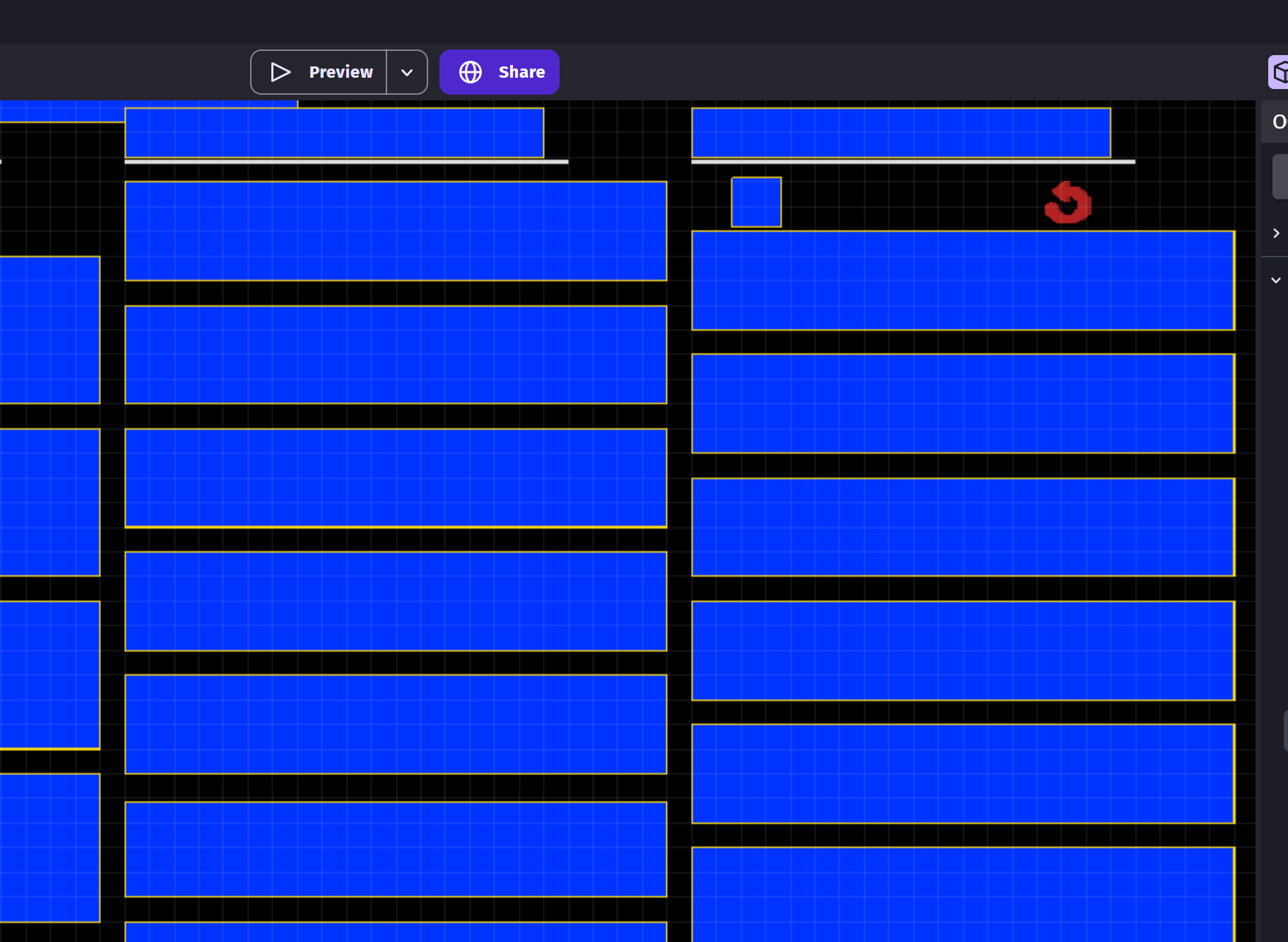
Unfortunately, I can’t change or edit the object itself. The IDE doesn’t let me do anything in the Instance Editor tab because of the error. I tried to edit the project’s .json file locally, but the objects are not in there. I think it’s because the object definitions are not being saved due to the error.
So again, can someone please restore a project cloud file from before 2025-10-14, 20:40:00? PLEASE!
I found another example for my problem:
{
  "assetStoreId": "",
  "name": "MyObject",
  "type": "BBText::BBText",
  "variables": [],
  "effects": [],
  "behaviors": [],
  "content": {
    "text": "",
    "opacity": 255,
    "fontSize": 20,
    "visible": true,
    "color": "0;0;0",
    "fontFamily": "Arial",
    "align": "left",
    "verticalTextAlignment": "top"
  }
}
I compared an old backup save to the one that is now corrupt. I found that in the corrupted version, the "content": {} part is missing from every BBText Object.
I just fixed the problem myself by paying 30€ to restore my second-to-last save. Everything is working again now.
I’ve learned my lesson: I’ll back up my own saves from now on and stop paying for GDevelop subscriptions, since I’m not getting any real value for my money. It’s sad to realize this, especially after I’ve already invested 200€.
It’s a shame there’s no response here - hope that you sort everything out soon! all the best with it!