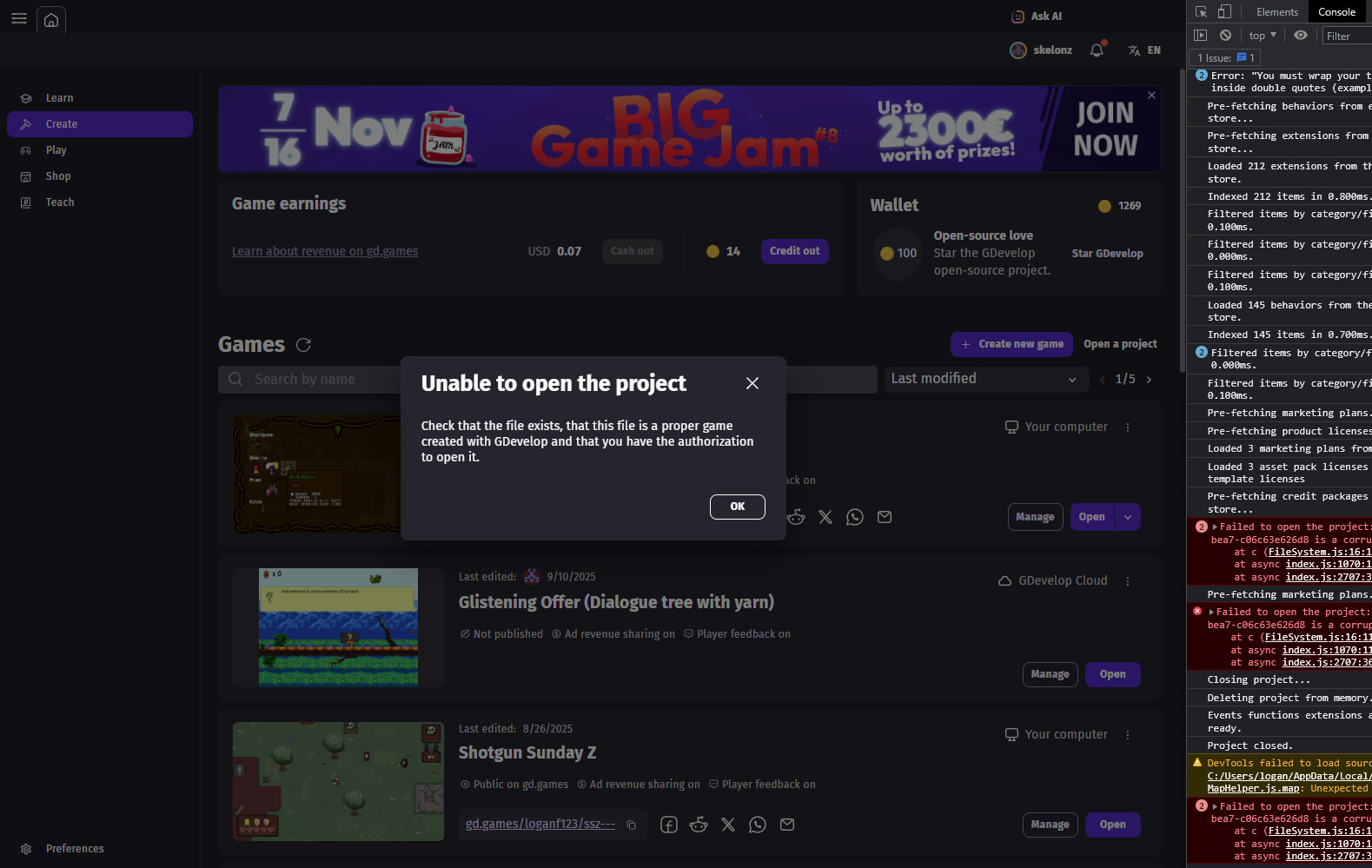
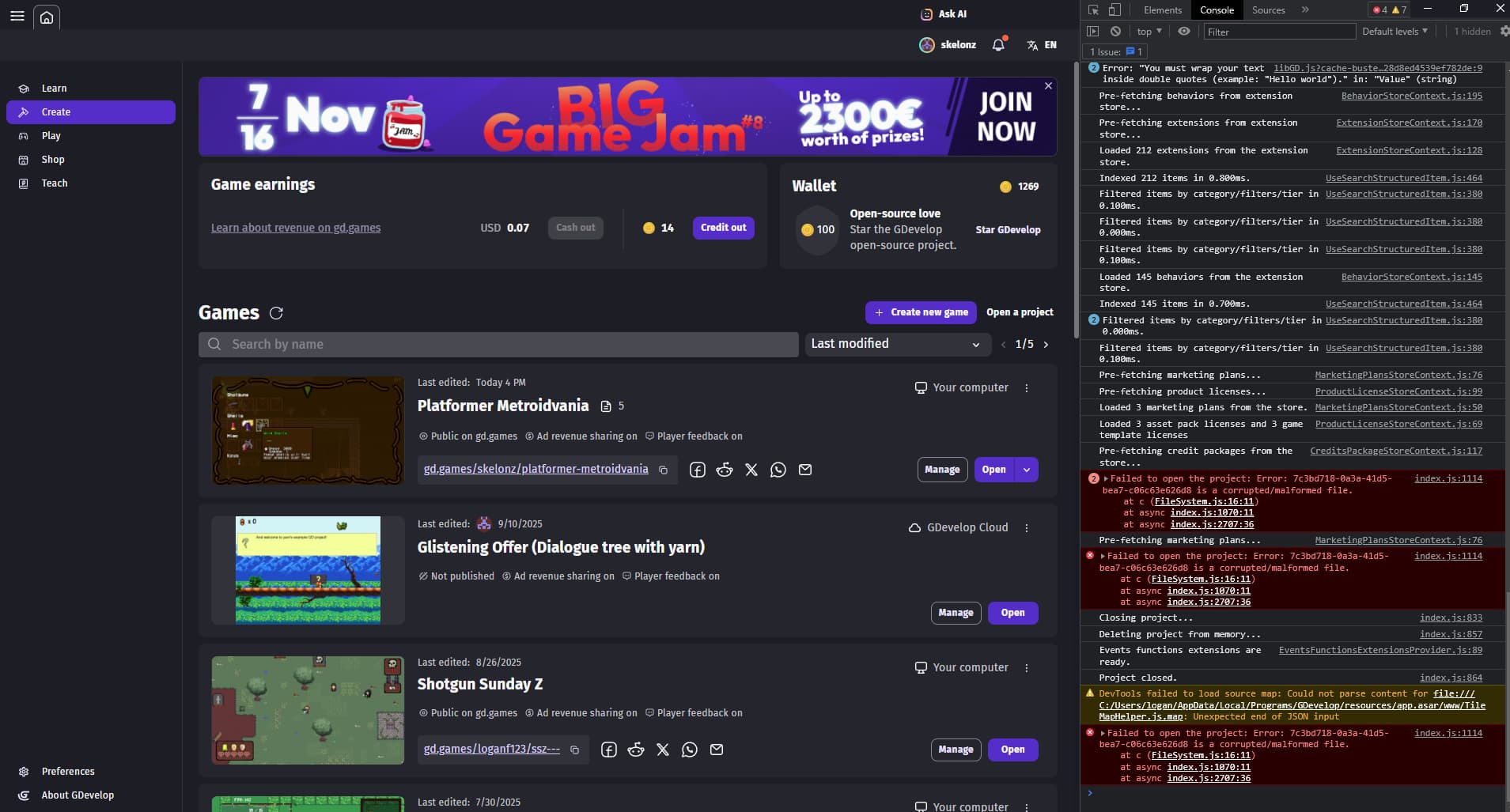
I just recently updated my gdevelop from the last version to 5.5.243
Now my project wont open, it was a local project but I don’t remeber where I had the json or the project stored at, and when I ctrl shift I it dosent give me a file location its just random characters. Please help, I’ve put so much work into my project and I’m quite upset that updating the engine has done this. The other thing is, the project started as a cloud save but I moved it to be local, but there doesn’t seem to be a folder for my game in my gdevelop projects file or anywhere on my computer, but up until this update it was running fine?
EDIT: I believe that somehow whenever I switched my cloud project to local maybe something went wrong, because the version of my game most recent literally dosen’t exist on my computer, the closest json file I can find is from like 2 weeks ago, I’ve lost so much progress, if anybody has any idea how to help at all please reach out im very in the dumps about this
Hey! I’m not sure if this will be any help but it’s worth noting:
Your game has been saved into 5 different JSONs, try clicking the arrow next to open, and seeing if a different version of your game is there.
Also, if you do end up finding your JSON on your device, and the game still won’t open, it might be in the wrong folder. I had a game that just would not open, and I ended up having to move it to the downloads folder on my computer. I did bug out a bunch of stuff in my game, but it only took about a day to fix.
Sorry that this isn’t the best help, I’m sure someone on here will be able to help you!
Yeah the problem is that the JSON for the correct file for the version is currently being listed as " 7c3bd718-0a3a-41d5-bea7-c06c63e626d8 " Which is clearly not a file path lol, I’m almost 100% sure at this point that somehow my file was corrupted whenever I switched over to being a local project from a cloud project and it was just working by a thread and when I updated it finally just stopped working. just coming to terms with having to redo alot of progress.
Are you on Mac or Windows? I know you have probably already tried this but have you looked in every spot where the working JSON might be? I had my game’s JSON trapped in my user folder on my Mac which is NOT the correct spot to be storing it
I hope that if you can’t find it, you can still remake whatever was lost to be bigger and better then it was before!
Hi! If you send me by DM your account email, project name and any other information I can check in database what we have.
for the correct file for the version is currently being listed as " 7c3bd718-0a3a-41d5-bea7-c06c63e626d8
This is typically a version number for a cloud project.
Note that while I can take a look at cloud projects, and maybe find something, we have absolutely no ability to retrieve a local JSON file because, by definition, they are stored on your local hard drive (to which we obviously can’t have access to - we can at best just make sure your latest cloud save can be opened)