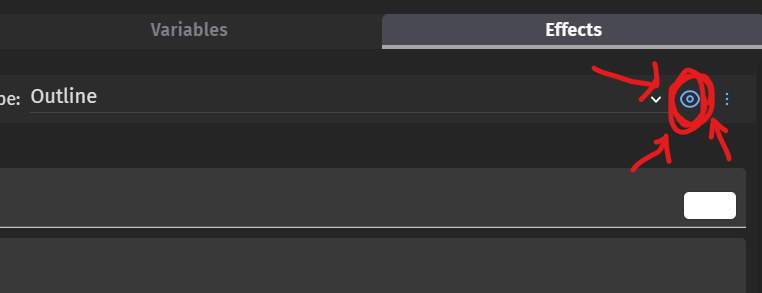
More specifically, this doesn’t work for OBJECT effects. When I preview a project with the effect hidden, it just shows anyways
Let’s say I want to have an effect where an enemy flashes upon taking damage, and I want to use an effect. I would just have the effect disabled at startup, and enable it when he gets hit
Unfortunately, the effect just turns on when the preview starts, even when I tell it to be off
Again, this only seems to be a problem with OBJECT effects. This button works perfectly fine in layer effects
I remember it used to work.
I had a sprite with an “adjustment” effect for alphas, initially hidden so I could enable it later, and it worked without any issues.
I haven’t tested it with the newest version yet… but if it stopped working, then definitely isn’t normal.