Hi everyone, I’m writing to ask for some information, if it’s possible…how do I send the game I’m creating in this game jam? Do I have to create an executable file? Or do I have to create a page on itchio? Sorry for the question, but this is my first time doing a game jam…thanks in advance to anyone who answers.
Have a good day everyone.
Most people make a page for the game using their itch account. I would think there’s a general expectation that if you’re participating in an Itch.io jam, your game will be hosted there.
Jams can have different rules so you would have to refer to the jam page for any specific requirements. For example, some might say it needs to be playable in browser.
Hey!
If you are participating in the Big Game Jam 9, you will need to do these 2 simple steps:
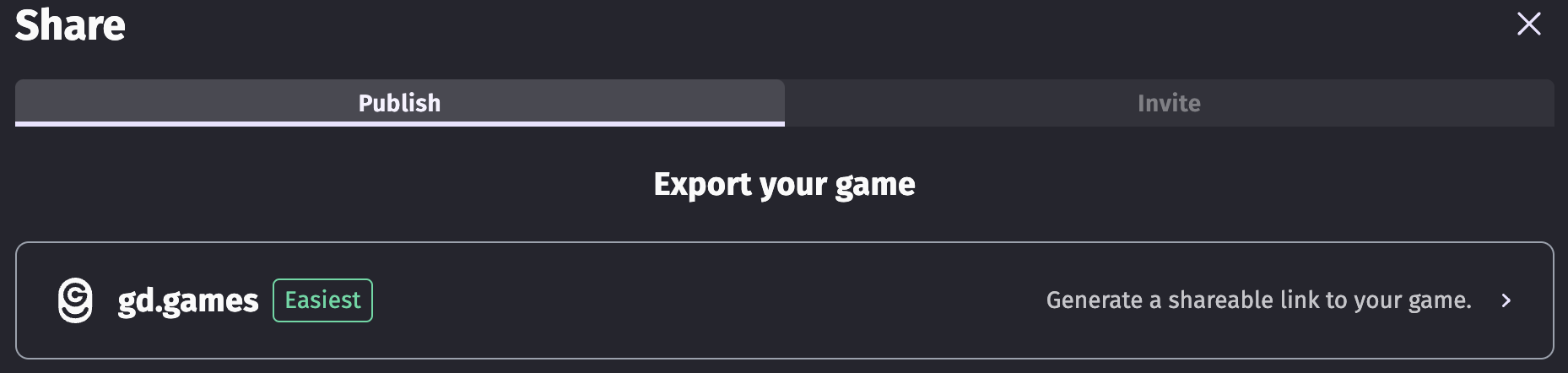
- Submit your game to gd.games by clicking share and this button:
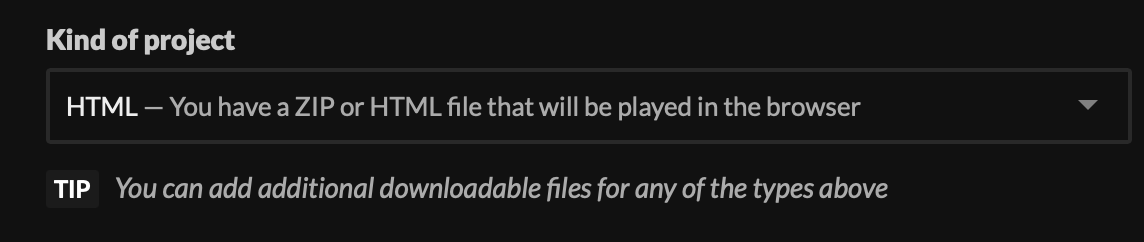
- Submit your game to itch.io by clicking share, browser, selecting an empty folder and saving it there. You will then need to turn that folder into a ZIP, and upload that to itch. On your game settings on itch, you will need to change “Kind of project” to “HTML”
Then, upload your ZIP file and select “This file will be played in the browser”.
Lastly, use the game jam page to submit your project by clicking “Submit game”, look for a little dropdown list, select your game, add your gd.games link, and you should be good to go!

You can also export to Windows, Mac, Linux, and Android if you want, and you can add those to your itch page (OPTIONAL, do not select “This file will be played in the browser” for those).
Summary:
Your game must be playable in the browser on gd.games, and in the browser on itch. Downloadable executables are optional.
Happy jamming! 
thank you from the bottom of my heart my friend
Always happy to help!
i also thanks the information!
Please help me.My second submitted game become a black screen without anything happening.
I mean on itch.io!On Gd games its fine.
So i delete a standalone index html file and only my uploaded zip folder remains what created by Gdevelop for a browser game.But this message showed up this time:
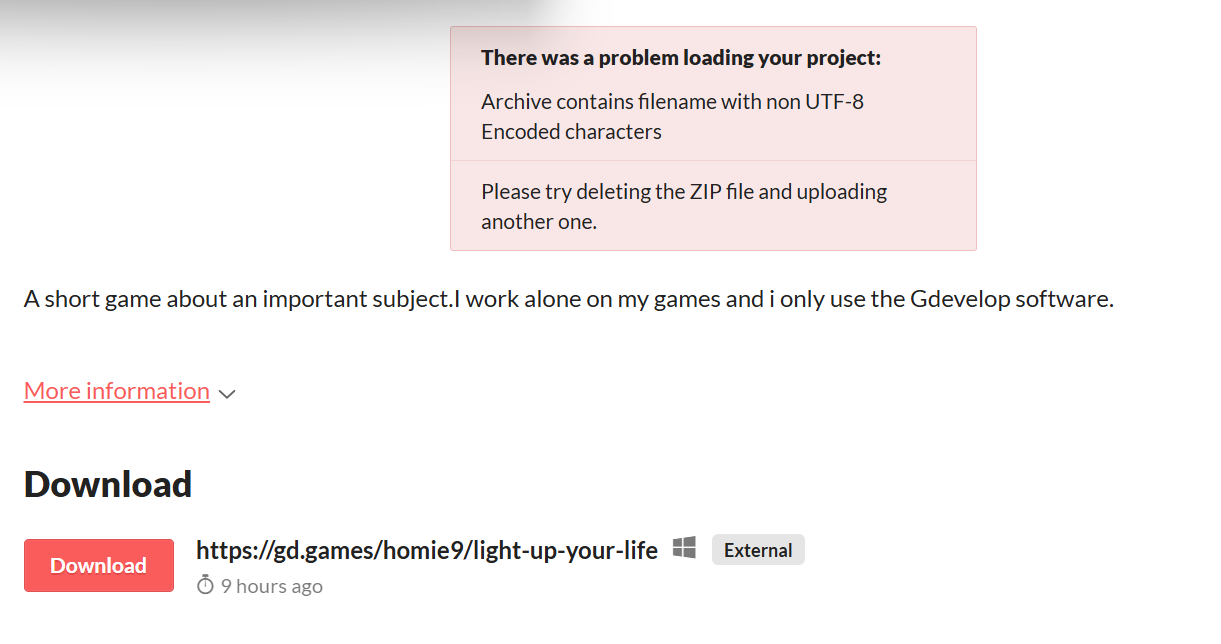
“Archive contains filename with non UTF-8 Encoded characters”
Well, possibly caused when anything (resource, file, …) in your project contain special character (á, â, ơ, …) that the system can’t read properly.
thank you!We hungarians use plenty of them.  three of my pictures has the invalid characters in their names.So i rename them.Not get that warning box until than.