Build fully immersive VR games in GDevelop — no coding required. This extension family brings the WebXR API into GDevelop’s event-sheet workflow, giving you spatial tracking, controller input, physics-driven interactions, and a complete inventory/holster system out of the box.
Free to use. Works in the browser on Meta Quest and any WebXR-compatible headset.
What’s included
VR Session & Head Tracking
Start and stop VR sessions from your event sheet. The VrHeadAnchor behavior locks a GDevelop object to the player’s headset each frame — your scene moves with the player automatically. Configure world scale (how many GDevelop units equal one real-world meter) to match any scene size.
Controller Tracking
Attach the VrController behavior to a 3D object to track either hand.
Physics-Based Grabbing
The VrGrabbable behavior lets players pick up, hold, and throw any 3D object.
Holsters & Inventory
Keep items on the player’s body with VrBodyZones and VrHolster behaviors.
Archery System
A complete bow-and-arrow system ready to drop into any scene. VrBow and VrArrow behaviors work together like a charm.
Levers, Sliders & Buttons
VrInteractable turns any object into a grabbable lever, slider, or button. Set the axis and range in the property editor; read the current value in events to drive doors, dials, or any game mechanic.
Point-and-Select
VrSelectable makes any object respond to the controller’s laser ray or a physical touch.
VrTargetable detects when a controller ray is aimed at any 3D object, including non-grabbable targets, enemies, and props.
Climbing
VrClimbable lets players grip any surface and pull themselves up. Configure grab radius, launch scale on release, and mantle boost.
Doors & Keys
VrDoor adds rotating and sliding doors driven by the same physics-grab model used elsewhere in the extension. Lock/unlock via events or with a VrKey: drop a key object into the door’s key zone and it snaps into the keyhole (only keys with matching tags dock), auto-unlocking the door.
Smooth and Teleport locomotion
VrTeleport fires a projectile arc from the controller and teleports the player to the landing point on release. Mark any surface as a valid landing zone with VrTeleportable.
Or use battle-tested PhysicsCharacter3D from GDevelop for smooth locomotion.
Floating Objects & HUDs
VrFollower keeps any object at a fixed offset from a target — useful for in-world HUDs, floating menus, wrist displays, or floating holsters above the player’s waist. Three rotation modes:
If you’ve tried previewing your VR game remotely on a PC while wearing a real headset, you may have noticed the browser window stayed black the whole time even though the headset view worked fine. That’s now fixed.
Fixed a bug where aiming at a detailed model (1000+ tris) could halve your FPS, or worse with both controllers. Controller rays now hit physics shapes (via Jolt) instead of raw triangles, so cost is independent of polycount.
New VrRayHitMode behavior lets you force any object to Physics (default) / Triangle (exact) / Box (fast) / Ignore (pass-through) hit testing, switchable at runtime with SetHitMode.
Also: MagneticGrabEnabled now defaults to off on VrController/VrGrabbable/VrSelectable (used to silently add a raycast per object per frame). Existing projects may be affected (unless you’ve explicitly turned it on/off previously).
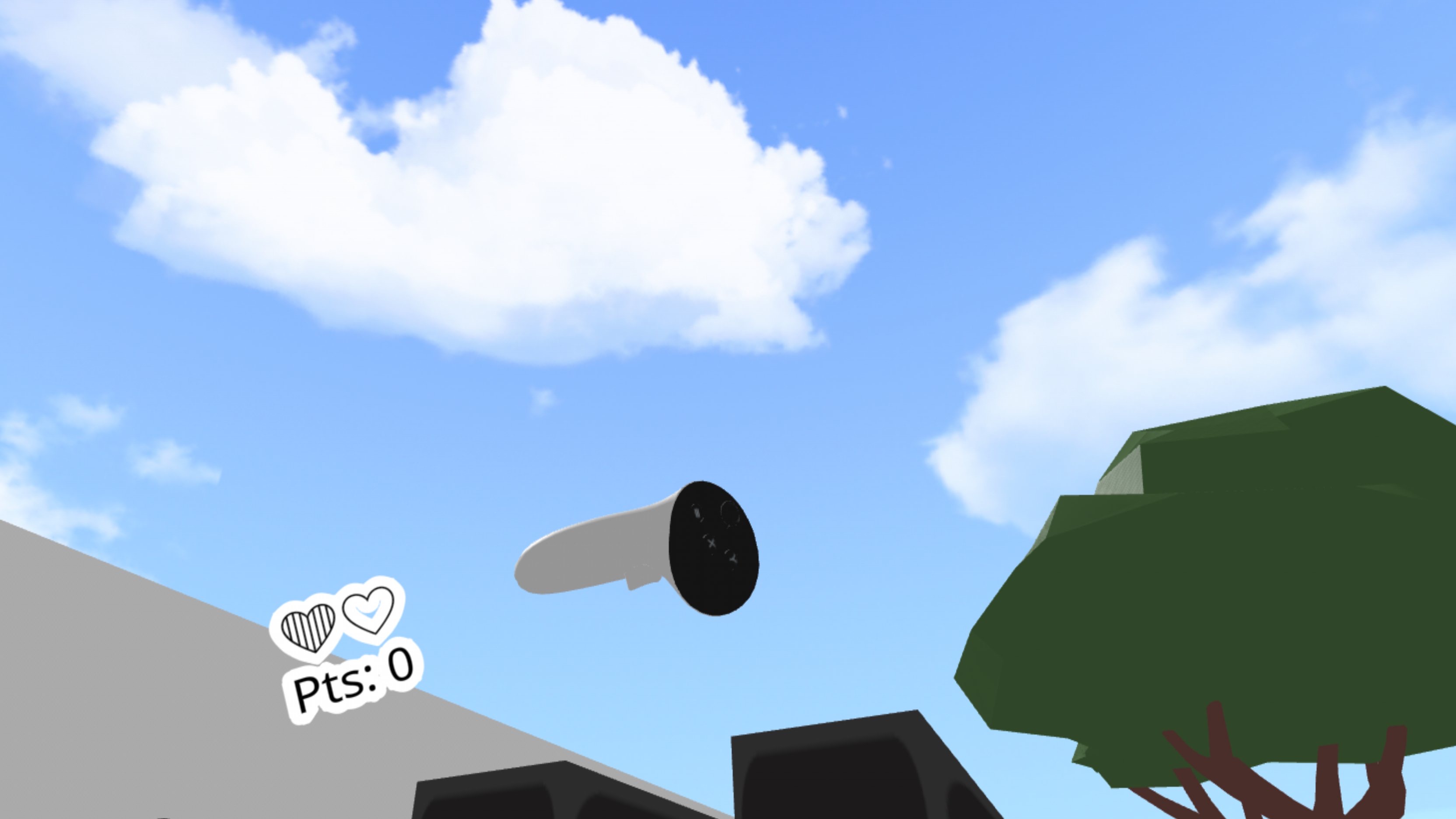
Please help me with this project: no matter what I do, the output I generate and test in VR shows the background, but none of the objects appear.It is a learning project for me.
Your objects are probably either too small or too big. By default 1 pixel (game distance unit) = 1 cm in VR. So a 100px object is 100cm (1m) long/wide in VR.
The drawing distance of your layer thus needs to be 10000 to render just 100m in front of the camera.
Thanks for sharing this! I’d like to understand it better, if you don’t mind a couple of questions.
For the first snippet: it looks like the problem is that layer cameras have near/far in scene units (e.g. near = 3), and WebXR interprets depthNear/depthFar in metres, so everything closer than 3 m gets clipped. Wrapping session.updateRenderState to force the corrected values makes sense to me, since the plugin’s own call would otherwise re-apply the wrong ones. Is that what you were seeing, objects disappearing when close to the headset? Did it also happen
with more than one layer (e.g. a UI or background layer), or only the base layer?
For the second snippet: I’m not sure I follow why the scene itself needs scale 100 and Y = -1 while presenting. Are you scaling the scene instead of the XR rig/camera? And does -1 on Y mean you’re compensating for GDevelop’s inverted Y
compared to Three.js? I ask because I handle it by scaling the rig (parent of the XR camera) and keeping the scene untouched, so I’m curious about the trade-offs (physics, picking/raycasting, lights and shadows).
What were you trying to achieve in the end? Wrong scale, clipping, upside-down view, or something else? That would help me see which of the two snippets actually fixed it.


 .