Using the web version on a touch screen (cellphone) the custom object popup menus don’t open when you long press any of the items like the prefab name or any functions. It immediately opens the item as if you did a single press. The menu has had a sort of hair trigger for awhile but it now appears to be broken.
This menu doesn’t allow you to open the popup menus.
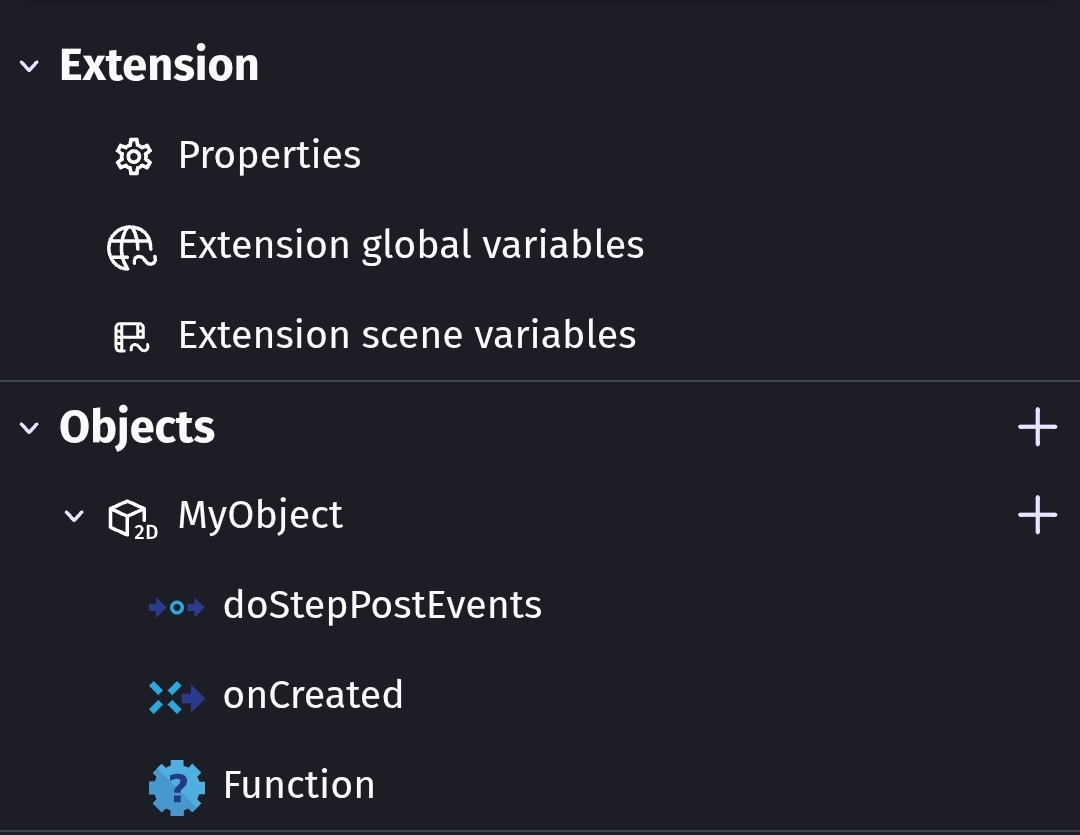
It does sort of work if you switch the browser to desktop mode. Although, the menu appears but it also shows the item that you presses. Meaning if you long press a function, it shows both the popup menu and the event sheet.
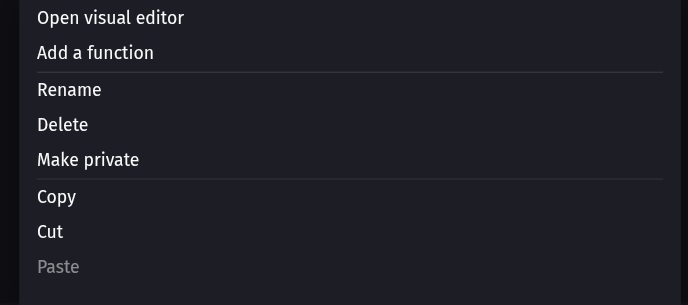
It makes me wonder if the popup menu does get shown in non-desktop mode but it is either covered by the event sheet or immediately closed.
I tested it on an Android phone using both Chrome and the default Samsung browser. Neither version allowed me to open the popup menus within the custom objects list.