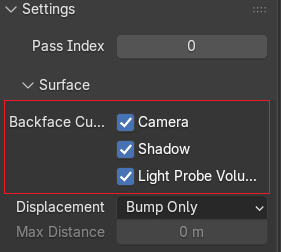
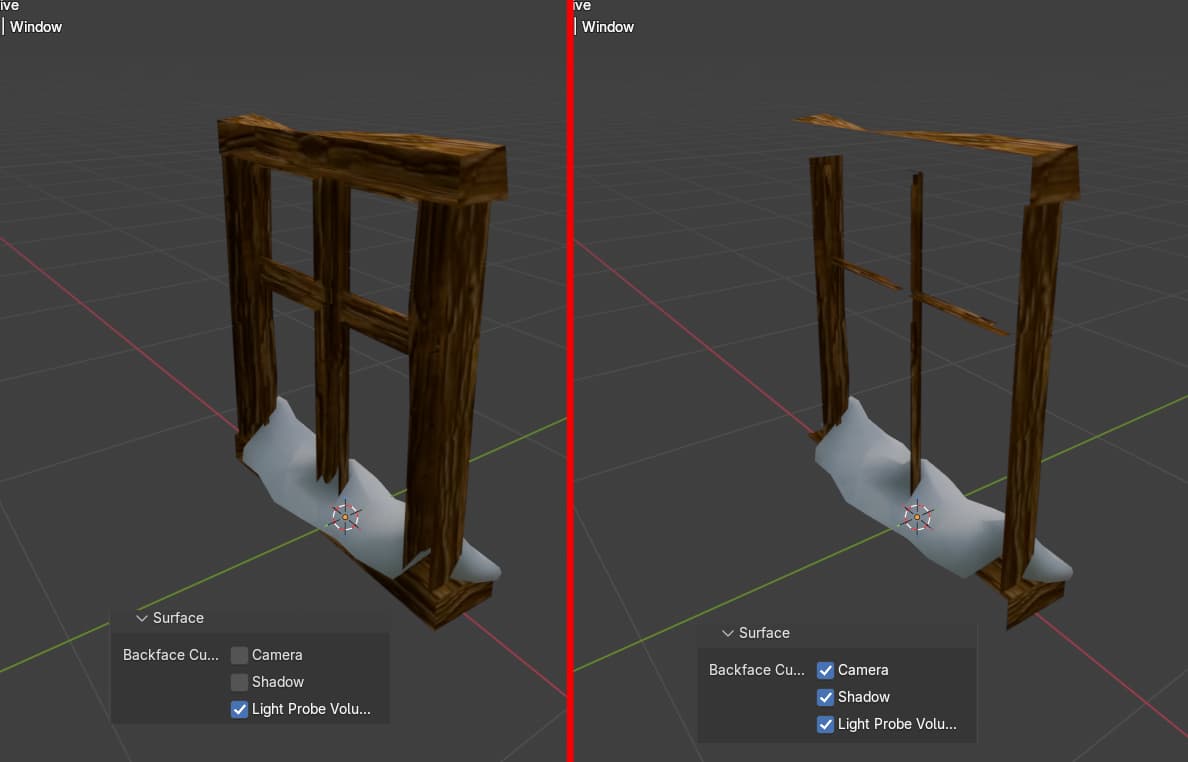
When exporting 3D models from Blender to GDevelop 3D, make sure to enable Backface Culling in the material settings before exporting.
By default, Blender materials have backface culling disabled, which means your engine may still render faces the camera can never see. That’s wasted performance, especially in larger scenes or on mobile.
How to fix it in Blender: (Backface Culling is available only when using the Eevee render engine. If you’re using Cycles, you won’t see this option.)
Material Properties - Settings - Backface Culling