Publish game in Playgama, CrazyGames, Yandex Games and more with one extension

GDevelop 5 has a great extension. Playgama bridge - includes SDK for more than 20 platforms!
I will tell you how to publish a game in Playgama and yandex games.
I will give you the full code of the game with SDK.

  1. Add scene extensions and external events (here is the link to the extension):
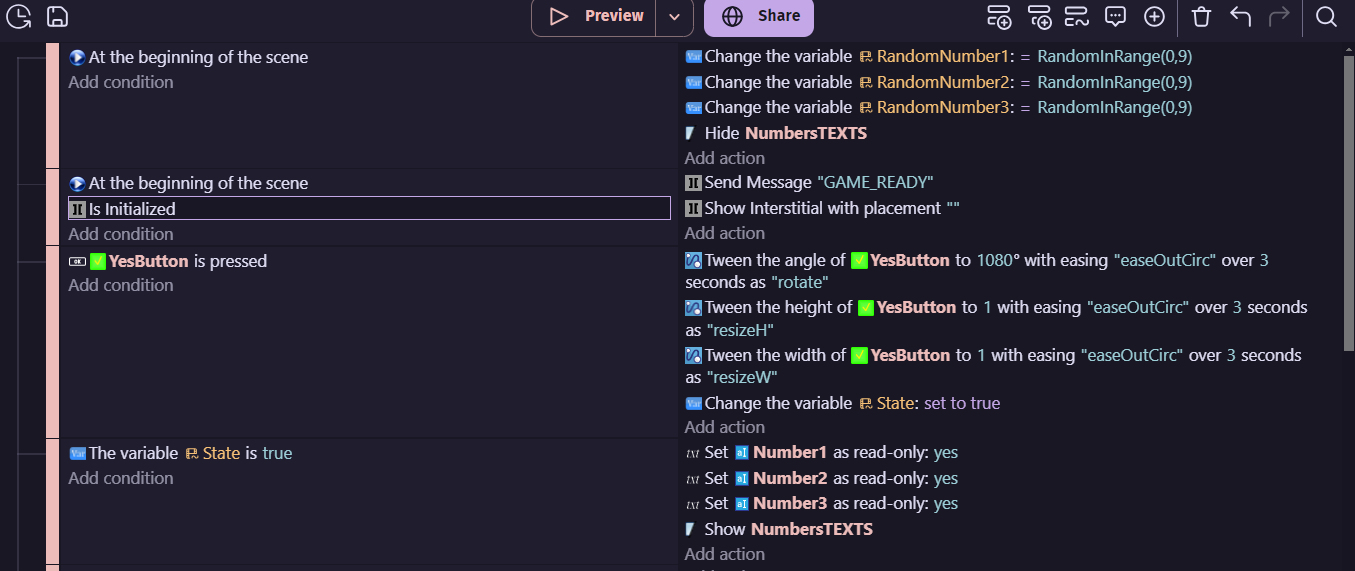
  2. Let’s write down the events for the small lottery scene and arrange the objects (here is the link to the assets):


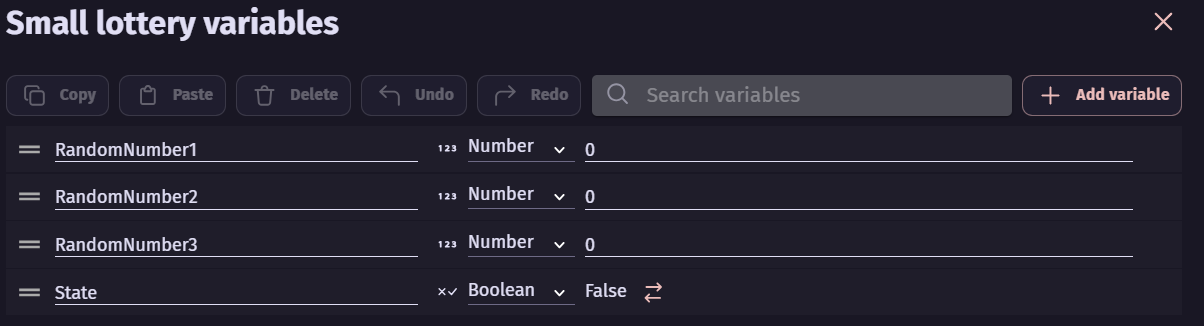
  3. Create a global coins variable and variable scenes are a small lottery
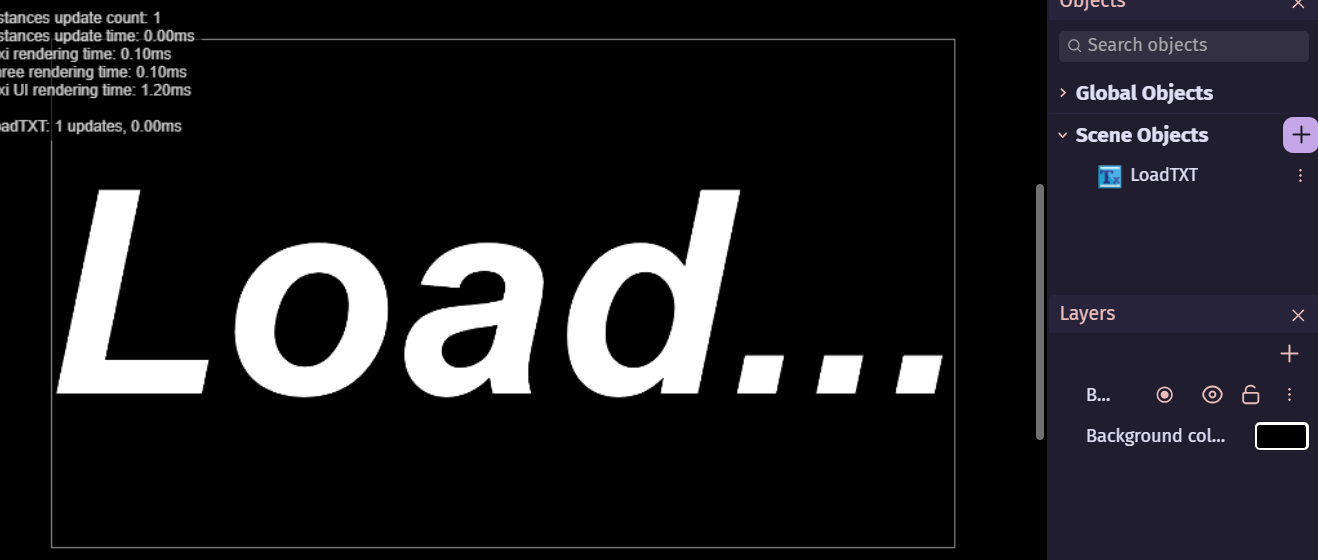
  4. Next, let’s move on to the loading scene. Let’s place the objects and define the events:

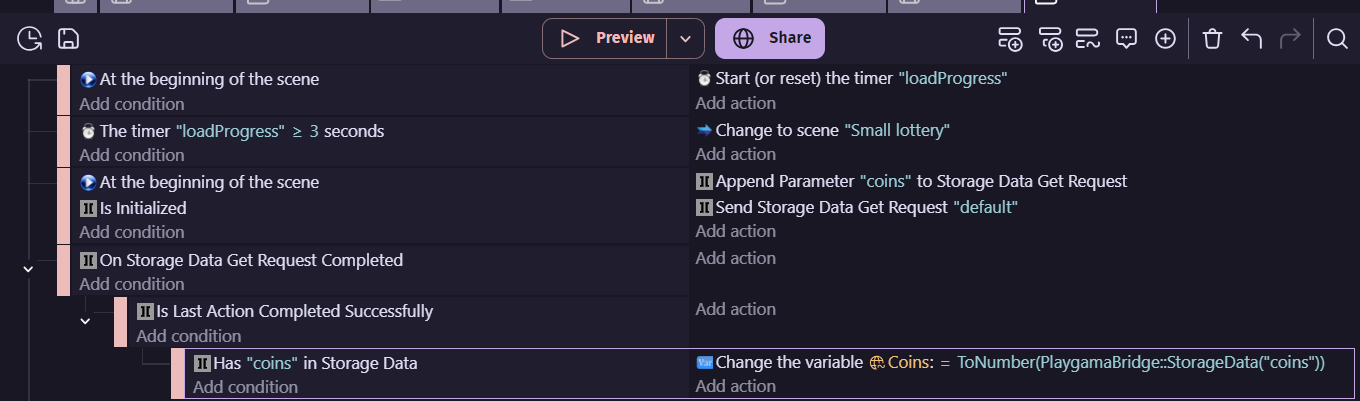
  5. Let’s move on to the progress loading scene:

  6. Add and create a global text object(let’s call it InitLang) and external events:
  7. Now export to web and compress to zip file. Just not 7-zip.

Publishing to Yandex games.

  1. Register in Yandex.
  2. If you want to earn income from advertising, register in YAN(РСЯ) (Yandex Advertising Network).
  3. Create a new game in the console:
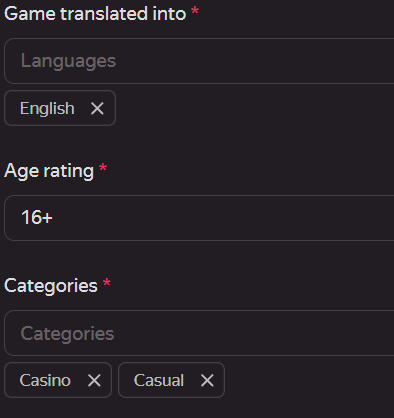
  4. Everything marked with a “*” must be specified.
  5. Upload a zip archive.
  6. Upload everything else:

  7. If you have specified a default or cloud save, then check this box.
  8. Submit for moderation and wait for a response.

If you are unable to publish the game on the first try, then write to me about the moderator’s comments.

Who wanted to publish games on Yandex Games?

  • Yes, I want to publish games on Yandex Games.
  • No, I don’t want to publish games on Yandex Games.
0 voters
1 Like

I’ll make a lesson on publishing a game on Playgamа.

Attention!!!
All who downloaded the extension remove it! It blocks text input. It blocks clicking for all objects except buttons. Now I have updated it. The link to this extension is the same.

Now about playgamа.

  1. Create a project:
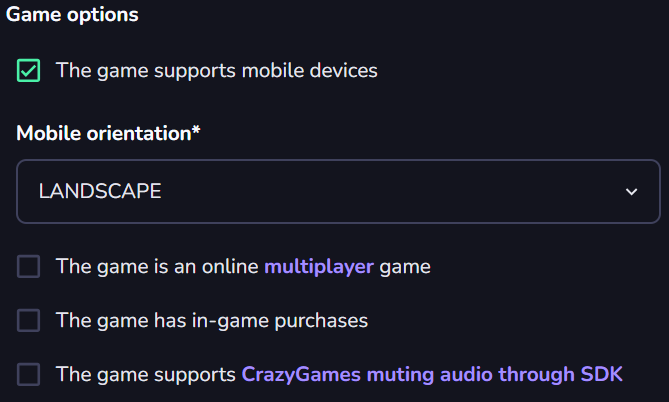
  2. Fill in all the fields:
  3. Check the game and submit it for moderation.

The advantages of playgamа:
Has a wide audience.
Publishes games on partner platforms. More than 20.
The disadvantages of playgamа:
Has millions of popular games that will interfere with users to notice your games!
Has very strict rules. Publish a game is very difficult!(I have not yet succeeded)
The advantages of Yandex:
Easy to publish a game(does not have very strict rules)
Publishes games on partner platforms - Playhop, Allwebgames and more!
Removes games with a rating of less than 30.(Your game will become more visible)
Cons:
Removes games with a rating of less than 30. (Your game may be removed!)

Now, Crazy games!

  1. Register:
  2. Create a project:
    ![|690x369](upload://5wfQhmKcgjKsql51DBlyRuSAGKD.jpeg
  3. Fill in all fields:


  4. Check the game and select Yes/No.
  5. Submit for moderation.
    If you need help, please write to us.

Where do you want to publish games?

  • Yandex Games
  • CrazyGames
  • Playgama Games
  • Yandex Games and Playgama Games
  • CrazyGames and Playgama Games
  • Yandex Games and CrazyGames
  • Yandex Games and Playgama Games and CrazyGames
0 voters

A little bit about playgamа.
Playgamа was created by Dmitry Kachmar - Yandex’s commercial director! Perhaps that’s why Yandex is one of the partners of playgamа.
Now playgamа supports 20 partner platforms. Recently, 6 were in beta and 3 did not pass the test. Therefore, now there are not 23 platforms, but 20.

If you have any questions, please write!

The most important elements of the Yandex Games console.
Control panel:
You can see how much time a player spends playing, how many players are there, from which countries they are, what devices they are playing on, etc.


Comments:
You can see the comments and give an official response:

Metrics:
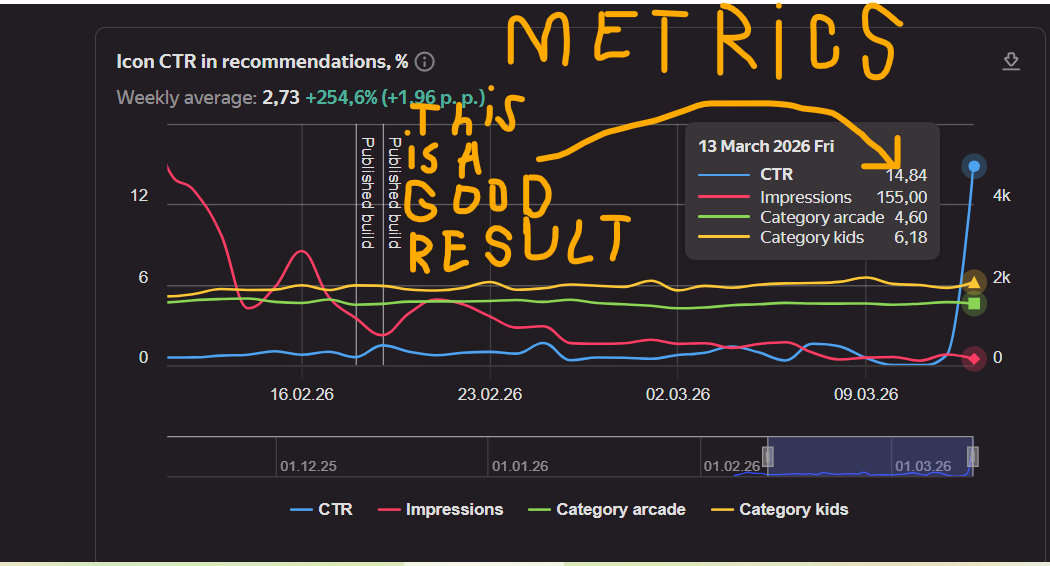
From them you can see almost everything about the game such as rating, playing time per player, return, conversion by playing time, etc.

In CTR a good result because it is ahead of category leaders.
These are the main elements of the developer console. (Because about the draft I explained how to fill it)

Now leaderboards!!!
In the game, add an event to “set score” in the leaderboard ID = leaderboard ID, points = player’s points variable.
Then follow the images:


Now the leaderboard should be working!