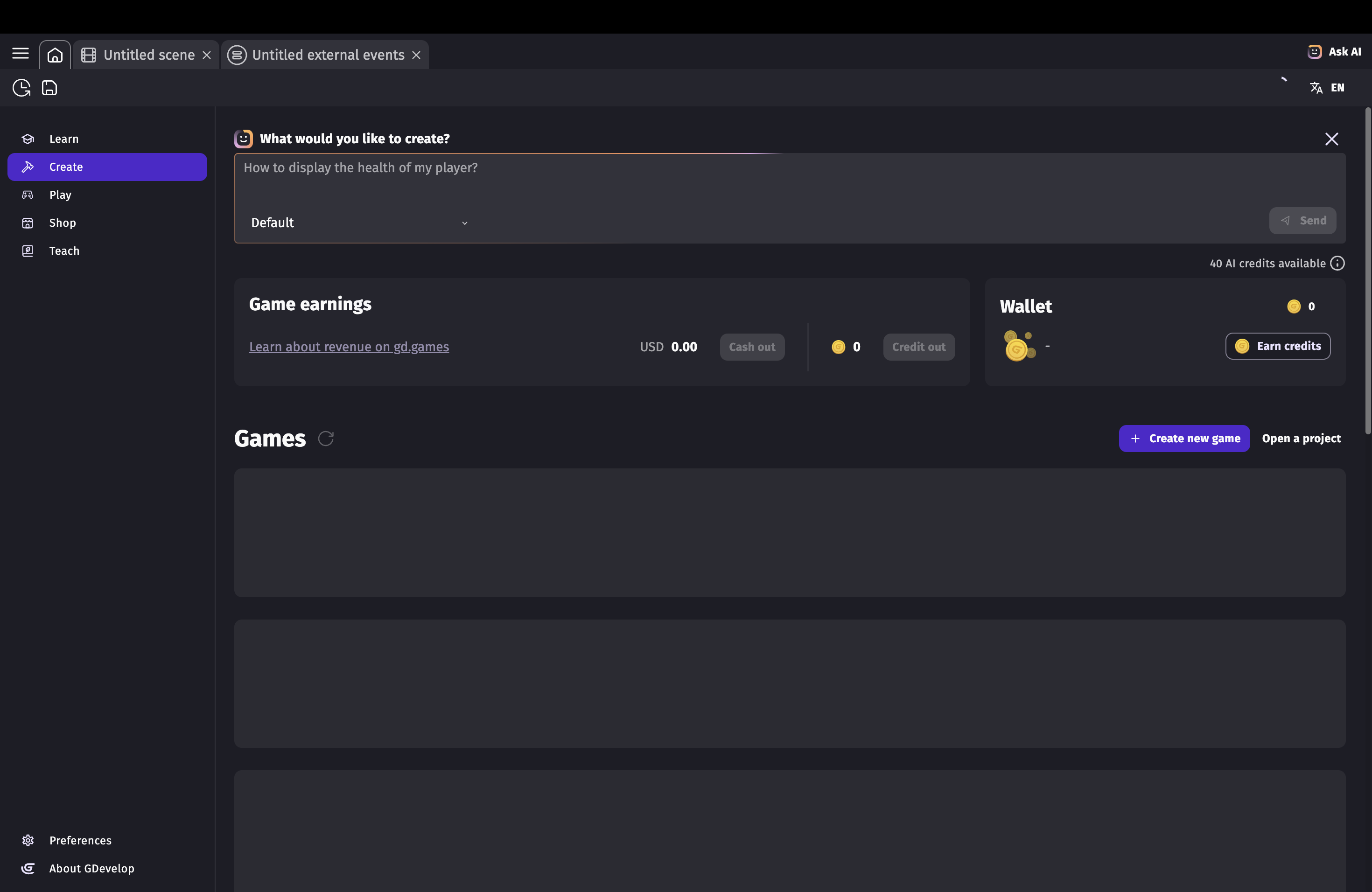
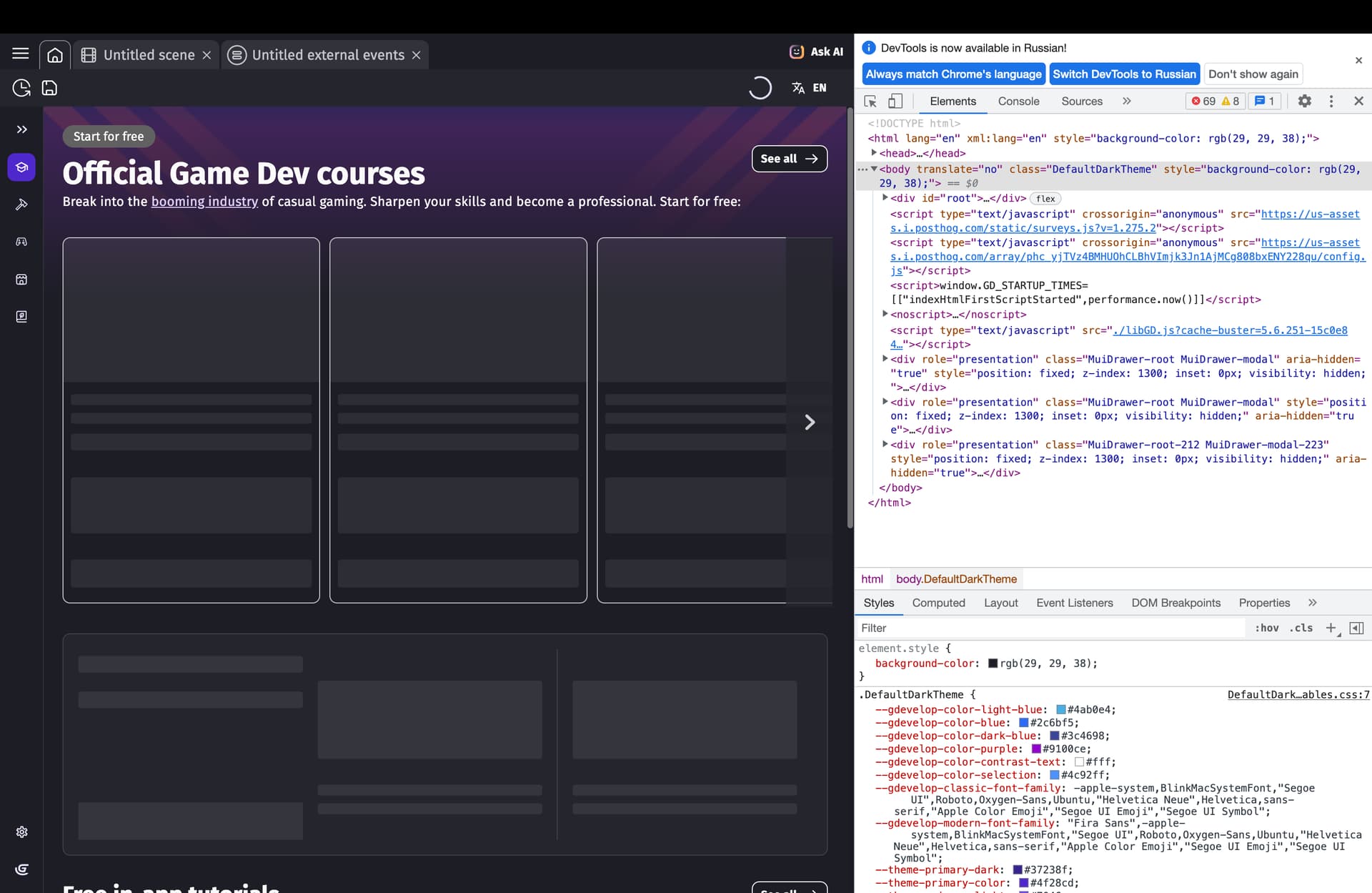
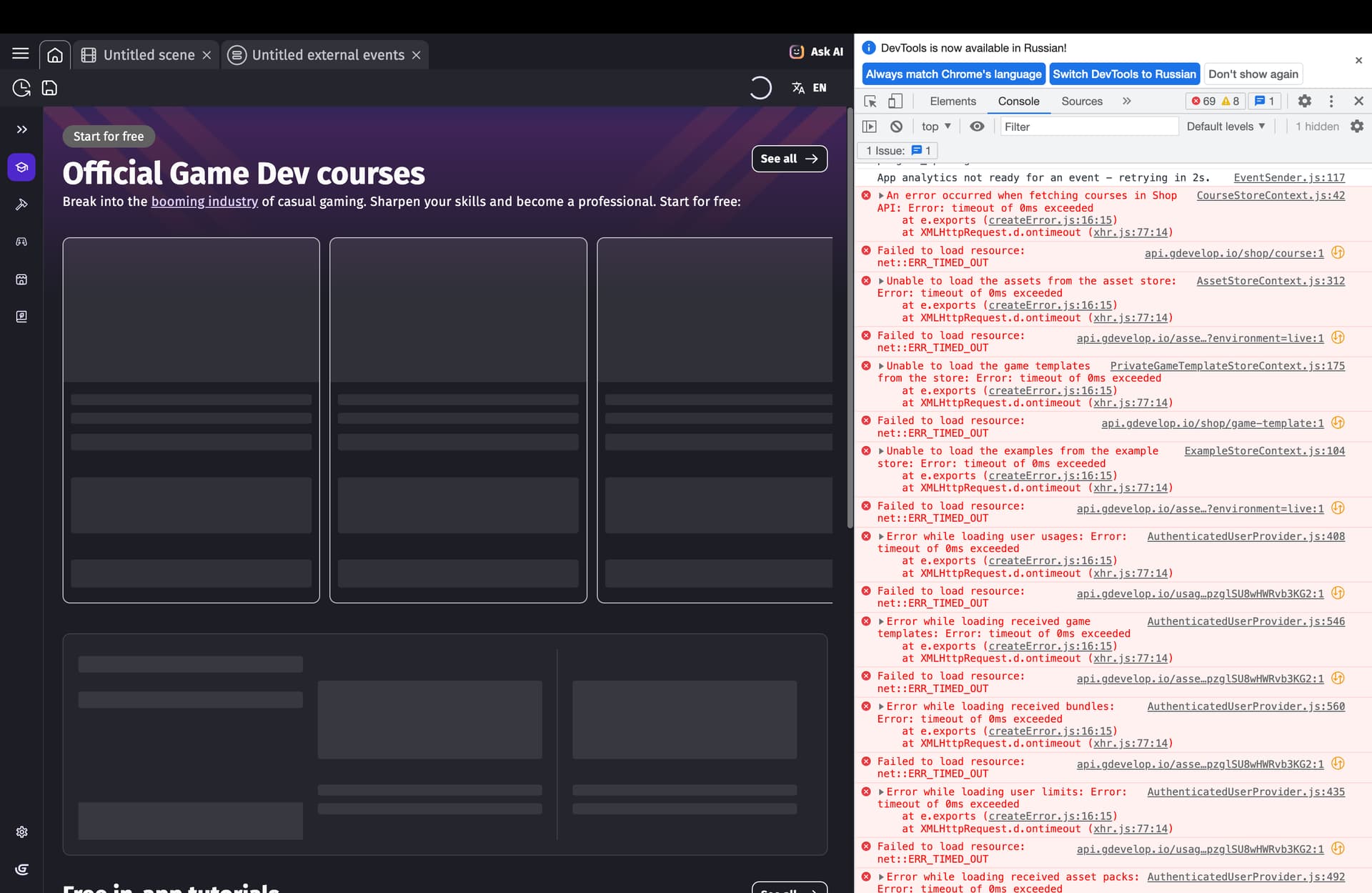
no internet requiring features work in Russia, can’t even playtest, it loads infinitely. So it doesn’t work offline, it tries to check my account when previewing the game, so if i have no connection to the server or no connection at all (offline) it doesn’t load. Can’t open any projects except the one that was already opened before the issue started.
Also i opened chrome devtools in the app, that means that Gdevelop app is technically a website, which means that without server connection features like opening projects don’t work.
And there’re some connection errors in the console
my OS is Mac OS
Does it not work on the web version as well?
GDevelop doesn’t try to check the internet when previewing offline unless you’re using a cloud project in the desktop app, or using the web app at all. I just tested and re-confirmed this. Local projects work and preview fine with the current version when loading a local project.
If you have a cloud project, and something is blocked by your ISP or Amazon Web Services, there’s not really anything that can be done. You’d need to get a copy of your project and have it saved as locally rather than cloud.
Edit: It is worth clarifying that web-enabled features such as any of the AI systems, the extension or asset store, or cloud saves will not work at all without a valid connection to the internet and AWS.
2 Likes
yes. because it’s literally just the same thing using the same servers
1 Like
i guess you’re right i can’t use extensions now. i hate my country
1 Like