Hey!
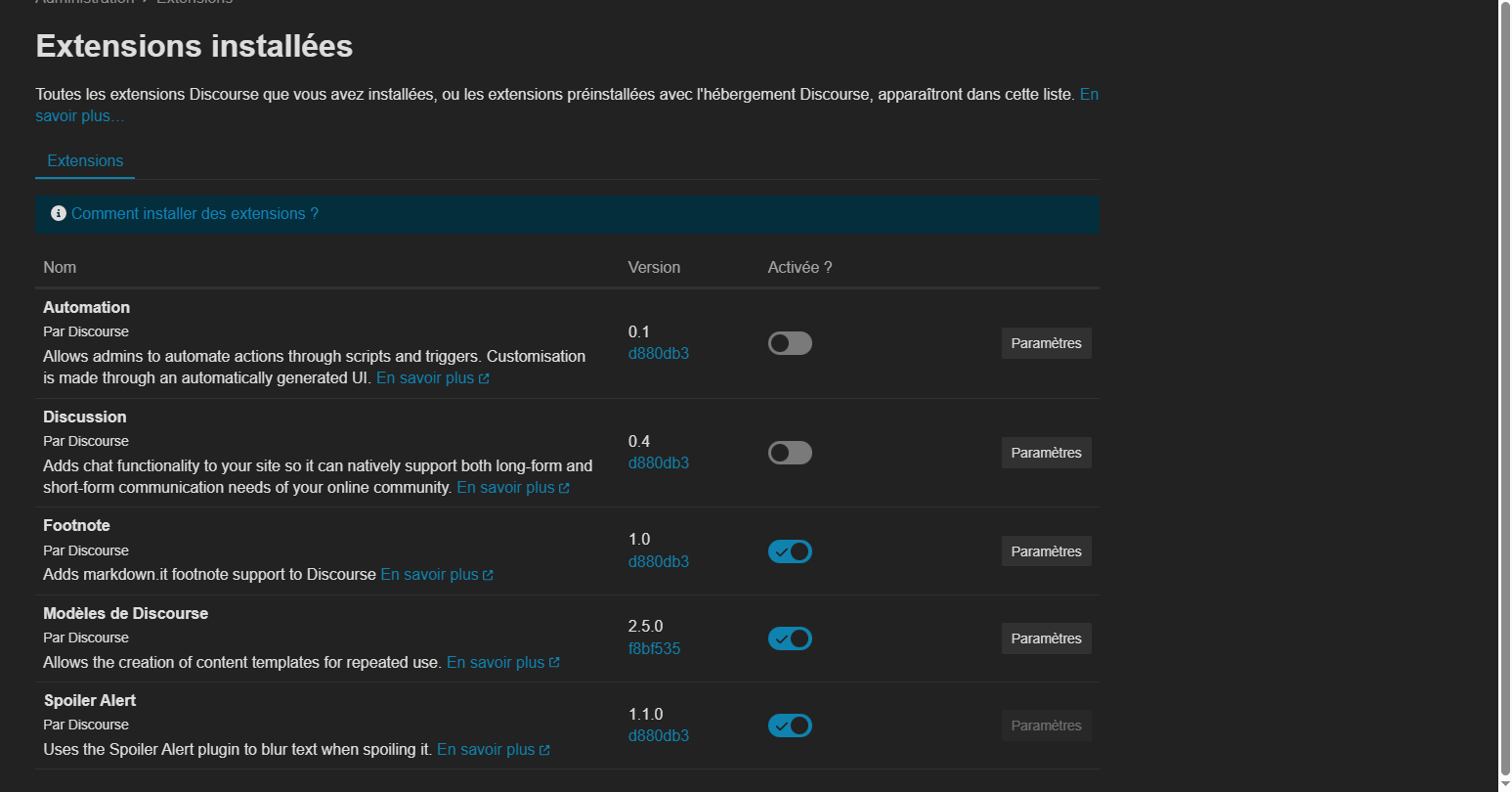
It would be really cool to see this Solution Plugin implemented into the GDevelop Forum. This way posts could be marked as “Solved” and it would allow people to easily find solutions to past problems. This plugin is also already integrated with discourse, therefore it wouldn’t be too difficult for the team to add this.
What is the solution plugin?
The solution plugin is a plugin that allows topic owners to mark a reply as the "Solution" as shown in this photo: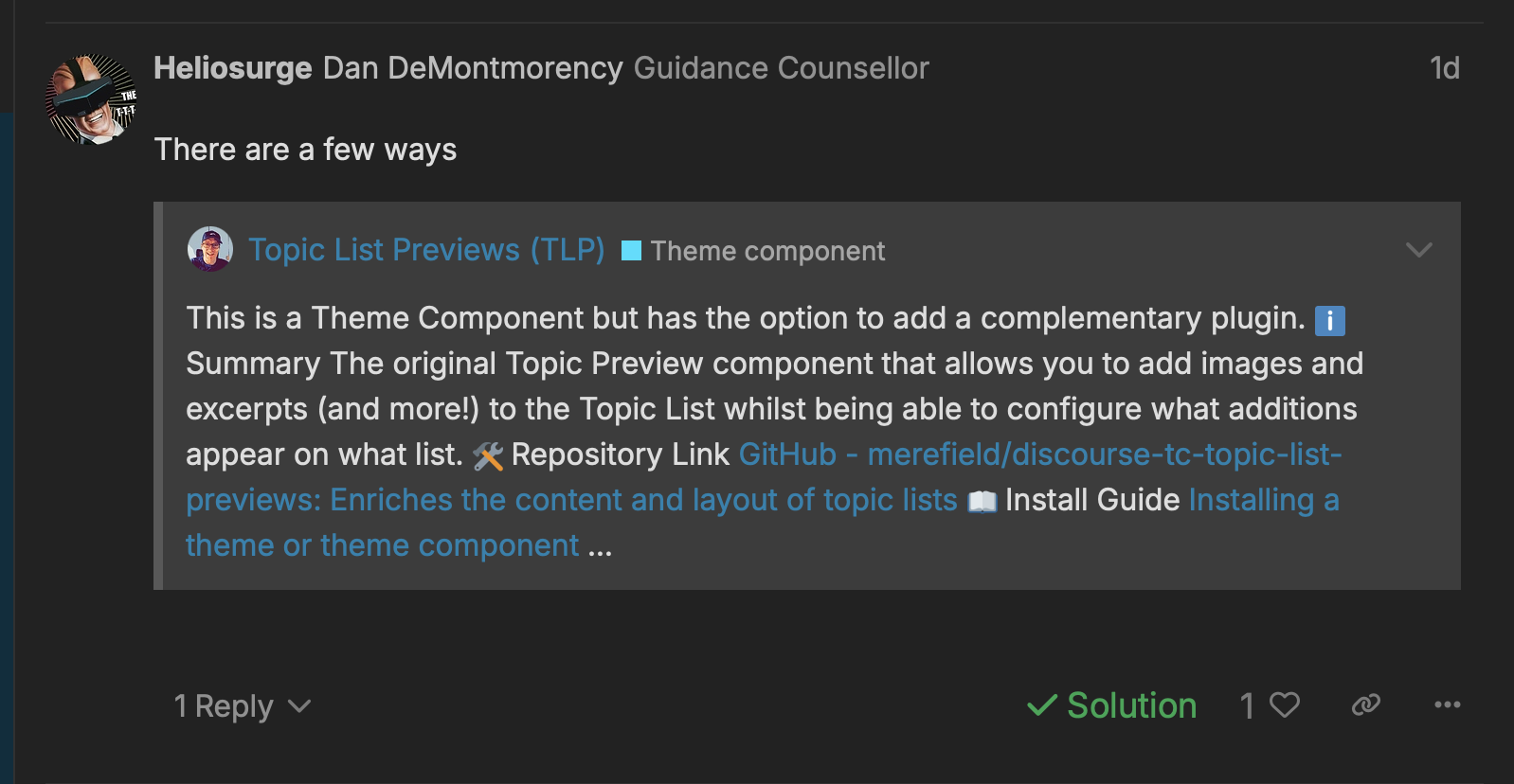
The green checkmark shows that this reply was marked as the solution. Also, at the very top of the original post, it looks like this:
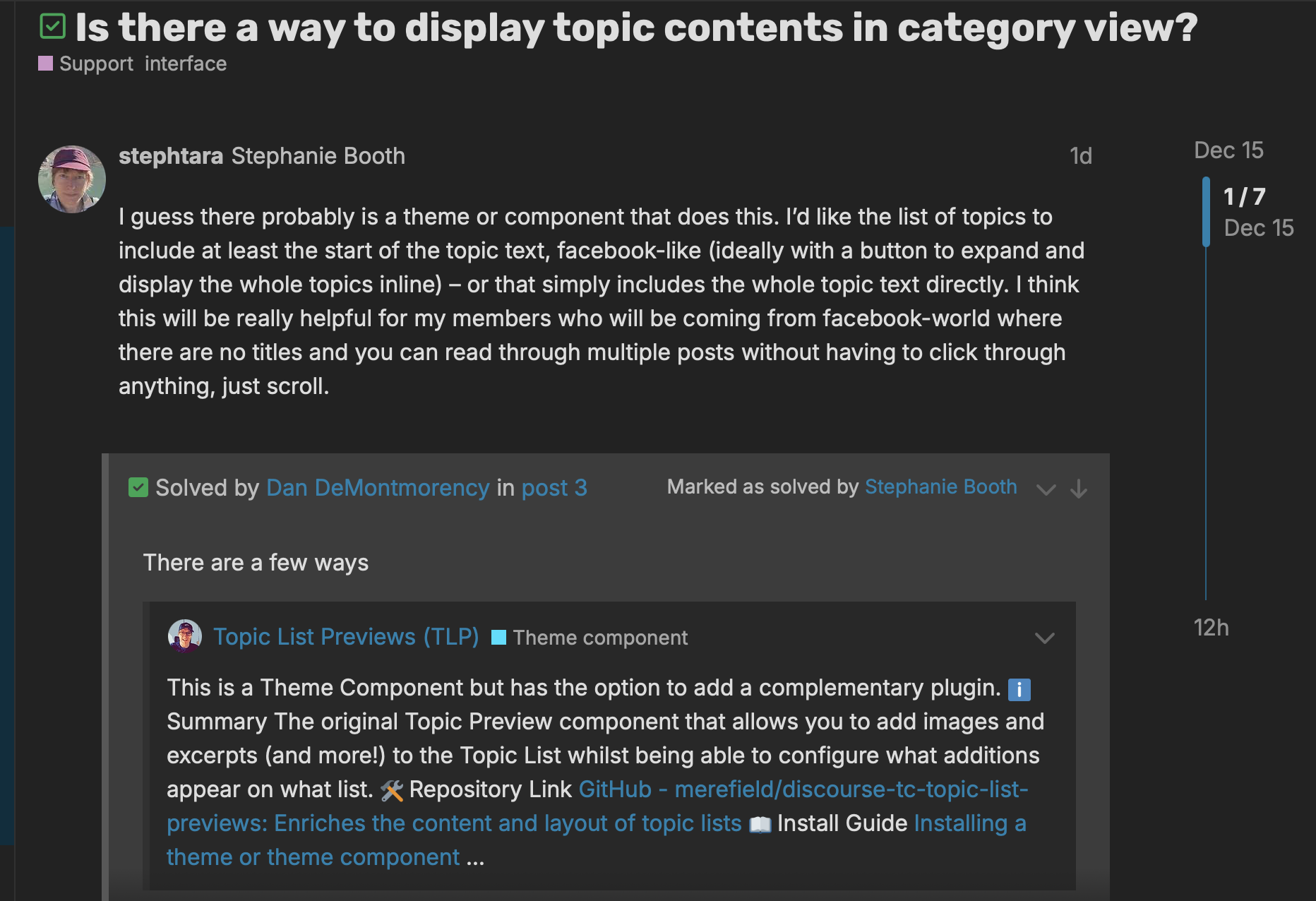
Green checkmark next to the title, with a box that says “Solved By [username]” with their exact reply that fixed the issue.
This plugin also allows people to easily see which topics are and aren’t solved on the homepage:
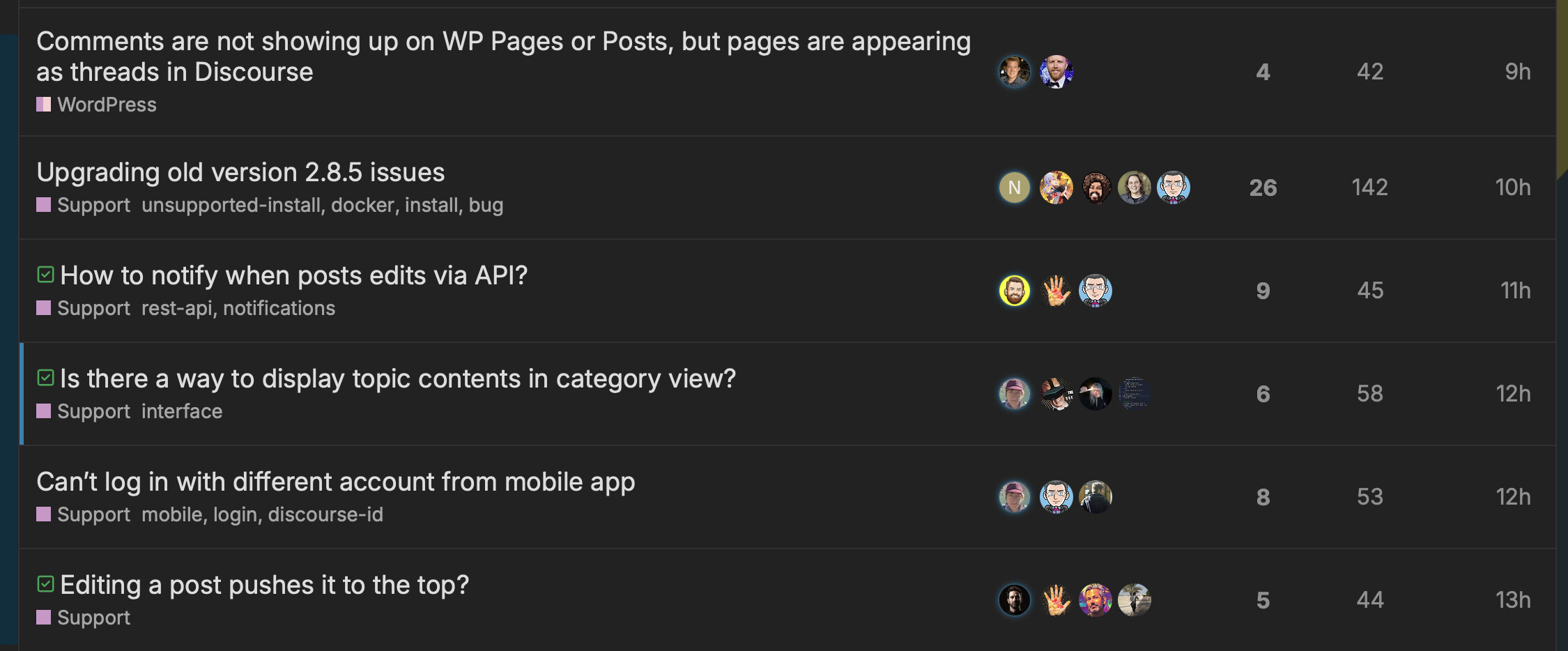
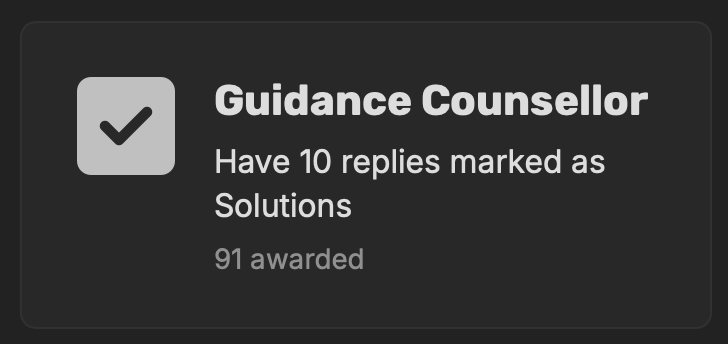
I think this feature would be amazing for the GDevelop forums, plus it could even come with some new badges! 


What do you think?
Personally, I don’t see any downsides to this, other then new users not knowing how to mark a topic as solved. Again, TL3’s can still change the topic title to include “(Solved)” as we do currently. I just think this system makes older topics a bit easier to explore, and will get rid of the annoying “Have you solved this problem yet?” replies on topics that were solved a few replies earlier.
(All photos taken on Discourse)