This is with random added…

3 Likes
Do u know a good track i could use? did u draw that? the track that i used is a road.
hm it think il try it the top down.
I just did that quickly in photoshop - You need to create circles on a grid and then cut them up. If you look at the images i used red and blue half circle markers so that i could get the sections facing the right way
1 Like
Do u know a app similar to that i can get on linux?
Try ‘inkscape’ - it’s vector based like a budget illustrator. I think it’ll be useful for the things that you cant do in bit map style editors like piskal
1 Like

I havn’t used it for about 10 years - you need to set the size to a multiple of the grid that you’re using in gdevelop.
eg 64
create a ne doc thats 128,128 - draw circles - i think hold shift to keep it a circle and select snap to doc boundaries - if you see it. Oh set some guides at 64 vertical and 64 horizontal and turn on snap to guides - if you see it
1 Like
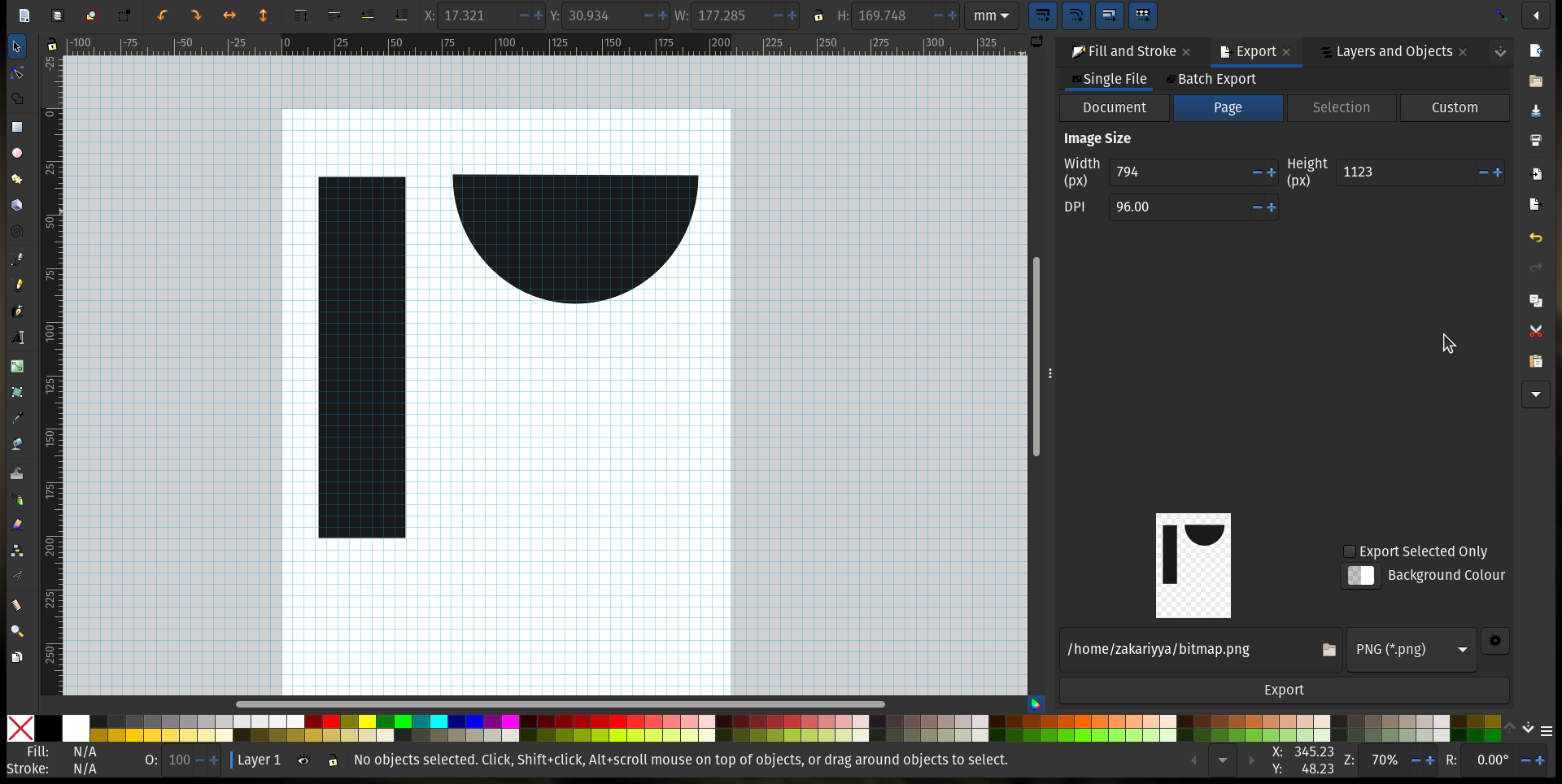
im going to download it and have a pkay with it - ive been meaning to try it out again anyway!
1 Like


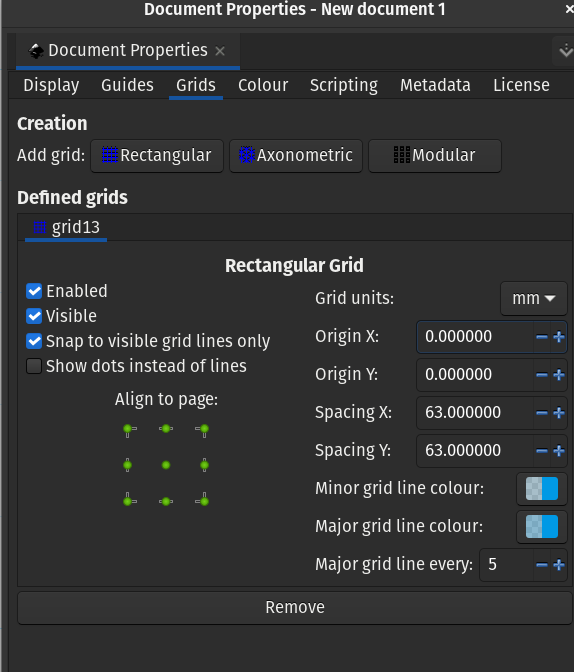
im still getting my head around this - because its vector based - you need to use export to get it as a png
1 Like
ok so i export it now right? just like this if yes.

i must admit - im not finding it easy to use - but ive exported a quarter section of track as a png - which is what i was trying to do.
it’s years since i used either this or illustrator so this is useful for me!
1 Like
Did u draw them on different pages?
No thats the same page - i havent found a way to crop. You need to highlight and export the highlighted area. Because you’re creating a collection of objects and not an image of layers like in photoshop its taking me a while to fathom it
1 Like
Hi all!
It’s super, Dave!
A+
Xierra
2 Likes
