They’re not “attached” per se but when you read the x,y of the bot object location Gdevelop doesn’t know which object you are referencing. So, I believe it returns the values of the instance that was created first and all the objects are moved to that location.
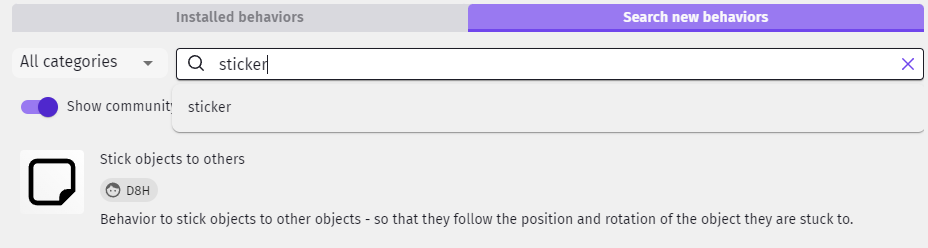
You can use the sticker behavior. You add it to the object that you want to stick something to and then when you create the object you stick it to the target object. That’s it. It’s now stuck. You can unstick it or check what it’s stuck to.
It’s a community behavior. You need to add it to your project and then assign to your object.
A better way, IMHO, would be to create a link. Here’s an old example of linking in case this is new to you.
These are the events related to linking.
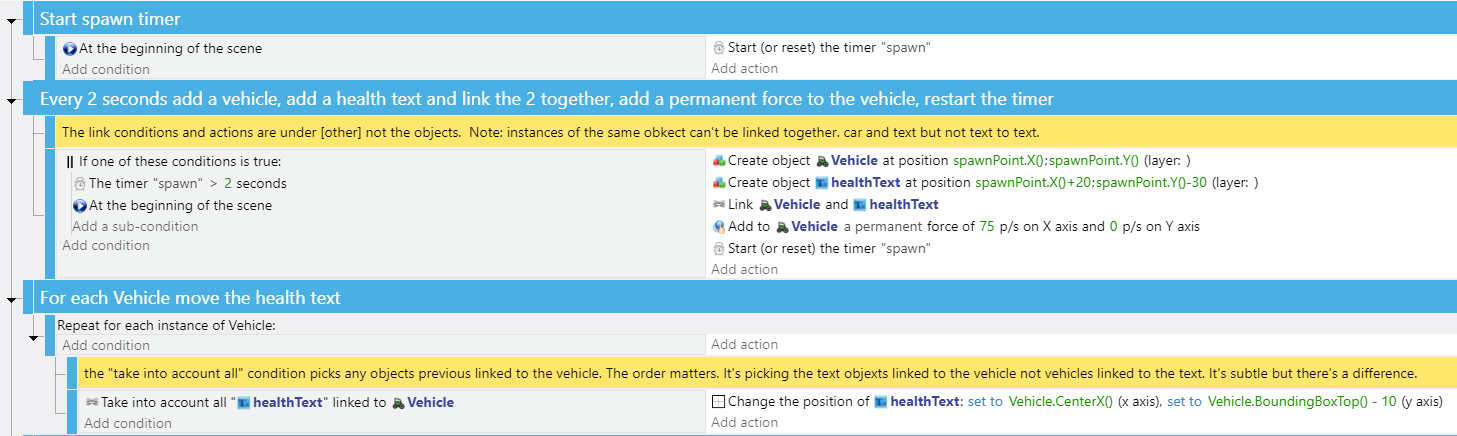
Try it.
Project:
doug13579/Link-Object-Example: Gdevelop Link object example (github.com)