SOLUTION: (SOLVED) Two scenes reappear after closing them - #6 by ZeroX4
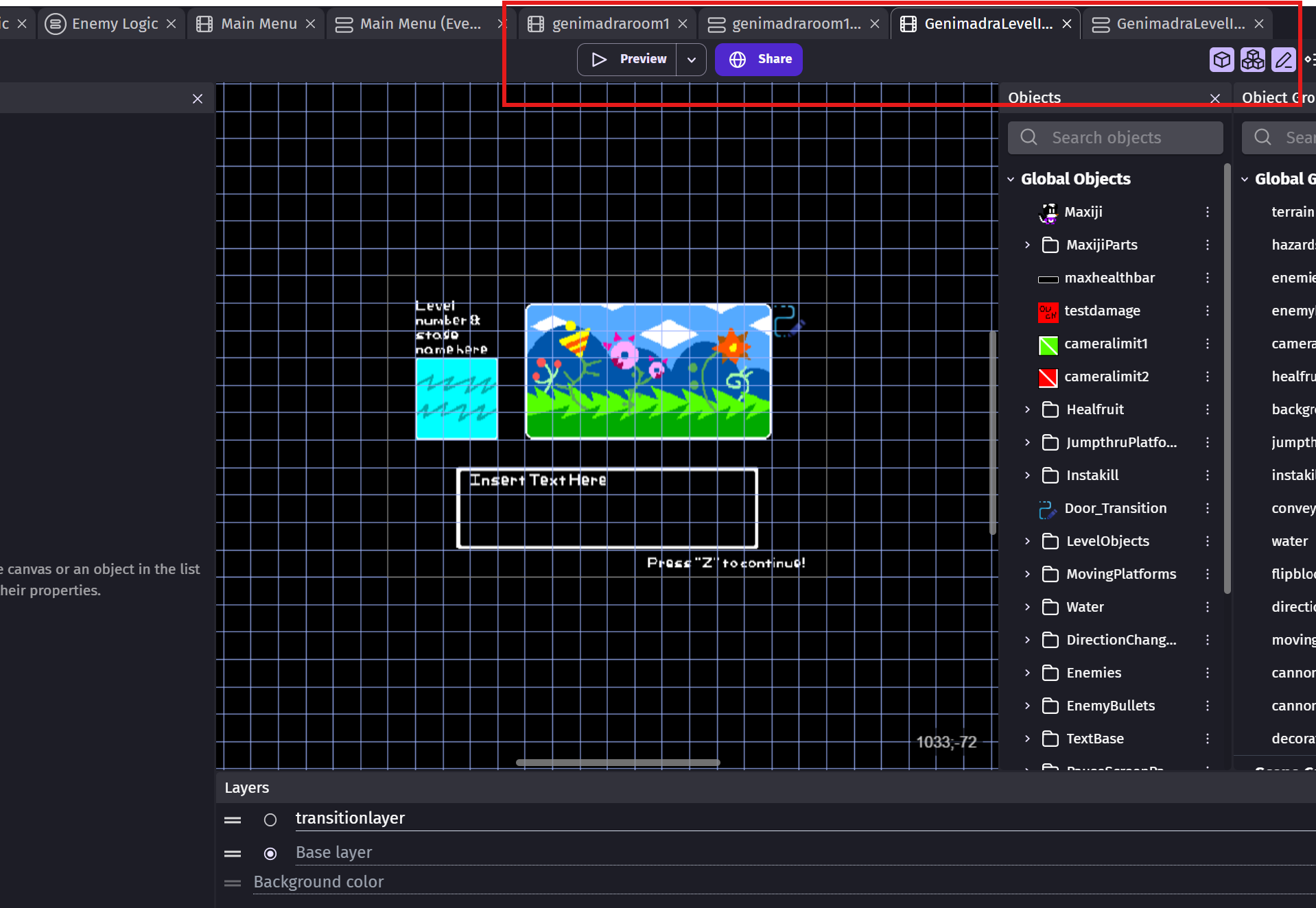
Okay, so whenever I close GDevelop, and then reopen it, these two scenes reappear in the upper bar.
When I click the Xs on both of them and their events sheet, and then exit the software…
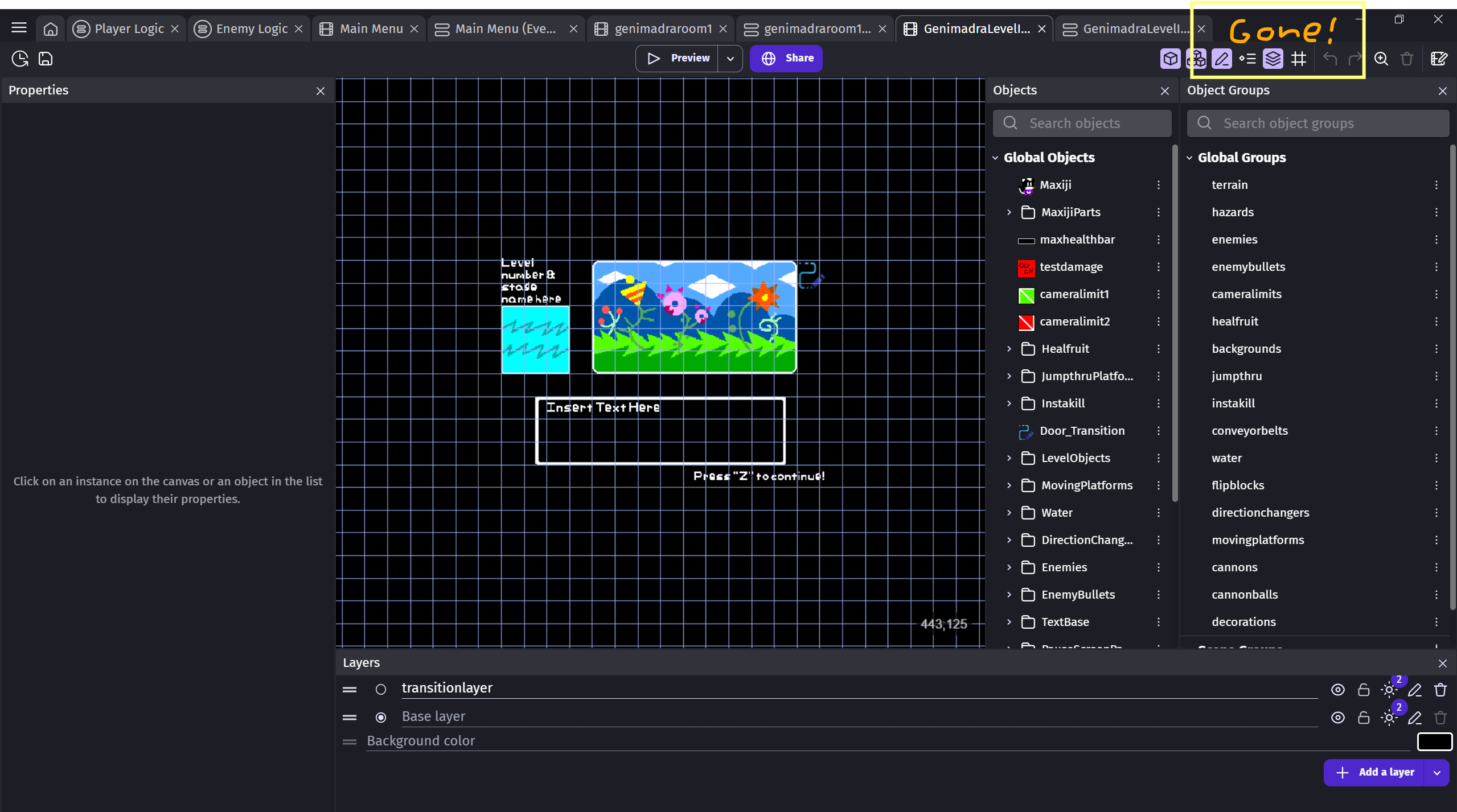
The scenes come back!
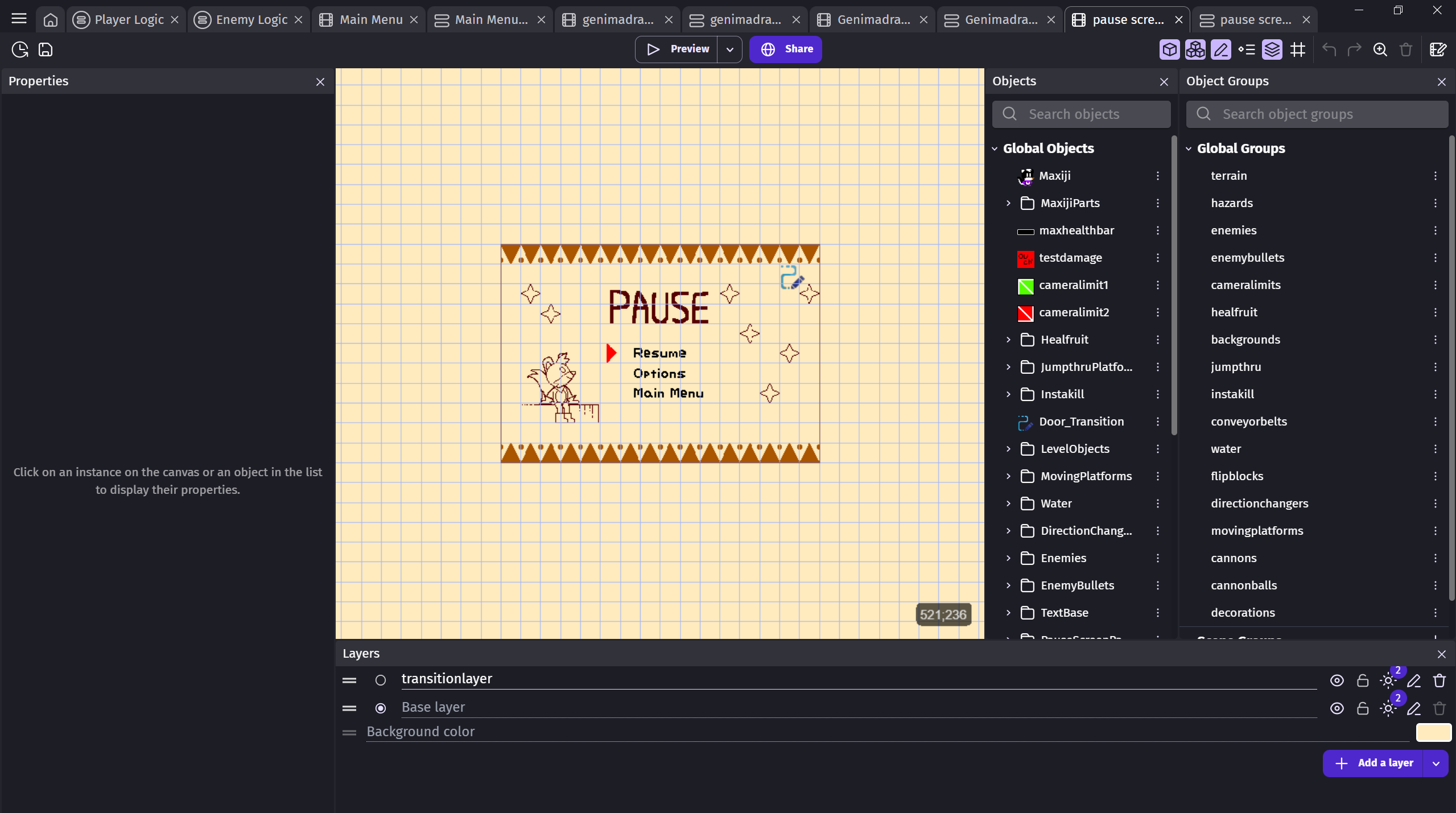
And when I open a different scene, and then close the software…
The new scenes are closed!
It does this everytime I reopen Gdevelop! It’s really frustarating…
1 Like
ZeroX4
January 21, 2026, 8:58pm
2
1 - do you save before closing?
1 Like
Yes, I saved before closing, and it still does it.
No, it’s not set to read only.
When I made a new project, and closed the software, and reopened it, it pulled up the old project, and pulled up the scenes that kept popping up.
Should I uninstall and Reinstall Gdevelop?
1 Like
ZeroX4
January 21, 2026, 9:51pm
4
Wort a shot
If you have no settings you regret loosing like hotkeys
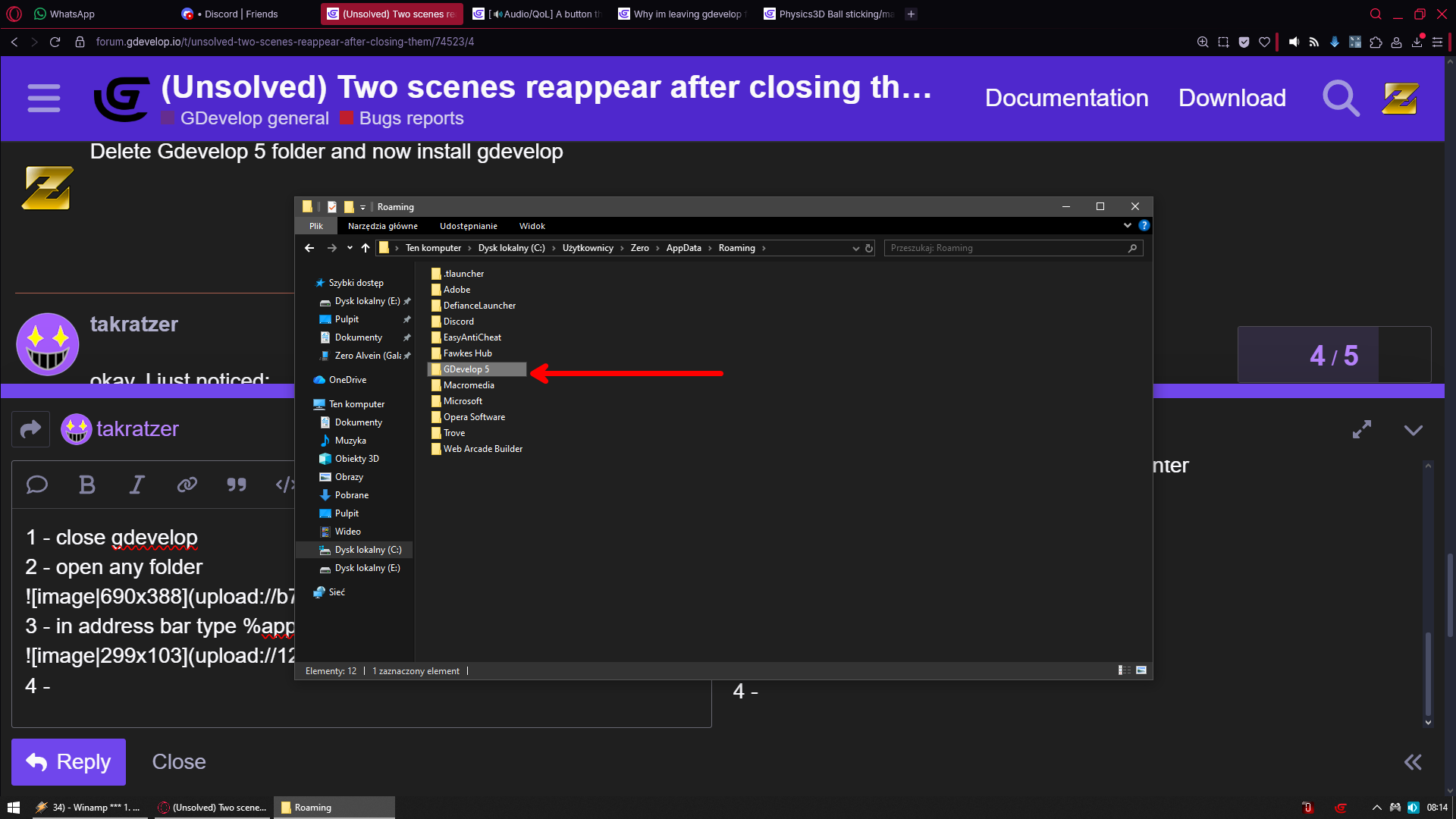
Delete Gdevelop 5 folder and now install gdevelop
1 Like
okay, I just noticed:
When I turn off the preference to having it automatically open the project I last edited, and then close it, and go back, it still reopens the projects, and the prefrence option was set back to true.
Can you guide me on how to do the %appdata% thing you suggested?
1 Like
ZeroX4
January 22, 2026, 7:15am
6
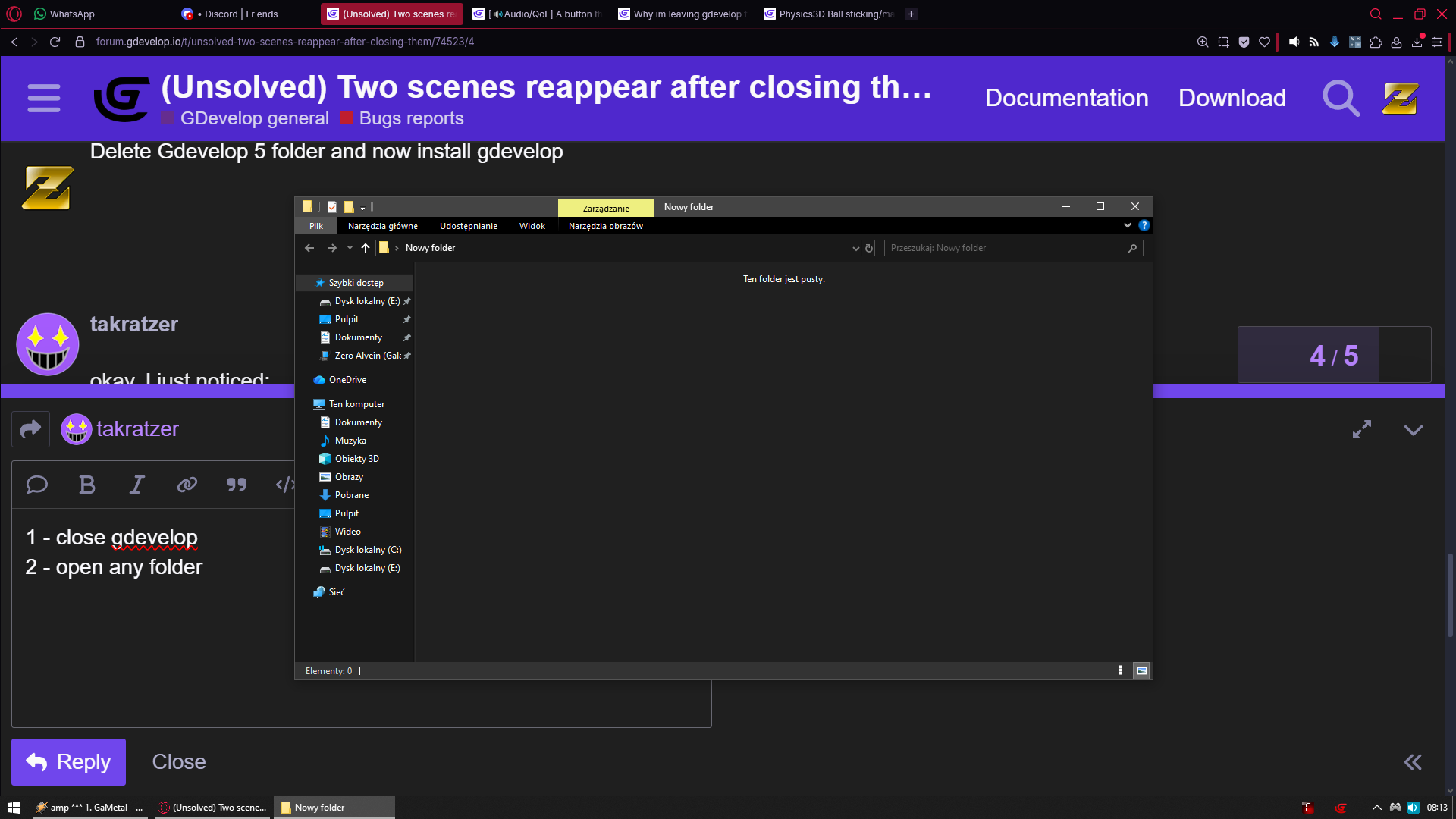
1 - close gdevelop
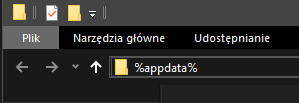
3 - in address bar type %appdata% and hit enter
4 - In your case just delete Gdevelop 5 folder
6 - now just install gdevelop again
That is all
1 Like
this won’t screw up my Gdevelop Project, will it?
okay, I did it, and it worked! Thank you!
1 Like
ZeroX4
January 23, 2026, 7:30am
9
You already know but im replying in case someone else ever gonna read it and will be worried
NO it will not