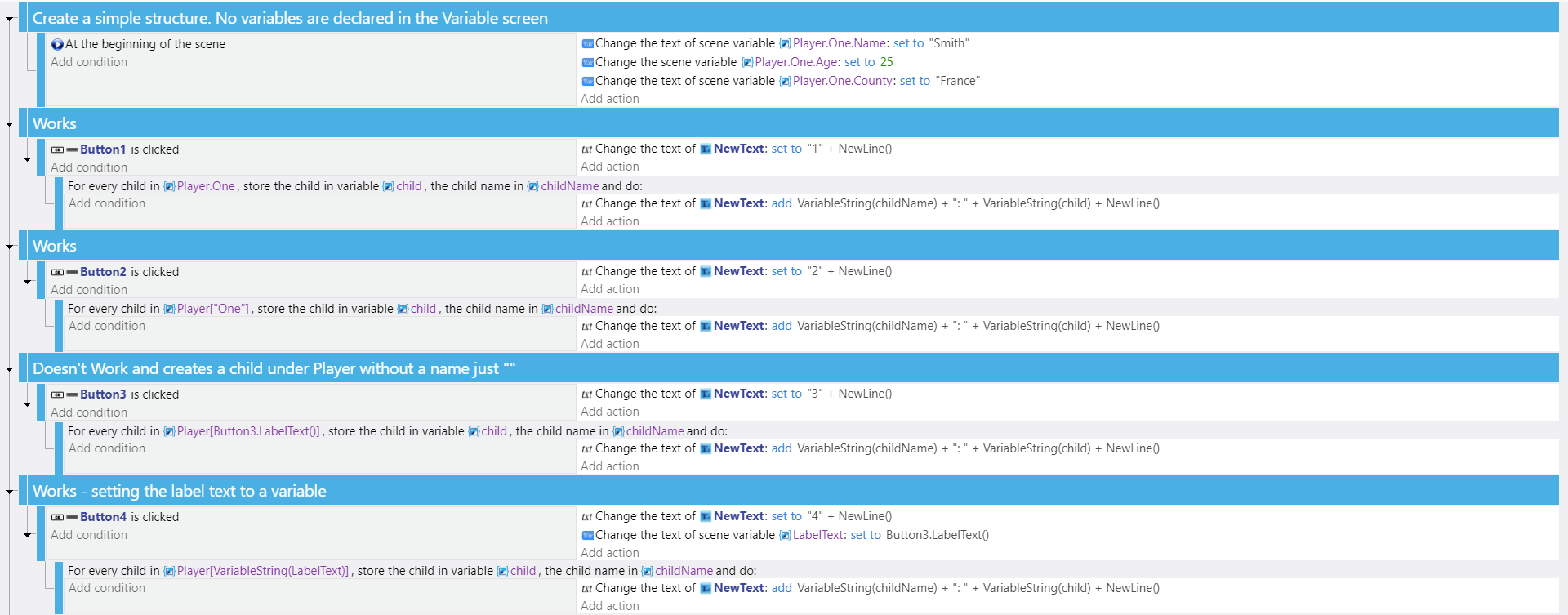
I believe I’m using the most recent version.(5.2.175) Can someone verify this?
I swear I used to be able to build structure name in the for each child event
I confirm you have to use VariableString to access the child of a structure.
Or you can write something like Structure[“” + YourVariable] - this is to force the variable to be read as a string.
I can’t find any issue with this - any chance you could send me a stripped down version of your project (or the project itself) so I can have a look? Thanks!
Super useful! I confirm I can reproduce the problem, your example is really really invaluable here.
This is not due to the new variable syntax it seems - as it’s actually not used here (and I verified it will work in a new bugfix release if we write for Button4 Player[LabelText], as long as you declare LabelText. Don’t try this now because it does not work yet - it’s another bug that is being fixed).
I’ve opened the example with GDevelop 5.2.172 and it also fails with the case Button3.
This is due to the usage of Button3 inside the for each variable. It’s a pain and your workaround (storing it in another variable) is good. It’s not a regression but I’ll try to understand what’s going wrong.
Thanks again - this was super helpful to have a real test case. Should speed up the bugfix.
I’m sorry this is an old post but the problem seems to persist.
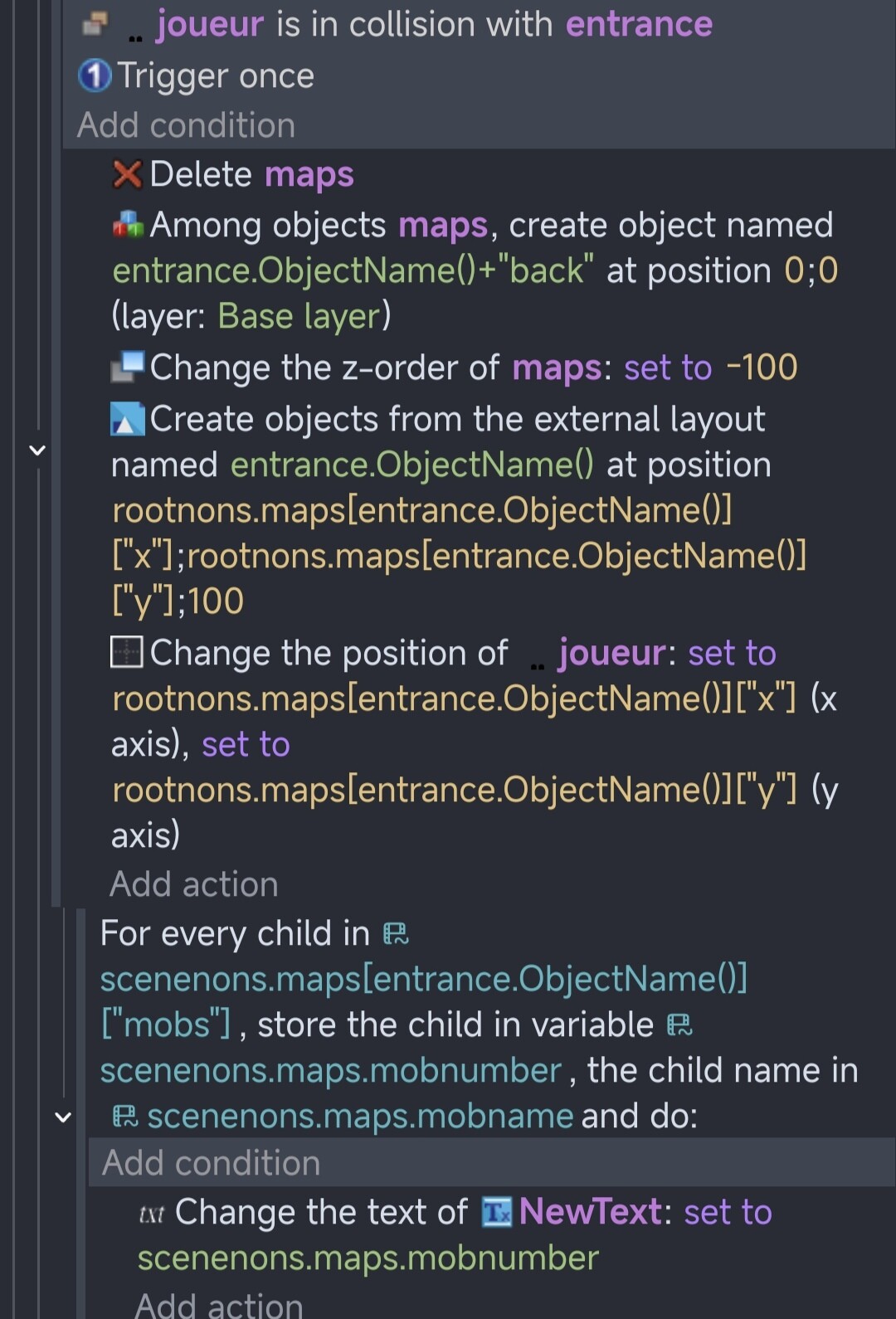
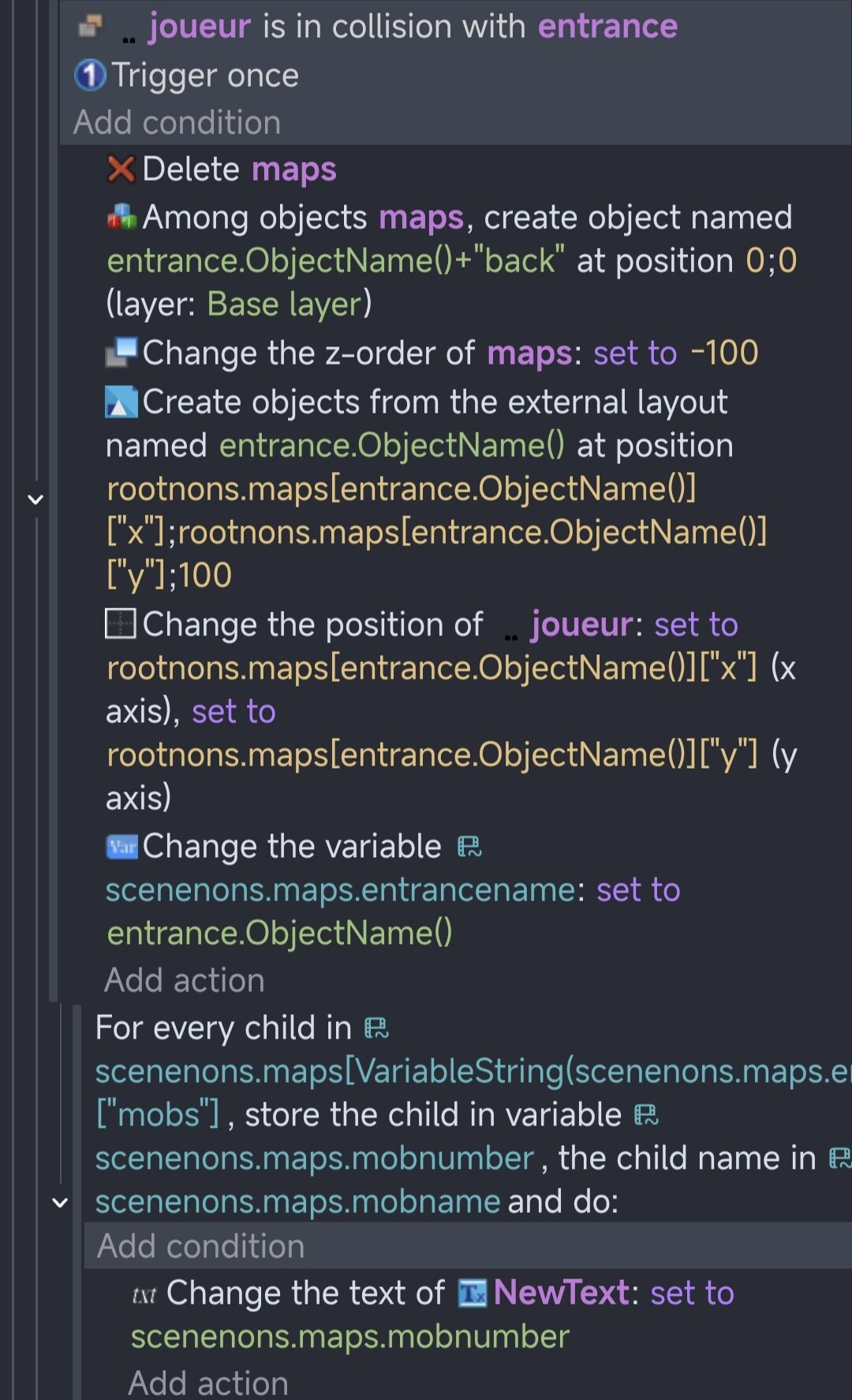
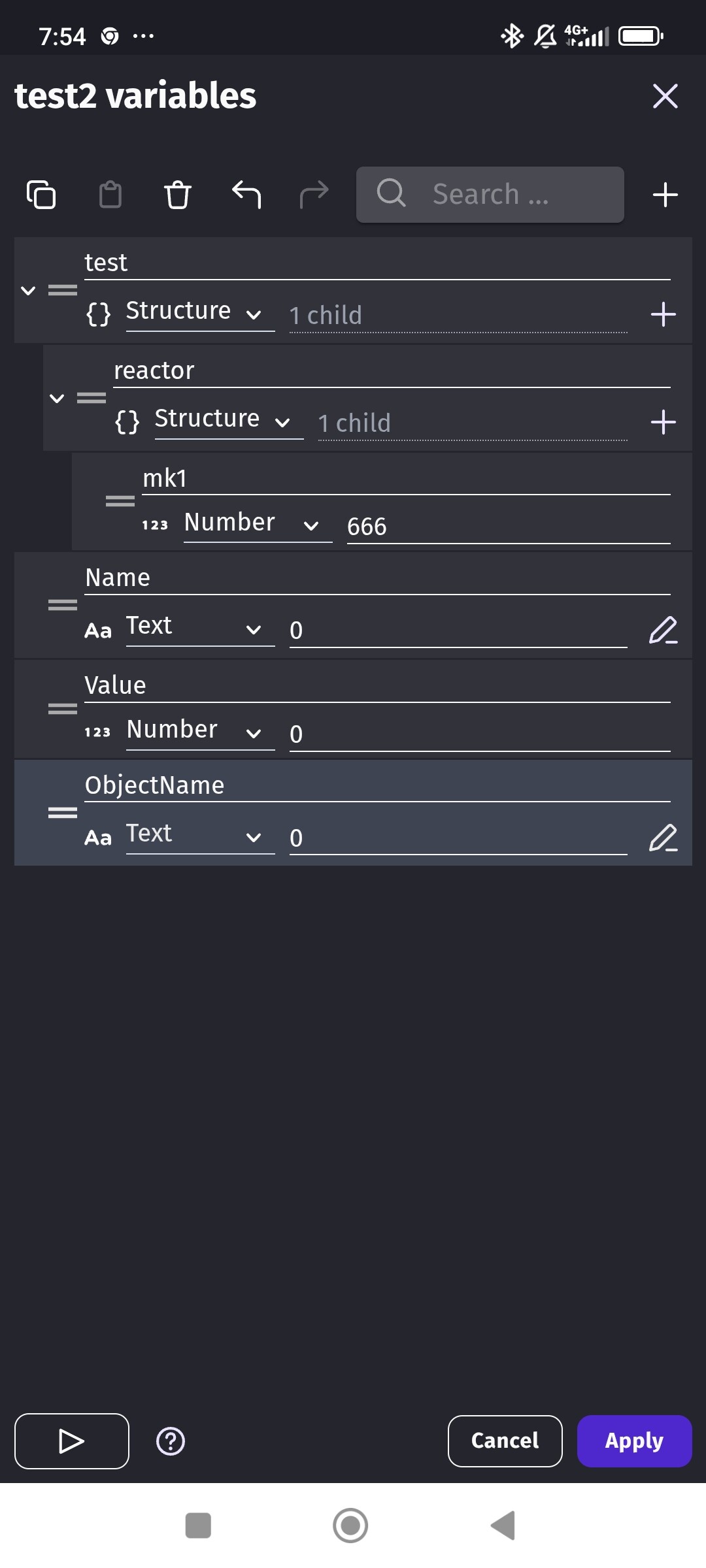
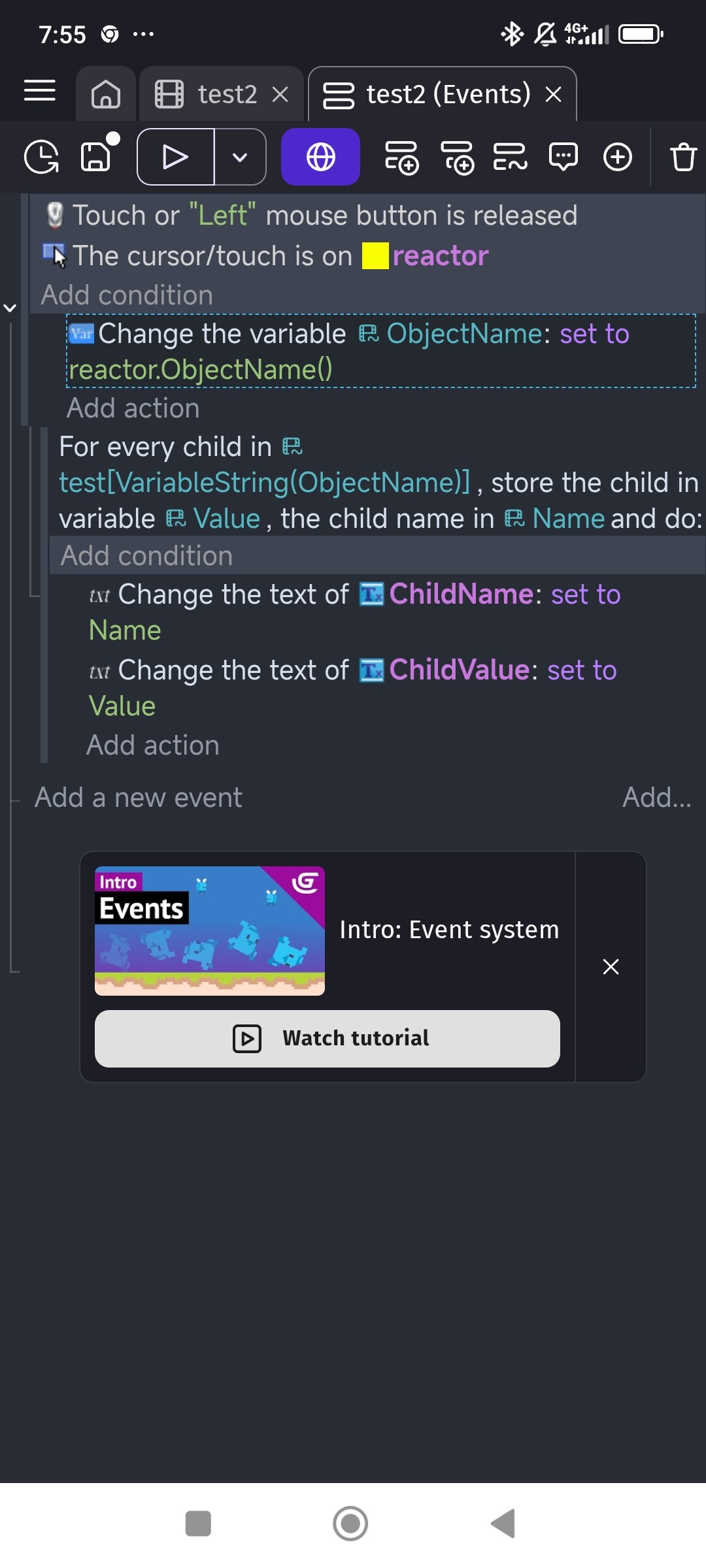
The expression doesn’t work with [object.ObjectName()] but it Its works if storing the object name in another declared variable [VariableString(ObjectNameVariable)]
Is it working as intended ?
It’s tough for me to tell what’s going on because I don’t know which objects are in the group and which objects are in the layouts. Here are a couple of common problems which may or may not apply.
Two weird things with GD. Objects don’t get deleted until the next events.
In the first case, since the objects aren’t deleted immediately, if you set or read something related to the objects, it might apply to the old objects instead of the new objects.
In the 2nd case, the objects might not exist yet. So, trying to read a value related to them might result in the wrong vue being returned.
My only tip is to check the value of the properties and /or variables and see if it’s reading the right objects. You could use the debugger or add a text object and add the values to it.
It’s late. Im tired. If this is still unanswered tomorrow, I’ll try to test using object.Name in a fer each child and as a variable. But Im just too tired for this to make much sense without testing it.
thank you for your answers.
to be clearer: all the events above work correctly apart from “for each child”.
Unless it is not allowed to use the name of an object directly in the expression.
I did a little test.
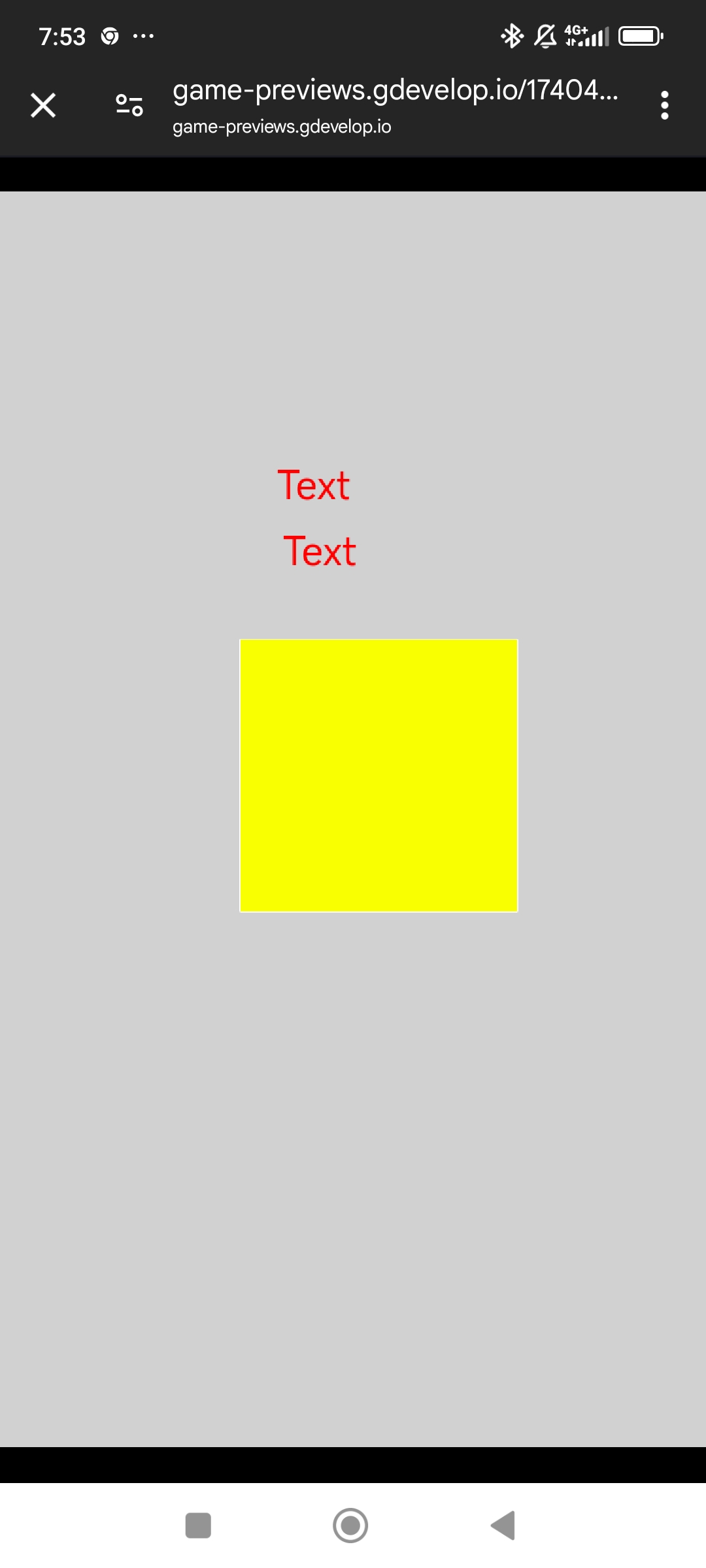
the first directly uses the name of the “reactor” object in the expression of the “for each child” event. this one doesn’t work.
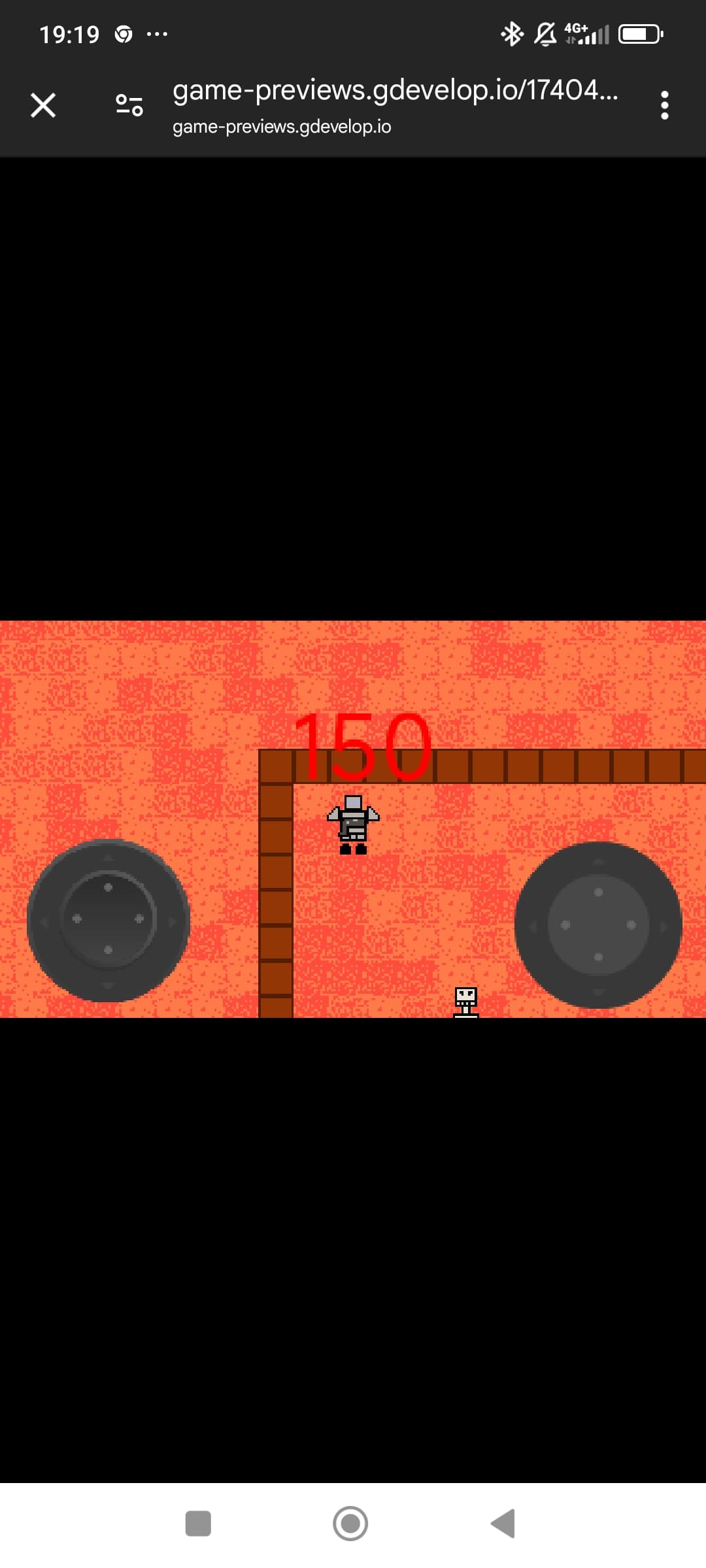
the text of text objects does not change
in the second try I added a variable scene in which I copy the name of the object with an additional event.
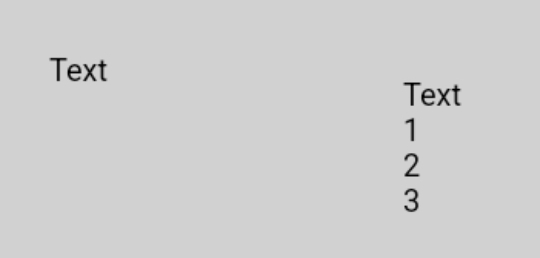
using this variable in the event expression “for each child” (instead of the object name directly) it works.
You might get a quicker response if you start a new thread. People tend to ignore old posts and posts with a lot of replies. You can include a link to this post.
Another option is to also post to the Github page.
Thank you for the example. It’s an issue in the code generation of the “for each variable”. The generated code doesn’t give the object instances to the expression.