i’ve been working on a school project with an education account (equal to the gold plan).
- during a session, i saved my progress and closed the app, right after i opened back the app and tried reopening my project.
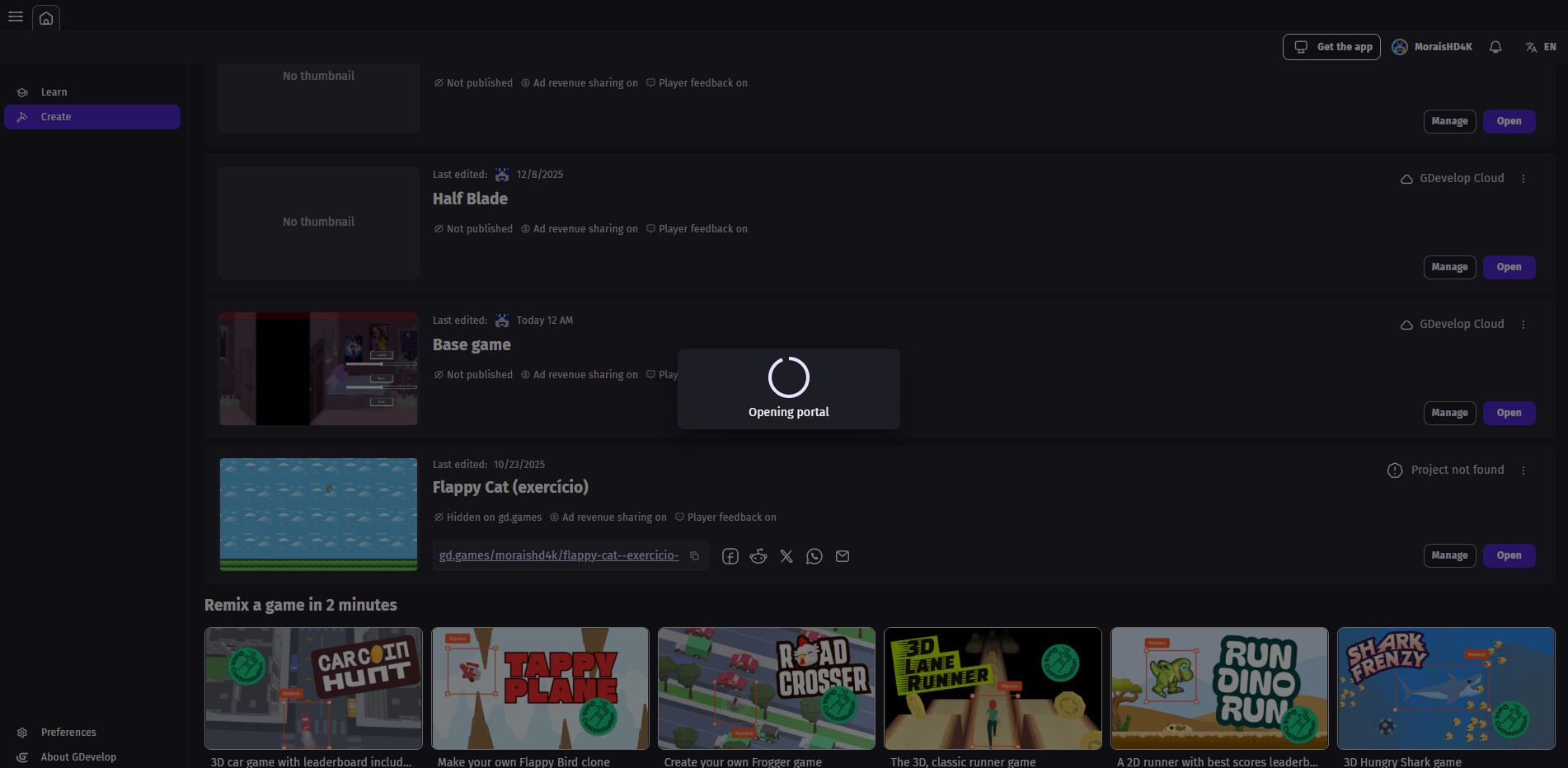
-It started loading but, it got stuck with the text “opening portal”.
-i tried opening my account on other computers and on the web version and it didn’t work. - when i tried opening other projects it loaded just fine.
-I don’t have the project saved on my computer its in the GDevelop Cloud.
If there is anyway you can help please i’m desperate ;-;
Steps to reproduce
- Press “open” project on the “create” tab
Share a very simple GDevelop project showing the bug
It has to include the assets along with the game.json
-i can’t acess anything so i can’t say which assets i used, the only way to acess anything is loading the project WHICH i can’t do
