Do you know any way people have solved the issue?
Nobody in the past (or at least that I have seen) has solved this issue.
When using the web version, (I think) you have all your games stored in the cloud. If this is the case, simply log into GDevelop in the app, and all your games will be there. The GDevelop app is not very resource intensive at all, in fact, it takes up less then 1GB on my computer and almost never lags.
Personally, I would say it’s best for you to get the app, even to try. If it lags too much, then go back to the web app, but if it doesn’t, the desktop app is amazing 
2 Likes
wow it lags for me every single time im in the 3d editor lol
1 Like
Well, the 3D editor is probably more resource intensive. I personally use a M1 Mac, which is decent for running things, so it doesn’t lag for me.
1 Like
So its just a reoccurring problem that hasn’t been dealt with yet?
1 Like
Oh… I’m trying to make a 3d game so I’m not sure it’d run really well on mine…
1 Like
I’m assuming so.
Like I said before, get the app and try it out, and report back here whether or not it works for you. If it doesn’t, then at least you tried it. If it does work, then you won’t have to worry about how soon this bug gets fixed
2 Likes
Will do 
Just one question, if I store it on my device, will it also store all the assets on my device as well?
Since I currently do most of my stuff on guest mode to reduce lag.
1 Like
Depends. I’m assuming your projects are in Cloud Save right?
If you download the desktop app, all of your cloud projects will still be saved in the cloud. If you ever would want them stored on your device, you can use “Save As…” and save them to your device. Otherwise, they will still be stored in the cloud, which is not on your device
1 Like
If I wanted to stay away from downloading projects onto my device to save storage, could I make a cloud project, work on it, publish it, and then download it temporarily, email the file to myself and then deleted it and later redownloaded it temporarily, got it back into the cloud and update it and push an update to the original game, would that work out?
1 Like
I’m not exactly sure what you mean by all this, but I think I understand.
Yes, it should be possible to save a project on your device, delete the project, and then redownload it and open it again, then save it as a cloud project.
2 Likes
If I had uploaded the project to Itch io, then did what i was talking about above and then wanted to update my game on itch, would that be possible or would it make me make a new game, are there any tutorials on how to upload a downloaded game back to Gdevelop?
Thank you for all this help btw, I really appreciate it =)
2 Likes
Hey!
If you save the game to a file on your computer, you could then proceed to post that on itch. If you didn’t want people downloading the file, you could put it in a private project or disable downloads, and pretty much just use itch as a project storage site. You can easily redownload the file from itch, by simply clicking the “more” button next to the file name. Once you click more, you will get this popup:
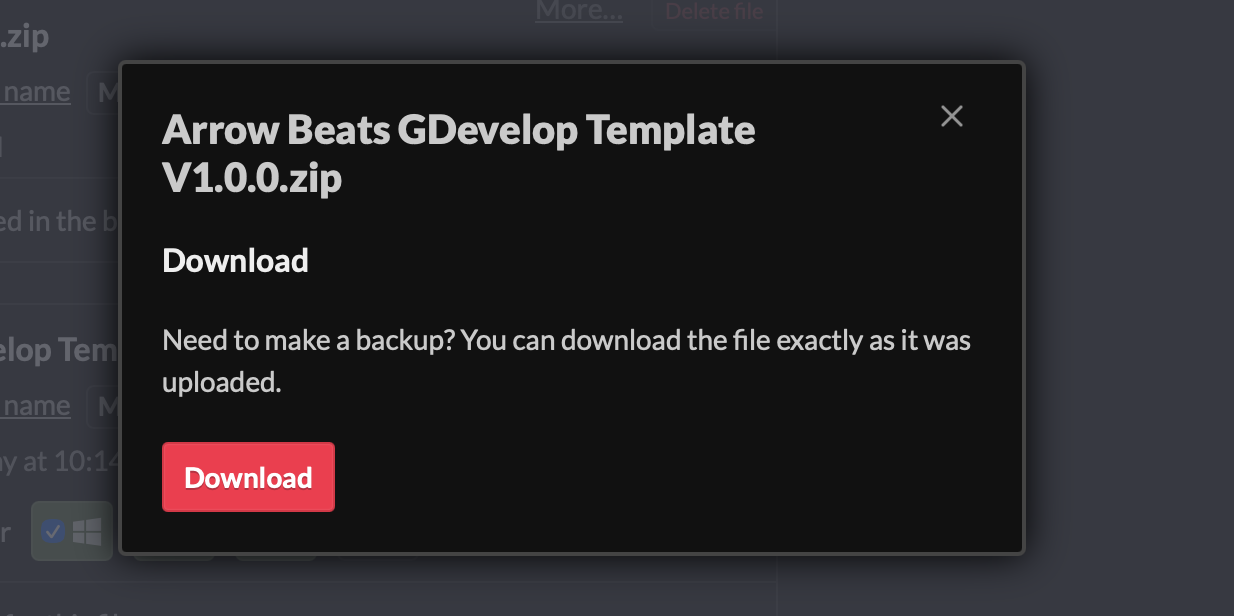
Remember, you can only edit the game if it is a file folder on your device. Exported version of your game cannot be added back into the editor.
If you need help with any step of this, or have any more questions, feel free to let me know!
1 Like
So if I save the file to my device (and then say upload it my my google drive), would I be able to re import it into Gdevelop and continue editing my game even after I delete it?
And then if I re downloaded it and then wanted to make an update to the game on itch, would I be able to?
Thanks =D
1 Like
Yep!
If you have access to your project file, you can always reimport it into GDevelop. As for making an update on itch, you would simply delete the old export on itch, and upload a new export. :)
1 Like
Thanks!
Is there any specific way I have to re import it into Gdevelop, I haven’t seen an import option, (although I may have missed it since I wasn’t really looking for it)