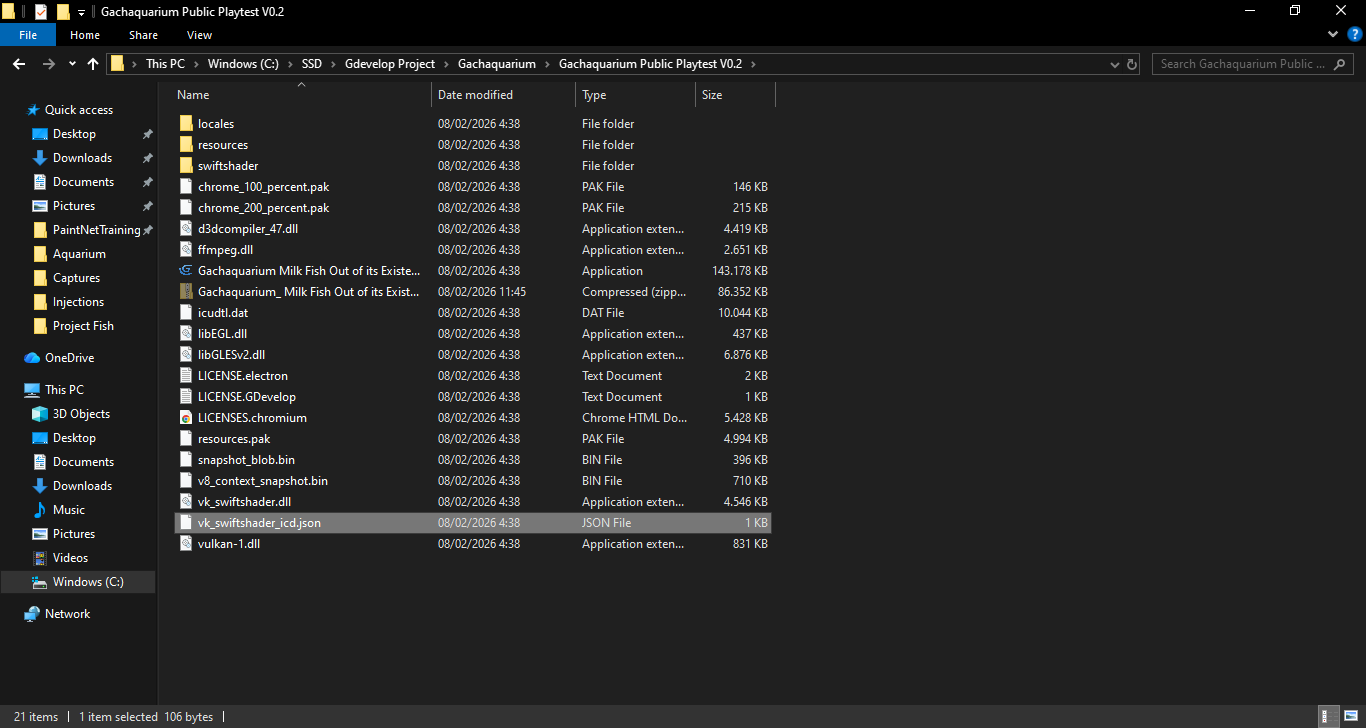
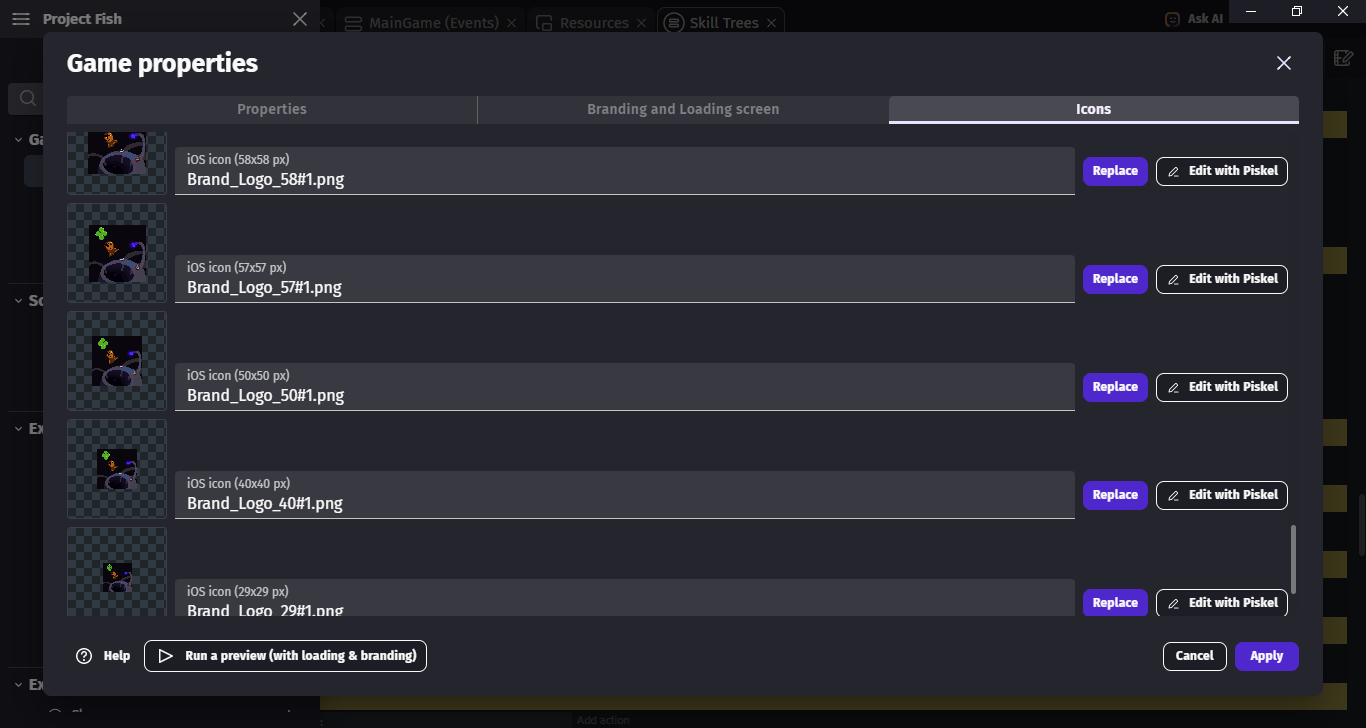
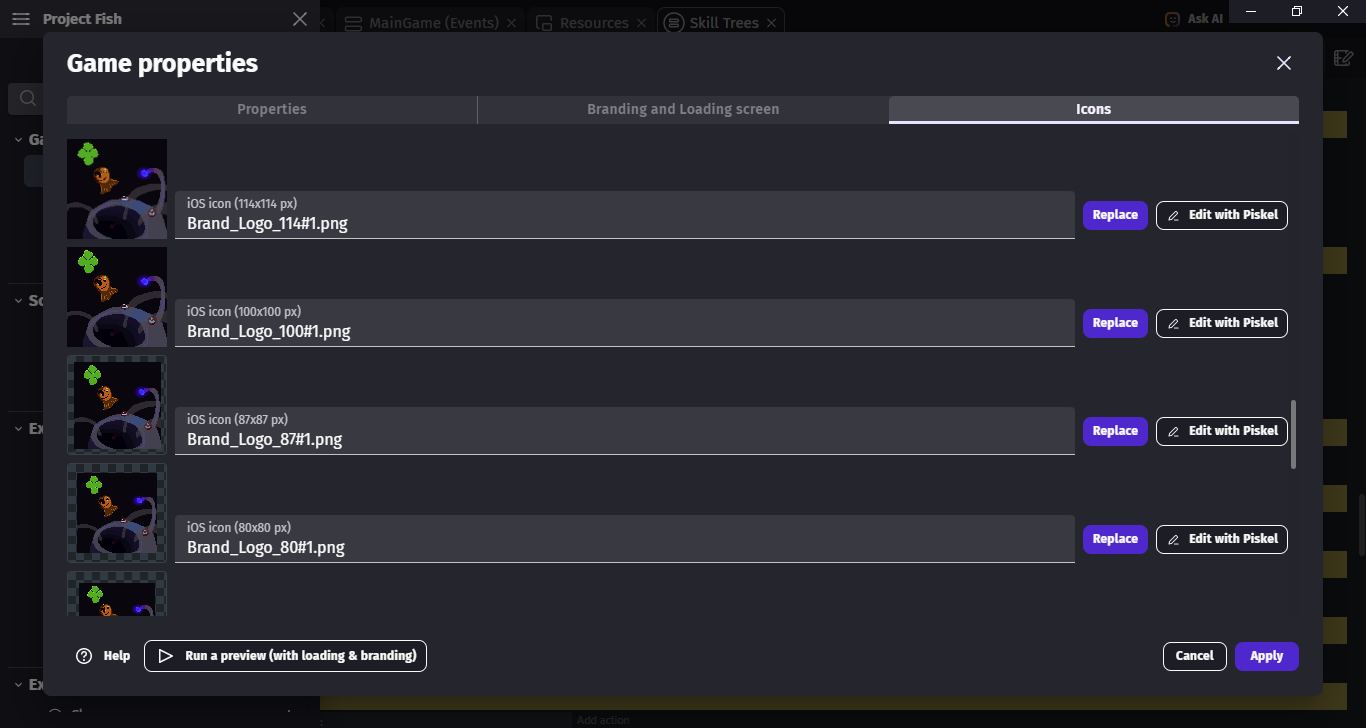
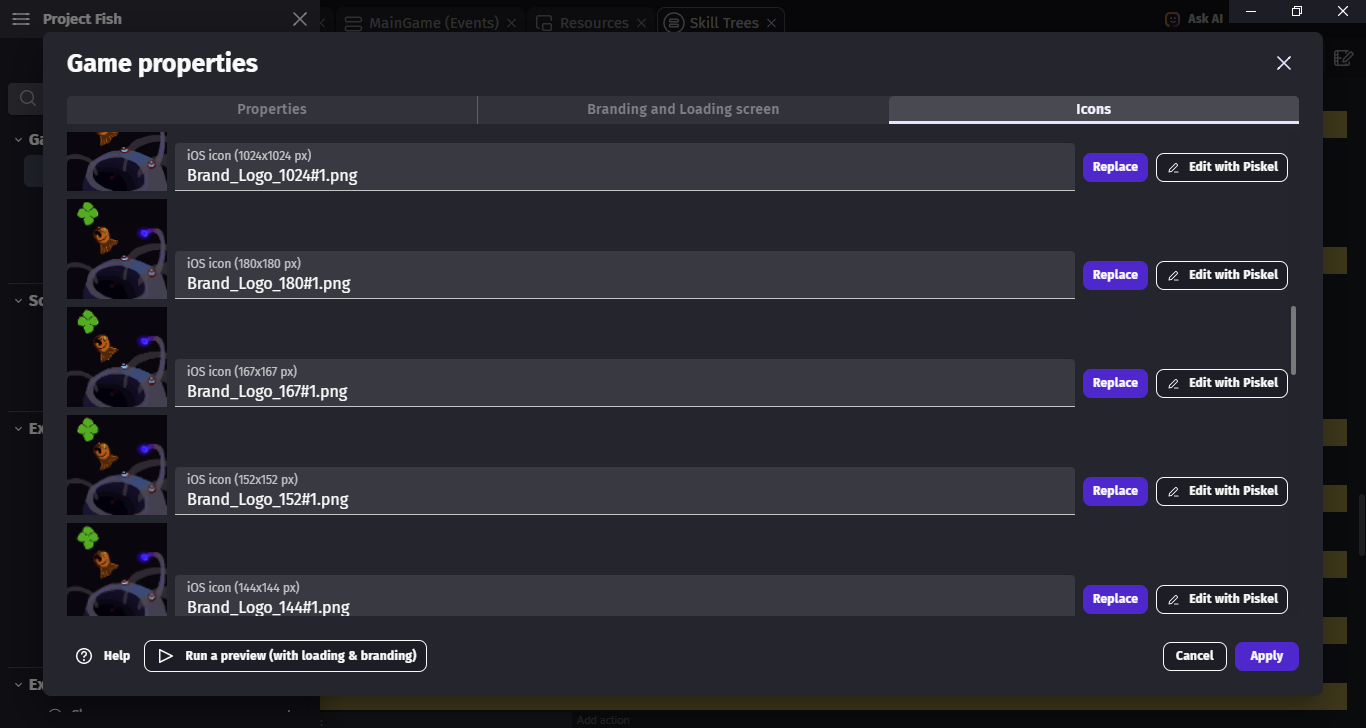
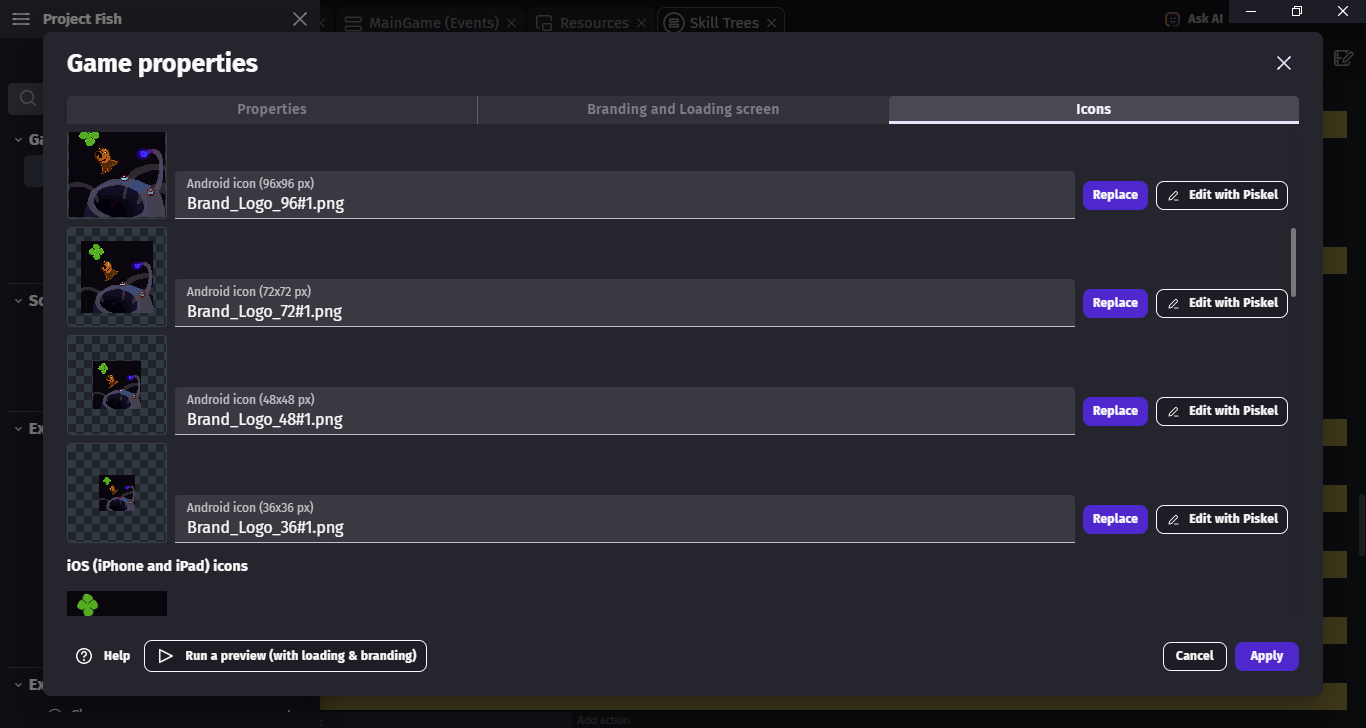
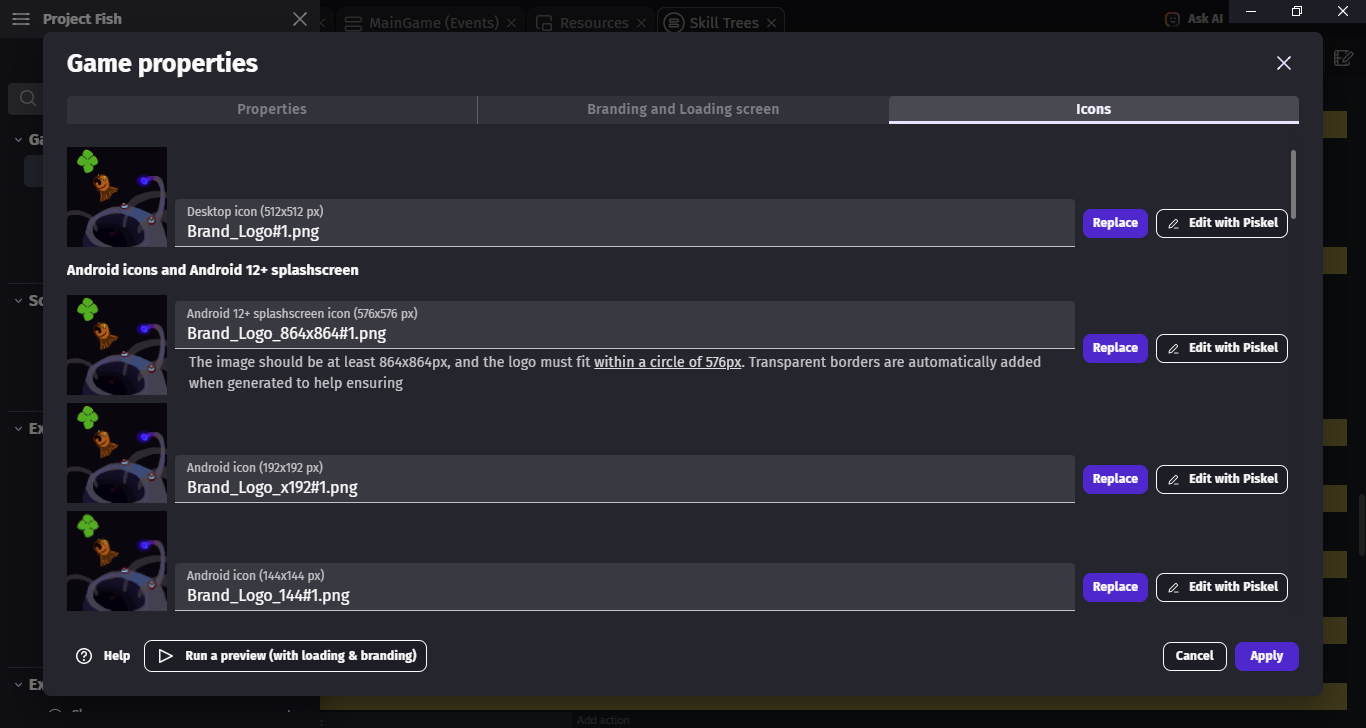
As you can see its doesn’t have icon even though i Filled all of the Icon by myself, Change the Image size by myself using Aseprite. i didnt use the Auto Fill Generation feature on this one, i did use it on the first time i Export the Game Project but its doesn’y work so i decided to follow what People Say, which export it by my own.
You see windows have that issue that sometimes if you for example have Game.exe with one icon and you replace it with Game.exe with other icon
You will see 1st icon not 2nd
A fix to it is to change folder name or folder location or even Game.exe name
It is as if windows to not read icons on each time you try to display them store whatever icon file had
So when you update icon of .exe file it will not update it automatically
whole folder like the Top left one? i copied the whole folder and put it on the Desktop, still the same.
and you said change the folder name? change to what?
Of copying folder did not help then changing name will not help also
I described above from where issue comes from
If your game being on desktop did not help then i have no more ideas what you could try