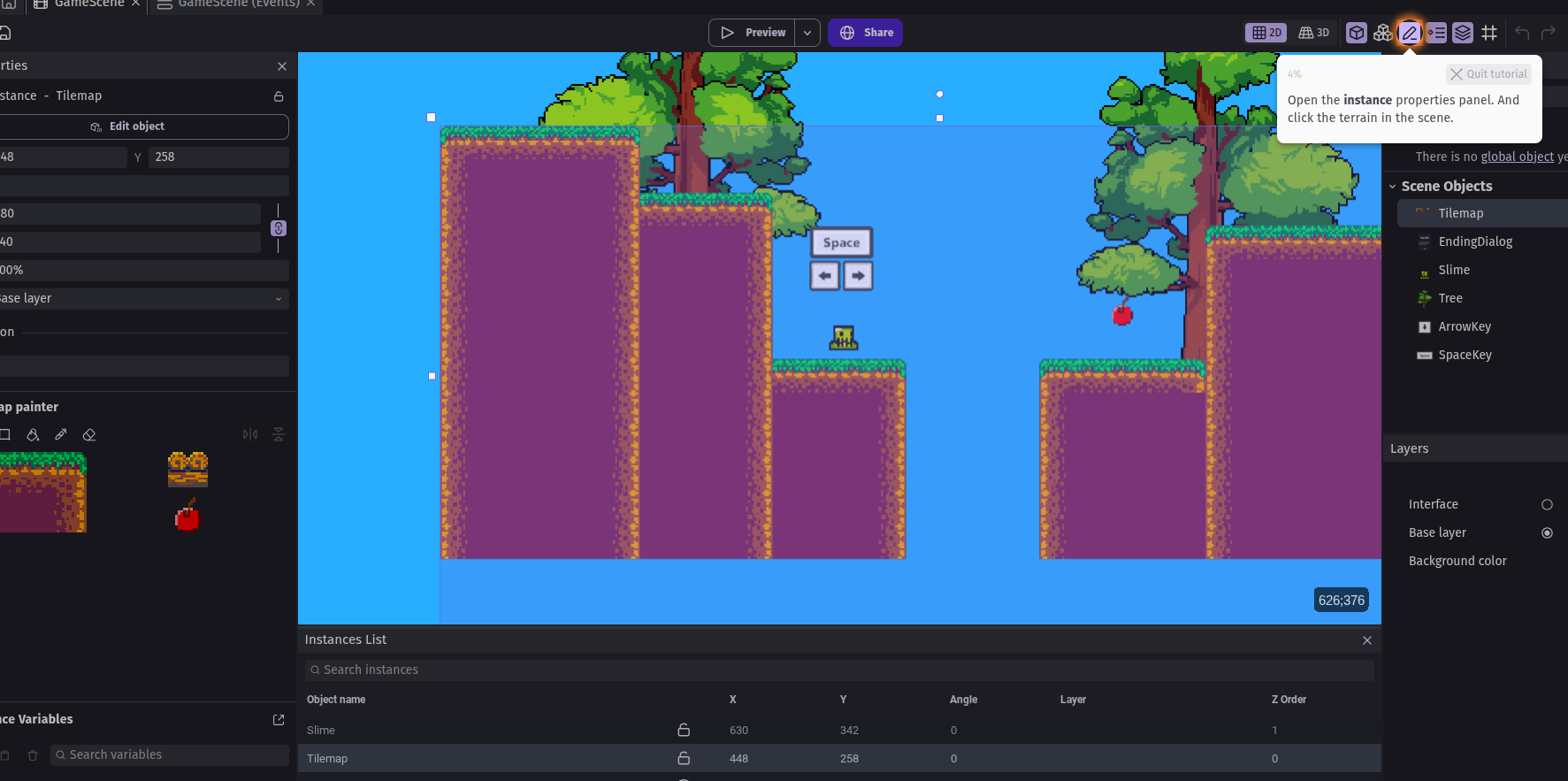
it says “open instance properties and click the terrain”
I opened the panel and clicked every f**king where and I can’t get the tutorial to the next part now matter what. I’m really at a loss for how to make it do anything other than make me wanna drop kick someone…
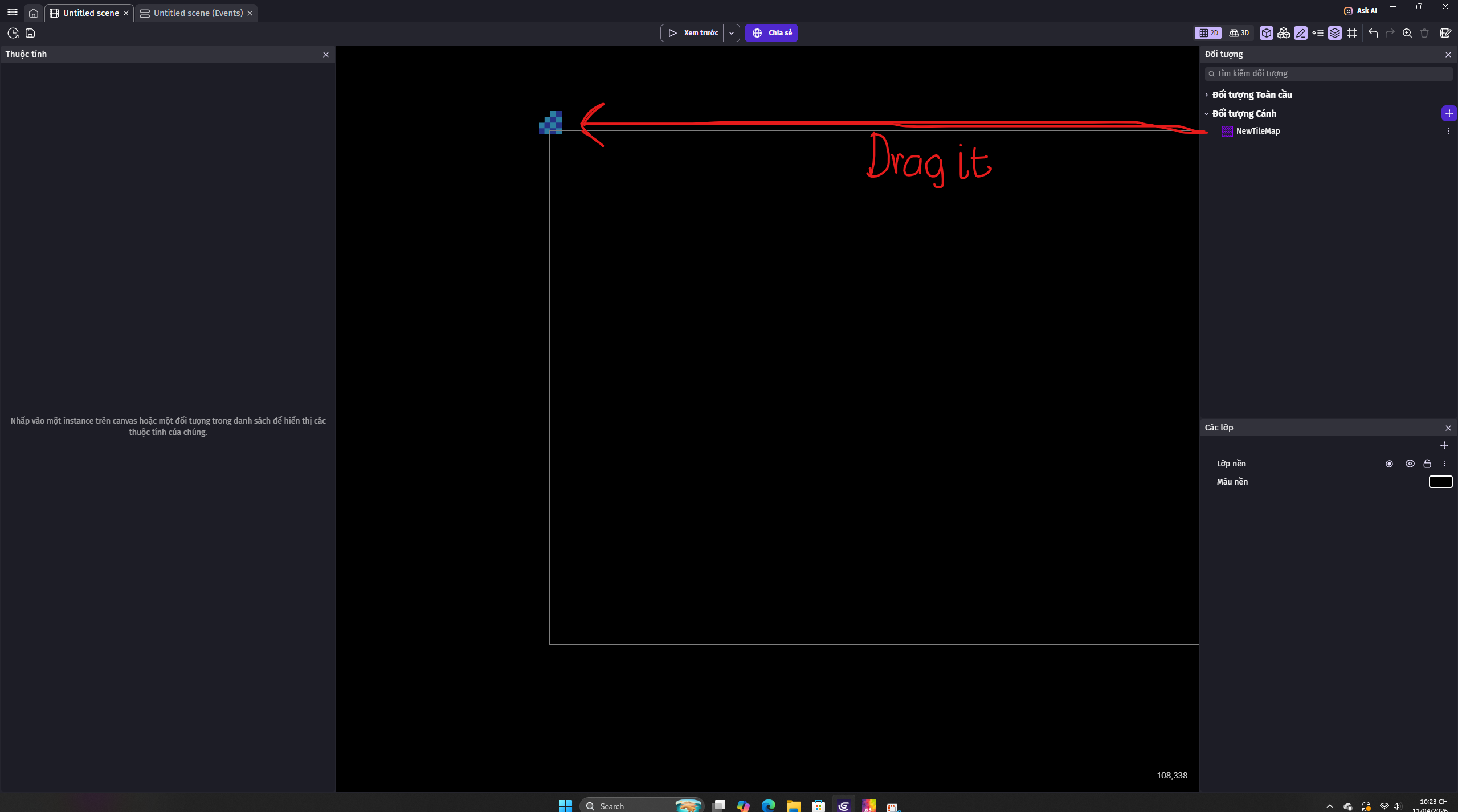
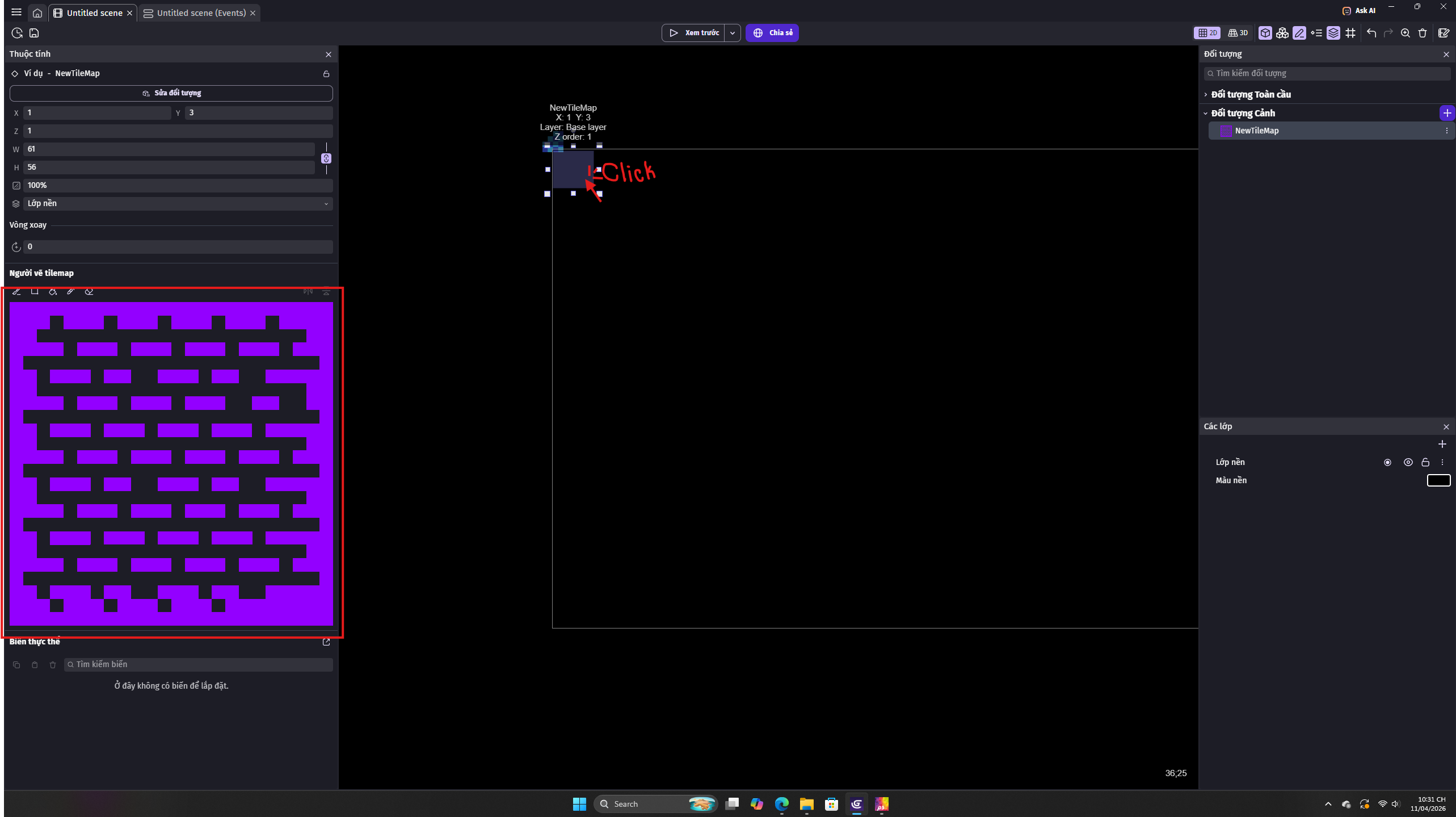
Now, the map appear on the instance properties (from the left screen), select any section on the map (by clicking on them) and you can “draw”, fill, erase it on your scene.
If you have more question or the solution isn’t working for you, just let me know.
???, That’s weird, hmmm, since you’re on the tutorial, i’ll try to replicate your action.
Hmm, Oooh, mabye the tutorial possibly have something flaw, or am i doing wrong?
I open the instance properties, click the terrain on the scene as the tutorial said, then…
I can’t select the section on the map from left screen, i click the terrain many times, the tutorial still said “Open the instance properties and click the terrain on the scene”.