Before proceeding, please use the forum search feature at the top of the page to check if your question has already been answered.
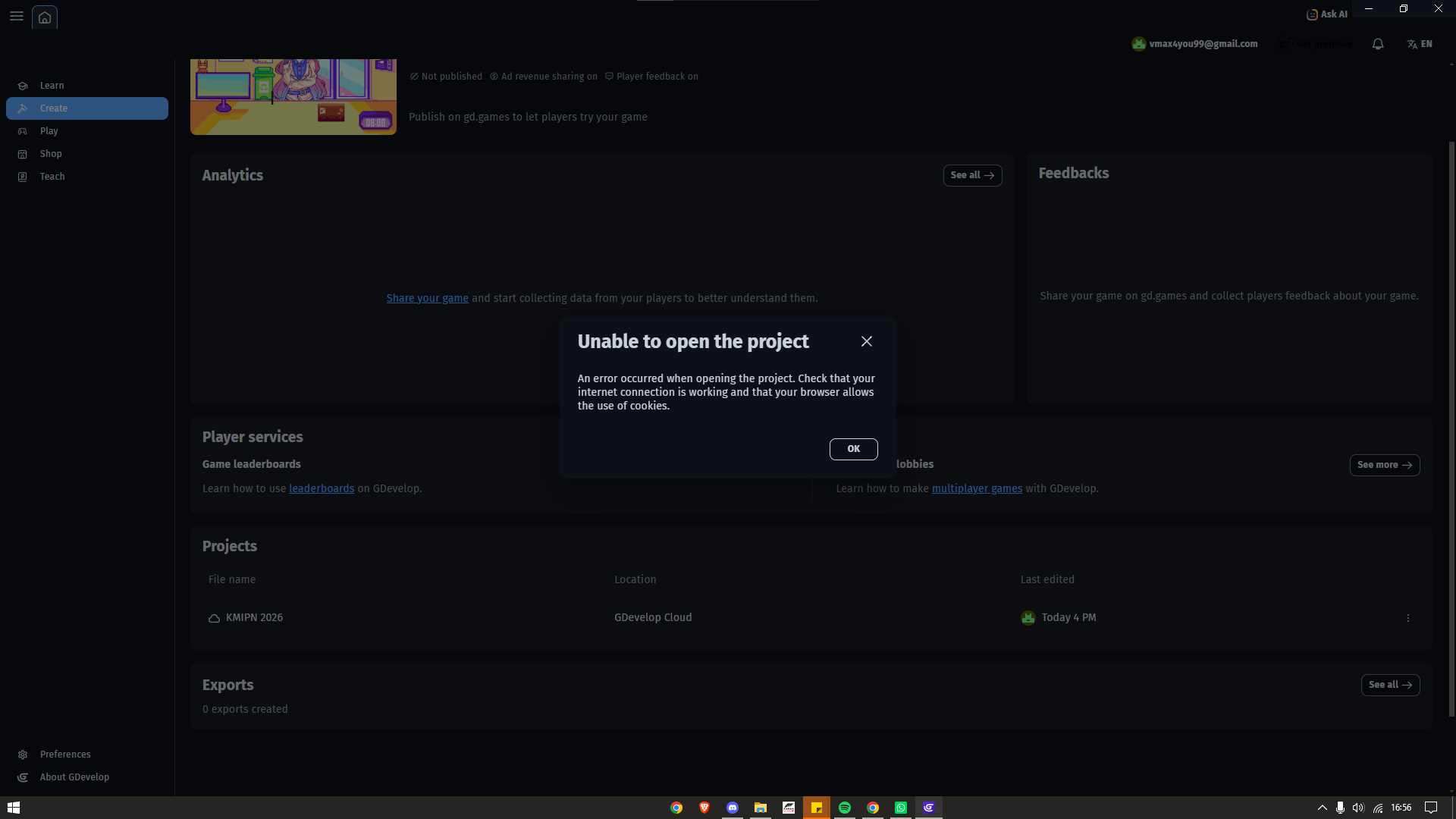
I am trying to open my project named “KMIPN 2026” which is saved on the GDevelop Cloud. I am logging into my account (vmax4you99@gmail.com) via the GDevelop web editor.
To make sure it wasn’t just my computer, I asked my teammates to log into the same account from their own devices and networks to at least backup the project, but they are encountering the exact same issue.
What is the expected result
The project “KMIPN 2026” should open normally in the GDevelop editor so we can continue working on it. Since it’s a cloud project, it should sync and load the latest save from the server without any issues.
What is the actual result
When I click on the project to open it, a popup appears with the following message:
“Unable to open the project. An error occurred when opening the project. Check that your internet connection is working and that your browser allows the use of cookies.”
Because the error persists across multiple devices and networks, I strongly suspect this is not a local browser/cookie issue, but rather a corruption, sync issue, or a bug with the project file on the GDevelop Cloud server itself.
This is extremely urgent. This project is for a major national student competition in Indonesia (KMIPN 2026), and we are on a very strict deadline. Losing access to this project would be devastating for our team.
Could the development team please check the server logs or the cloud storage for this specific project? Any assistance to recover or unlock this project would be highly appreciated. Thank you!
 warning icon next to that cookie.