Oooh I see, gotcha.
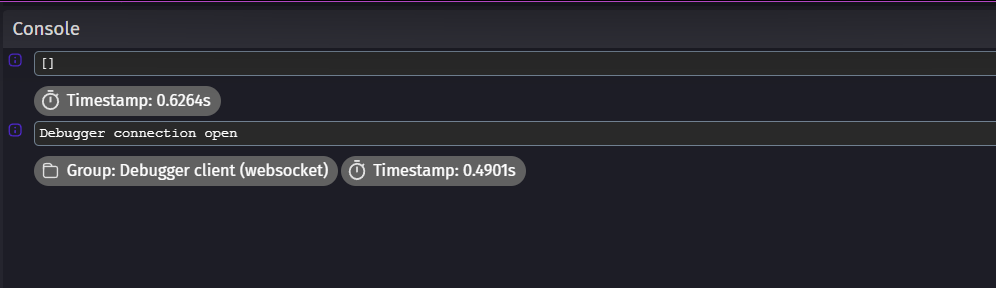
I don’t understand how to read the developer tools, I have to be honest. But I tried the debugger and it showed this?

Which doesnt make sense to me because the file DOES exist?
It looks like GDevelop is treating the backslash (“\”) as an escape character. Try using the forward slash (“/”), or use a double backslash (“\\”) in the file name instead.
Didn’t work…
I tried double backslash and forward slash in the files names and in both attempt one of the events and my second try at the events and nothing. Also no message in the debugger either. Weeeeird
So it looks like the screen shot in my solution?
Can you put a log to console action in between the load from file and change variable actions to confirm the data is being read in? For the text, put VariableString(dialogue). The use the debugger and check the output in the console.
If it’s blank, then the only other thing I can think of is that GDevelop doesn’t have access to the directory the file is in. In which case, could you move it to the top directory (C:\) and see if it can read it from there? If it can, then move it down a directory until if no longer loads the file.
Yes, like that. Is there anything in the console output?
Sorry for having disappeared for a while, life happened!
I tried moving the dialogue file to my main C drive, to my desktop, to different parts of the game folder, nothing I do seems to work, it just isn’t reading it?
I recreated everything in a test project to share with yall along with some comments, hopefully you can figure out what’s going on here?
I appreciate y’alls help thus far! I’m really not sure why it doesnt seem to be working, but man if we could get it to work it’d make my life so much easier lol