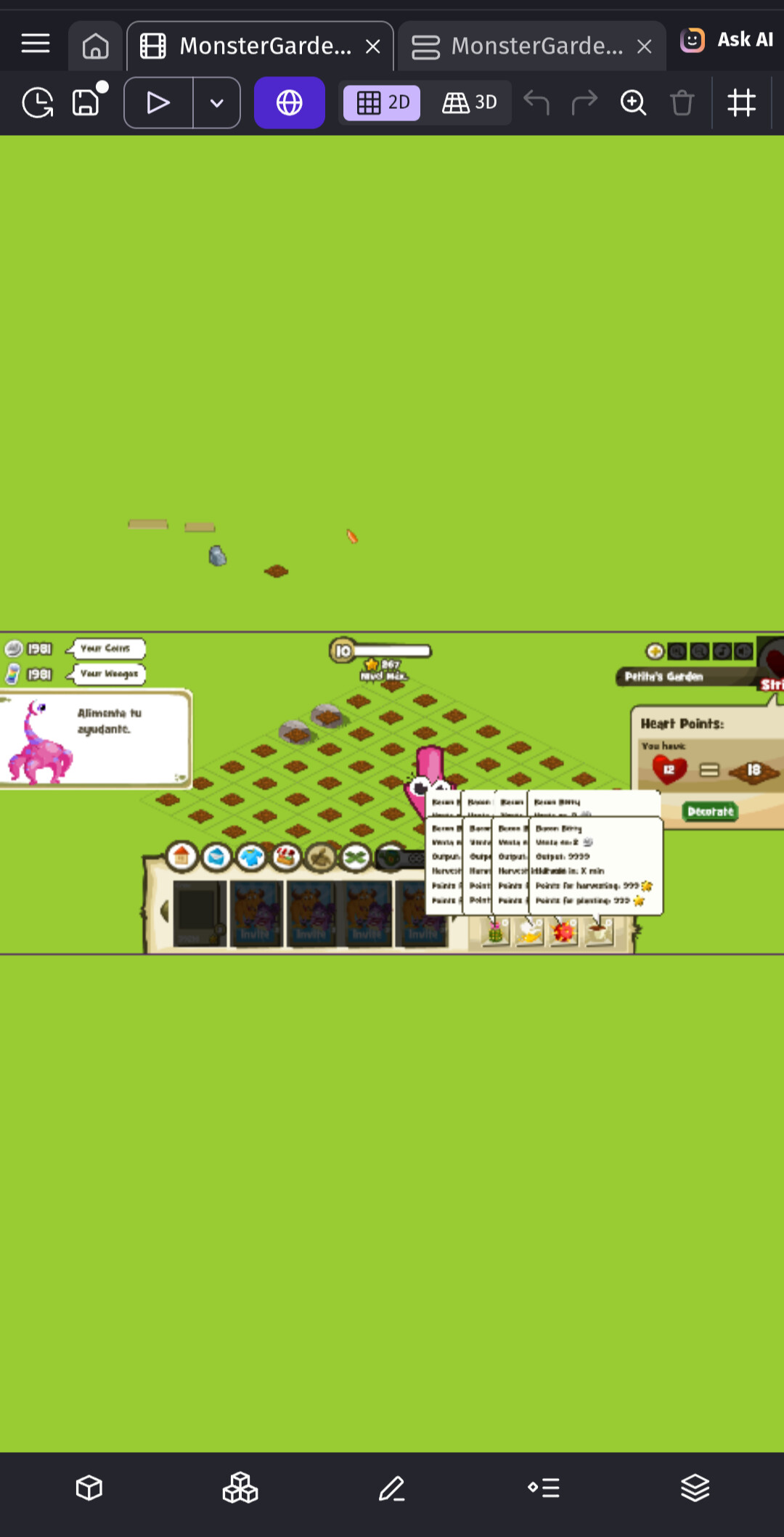
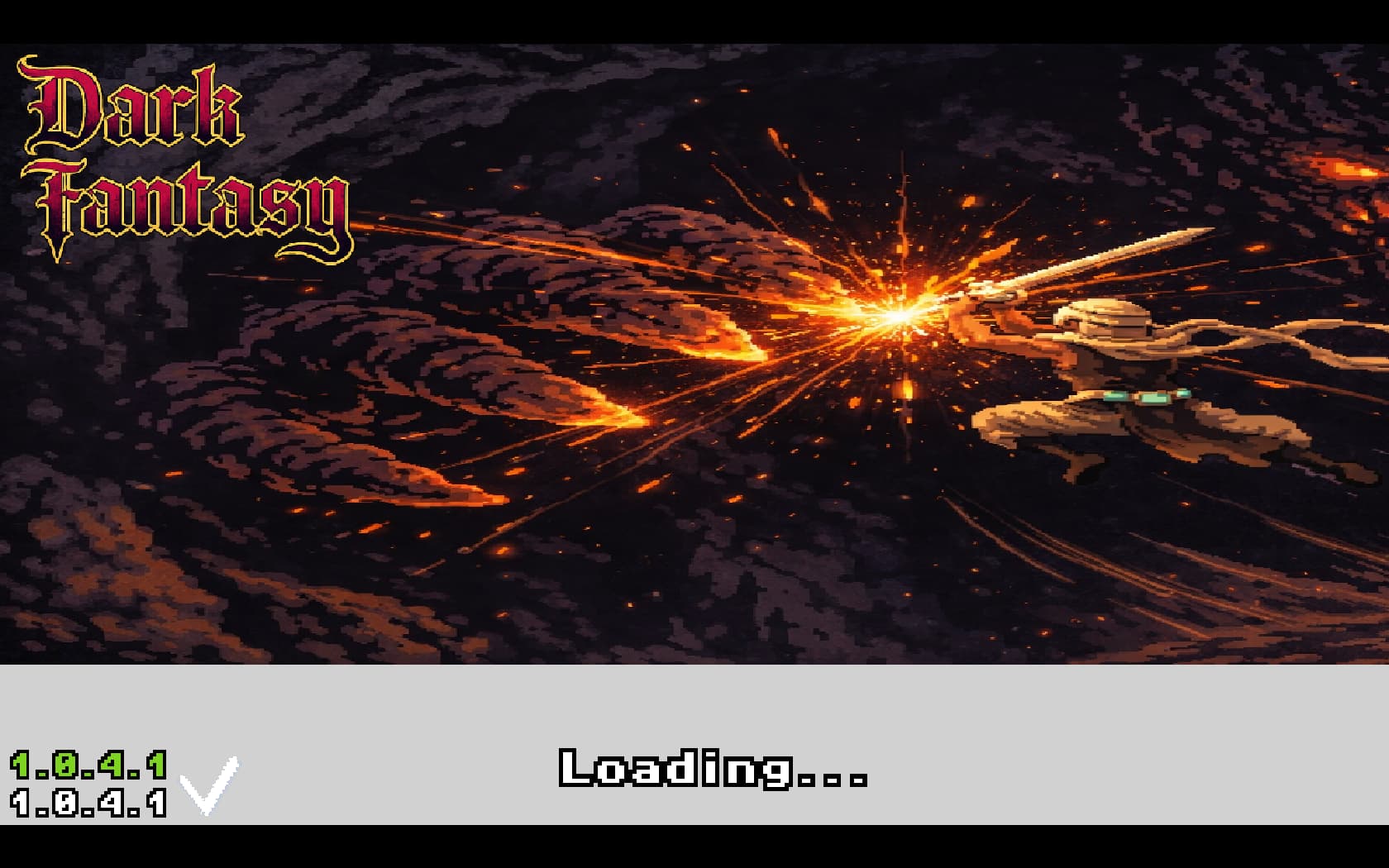
Hello, I am having an issue with my textures.
In the editor, the textures/ objects are perfectly fine, however, in-game, some textures stretch in ways they are not supposed to.
Please help, Many thanks!
Hello, I am having an issue with my textures.
In the editor, the textures/ objects are perfectly fine, however, in-game, some textures stretch in ways they are not supposed to.
Please help, Many thanks!
It can be the imagge that you are displaying is bigger than the sprite that is put in. Try going to the editor and scaling a bit of the sprites, letting it smaller.
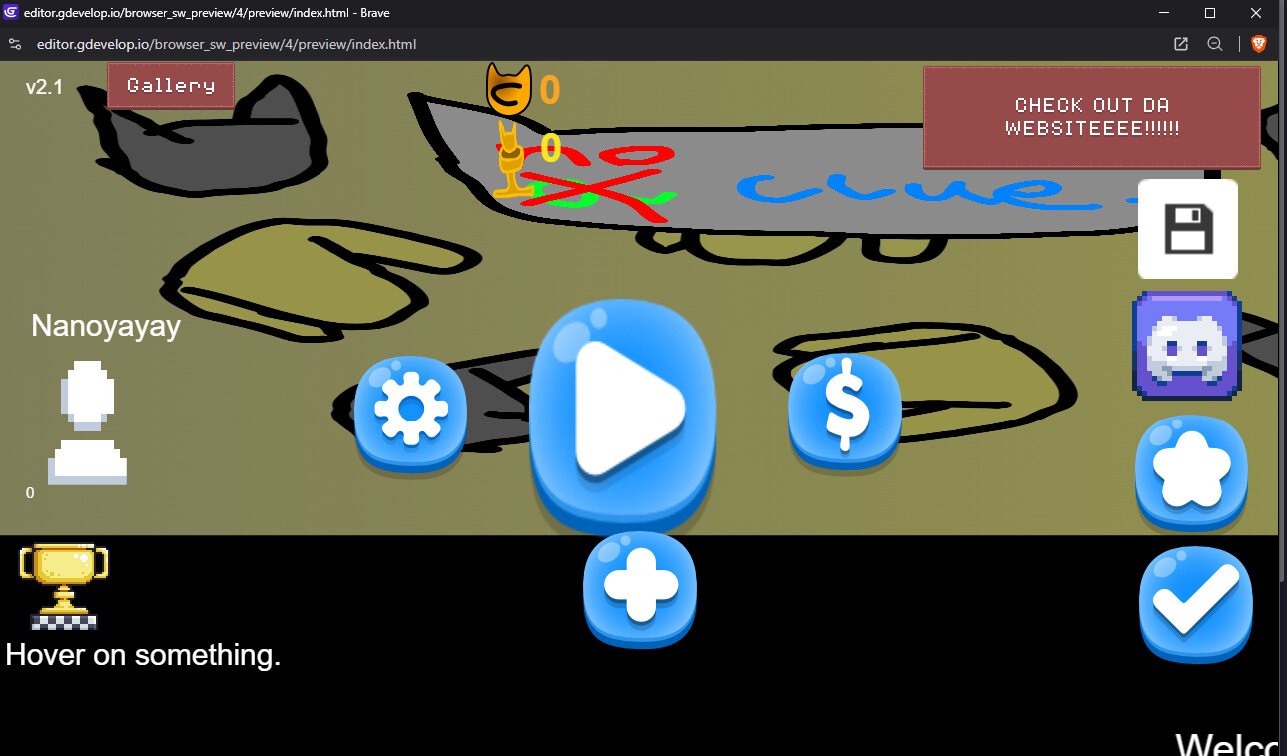
Also happens on my end when previewing the game in the browser editor, making many stuff not supposed to be seen yet visible in my project, and resizing many objects making the game look odd. In the desktop app the game displays perfectly fine. By the way, the objects in the editor are not stretched, it just looks like that when I’m previewing the game on the browser app, I tried resetting, changing resolution settings, clearing cache, but nothing happened
It just happens while previewing, including the objects that change their size via events or changed recently the texture/object size in editor to be smaller, while not previewing the sprites look fine
The sprite stretching issues started on 29/01/2026 after the new release. It seems like the game is forcing a 3D preview or something similar, which is affecting any resized sprites. The issue can be partially resolved by adjusting the 3D camera angle. Gdev needs to confirm whether this is being fixed on their side or if changes are required on our end.
You are using the recent version or an old version of Gdevelop, because i didnt experience this bug never.
in the desktop app, the glitch directly didn’t affect, which is probably what happened to you, but in the browser editor it was affecting with the recent update, I think it seems to have been fixed now
It’s all fixed now, thanks alot!
btw ive something similar to custom objects…
Thank you for reporting an issue. It’s fixed by this released:
i confirm problem is gone away …
Edit: i still have this problem inside custom objects…
but at this point i dunno if related