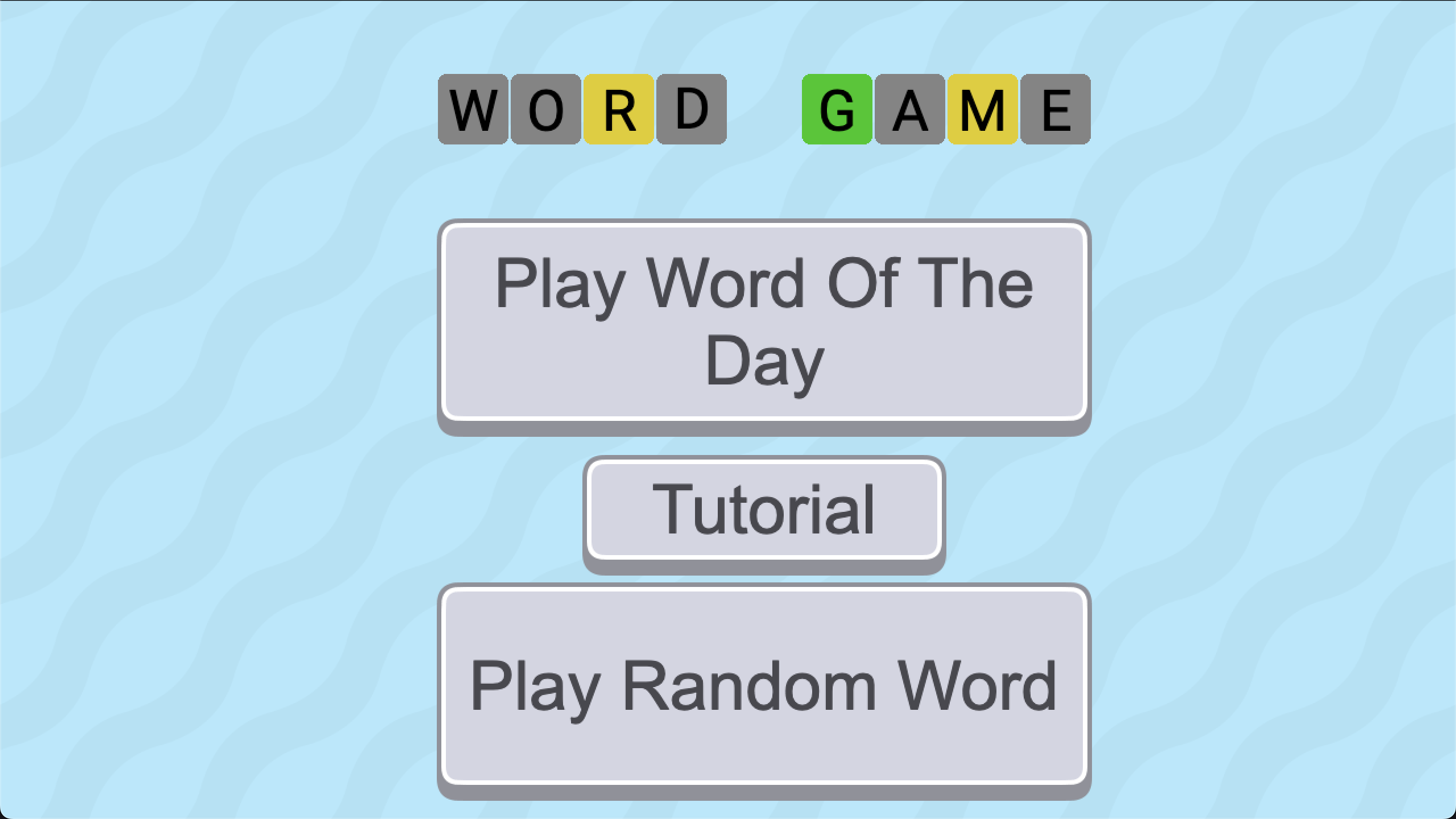
Hey Everyone! I’m back with my second ever GDevelop template, Word Game!
This template lets you make a game like Wordle, but in GDevelop!
If you want to check it out, click here!
Let me know what you think, all feedback is appreciated!
Note: Template may be bugged on Brave browser.
6 Likes
Hi Snowy, that’s great, well done. I used to play wordle and when I had some green letters, I liked to type them into the next line in the correct place so that I could think visually about my next guess. I tried that with your template but it didn’t seem to do that? Or maybe it’s just a me thing to do it that way, not sure.
1 Like
Hi! I run the template over my Linux Ubuntu by the itch.io and the letters from the keyboard are lightly outside the gray background of each button in the axis Y.
See the screenshot:
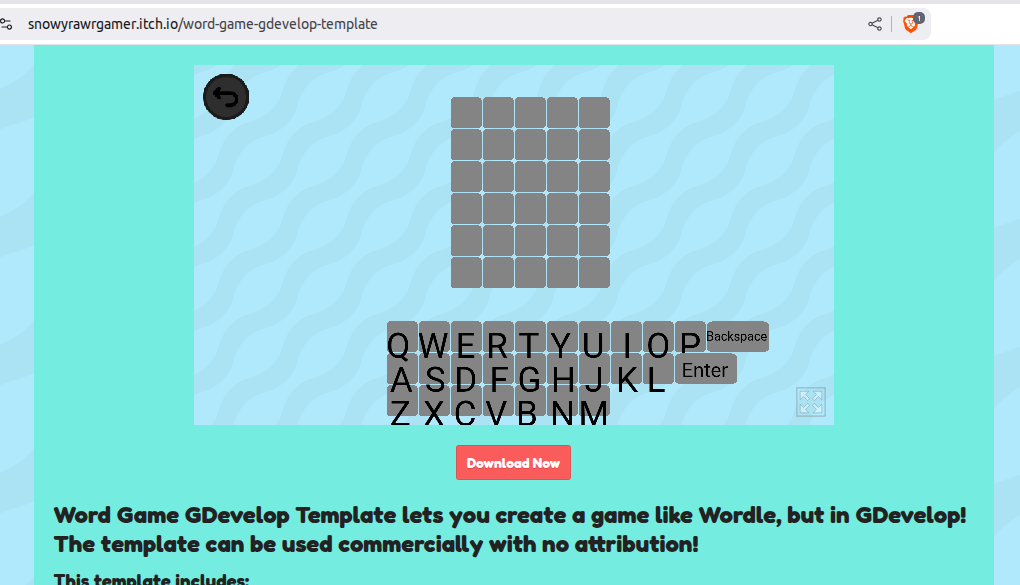
Maybe some initial calculed value of Y position can make it bugged.
1 Like
Thanks for testing out the template! My template is a bit different then actual Wordle, in the sense that the letters you type must be in order. Sorry that it doesn’t work the way you wanted it to.  I didn’t actually realize you could do that on Wordle while making the template!
1 Like
Hey, thanks for the feedback!
That is very weird that the letters are off by that much, I don’t ever change their position with events. 
Do you know what could be causing that? Have you tried it in fullscreen to see if that changes anything?
Great snowy!
nobody knows this (in my real life) but i love word games!
2 Likes
I tried at fullscreen and the same happens.
You can check the differences between the button Enter/Backspace and the other letters.
I believe in some place there is something who differs from one object’s code to another, because the Enter/Backspace is in the correct possition.
Or, if you post a screenshot of the scene’s code I can help you better.
1 Like
I’m not sure posting a photo of the code would help at all, since I don’t change their positions or text in the code.
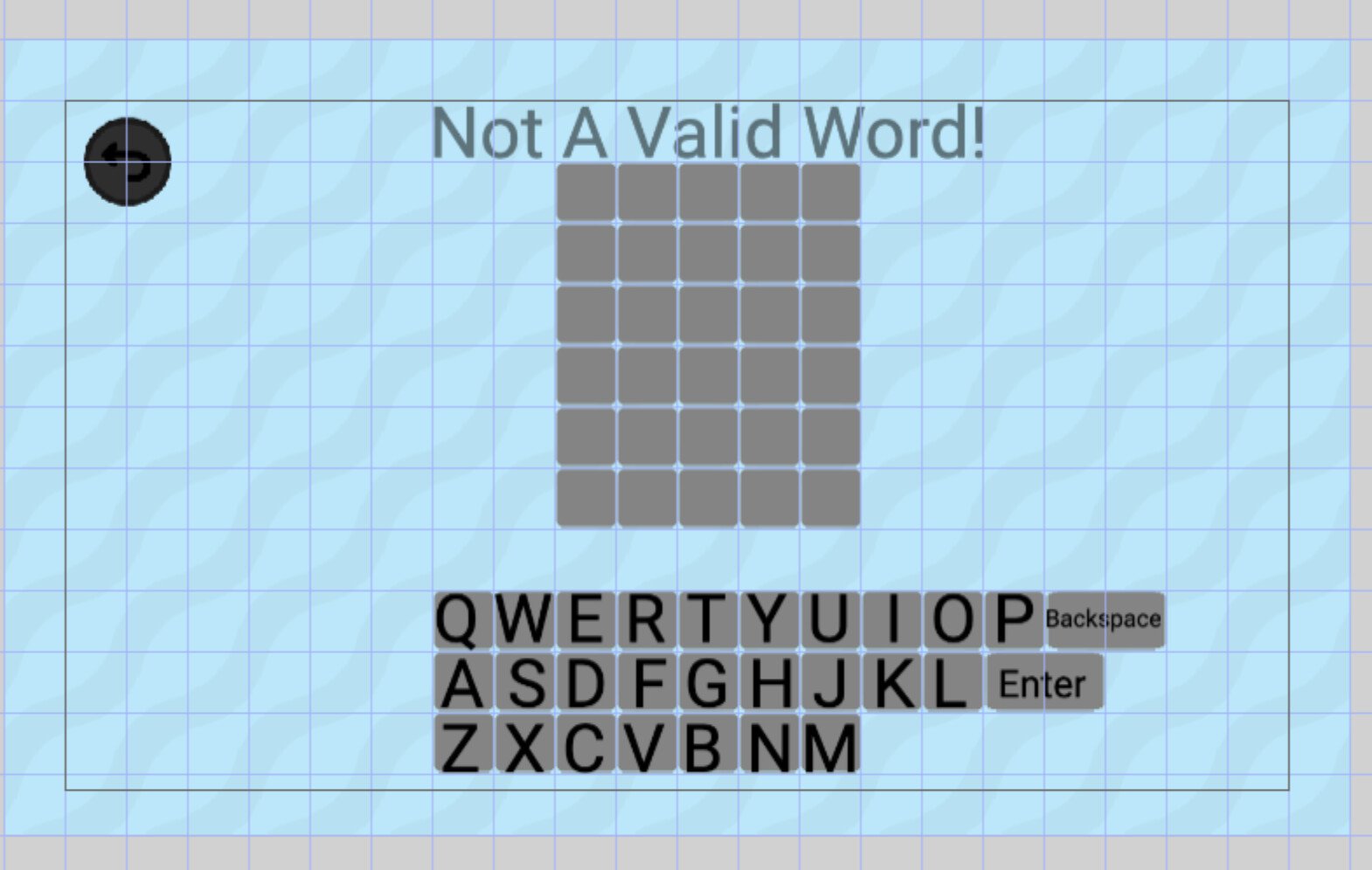
All of the letters of the keyboard are in one label, while the Enter and Backspace are two separate labels. I don’t know why those other labels stayed in the correct position, very strange indeed!
Oh, I see. Maybe to solve it, you should create one label for each letter.
I can be even a bug, because I tried at my android and the letters are on right position.
Maybe is some code on the initialization is changing the Y position, but this only on the web version.
1 Like
Hmm. It’s very weird that it only bugs on Linux. I personally use Mac and it seems to work fine for me. Not sure what is causing that. I would rather fix the bug then swapping it to one label for each letter, so I’ll keep looking around and try to figure it out. Let me know if you discover anything else!
Man, I think the bug is from the Brave browser. I tried with Chrome (a old version) and Firefox and it’s ok the position, only on Brave happens the bug.
In all case, there isn’t nothing we can do to resolve it.
1 Like
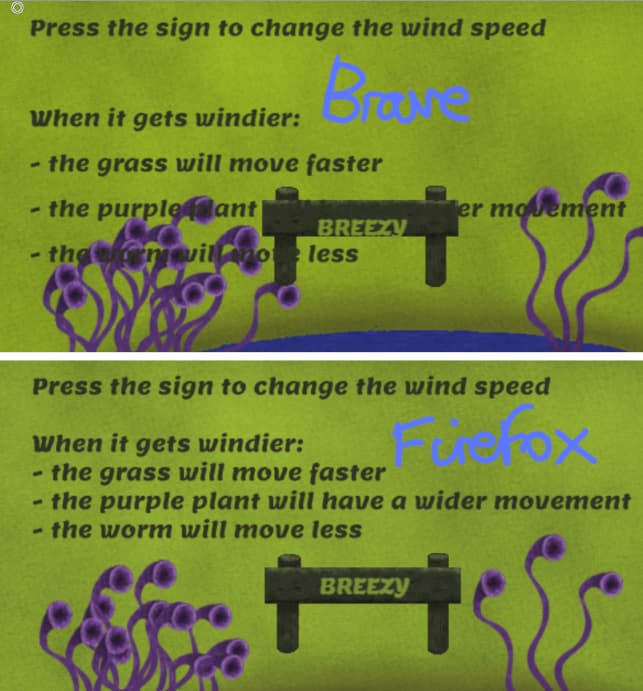
Ahh, I was wondering if that’s what you were using. A while back I looked at one of my games on gd.games in the Brave browser and was horrified about how the text was displayed and felt so embarrassed that any viewers were seeing it like that. But was relieved to see it looked right on other browsers.
1 Like
oh, so is really the Brave!
To me it appears to be some error on the position Y only, maybe can be just a single add did wrong.
Well, maybe the newest version of brave was solved this (or not hehehe).
Just as prevention, it can be good to put a NOTE about this bug on your template page, because someone else will speak about it.
Good luck!
2 Likes
Snowy, I was wrong. I just tested Wordle and no it doesn’t work that way. So either my memory is faulty or they changed it.
1 Like