Thanks! I just prefer for my games to have original artwork, rather than taking from the asset store, at least for 2D games. So I draw everything. It takes a long time, though…
That is a good point haha. It definitely hadn’t eaten anything, I didn’t know eating was a thing. And yeah I really don’t pay much attention to health bars etc. I think we’ll assume for now it wasn’t’ a bug, but just coincidental timing with being hungry. I’m using a laptop that has a touchscreen but I was using keyboard controls only. I will try the updated graphics version later.
Yeah it was definitely that poor bear starving to death. You can feed him rabbit meat, sheep meat, or berries so far. kill animals by pressing and holding on them with stonebreaker or a sword or something like that
Ohhhh no, I think my bear is going to eat berries only…
I played again. I had five torches in my tools and tried to place one of them on the ground. But as soon as I clicked the ground the torches would go back into my inventory. I tried on different ground surfaces, each time having to move them back from inventory to my tools. (I did successfully place torches last time I played)
And this time I tried the onscreen joystick and it worked great. I was able to move around so much better and faster than with the keyboard so I assume it would also work well on a phone.
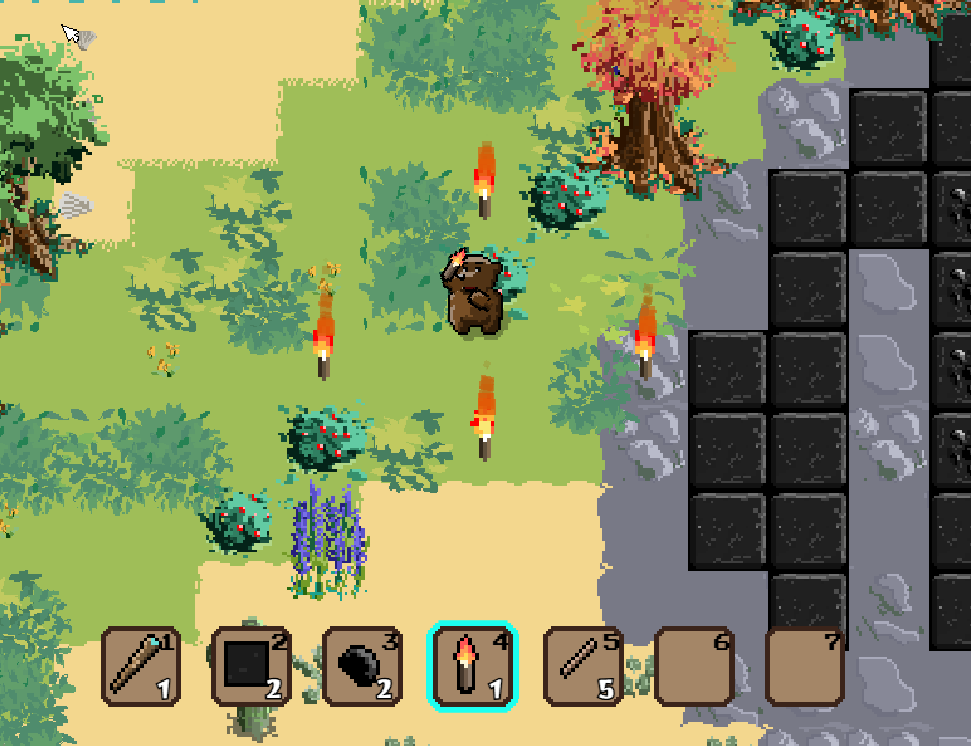
My torches stay put once they are placed, are you having problems?
So, I now realise that it is only necessary to click on a tool and then release the mouse button. But I was dragging the torches and it was selecting all five of them and not placing them on the land. They were automatically going back into the inventory. This actually happens a lot with the stone breaker because I’ve been dragging it. I have the feeling that your action to put things in the inventory does not have a condition to check that the inventory is visible. And so anytime I drag something over where the inventory is hidden, tools get dropped into it.
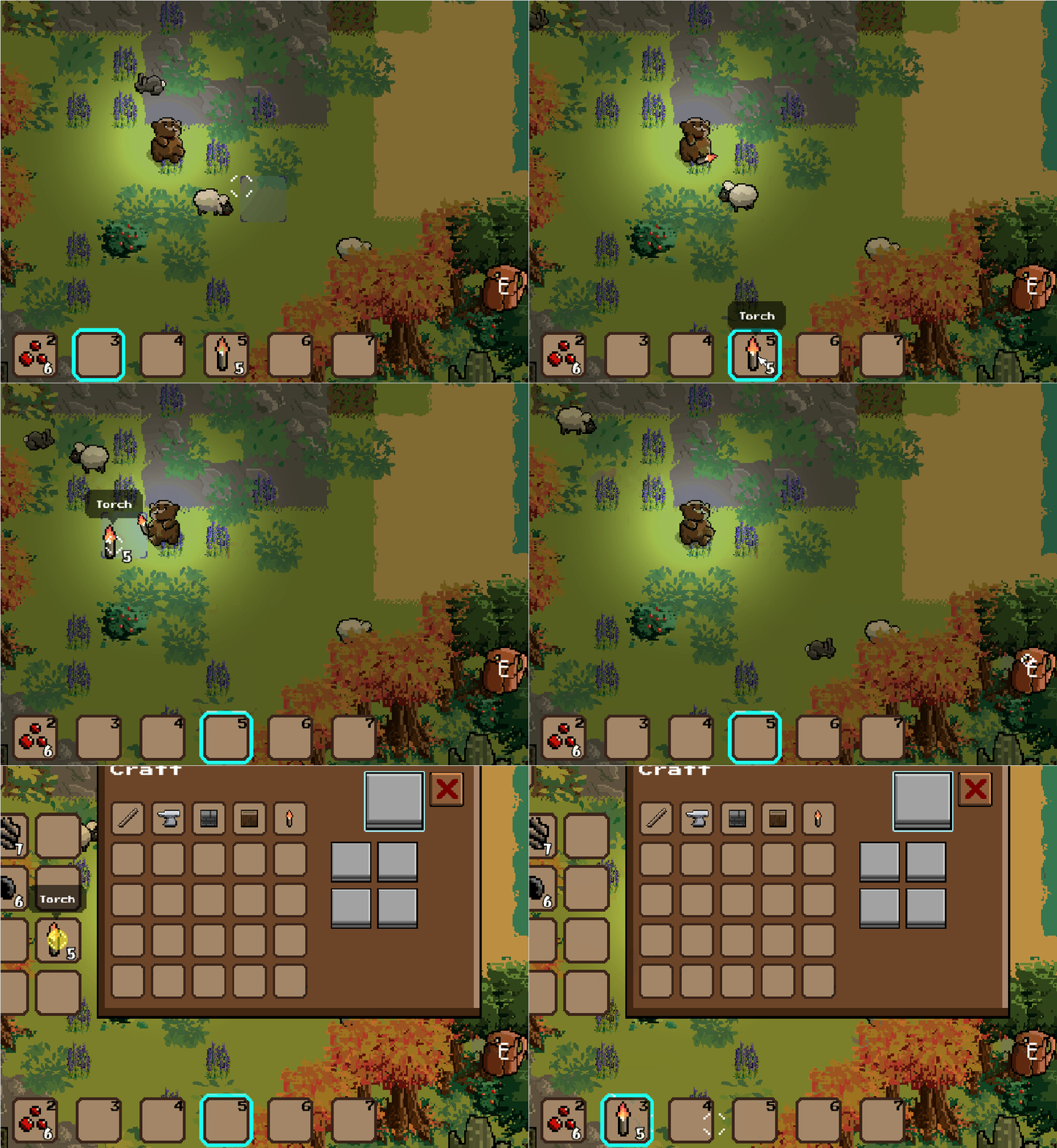
ah that explains it. maybe I will make it so inventoryslot has to be visible for icon to be dropped. Yeah placing items, just click where you want it to drop. NOT click and drag haha. Btw your playtesting is invaluable to me, for me to see where the bugs are!
Actually, i just realised I’m not dragging. But when I click on a tool to select it, it moves with the cursor as though I’m dragging it. I disabled the laptop touchscreen in case that was to blame but it still did it.
Oh right I will try to remedy that! It is meant to move when you click on the icon, so you can move the icon into your inventory, etc. I wonder how I can separate that and placing the torches.
OH in minecraft you can only move items around when inventory is open! I will do that.
Haha, I was just about to say that, but you need to make an exception for the torch and any future similar things that need to be placed. And I checked, so to be sure, the disappearing items only happens when they’re ‘dragged’ over the hidden inventory.
I won’t need to make an exception. I will just program it so items can’t be dragged when inventory is hidden, only placed
It works like a charm! I am just updating the game page, reload it and see. (You might have to reload twice or thrice)
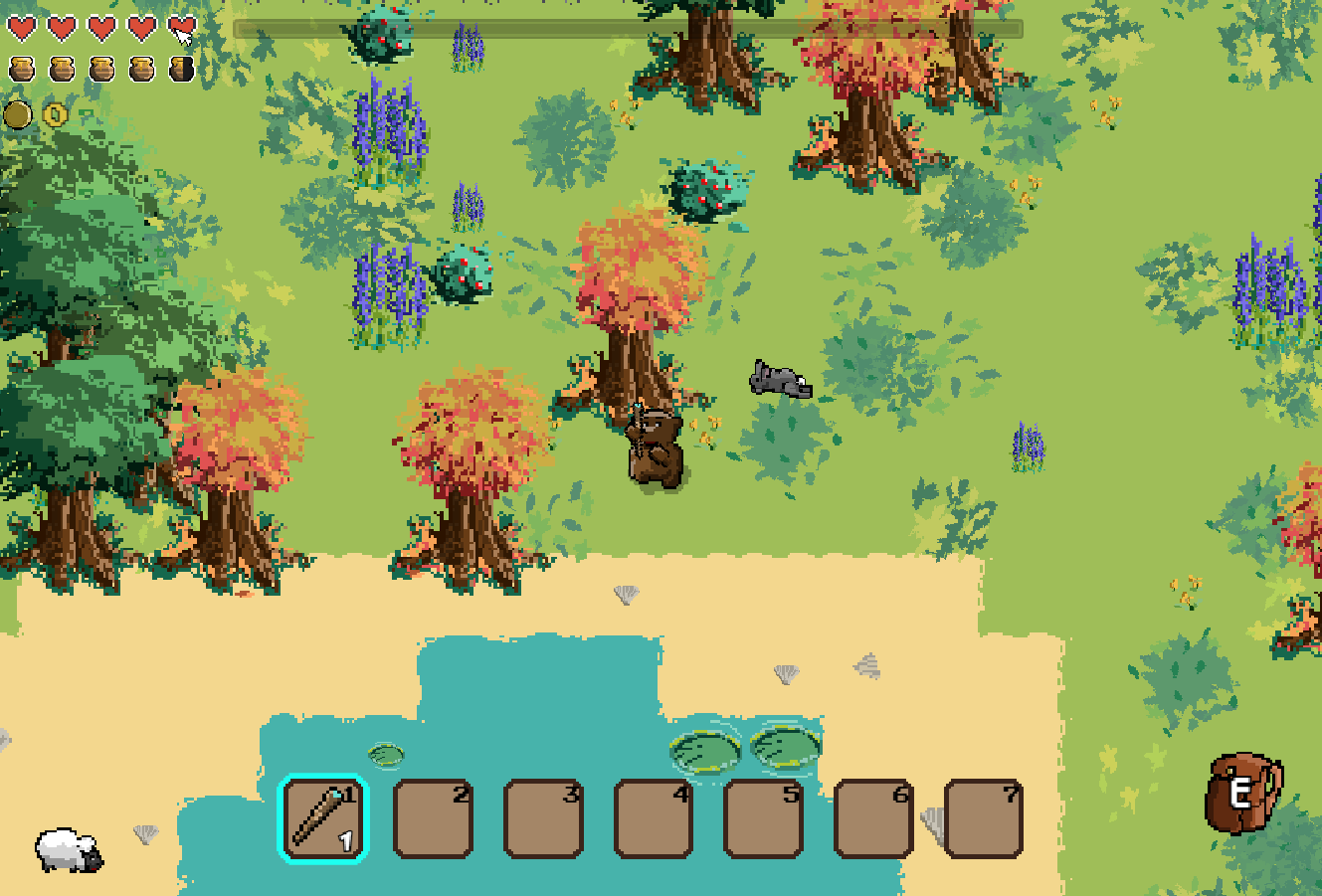
Hello @Crowbar_Coder
I am not very fan of this genre of games but i think yours is good and it deserves to be continued.
Good work.
A+
Xierra
Thanks a lot, Amigo54!
I am working towards (hopefully) a release on steam in the distant future. Do you guys think I should do that?
I created a subreddit for development updates for this game!
https://www.reddit.com/r/Worlda/new/
Well it 100% deserves to be on steam, with a few touches here and there. 