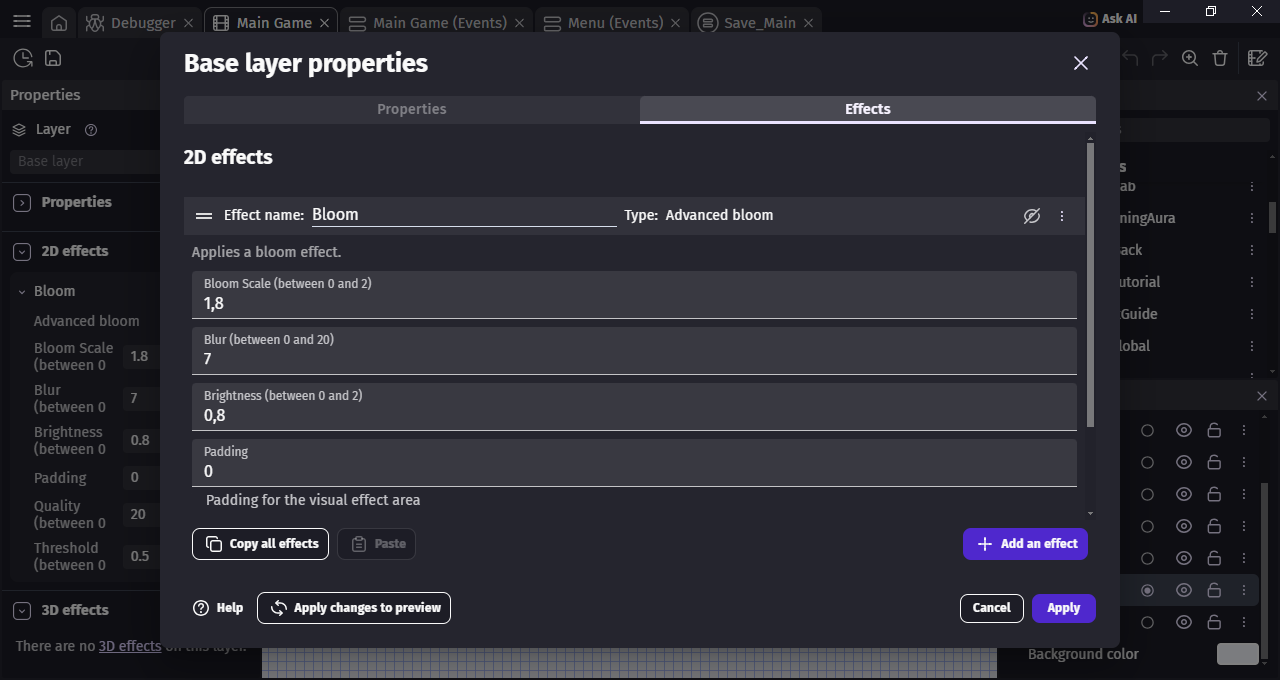
Yo i think there's problem with the CRT Effect after The UPDATE!

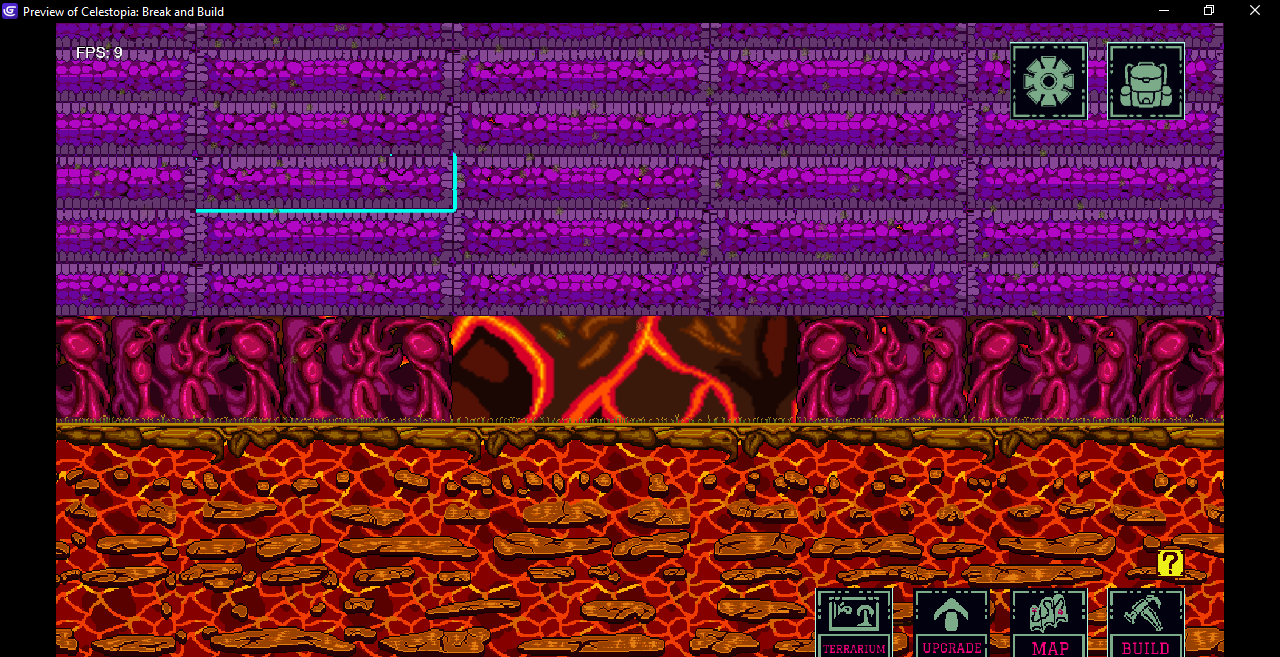
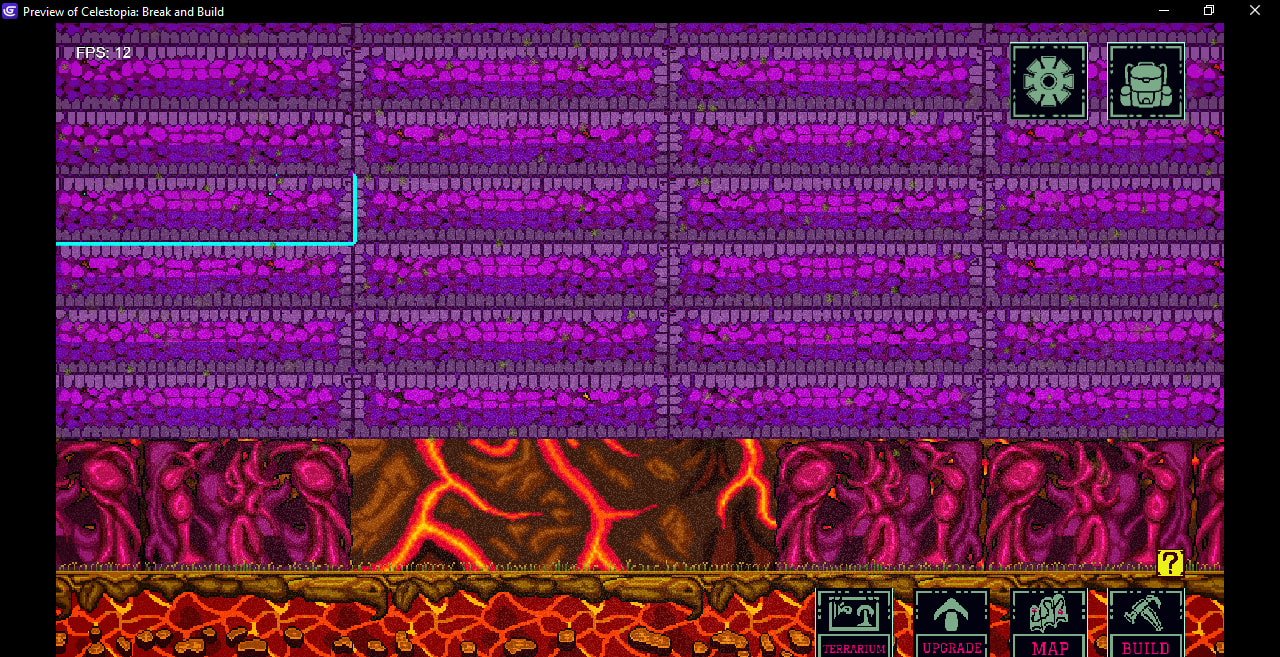
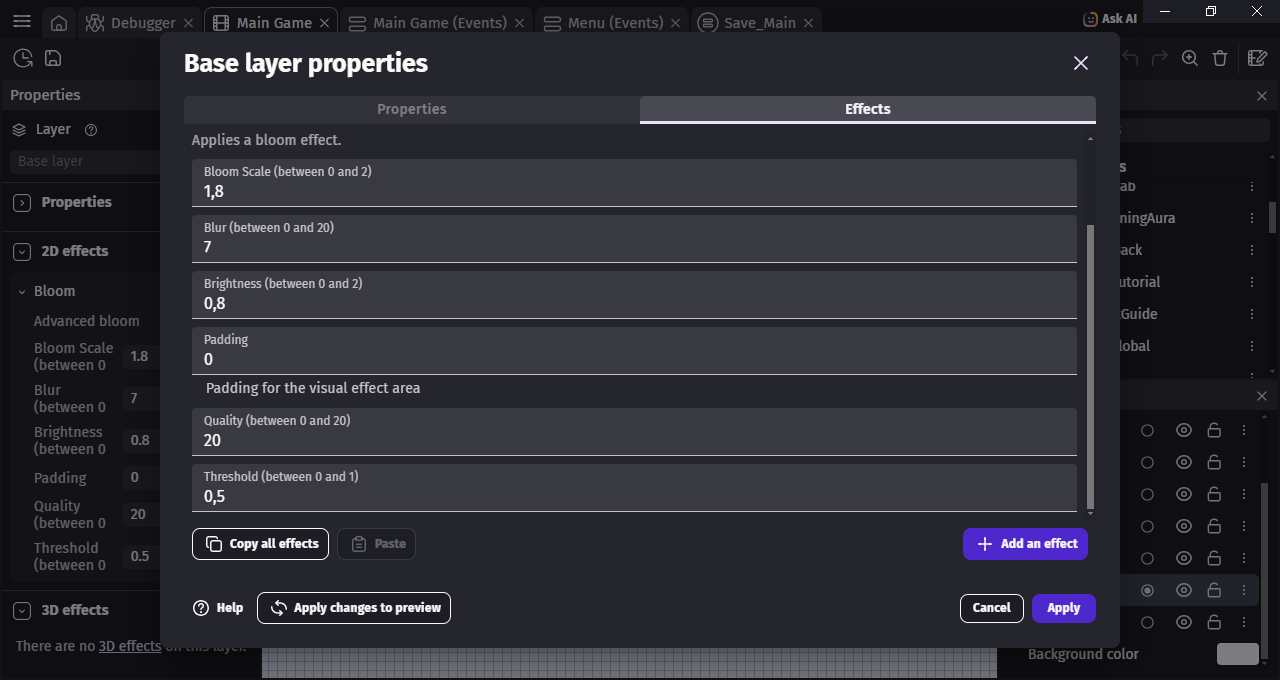
I just Opened Gdevelop but then my screen was on CRT Effect On, which it shouldn’t happen because of the Base Layer Im Using doesn’t have the CRT Effect Added.

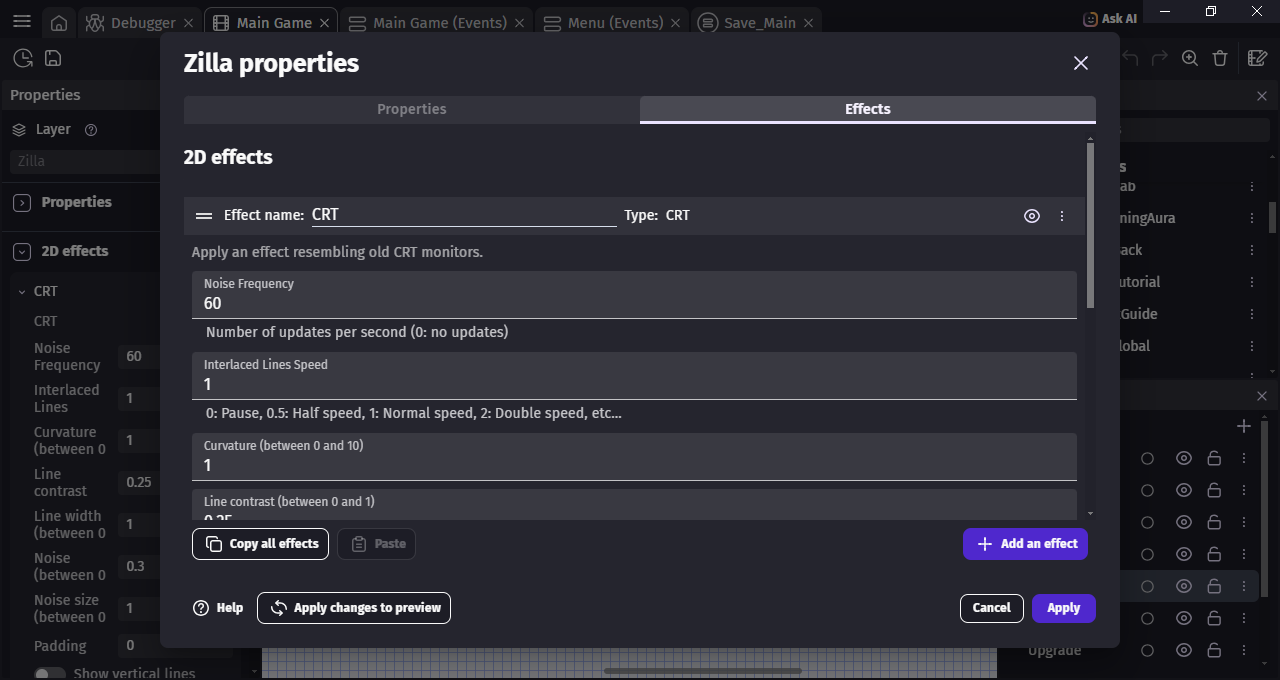
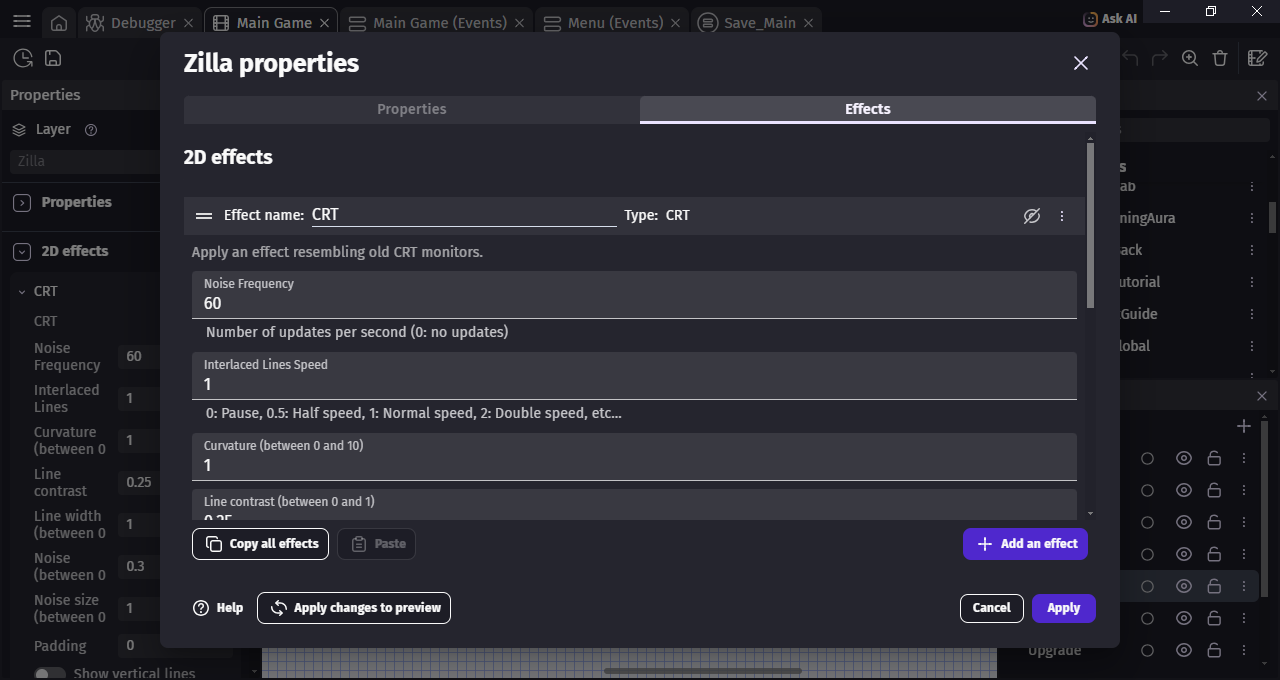
Then i hover into the one Layer that has CRT Effect, when turn it Off, the Effect Gone From my Screen.

now The thing is, the CRT should only on after i opened specific Menu on my game, but i didnt open it. and i haven’t done anything with the CRT Effect before the Update.

The Bug is that the CRT effect Doesnt Properly Displayed as it supposed to be!

Hello @RACTS could you share a small reproduction project?

Thanks!

i cant really share the Project, Im Sorry!

But i can send Pictures (i wish to make a video but im on my Laptop you can see the FPS There…Yikes!)

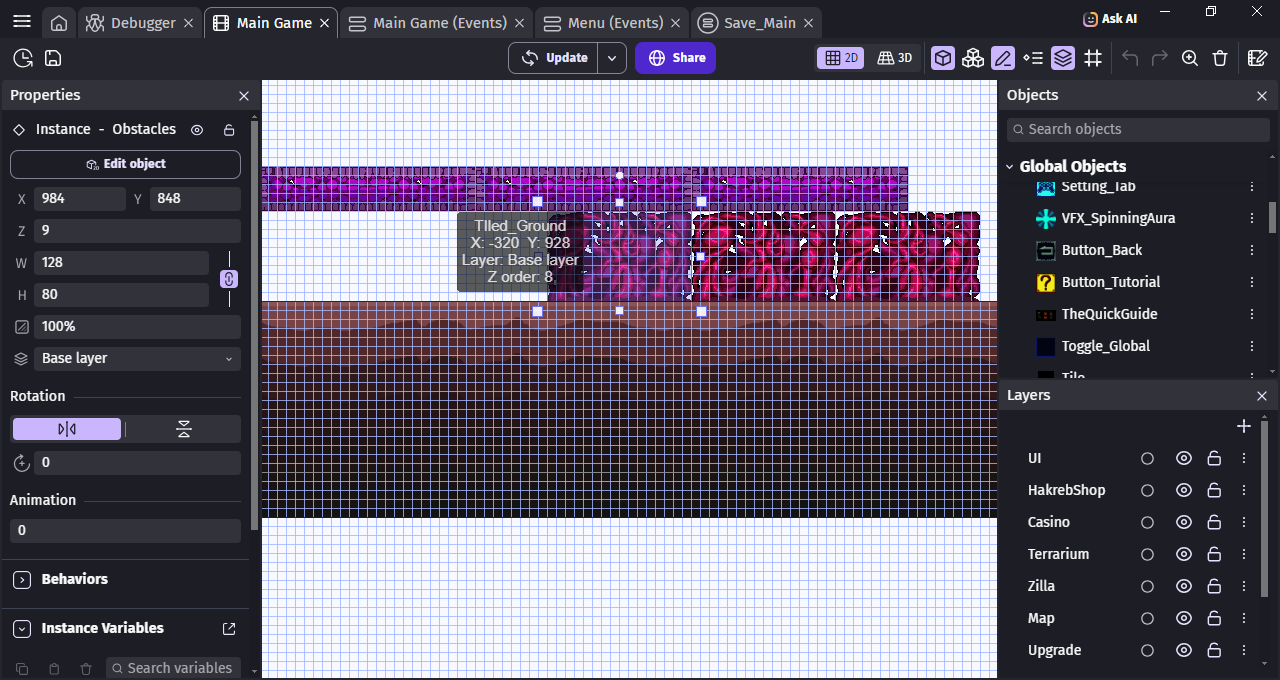
  1. First Look at the Object and look the Layer on the Left

  1. i Turned it OFF…

  1. Nothing Happen right?

  1. I Turned it On

  1. Walaa, its happen not on the Right Layer

  1. the only effect i had on Base Layer is Advanced Bloom

and it on OFF COndition

The Bug Happen AFter i UPDATED the Engine, the CRT was always been there for Specific Menu on the Game. haven’t done anything to it since the Update. and its Effect has always Been Turned ON. its my CLOUD SAVE btw

There is something odd indeed, we’ve just pushed a fix that will be released soon.

Hey, I noticed an issue with the CRT effect as well.

I compared versions 5.6.284 and 5.6.285 using the exact same settings, and the effect is significantly less visible in 5.6.285.

I have to increase the effect settings quite a lot to get a similar result to the previous version.

Not sure if this is related to the same issue, but I just wanted to mention it in case it helps! :slight_smile:

Agreed. I’m using old film effect and I got good results with 0.15 for noise. Now it looks like there’s no effect unless I increase it to maximum, 1.

I’m glad I’m not the only one experiencing this issue! :sweat_smile:

I really hope this gets fixed, because otherwise I’d have to rework quite a few things in my game. I’ve been developing it for almost 2 years now, so changing all the effect settings would be quite a hassle.
This will be fixed in the next version, sorry about that!