So I have multiple objects that I would like to outline as a group (especially if they’re touching each other), and this is possible when all the objects are on a single layer, and a layer effect is added.
It would be cool to have this possible for object groups, so for example, I wouldn’t have to move the objects I want to outline to a specific layer, especially when that will mess up Z orders.
Just a thought!
I was think the same thing! I made multiple sprites for my game that are suppossed to be decorations, howver, I want to add contrasting and saturation effect so they’re not distracting from the rest of the base layer. However, I don’t want to painstakingly apply the same effect numbers to each and every decoration, I think having effects for object groups would be a great idea!
Hi!
It seems already to be possible.
In my game “Rick Dangerous”, i apply effects on groups of objects and it works well.
Unless I don’t quite understand what you call 2D effects on groups.
A+
Xierra
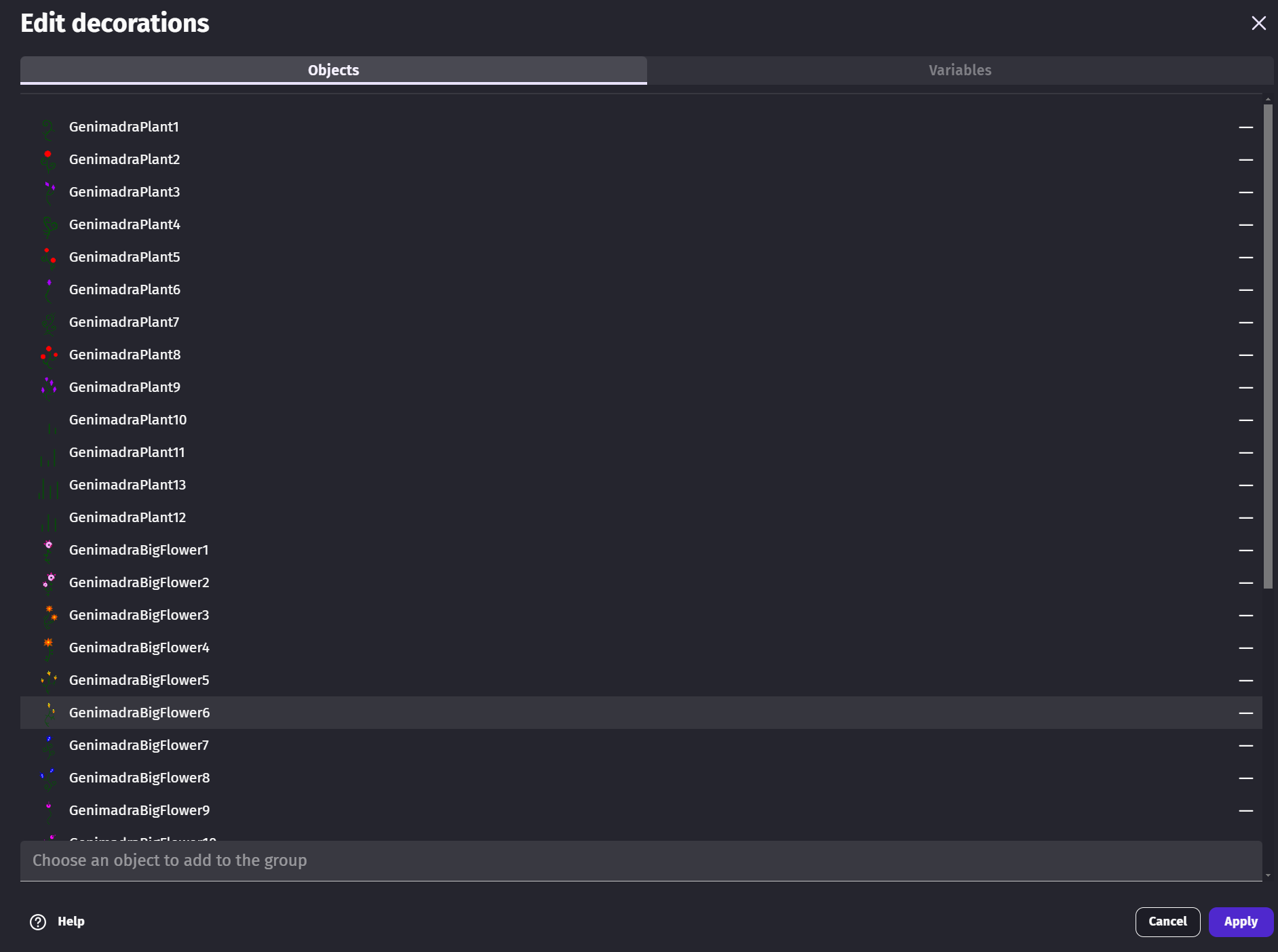
No, I meant this:
If you look here, you can apply universal variables to all the objects in the group, but you can’t do 2d effects.
2d effects are visual effects that can be applied to individual objects and layers.
What me and JohnnyMangoes want to be able to apply 2d effects to object groups, so all the objects in the group get the effect, instead of having to painstakinly copy paste the effect to every single object individually.
Hi!
So I understood it well it seems.
I maintain that it is possible to apply an effect to a group of objects, using events.
Below, you will find one of the events used in my game “Rick Dangerous”, to apply (or to remove like here) the “Black and White” effect on a group of objects.
It is therefore not necessary to apply the effect individually to each object.
A+
Xierra
can you show me it in english?
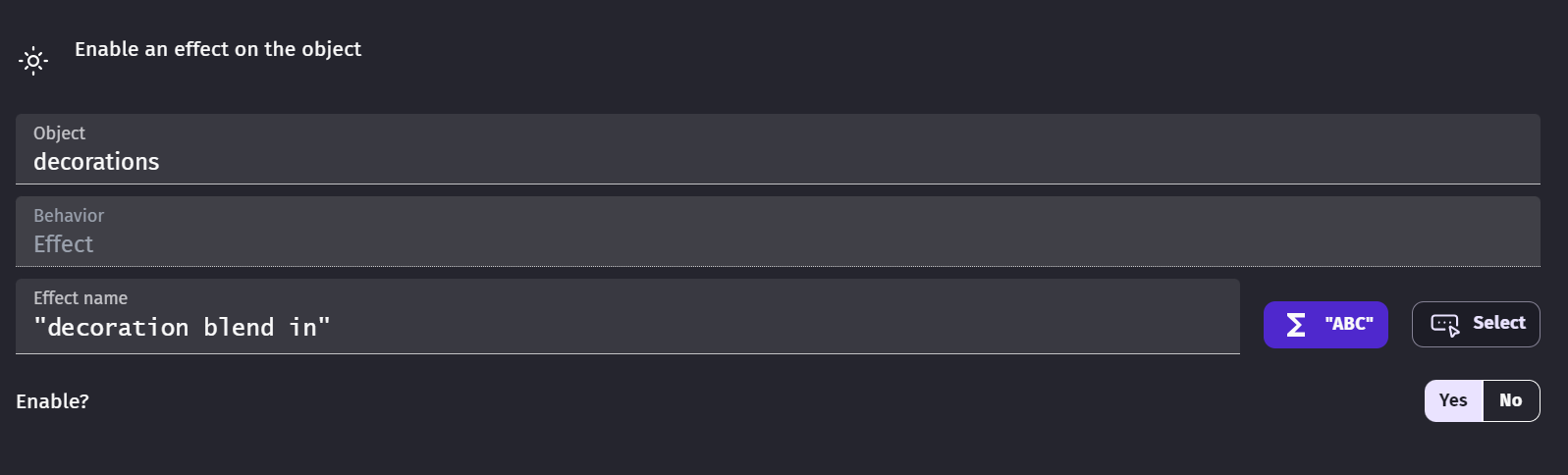
I tried this:
I tried to make it an expression to have it be a workaround
But it still didn’t work.